 ProMapRanker
Best AI Apps for Photos in 2026

Key takeaways
- Snapseed is the best free starting point for careful manual edits, with no subscription needed for its core tools.
- Adobe Lightroom is best for people who want serious color and light control plus cloud sync across devices.
- Remini is best for restoring old, blurry, or low resolution photos, while Lensa and Picsart are best for creative portraits and social posts.
- Most AI features here sit behind a subscription or credit system, so check what is free before you rely on one tool.
- Only edit your own photos or photos you have permission to use, and never create non-consensual imagery of another person.
Quick comparison
| Pick | Great for | Pricing starts at | Free tier | |
|---|---|---|---|---|
 Snapseed | Free manual editing | Free | Yes | Visit |
 Adobe Lightroom | Serious color and light control | Free | Yes | Visit |
 Remini | Restoring old photos | Free | Yes | Visit |
 Lensa | Portraits and avatars | Free | Yes | Visit |
 Picsart | Creative social edits | Free | Yes | Visit |
 Photoleap | One tap AI transforms | Free | Yes | Visit |
 Prisma | Art style filters | Free | Yes | Visit |
 VSCO | Clean film style presets | Free | Yes | Visit |
The best AI apps for photos
AI photo apps now cover three different jobs: fixing a photo, restyling it, and generating a new look from it. These eight cover those jobs, with different strengths and different price traps.
Consent warning: only edit your own photos or photos you have permission to use. Do not use AI tools to alter photos of another person in a sexual, deceptive, or harassing way, and do not share AI altered images of real people as if they were real. If an app offers a feature that could be used that way, do not use it for that purpose.
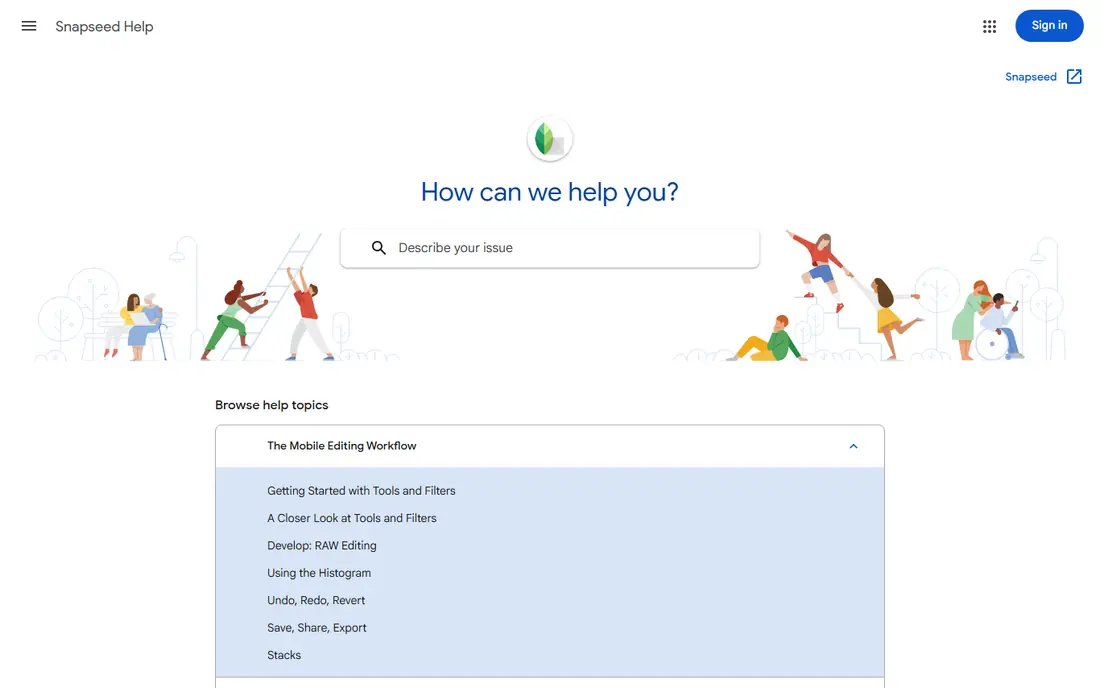
Snapseed remains the best free photo editor for people who want control without a subscription. It offers tuning for exposure, color, and detail, selective edits that adjust one area of a photo, healing for small distractions, and a wide set of filters that can be tuned rather than just applied. For a phone photographer who wants to fix a photo carefully, it is hard to beat at no cost.
Snapseed has no standalone homepage, so we link to Google official Snapseed support page, not to any unofficial site claiming to be Snapseed. The trade off is AI scope. You will not find the same avatar generation or text to image tools as in Lensa or Photoleap, but for honest editing of your own photos, Snapseed is the calmest and cheapest place to start.
- Full editing tools free
- Precise selective edits
- No subscription for core features
- No standalone homepage outside Google support
- Fewer AI generation features than rivals
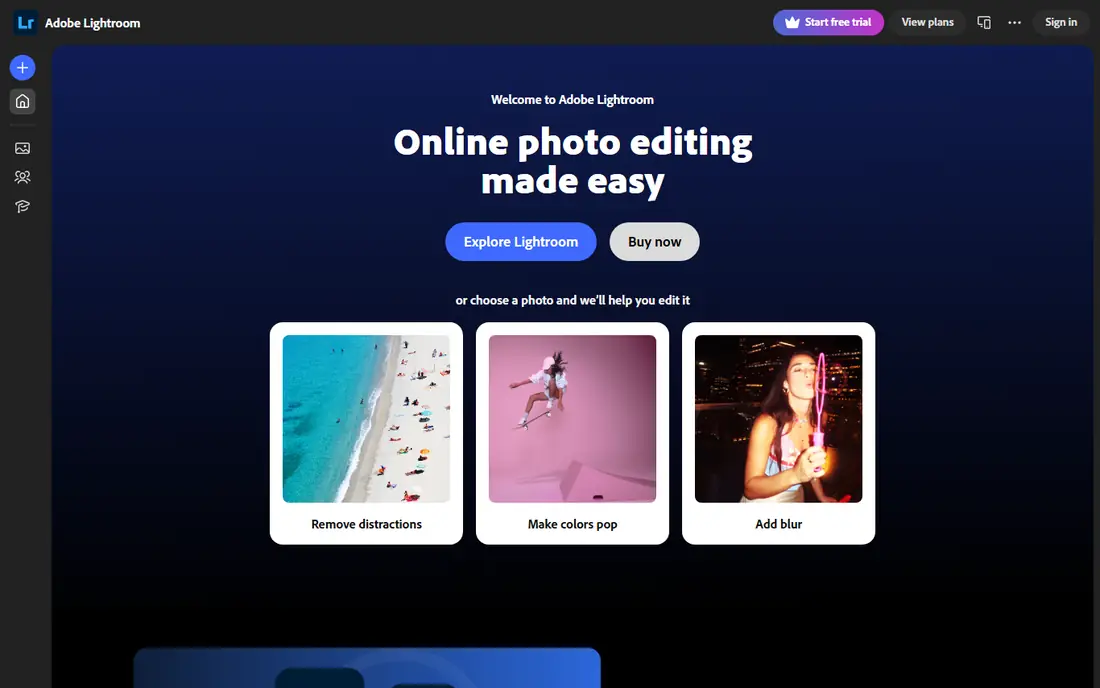
Adobe Lightroom is the pick for photographers who want more than a filter. The mobile app offers exposure, color grading, lens corrections, and selective masking, with AI tools that can select a subject or sky and remove distractions. Edits sync across phone, tablet, and desktop, which matters if you shoot on one device and finish on another.
The free tier covers basic editing, but the fuller toolset and larger cloud storage sit behind a paid plan, so check current Adobe pricing before you commit. Beginners may also find the number of sliders daunting at first. Start with presets and basic light controls, then learn masking once you are comfortable with exposure and color.
- Strong color and light tools
- Cloud sync across devices
- AI masking and removal tools
- Full features need a paid plan
- Learning curve for beginners
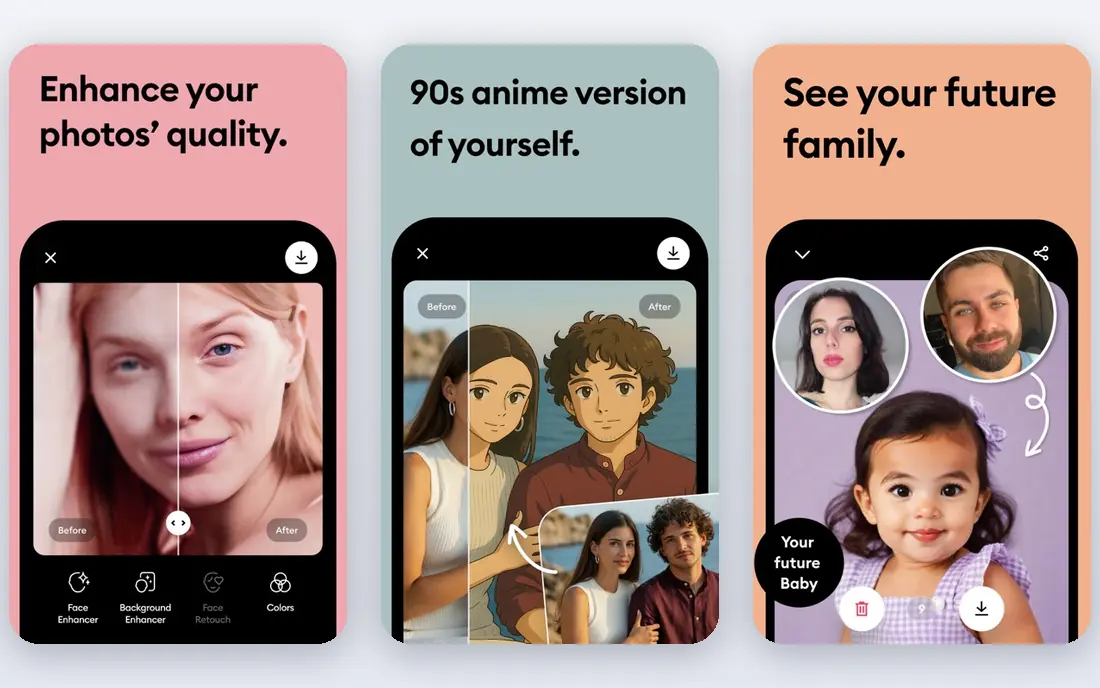
Remini is best known for one job, and it does that job well: sharpening old, blurry, or low resolution photos. Upload a faded family photo or a soft phone shot, and the AI enhancement rebuilds detail, sharpens faces, and cleans noise. It also offers AI headshots from a set of selfies, which suits people who need a clean profile photo without a studio shoot.
Free use is limited and ad supported, with the fuller feature set behind a Premier plan, so treat the free tier as a test, not a full workflow. Results also vary. A mildly soft photo usually improves clearly, while a heavily damaged photo may gain a smooth, artificial look. Use Remini for your own photos and family archives, and keep the original file safe before you replace it.
- Strong enhancement for old and blurry photos
- Simple one tap workflow
- Web version available
- Free tier is ad supported with limits
- Full features need a paid plan
- Results vary by photo quality
Lensa combines a solid mobile photo editor with its well known Magic Avatars, which turn a set of your selfies into stylized portrait sets. Everyday tools include one tap correction, background blur, and foreground and background tuning that keep faces natural while changing the scene. For social profile photos and creative portraits, it is one of the most polished apps here.
The free tier is limited. Reports state free users can save one edited photo per day, and avatar generation uses a separate credit allowance, with Pro needed for unlimited saving. That makes Lensa a fun creative tool rather than a free daily editor. Use only your own selfies for avatars, and do not generate avatars of other people without their clear permission.
- Strong portrait retouching
- Magic Avatars from selfies
- Background tools
- Free saving is limited to one photo per day in reports
- Avatar packs use separate credits
- Subscription price varies by region
Picsart is the most all round creative app on this list. It covers basic edits, collages, stickers, text, background removal, and a growing set of AI tools for generation and restyling, plus templates sized for social posts. If you make content for Instagram, TikTok, or a small business page, Picsart can replace several single purpose apps.
The breadth comes with clutter. The home screen pushes templates and Gold features hard, and many AI tools need a paid plan. Free users can still do a lot, but expect to sort paid tools from free ones as you work. For pure photo fixing, Snapseed or Lightroom will feel calmer. For creative social work, Picsart is the stronger pick.
- Very wide sticker, collage, and AI tool library
- Strong social templates
- Active creator community
- Many AI tools need Gold
- Interface can feel busy
- Some exports carry limits on free tier
Photoleap, from Lightricks, packs a large AI toolkit into a phone first editor. You get background removal, AI rooms and selfies, sketch to image, text to image in the browser, and layered editing for Pro users, alongside standard filters and retouching. For creators who want to try many AI looks without learning desktop software, that range is appealing.
The free tier covers basic tools, while Pro, with a trial in many offers, opens the full suite. Prices vary by plan and region, with annual offers reported around 47.99 dollars per year, so check the app store price before you subscribe. As with Lensa, use AI transforms only on your own photos or photos you have permission to edit, and be careful with face based features.
- Wide AI transforms in one app
- Background cutout free
- Layered editing for Pro users
- Full suite needs Pro
- Some AI features are app only, not on web
- Subscription price varies by offer
Prisma turns photos into artwork with neural style filters inspired by painting and illustration styles. The appeal is simple: pick a photo, pick a style, adjust strength, and share a result that looks deliberately artistic rather than just filtered. It is a good choice for posters, profile art, and social posts where a painterly look is the goal.
Prisma is not a general photo editor. It lacks the detailed tuning of Snapseed and Lightroom, and the free tier limits styles and output quality, with Premium needed for the full set. Use it as a second app for art looks, alongside a main editor for exposure, color, and cropping, and you will get the best of both.
- Distinctive art style filters
- Simple one tap workflow
- Good for turning photos into artwork
- Free filters are limited
- Premium quality and extra styles need a paid plan
- Less of a general editor
VSCO is the quietest app on this list, and that is its strength. Its presets aim for a film like, natural look rather than a heavy filtered look, and the editing tools for exposure, contrast, and color are clean and easy to use. The community and journal features also suit photographers who want to share work without the noise of a general social feed.
The full preset library and some advanced tools need a paid membership, so free users get a smaller set to work with. VSCO also offers fewer AI generation features than Picsart or Photoleap. If your goal is a consistent, natural edit style for your own photos, VSCO is an excellent pick. If you want avatars and generation, pair it with Lensa or Photoleap instead.
- Tasteful film style presets
- Clean editing tools
- Photo community and journal features
- Full preset library needs membership
- Fewer AI generation tools than rivals
How we picked these
We compared official app pages, app store listings, and current feature reports, and we kept only apps that are live on iOS or Android in October 2026 with a real free tier. We favored apps with a clear editing purpose, honest free limits, and a usable workflow without a subscription, and we excluded tools built for non-consensual imagery. We did not claim hands-on testing, and we used Google official Snapseed support page for Snapseed, since it has no standalone homepage.
How to choose between them
Decide the job first
For fixing photos, start with Snapseed or Lightroom. For restoring old photos, start with Remini. For creative portraits and social art, start with Lensa, Picsart, or Photoleap. For art styles, add Prisma. For a consistent film look, add VSCO. One app rarely does all five jobs well, and two free apps often beat one paid app.
Check the free limit that matters to you
Free limits differ in kind. Some apps limit saves per day, some limit styles, and some limit resolution or remove ads only on paid plans. Test your normal workflow, such as editing five photos and exporting them, before you subscribe. If the free tier blocks that workflow, the paid price is the real price, not the free label.
Keep originals and check AI results
AI edits can invent detail, smooth skin too far, or change text and faces in ways that look wrong on a closer look. Keep the original file, compare the result at full size, and do not present an AI altered photo of a real event or person as an unedited record. For portraits, ask whether the result still looks like the person, and dial back the effect if it does not.
Frequently asked questions
What is the best AI app for photos?
Snapseed is best for free manual editing, Lightroom is best for serious color work, and Remini is best for restoring old photos. For creative portraits, Lensa and Picsart lead, while Photoleap offers the widest set of one tap AI transforms.
What is the best AI photo app free to start with?
Snapseed is the best free starting point, since its core tools are free without a subscription. Lightroom, Remini, Lensa, Picsart, Photoleap, Prisma, and VSCO all offer free tiers too, but their AI features are more limited without a paid plan.
What is the best AI tool for photos for old pictures?
Remini is the best pick for old, blurry, or low resolution photos, thanks to its enhancement and face sharpening tools. Keep the original scan safe, and expect better results on mildly damaged photos than on heavily damaged ones.
Is Snapseed still available?
Yes. Snapseed remains available as a free Google app, but it has no standalone homepage. Use Google official Snapseed support page for help, and download the app only from the official Apple App Store or Google Play listing to avoid unofficial copies.
Can AI photo apps edit photos of other people?
Only with that person permission, and never for sexual, deceptive, or harassing edits. AI tools should be used on your own photos or photos you have clear permission to edit, and AI altered images of real people should not be shared as if they were real.
Sources
See where you really rank - block by block
ProMapRanker scans Google Maps across a grid of your service area. Simple monthly plans from $19, white-label on every plan.
Start freeKeep reading
 whats the best ai app to use
Whats the Best AI App to Use in 2026
Wondering whats the best ai app to use in 2026? We compare ChatGPT, Claude, Gemini, Copilot, and more on price, free plans, and best everyday uses today.
Read → life360 alternatives
Life360 Alternatives in 2026
Life360 alternatives compared: 9 family location apps with live maps, arrival alerts and privacy controls to help your family stay in touch every day.
Read → captcha alternatives
CAPTCHA Alternatives in 2026
CAPTCHA alternatives compared: 9 reCAPTCHA alternatives that block bots with less friction, from free Turnstile to privacy-first proof-of-work tools included.
Read →