 ProMapRanker
Best AI Apps for Images in 2026

Artistic, cinematic and highly stylized images · Pricing starts at: $10 per month
Key takeaways
- Midjourney still leads on artistic quality, while ChatGPT image tools lead on ease of use.
- Adobe Firefly is the safest mainstream choice for paid client work, thanks to licensed training data and indemnification for subscribers.
- Leonardo AI offers the most usable free tier for regular creators, with daily tokens that reset.
- Text inside images remains a weak point for several tools, so Ideogram and Google Gemini deserve a look when words must be legible.
- Free tiers often restrict commercial use or keep images public, so read the terms before publishing client work.
Quick comparison
| Pick | Great for | Pricing starts at | Free tier | |
|---|---|---|---|---|
| Midjourney | Artistic, cinematic and highly stylized images | $10 per month | No | Visit |
 ChatGPT | Easiest all-round image creation and editing | Free | Yes | Visit |
 Adobe Firefly | Commercial-safe images inside Adobe workflows | $9.99 per month | Yes | Visit |
 Google Gemini | Photorealism and accurate text in images | Free | Yes | Visit |
 Leonardo AI | Game assets, design work and regular free use | Free | Yes | Visit |
 Ideogram | Posters, ads and designs with legible text | $20 per month | Yes | Visit |
 Recraft | Logos, vectors and consistent brand sets | Free | Yes | Visit |
 Stable Diffusion | Free local generation with full control | Free | Yes | Visit |
 Canva | Finished social and marketing assets | Free | Yes | Visit |
The best AI apps for images
These are the best AI apps for images we found in 2026, covering art, marketing, product mockups and brand design. We compared official feature pages, pricing pages and licensing terms, and we favored tools that are actively maintained and produce images you can actually use.
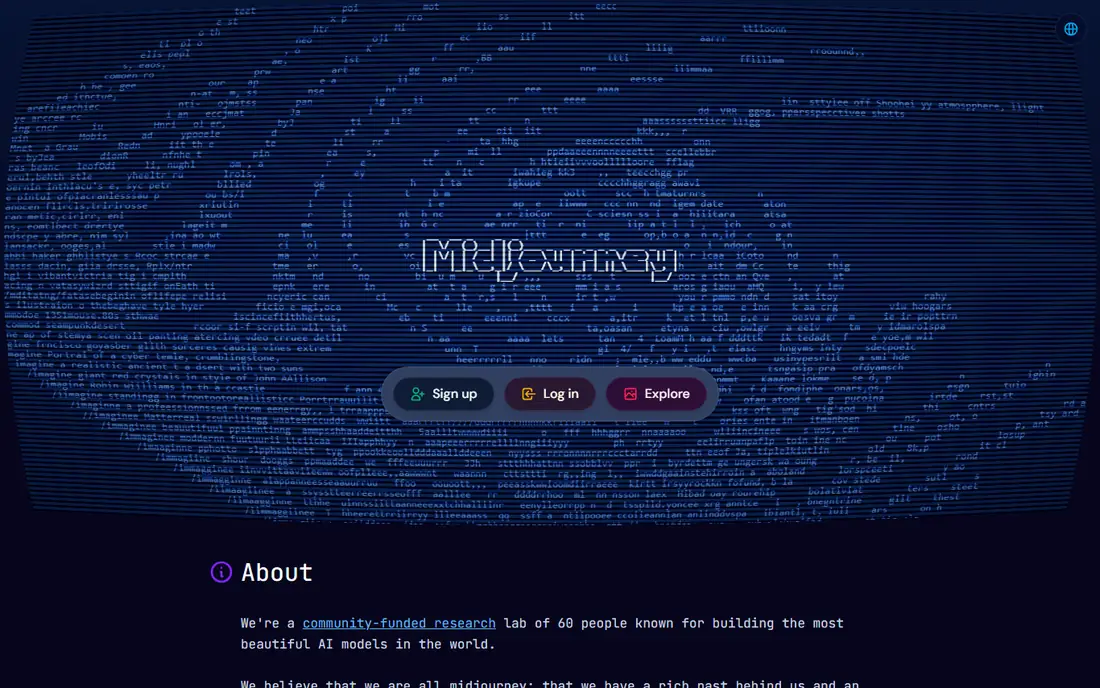
Midjourney remains the tool we point to when the image itself is the product. Its sense of light, composition and style coherence beats most rivals for posters, thumbnails, concept art and campaign visuals, and style references help you keep a consistent look across a series. The web interface has made it far more approachable than its early Discord-only days.
The costs are real. There is no permanent free tier, with paid plans starting at $10 per month, and text rendering inside images still trails Ideogram and newer Google models. Commercial use is allowed on paid plans, but protection against copyright claims is weaker than Adobe offers. If beauty matters most and you can pay, Midjourney is still the one to beat.
- Best overall image quality and style control
- Strong community and style references
- Steady model improvements
- No permanent free tier
- Text inside images still lags specialist tools
ChatGPT is the best starting point for most people, because image creation sits inside a conversation. You describe the image, ask for changes in plain words, and upload a photo to restyle or edit it, all without learning a new interface. Prompt following is strong, which means fewer wasted generations when you need a specific scene or object.
The free tier covers casual use, while Plus at $20 per month raises limits for regular creators. Fine control over style, composition and consistency lags Midjourney and Leonardo, and heavy users will hit limits faster than they expect. For occasional images, social posts and quick mockups, ChatGPT is the simplest path from idea to image.
- Image creation inside a chat you already use
- Strong prompt following
- Easy image-to-image edits
- Free tier limits image volume
- Less fine control than specialist art tools
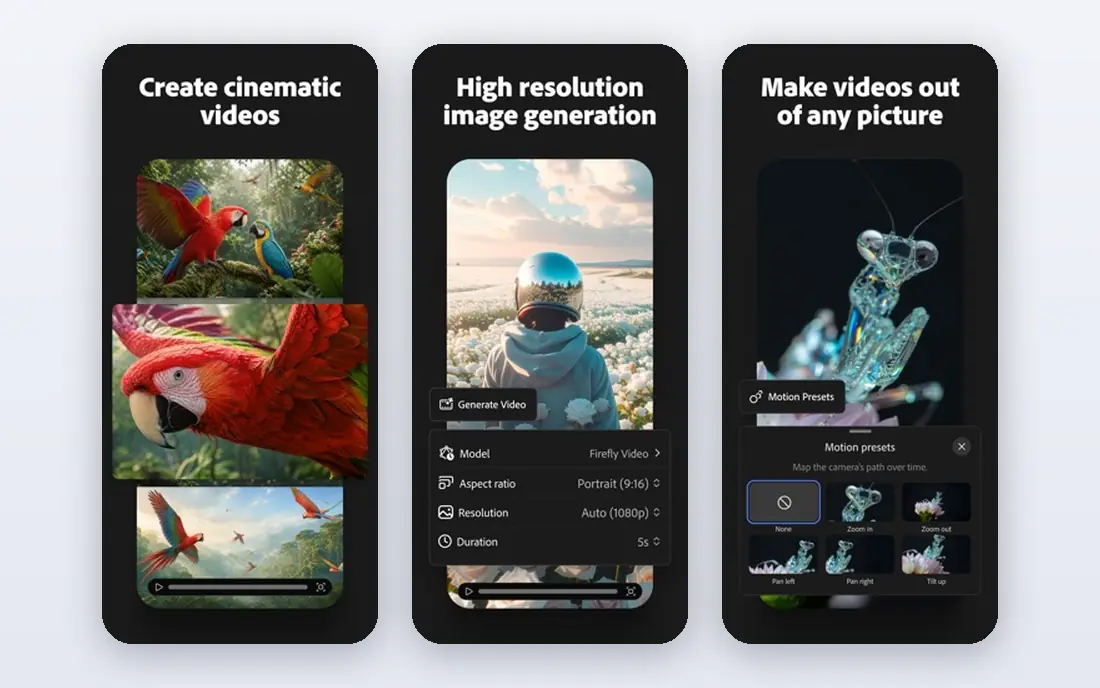
Adobe Firefly is the tool we recommend when the image will be sold, published for a client, or used in advertising. It is trained on licensed and public-domain content, and Adobe offers legal indemnification to paying subscribers, which shares the risk if a claim arises. Generative fill inside Photoshop is the practical payoff, letting you extend, replace and repair images inside a professional workflow.
The trade-off is flair. Firefly images can look safer and less distinctive than Midjourney output, and lower plans cap monthly credits. Paid plans start at $9.99 per month, with a limited free tier for testing. For business use where safety matters as much as style, Firefly is the sensible default.
- Trained on licensed and public-domain content
- Indemnification for paying subscribers
- Deep Photoshop integration
- Artistic range trails Midjourney
- Credit limits apply on lower plans
Google Gemini, with its Imagen models, has become a front-runner for lifelike images. Portraits, product shots and everyday scenes render with convincing light and detail, and text inside posters and labels comes out legible more often than on older tools. Editing an existing image by describing the change is also straightforward, which suits product and marketing work.
The free tier covers casual generation, while paid access sits inside Google AI plans, with Pro at $19.99 per month. Artistic and stylized work trails Midjourney, and creators who want deep style control will feel the limits. For realistic images and readable text, Gemini is a strong and convenient pick, especially for people already inside Google apps.
- Strong photorealism
- Good text rendering
- Image editing inside Google apps
- Style range is narrower than Midjourney
- Paid tiers sit inside Google subscription plans
Leonardo AI is the most usable free option for creators who generate images often. The free plan gives 150 tokens per day, which is enough for regular testing and small projects, and the canvas supports multiple models, upscaling and editing in one workspace. Game developers and designers like it for characters, environments and asset variations.
Token math takes some learning, since cost varies by model, resolution and number of images, and private generations need a paid plan. Paid tiers start at $12 per month, with larger token banks at higher levels. If you want a real free tier that lasts beyond a trial, Leonardo is the best image AI tool to start with.
- Generous free tier with daily tokens
- Multi-model canvas
- Private generations on paid plans
- Token costs vary by model and settings
- Best features need paid tiers
Ideogram solves the problem that frustrates poster and ad designers most, which is text that comes out garbled. Words inside images render accurately far more often here than on general tools, making it the right pick for posters, social graphics, logos with wording and product labels. The interface stays simple, so you spend time on the design rather than on settings.
The entry price is higher than some rivals, with paid plans starting at $20 per month, and pure artistic range trails Midjourney. A limited free tier lets you test text rendering before paying. When the words in the image matter as much as the picture, Ideogram earns its price.
- Best-in-class text rendering inside images
- Good for posters and typography
- Clean interface
- Higher entry price than some rivals
- Smaller model range for pure art
Recraft is the specialist for brand work. Native vector output means logos and illustrations scale cleanly from a business card to a billboard, and brand kits help keep colors and styles consistent across a set of assets. Designers who produce icon sets, illustrations and marketing graphics will find it more practical than a general art generator.
Photorealistic scenes are not its strength, so product photography and cinematic art belong elsewhere. The free plan covers testing with limited credits, and paid plans start at $10 per month billed annually. For logos, vectors and brand-consistent image sets, Recraft is the best AI image tool on this list.
- Native vector output for logos
- Brand kits and style consistency
- Free tier for testing
- Less suited to photorealistic scenes
- Credit limits on the free plan
Stable Diffusion is the free path for creators who want control and privacy. The open models run on your own computer, so your prompts and images never leave your machine, and a large community library offers fine-tuned models for anime, realism, illustration and more. There is no subscription, and you can generate as much as your hardware allows.
You become your own IT support, though. Setup takes time, a decent graphics card matters for speed, and default quality trails Midjourney without the right model and settings. Commercial use depends on the model license you choose, so check it before client work. For tinkerers, privacy-minded users and anyone who refuses a subscription, it is unmatched.
- Free and open models you can run locally
- Huge community model library
- Full privacy and control
- Needs a decent computer and setup time
- Out-of-the-box quality trails paid tools
Canva suits the creator whose job ends with a finished post, not a raw image. AI image generation sits inside a design suite with templates, fonts, layouts and brand kits, so you can generate an image, drop it into a post, add text and export without switching apps. Teams benefit from shared folders and simple review.
Generation quality trails Midjourney and Firefly, and the strongest AI features need the Pro plan, priced at $120 per year. The free tier still covers basic generation and design. If your output is social posts, presentations and marketing graphics, Canva turns images into finished assets faster than any specialist tool here.
- Image generation inside a full design suite
- Huge template library
- Easy team sharing
- Generation quality trails specialist tools
- Best features need the Pro plan
How we picked these
We compared official feature pages, pricing pages and licensing terms for image tools in October 2026, and we kept tools that are actively maintained and produce usable images today. We favored a mix of artistic quality, commercial safety, free access and specialist strengths like text rendering and vector output. Prices come from vendor pages and recent vendor-checked sources, and we note where a plan is billed annually or metered with credits.
How to choose the right image tool
Start with the job and the license, not the demo gallery. Client and advertising work favors Firefly for its licensed training data, while personal art favors Midjourney for quality, and posters with wording favor Ideogram. Free and privacy-focused work favors Leonardo or Stable Diffusion, depending on how much setup you accept.
Then test with your own prompts. Generate the same five images in two tools, including one with text, one portrait and one product shot, and judge the results on your screen. Check commercial terms, credit costs and export resolution before you commit, since a cheap plan that burns credits fast is not cheap. Most creators end up pairing one all-rounder with one specialist, which covers more jobs than any single subscription.
Frequently asked questions
What is the best ai app for images overall?
There is no single winner, because the tools have specialized. ChatGPT is the strongest all-rounder for ease and prompt following, Midjourney leads on artistic quality, and Adobe Firefly is safest for commercial work. Match the tool to the job in front of you rather than chasing one crown.
What is the best ai tool for images with text in them?
Ideogram leads for legible text inside images, with Google Gemini close behind for posters and labels. Midjourney and older models still garble words more often. If your design carries a headline, a price or a label, test Ideogram first.
What is the best app for ai images that is free?
Leonardo AI offers the most usable free tier for regular use, with daily tokens that reset. ChatGPT and Canva also offer free image generation with limits, and Stable Diffusion is fully free if you run it locally. Free tiers often restrict commercial use, so check terms before publishing.
What are the best ai tools for images for commercial use?
Adobe Firefly is the safest mainstream choice, thanks to licensed training data and indemnification for paying subscribers. Midjourney, ChatGPT and Leonardo allow commercial use on paid plans but offer weaker protection. Always read the current license for your plan before client work.
What is the best image to image ai tool?
ChatGPT, Google Gemini and Leonardo all handle image-to-image work well, letting you upload a photo and describe the change. Firefly excels at generative fill inside Photoshop for repairs and extensions. Pick by the edit you need, since restyling, repair and product mockups favor different tools.
Can I use AI images for my business logo?
Yes, and Recraft is the best fit here, since it outputs vectors that scale cleanly and supports brand kits. Ideogram also works for logos with wording. Check trademark and licensing rules for your region, since an AI logo can resemble existing marks, and consider a designer review for a primary brand mark.
Sources
See where you really rank - block by block
ProMapRanker scans Google Maps across a grid of your service area. Simple monthly plans from $19, white-label on every plan.
Start freeKeep reading
 peec ai alternatives
Peec AI Alternatives in 2026
Compare the best peec ai alternatives for tracking brand visibility in AI answers, from Profound and Otterly to Scrunch, AthenaHQ, Goodie and more in 2026.
Read → janitor ai alternatives
Janitor AI Alternatives in 2026
Compare the best Janitor AI alternatives for character chat and roleplay, with pricing, safety notes, moderation practices, and honest trade-offs in 2026.
Read → best tools for seo e-commerce
Best Tools for SEO E-Commerce in 2026
We compared the best tools for SEO e-commerce, from keyword research and audits to product page optimization, with current pricing and store trade-offs.
Read →