 ProMapRanker
Best AI App for Landscape Design in 2026


Designing on a photo of your own yard · Pricing starts at: $29.99 per month
Key takeaways
- iScape is our pick for most homeowners, because it designs on a photo of your own yard at real scale.
- Planner 5D is the best low-cost planner for drawing a yard to scale and viewing it in 3D.
- Photo restyle tools like REimagine Home and OutdoorBrite give the fastest first look, but they do not replace a measured plan.
- Free tiers cover ideas and single projects well, while full plant libraries and high-resolution exports usually sit behind a subscription.
- Check plant choices against your local climate and a nearby nursery before you buy anything, since no app here replaces local knowledge.
Quick comparison
| Pick | Great for | Pricing starts at | Free tier | |
|---|---|---|---|---|
| iScape | Designing on a photo of your own yard | $29.99 per month | Yes | Visit |
 Planner 5D Planner 5D | Low-cost 3D yard and home planning | $4.99 per month | Yes | Visit |
 REimagine Home REimagine Home | Fast AI restyles from one photo | See website | Yes | Visit |
 OutdoorBrite OutdoorBrite | Realistic photo-based yard concepts with climate-aware planting | $29 per month | No | Visit |
 Remodel AI Remodel AI | Quick photo restyles of home exteriors and yards | See website | Yes | Visit |
 Home Outside Home Outside | Guided garden planning for beginners | See website | Yes | Visit |
 SketchUp SketchUp | Precise 3D structures, decks and walls | See website | Yes | Visit |
 SmartDraw SmartDraw | Fast scaled 2D yard diagrams | See website | Free trial | Visit |
 Gardena myGarden Gardena myGarden | Simple free garden layouts | Free | Yes | Visit |
 Houzz Houzz | Ideas, local pros and product shopping in one place | Free | Yes | Visit |
The best AI apps for yard design
These are the best AI apps for yard design we found for homeowners in 2026, covering three styles: photo restyles, measured 3D plans, and guided garden planning. We compared official feature pages, pricing pages and app store listings, and we favored tools that work on a photo of your real space or produce a plan you can hand to a contractor.
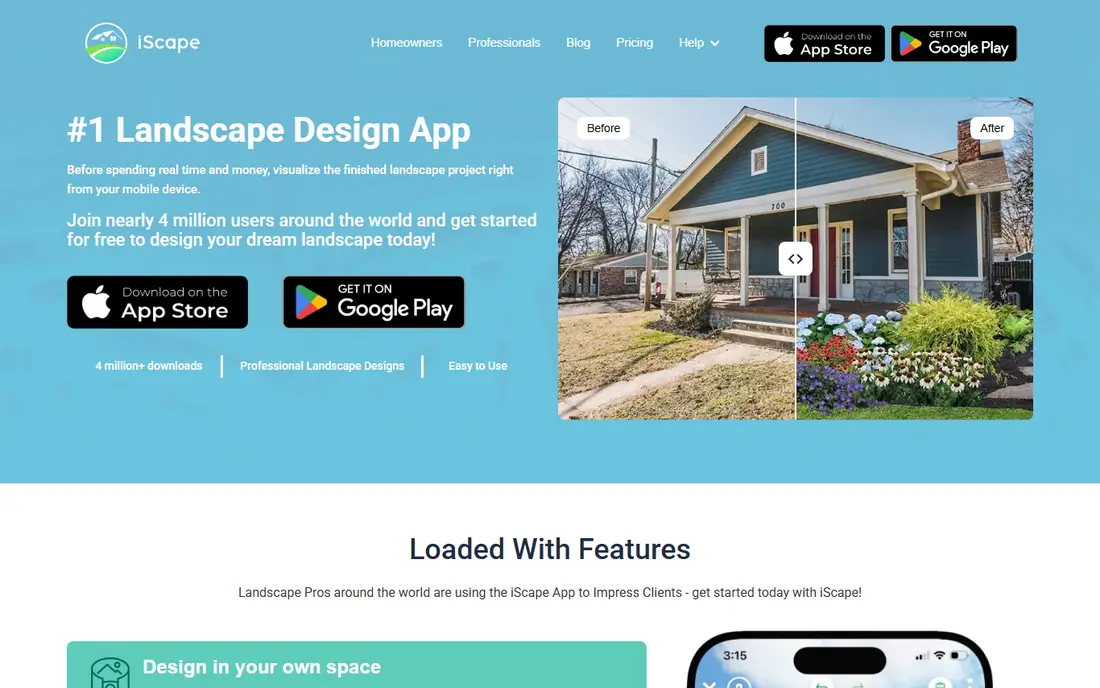
iScape starts where your project starts, with a photo of your actual yard. You place plants, pavers, walls and furniture on that photo at real scale, so a tree that looks right on screen is less likely to crowd a fence in real life. That photo-first approach is why we rank it first for homeowners who want to see a change before they pay for materials or labor.
The free tier covers basic design for homeowners, while the Pro subscription at $29.99 per month, or $299.99 per year, opens the full product database and unlimited image downloads. Sharing tools let you send a design to a partner or a contractor for discussion. The honest limit is polish, since renders read as planning visuals rather than magazine photos, but for decisions about spacing and scale, that is the right trade.
- Design directly on your own photos
- Real-scale placement
- Large plant and hardscape catalog
- Full catalog needs the Pro subscription
- Graphics suit planning better than photorealistic renders
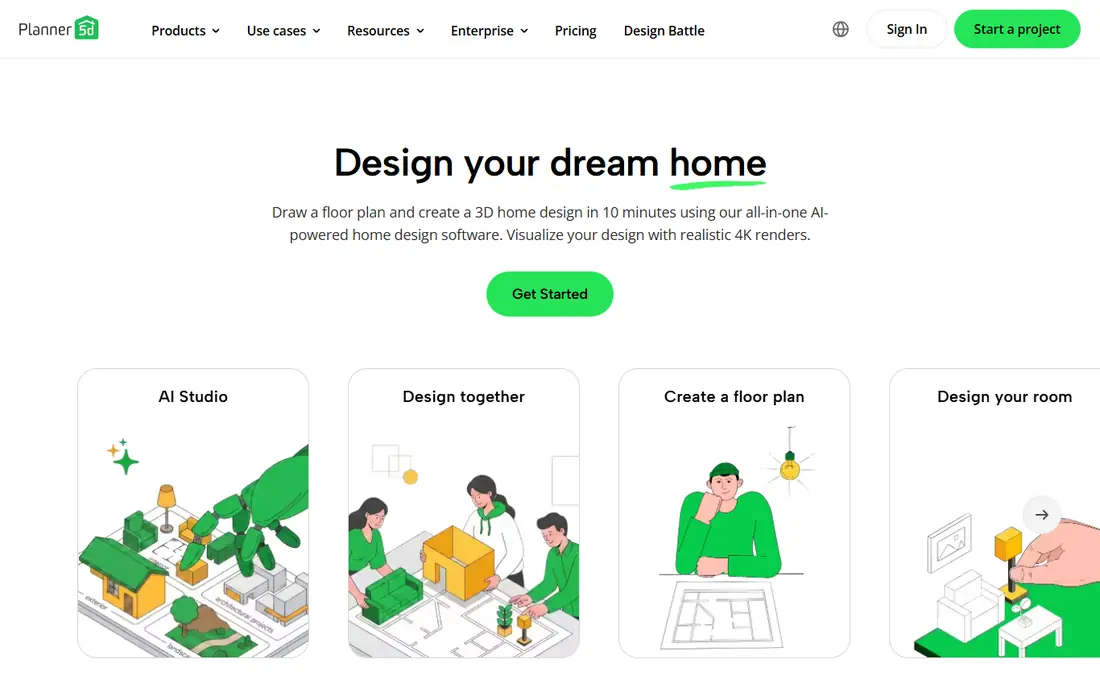
Planner 5D is the quickest route from an idea to a presentable 3D view of your yard. You draw the space to scale, place beds, paving, furniture and planting, then walk through the result in 3D. The AI Smart Wizard can build a furnished starting point from your dimensions, which helps when a blank page feels daunting.
The free plan gives unlimited projects with about half the catalog, and Premium costs $4.99 per month billed annually. The trade-off is depth, since the plant and hardscape library suits a concept rather than a serious planting plan, and there is no real grading or drainage modeling. For early planning and for showing a contractor what you mean, it is hard to beat at this price.
- Simple drag-and-drop 3D planning
- Free tier covers a single yard
- Works on web and mobile
- Plant detail is thinner than specialist tools
- No grading or drainage modeling
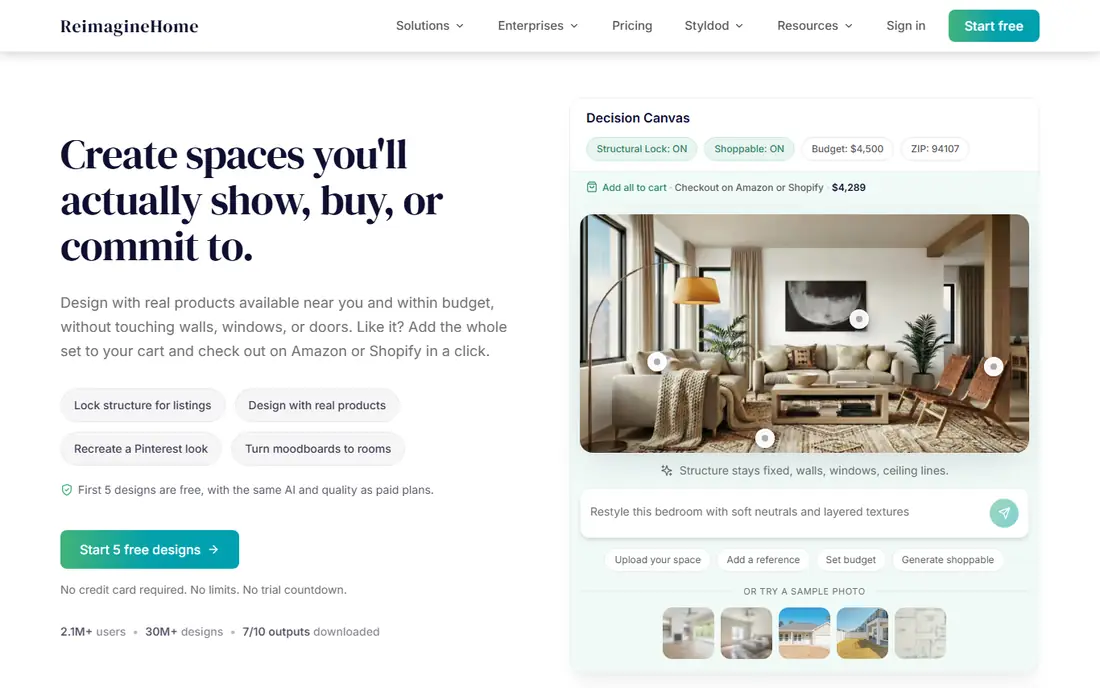
REimagine Home answers a different question from a planner, which is what could this yard look like. Upload one photo and you get restyled concepts in a range of styles, often in under a minute, with a handful of free designs for new users. That speed makes it a good first step when you know you want change but have no clear picture yet.
The limit matters, though. A restyle is a picture, not a plan, so it will not tell you whether a bed fits, what a plant needs, or what the work costs. Treat the output as inspiration, then rebuild the parts you like in a measured tool like Planner 5D or iScape. Used that way, it earns its place as the fastest idea generator on this list.
- Photo-to-design in under a minute
- Several free designs for new users
- Many styles to try
- Results are concepts, not measured plans
- Plant choices need local checking
OutdoorBrite
Great for: Realistic photo-based yard concepts with climate-aware planting
OutdoorBrite is the paid photo tool we would pick when realism and planting advice matter. It turns a photo of your yard into detailed concepts, and it tailors plant suggestions to your hardiness zone, which most free tools do not do. The web app is built mobile-first, so it works well when you are standing in the yard with a phone.
The price is the barrier. Plans start at $29 per month, with no free plan and no free trial, so it only makes sense if you are actively planning a project. Even then, treat the output as a concept to verify against local conditions and a measured plan. For homeowners who want the most believable preview before committing money, it is the strongest photo option here.
- Realistic results from your own photo
- Plant suggestions matched to your hardiness zone
- Mobile-first web app
- Paid only, with no free plan
- Concepts still need a measured plan before building
Remodel AI follows the same photo-first idea as REimagine Home, with a focus on speed. You upload a photo, pick a style, and get a restyled view in seconds, which makes it easy to test bold ideas you might never sketch by hand. For homeowners stuck between two directions, seeing both can break the deadlock.
Photo quality decides how useful the result is, since poor light or a cluttered angle produces vague concepts. Like other restyle tools, it gives no measurements, plant lists or costs, so pair it with a planner before you buy. As a low-effort way to explore directions, it is a solid free starting point.
- Very fast photo restyles
- Simple phone-first workflow
- Good for testing bold ideas
- Concept images only, with no measurements
- Style accuracy varies by photo quality
Home Outside is the gentlest place to start if drawing software feels intimidating. It walks you through a guided flow, asking about your space, sun and soil, then helps you build a plan with simple drag-and-drop tools. The method behind it comes from a garden designer, which shows in how it prompts you to think about beds, paths and planting groups rather than just placing objects.
The simplicity has a ceiling. Complex projects with structures, grading or detailed construction notes will outgrow it, and precise measurements suit a tool like SketchUp better. For a first garden plan, especially for a modest yard, Home Outside removes the fear factor better than anything else here.
- Gentle guided flow
- Simple drag-and-drop design
- Built from a designer method matched to sun and soil
- Less precise than CAD-style planners
- Smaller feature set for complex projects
SketchUp is the tool to use when exact dimensions matter. A deck, a wall, a pergola or a patio needs real measurements, and SketchUp Free in a browser handles that job with a depth no drag-and-drop planner matches. The 3D Warehouse library adds ready-made models for furniture, plants and structures, so you rarely model from scratch.
Beginners should expect a learning curve, since this is a real modeler rather than a guided app. The free web version also limits export formats, and photorealistic rendering needs a paid add-on or extension. When the deliverable is a buildable structure rather than a pretty picture, SketchUp is the right tool for the job.
- Accurate 3D modeling
- Huge model library
- Free web version for basic projects
- Learning curve for beginners
- Photorealistic rendering needs paid add-ons
SmartDraw suits the homeowner who wants a clear, scaled diagram without learning 3D software. You draw beds, paths, patios and planting areas to scale, using symbol libraries that keep the plan tidy and readable. The result is the kind of document a contractor can price from, which is a different and valuable outcome from a pretty render.
The limit is that 2D plans do not show how a space feels, so many people pair SmartDraw with a photo tool for the visual side. It also runs on a subscription model with a trial rather than a lasting free tier. If your goal is a buildable plan on a deadline, SmartDraw gets there fast.
- Quick scaled 2D plans
- Easy to hand to a contractor
- Large symbol libraries
- 2D only, with no 3D walkthrough
- Less inspiring than photo or 3D tools
Gardena myGarden is the best fully free option for simple garden layouts. You draw beds, paths and planting areas with drag-and-drop tools, and the planner helps you think through layout and watering without any subscription. For a vegetable patch, a new border or a small front garden, it covers the job with no cost at all.
Expect basic visuals rather than a polished render, and plant detail is thinner than in specialist tools. There is no AI photo restyle and no 3D walkthrough, so it suits planning rather than presentation. When the budget is zero and the project is simple, start here before paying for anything.
- Fully free for simple layouts
- Easy drag-and-drop planning
- Useful for beds and irrigation ideas
- Basic visuals and limited plant detail
- No AI restyle or 3D walkthrough
Houzz earns its place as the idea engine behind a yard project. Its photo library covers nearly every style, material and planting combination, and you can save ideas into boards, find local pros and shop related products from the same account. Many homeowners start here to learn what they like before they open a planner.
The honest limit is that Houzz does not design your yard for you. It will not draw a scaled plan, restyle your photo with AI depth, or check plant choices against your climate. Use it to gather direction and find a pro, then carry the best ideas into iScape or Planner 5D to turn them into a plan.
- Huge photo library for ideas
- Find and contact local pros
- Shop products tied to designs
- Not a true design or planning tool
- AI features are limited next to specialist apps
How we picked these
We compared official feature pages, pricing pages and app store listings for yard and garden design tools in October 2026, and we kept tools that work on your real space or produce a usable plan. We favored a mix of photo restyle tools, measured planners and guided apps, since no single style suits every project. Prices come from vendor pages where we could confirm them, and we wrote See website where pricing varies by store or was not clearly published.
How to choose the right yard design app
Start by naming your deliverable. If you need inspiration, a photo restyle tool gives the fastest answer, and a free tier is enough to test it. If you need a plan a contractor can build from, a measured planner matters more than a pretty picture, so favor iScape, Planner 5D, SketchUp or SmartDraw. If you are new to garden planning, a guided app keeps the project moving instead of stalling on a blank screen.
Then check the plant question. Most free tools let you place plants without checking them against your climate, so confirm every choice against your hardiness zone and a local nursery before you buy. Finally, test the free tier on your own yard photo or measurements before paying, since a tool that looks good in a demo can feel very different on a small, shaded or oddly shaped plot.
Frequently asked questions
What is the best ai app for yard design for beginners?
Home Outside is the gentlest starting point, with a guided flow and simple drag-and-drop tools. Planner 5D is also beginner-friendly once you get used to drawing to scale. If you want to skip drawing entirely, REimagine Home gives a fast AI restyle from one photo.
What is the best ai yard design app that is free?
Gardena myGarden is the best fully free option for simple layouts, and Planner 5D has a strong free tier for 3D planning. iScape also offers a free tier for basic photo-based design. Free tiers usually cap the catalog or exports, so they suit planning rather than a final presentation.
What is the best ai tool for yard design from a photo?
OutdoorBrite gives the most realistic photo-based concepts with plant suggestions matched to your hardiness zone, but it costs $29 per month with no free plan. REimagine Home is the best free way to try a photo restyle. Use either for ideas, then rebuild the design in a measured planner.
What is the best ai garden design software for a full plan?
Planner 5D and iScape are the strongest all-round picks for a full plan, since both handle layout at scale and show the result in 3D or on your own photo. SketchUp suits projects where exact structure dimensions matter. Pair any of them with local climate checks before you buy plants.
Can an AI yard design app tell me what to plant?
Some tools help, but none replaces local knowledge. OutdoorBrite matches suggestions to your hardiness zone, and iScape offers a large plant catalog for planning. Always confirm choices against your zone, soil, sun and a local nursery, since a plant that looks right on screen may fail in your yard.
Do I need 3D, or is a 2D plan enough for my yard?
A 2D scaled plan from SmartDraw or Gardena myGarden is enough for planting beds and for handing to a contractor. 3D pays off when you need to feel how the finished space works or sell the design to someone else. Many homeowners use both, with 2D for the build and 3D or photo tools for the look.
Sources
See where you really rank - block by block
ProMapRanker scans Google Maps across a grid of your service area. Simple monthly plans from $19, white-label on every plan.
Start freeKeep reading
 best video editing apps for affiliate marketing
Best Video Editing Apps for Affiliate Marketing in 2026
Compare the best video editing apps for affiliate marketing, from fast short-form editors to full desktop suites, with current pricing and honest trade-offs.
Read → best shift scheduling software
Best Shift Scheduling Software in 2026
Compare the best shift scheduling software, from Homebase and Deputy to When I Work and 7shifts, with free plans and per-user pricing explained for teams.
Read → best salon booking software
Best Salon Booking Software in 2026
Compare the best salon booking software for 2026, from free solo tools to premium multi-chair platforms, with current pricing, trials and honest limits.
Read →