 ProMapRanker
Best AI Agents for OCR in 2026

Intelligent document processing automation · Pricing starts at: See website
Direct answer
Start with ABBYY Vantage if you need intelligent document processing automation. Listed starting prices: Nanonets from $100 per month and Rossum from $18,000 a year. Nanonets is the stronger choice for AI agents for enterprise data processing, while Amazon Textract suits OCR extraction from scanned PDFs and forms. All 5 tools are compared below on price, free plan and limits.
Short on time? The summary and table above give the quick view of 5 tools for AI agents for OCR, and the profiles that follow give the detail behind each entry.
Key takeaways
- ABBYY Vantage sits first on this list: intelligent document processing automation.
- ABBYY Vantage, Rossum and the 3 others all need a premium plan or a trial, since no free plan is listed.
- The cheapest monthly starting price in the list is $100 per month, offered by Nanonets.
- Rossum fits transactional document workflow automation.
- The main caution on Microsoft Azure AI Document Intelligence: tied to Azure ecosystem.
Quick comparison
| Pick | Great for | Pricing starts at | Free tier | |
|---|---|---|---|---|
| ABBYY Vantage | Intelligent document processing automation | See website | Not stated | Visit |
 Nanonets | AI agents for enterprise data processing | $100 per month | Free trial | Visit |
 Amazon Textract | OCR extraction from scanned PDFs and forms | See website | Not stated | Visit |
 Microsoft Azure AI Document Intelligence | Azure-native document extraction and fields | See website | Not stated | Visit |
 Rossum | Transactional document workflow automation | $18,000 a year | Free trial | Visit |
Our 5 picks for AI agents for OCR
ABBYY Vantage was built for intelligent document processing automation. ABBYY Vantage is intelligent document processing software that makes it possible for straight-through processing by automatically capturing, extracting, and processing data.
Limits to weigh: Enterprise-oriented setup.
Check the vendor site for ABBYY Vantage pricing; none is listed in this comparison. Free plan details: Not stated.
- Automatic capture and extraction
- Intelligent document processing focus
- May be more than straightforward OCR needs need
Pick Nanonets if this describes you: AI agents for enterprise data processing. It suits teams that want document-driven automation connected to business systems.
The wide scope means buyers should scope which processes and integrations matter most before adopting. On cost, Nanonets starts like this: $100 per month. As for free access: Free trial.
Where it is weaker: Integration setup varies by system.
- Automates manual processes like accounts payable
- Provides data to systems of record
- Wide system scope may need scoping
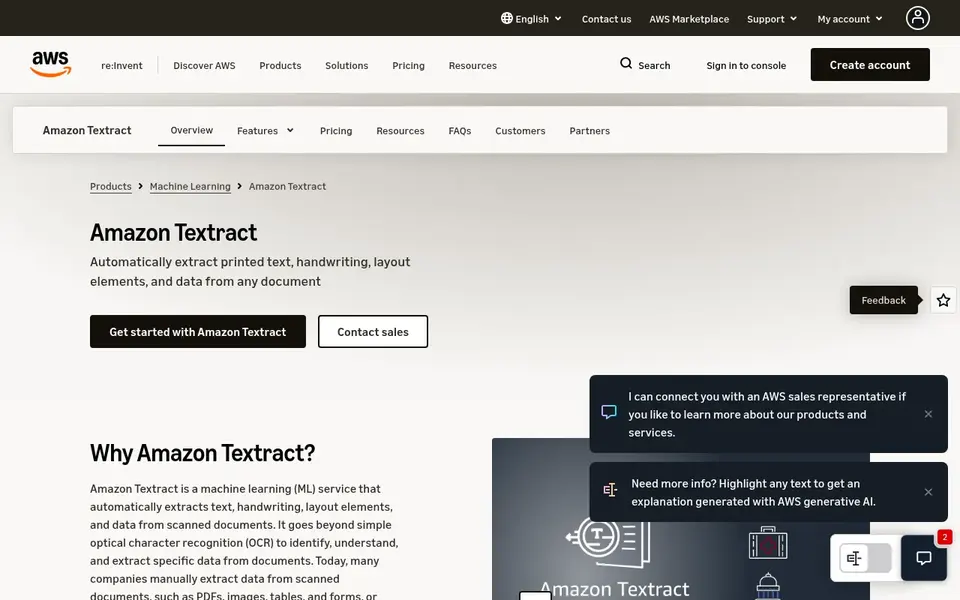
Pick Amazon Textract if this describes you: OCR extraction from scanned PDFs and forms. Amazon Textract is a machine learning service that uses optical character recognition to automatically extract text, handwriting, and data from scanned PDF documents, forms, and tables.
It is also tied to the AWS ecosystem, which can add setup effort for organizations using other cloud providers. Check the vendor site for Amazon Textract pricing; none is listed in this comparison. As for free access: Not stated.
Watch-outs: Needs AWS integration effort.
- Machine learning based OCR service
- Extracts text, handwriting, forms, tables
- Centred on extraction instead of full workflow automation
Microsoft Azure AI Document Intelligence
Great for: Azure-native document extraction and fields
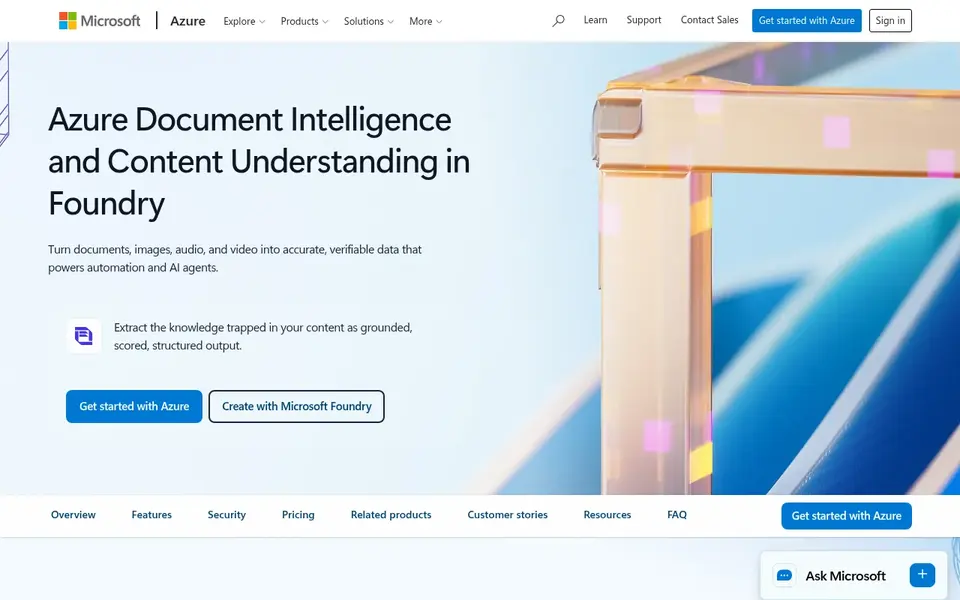
Microsoft Azure AI Document Intelligence makes the most sense for Azure-native document extraction and fields. Its integration with Azure makes it less natural for teams standardized on other clouds.
Where it is weaker: Tied to Azure ecosystem.
Worth adding: the move into Foundry Tools means buyers should confirm current capabilities and interfaces on the vendor site before committing, and those wanting a standalone IDP application may prefer a dedicated product. Microsoft Azure AI Document Intelligence does not show a starting price in this comparison, so check the vendor site for current pricing. On free options: Not stated.
- Extracts text, structure, fields
- Part of Azure Content Understanding in Foundry Tools
- Positioning within Foundry Tools may need learning
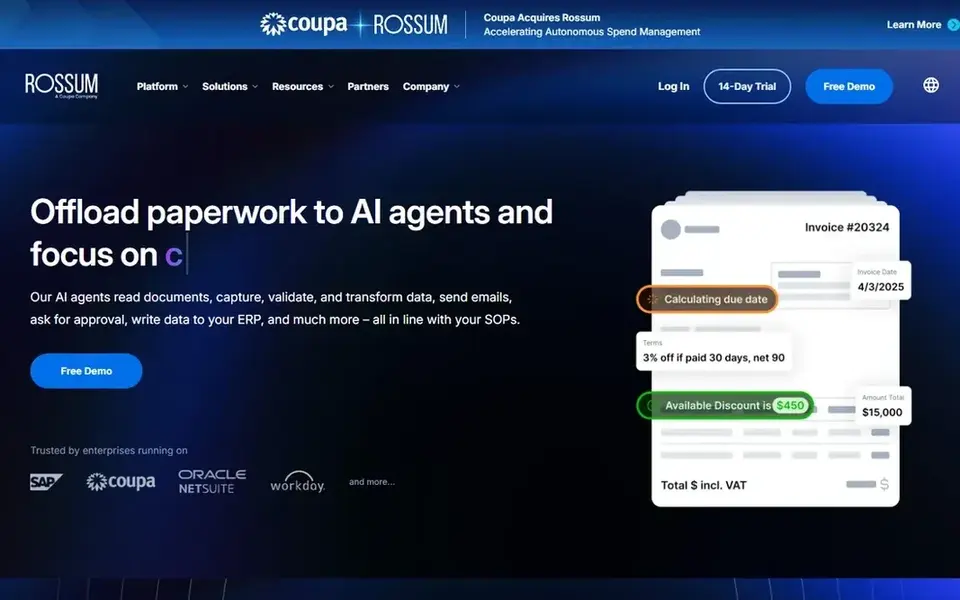
Rossum is designed for transactional document workflow automation. Rossum offers AI document processing for transactional workflows, aiming to automate complicated processes, cut manual tasks, and increase accuracy and efficiency.
As for the details, since it is workflow-centric, Rossum may not be the simplest choice for plain OCR needs. Buyers should confirm which document types and integrations are supported on the vendor site, and consider extraction-focused services when the requirement is only to capture text and data. Entry price for Rossum: $18,000 per year. Trial and free access: Free trial.
Where it is weaker: Workflow-centric instead of pure OCR.
- Aims to reduce manual tasks
- Focus on transactional documents
- Fit relies on document types
How the list was put together
We compared the tools on published pricing, free plan or trial availability, feature coverage for AI agents for OCR, and the limits each vendor documents. Treat prices as a snapshot: vendors change plans often, so check the vendor site for the figure that applies today. Position on the page reflects fit for a typical buyer first, with price clarity and free access breaking ties. Treat it as a guide, not a ruling.
Questions to settle before buying
- Ask ABBYY Vantage, Amazon Textract and Microsoft Azure AI Document Intelligence for a written quote, since no starting price is shown.
- Run a trial of Nanonets and Rossum with real work before paying for a year; your own workflow is the best test.
- Before choosing ABBYY Vantage, weigh its main limit: enterprise-oriented setup.
- Ask the daily users to test Nanonets on a live task before you roll it out to everyone.
- Compare total cost, not headline price: for Amazon Textract, add extra seats, add-ons and any usage-based charges.
Frequently asked questions
How are the tools for AI agents for OCR ordered?
The order follows typical fit for AI agents for OCR, with ABBYY Vantage first and Rossum last, then price clarity and free access. It is editorial judgement, not a score, so another team could rank the tools differently.
Is ABBYY Vantage the right pick for everyone comparing AI agents for OCR?
No single tool suits every team. ABBYY Vantage comes first because it fits intelligent document processing automation, while Nanonets suits AI agents for enterprise data processing and Amazon Textract suits OCR extraction from scanned PDFs and forms. Match the tool to your own size, budget and workflow before deciding.
What should I look for in an AI OCR tool?
Focus on the document types you manage, for example scanned PDFs, forms, or tables, and whether handwriting support matters. Also check how extracted data moves into your existing systems and whether custom models are needed for your layouts.
Can I try these tools before paying?
Often, yes. Nanonets and Rossum offer a free trial. Use your own data and a real task during the test, and check what the free tier or trial limits before you rely on it.
Do these tools publish their prices?
Not all of them. ABBYY Vantage, Amazon Textract and Microsoft Azure AI Document Intelligence publish no starting price, so expect a quote request for those. The rest, Nanonets included, show a starting price, though seats and billing terms still change the final cost.
Sources
See where you really rank - block by block
ProMapRanker scans Google Maps across a grid of your service area. Simple monthly plans from $19, white-label on every plan.
Start freeBrowse all guides
← Top ProWritingAid Alternatives for 2026, With PricesBest AI Legal Document Management Software in 2026 →
 best ocr scanner software
OCR Scanner Software in 2026: Top 6 Compared
Need the best OCR scanner software? We compare 6 tools on cost, free access and who each suits. The weak spots sit next to the strengths. Narrow your shortlist.
Read → best ai writing assistants software for enterprise
Best AI Writing Assistants Software for Enterprise (2026)
Best AI writing assistants software for enterprise: 5 contenders ranked by fit, with entry costs and free tiers. Short verdicts, no fluff. Refreshed for 2026.
Read → best ai speech-to-text for journalists on deadline
Best AI Speech-to-Text for Journalists on Deadline Options (2026)
6 tools for the best AI Speech-to-Text for journalists on deadline, compared on pricing, free plans and best-fit use. Cost notes and weak points included.
Read → best comic book app
Best Comic Book Apps in 2026: 9 Apps Compared
Find the best comic book app for Marvel, DC, manga and free comics, with subscription prices, library depth and offline reading compared in full today.
Read → best self publishing platforms
Best Self Publishing Platforms in 2026
Compare the best self publishing platforms for ebooks and print, with royalties, distribution, fees, and which service fits each kind of author in 2026.
Read → contentcal alternatives
Best ContentCal Alternatives in 2026
We compared the best contentcal alternatives for planning and scheduling social posts, covering calendars, approvals, prices, and team workflows for marketers.
Read →More in Writing, PDFs & Documents · All guides A to Z by date · Latest guides