 ProMapRanker
Best AI 3D Rendering Software (2026)

Architectural visualization and live rendering · Pricing starts at: $96 named user per month
Direct answer
Our first pick is Lumion, best for architectural visualization and live rendering. Listed starting prices: Lumion from $96 named user per month, Omniverse from $1 per hour per GPU and KeyShot from $7.92 a month. For a different need, Omniverse covers industrial digital twins and simulation and KeyShot covers product design and live visualization. Details, prices and limits for the rest of the 5 tools are below.
ProMapRanker put together this guide to AI 3D rendering software for readers who want a clear shortlist without reading every vendor page. It compares 5 tools on starting price, free plans, who each one suits and where each one falls short.
Key takeaways
- Lumion is the opening pick, best for architectural visualization and live rendering.
- What to know about KeyShot first: less suited for complicated animation.
- Autodesk 3ds Max is the one to check for professional 3D modeling and rendering.
- Omniverse is the only tool of the 5 with a free plan.
- The cheapest monthly starting price in the list is $7.92 per month, offered by KeyShot.
Quick comparison
| Pick | Great for | Pricing starts at | Free tier | |
|---|---|---|---|---|
| Lumion | Architectural visualization and live rendering | $96 named user per month | Free trial | Visit |
 Omniverse | Industrial digital twins and simulation | $1 per hour per GPU | Yes | Visit |
 KeyShot | Product design and live visualization | $7.92 a month | Free trial | Visit |
 V-Ray | Photorealistic rendering across systems | See website | Not stated | Visit |
 Autodesk 3ds Max | Professional 3D modeling and rendering | See website | Not stated | Visit |
The full AI 3D rendering software list

Think of Lumion for architectural visualization and live rendering. Lumion is live 3D rendering software for architects, built to transform the design workflow with speed, quality, and ease. It lets architects to visualize every step from concept to final render, making it ideal for presentations and client communication.
Lumion is not a modeling tool, so you have to import models from other software. It is also Windows-only, which may limit Mac-based studios. Entry price for Lumion: $96 named user per month. Free plan details: Free trial.
Downsides: Windows-only system.
- Broad library of assets
- Quick live rendering for architects
- Restricted modeling tools
Omniverse serves industrial digital twins and simulation. NVIDIA Omniverse is a product for building industrial digital twins and robotics simulation applications, using a collection of libraries and microservices.
Points against: Needs NVIDIA hardware for full benefits.
It also works best with NVIDIA hardware. Omniverse cost at the entry level: $1 per hour per GPU. A free plan is available with Omniverse.
- Supports large-scale simulations
- Live collaboration across applications
- Concentrated on industrial use cases
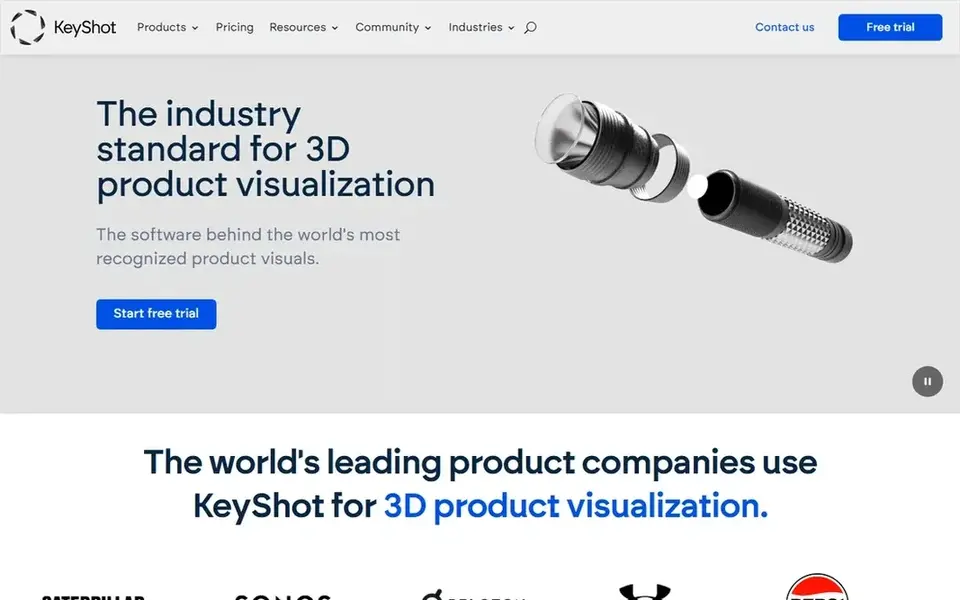
KeyShot makes the most sense for product design and live visualization. KeyShot centres on rendering and visualization instead of full-scale modeling or animation.
Limits to weigh: Restricted modeling capabilities.
So it may not replace a complete 3D suite like 3ds Max. Worth adding: KeyShot is especially widely used in industrial design and product marketing. Price to start with KeyShot: $7.92 per month. Trial and free access: Free trial.
- Capable for product design collaboration
- Live rendering for quick feedback
- Less suited for complex animation
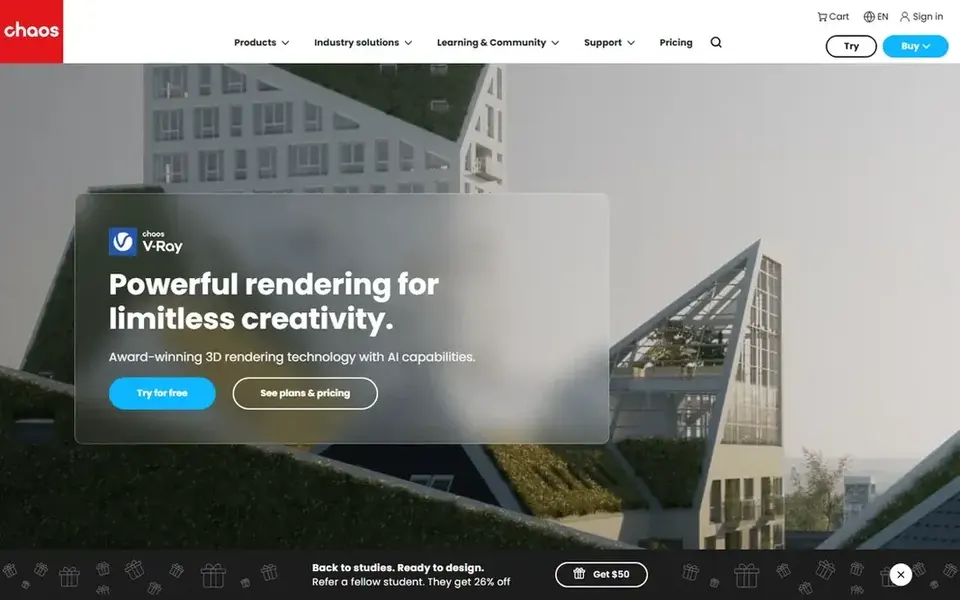
V-Ray targets Photorealistic rendering across products. V-Ray is a 3D rendering plugin available for widely used design systems like 3ds Max, SketchUp, Rhino, Maya, and Blender. It is recognised for producing photorealistic renders and is widely used in architectural visualization and visual effects.
Watch-outs: Needs separate host application.
Beyond that, V-Ray integrates into existing workflows, allowing artists to stay within their preferred modeling tools. On top of that, since V-Ray is a plugin, you need a compatible host application to use it. It also demands significant computational resources for complicated scenes. V-Ray shows no starting price here, so confirm the cost on the vendor site. As for free access: Not stated.
- High-quality photorealistic output
- Widely adopted in archviz and VFX
- Can be resource-intensive
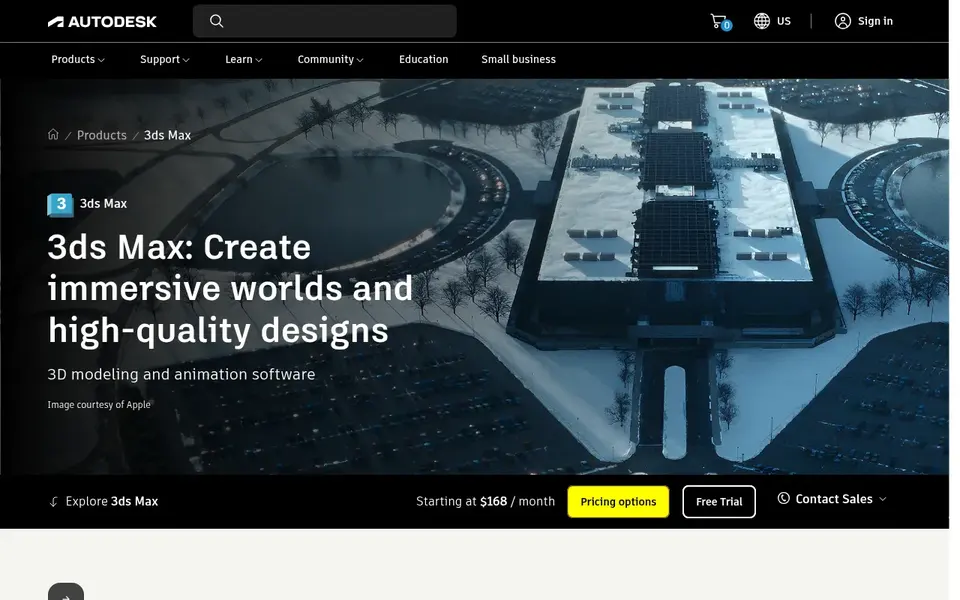
For professional 3D modeling and rendering, Autodesk 3ds Max is a natural candidate. If you need a more straightforward option for architectural visualization or product design, consider Lumion or KeyShot instead, which focus on simplicity and live rendering.
Limits to weigh: Needs substantial hardware.
No starting price is listed for Autodesk 3ds Max here; confirm pricing on the vendor site. Trial and free access: Not stated.
- Full modeling and animation tools
- Widely used in professional studios
- Steep ramp-up time for beginners
Our selection method
For each of the 5 tools we noted price, free plan or trial, fit for AI 3D rendering software and the main limit, using vendor pages and documentation. Where a price is missing, the vendor does not list one publicly or ties it to a quote. Always confirm before budgeting. Order on the page follows fit for the typical buyer first, then price transparency and free access. Your own requirements should decide the final pick.
A buyer's checklist
- Ask V-Ray and Autodesk 3ds Max for a written quote, since no starting price is shown.
- Look at the free plan from Omniverse closely: its caps decide whether it is usable for real work.
- Use real work to test the free trial from Lumion and KeyShot, rather than a demo project.
- Before choosing Lumion, weigh its main limit: restricted modeling tools.
- Ask the daily users to test Lumion on a live task before you roll it out to everyone.
- Read the plan comparison for V-Ray carefully; key features often start on a higher tier.
Frequently asked questions
Which tool is best for architectural visualization?
Lumion is the pick this page puts first, mainly for architectural visualization and real-time rendering. If your situation differs, Omniverse suits industrial digital twins and simulation, and KeyShot suits product design and live visualization. Compare price and limits before you decide.
Can I try these options before paying?
Often, yes. Omniverse has a free plan and Lumion and KeyShot offer a free trial. Use your own data and a real task during the test, and check what the free tier or trial limits before you rely on it.
Is Lumion the right pick for everyone comparing AI 3D rendering software?
No single tool suits every team. Lumion comes first because it fits architectural visualization and real-time rendering, while Omniverse suits industrial digital twins and simulation and KeyShot suits product design and real-time visualization. Match the tool to your own size, budget and workflow before deciding.
Do these tools publish their prices?
Not all of them. V-Ray and Autodesk 3ds Max publish no starting price, so expect a quote request for those. The rest, Lumion included, show a starting price, though seats and billing terms still change the final cost.
Which options for AI 3D rendering software have a free plan?
Omniverse is the only tool in this list with a free plan. Free plans usually cap users, projects or features, so check the limits on the vendor page. Several others offer a trial instead.
What is AI 3D rendering software?
AI 3D rendering software uses artificial intelligence to accelerate or enhance the rendering process, frequently through denoising, upscaling, or scene optimization. These tools help designers and artists produce high-quality visuals quicker by automating repetitive tasks and improving realism.
Sources
See where you really rank - block by block
ProMapRanker scans Google Maps across a grid of your service area. Simple monthly plans from $19, white-label on every plan.
Start freeBrowse all guides
← Best AI Web Font Marketplaces Software (2026)Best Image Recognition Software for Remote Teams in 2026 →
 best ai photography software
Best AI Photography Software (2026)
Shortlisting the best AI photography software? 6 products compared on cost, free access and ideal buyer. Caveats come with every verdict. Jump to the table.
Read → best ai image upscaling software for print designers
Best AI Image Upscaling Software for Print Designers in 2026
Best AI image upscaling software for print designers: 5 contenders ranked by fit, with entry costs and free tiers. Real limits included. Jump to the table.
Read → top ai-powered image editing software
AI-Powered Image Editing Software in 2026: Top 6 Compared
Compare 6 picks for the top AI-Powered image editing software, with prices, free plans and who each fits. Each tool is judged on the same checks. Easy to scan.
Read → best mobile app design
Best Mobile App Design in 2026
We compared the best mobile app design tools and services for designing mobile apps, covering wireframes, prototypes, handoff, costs and pricing in 2026.
Read → best tools for drawing diagrams
Best Tools for Drawing Diagrams in 2026
Compare the best tools for drawing diagrams, from Lucidchart and Miro to free diagrams.net. See pricing, templates, and collaboration features for teams.
Read → best virtual staging companies
Best Virtual Staging Companies in 2026
Compare the best virtual staging companies for real estate listings, with per-photo and monthly prices, turnaround times and notes on quality and disclosure.
Read →More in Design & Creative · All guides A to Z by date · Latest guides