 ProMapRanker
Best Mobile App Design in 2026

Key takeaways
- Figma is the safest default for most mobile teams, because collaboration, components and developer handoff sit in one browser tool.
- Sketch suits Mac-based designers who want native speed and offline work, while Penpot suits teams that want open source or self-hosting.
- ProtoPie and Axure RP suit prototypes with real logic and device interactions, not just linked screens.
- Zeplin suits teams that need a clean handoff from design files to developers.
- This article ranks design tools and services for making mobile apps, not a ranking of finished apps already on the market.
Quick comparison
| Pick | Great for | Pricing starts at | Free tier | |
|---|---|---|---|---|
 Figma | Collaborative mobile design | Free | Yes | Visit |
 Sketch | Mac-native mobile design | $12 per editor per month | Free trial | Visit |
 Framer | Design that publishes to the web | Free | Yes | Visit |
 Penpot | Open source mobile design | Free | Yes | Visit |
 Lunacy | Free desktop design | Free | Yes | Visit |
 ProtoPie | Realistic interactive prototypes | $11 per month | Free trial | Visit |
 Axure RP | Logic-heavy prototypes | $29 per user per month | Free trial | Visit |
 UXPin | Design systems with real components | $6 per editor per month | Free trial | Visit |
 Zeplin | Developer handoff | Free | Yes | Visit |
 Balsamiq | Fast low-fidelity wireframes | See website | Free trial | Visit |
The best mobile app design tools
We compared tools and services that help teams design mobile apps, from early wireframes to polished prototypes and developer handoff. The list covers general design editors, prototyping specialists and handoff tools, so a solo designer and a larger product team can both find a fit. Prices come from vendor pricing pages and public comparisons checked in October 2026.
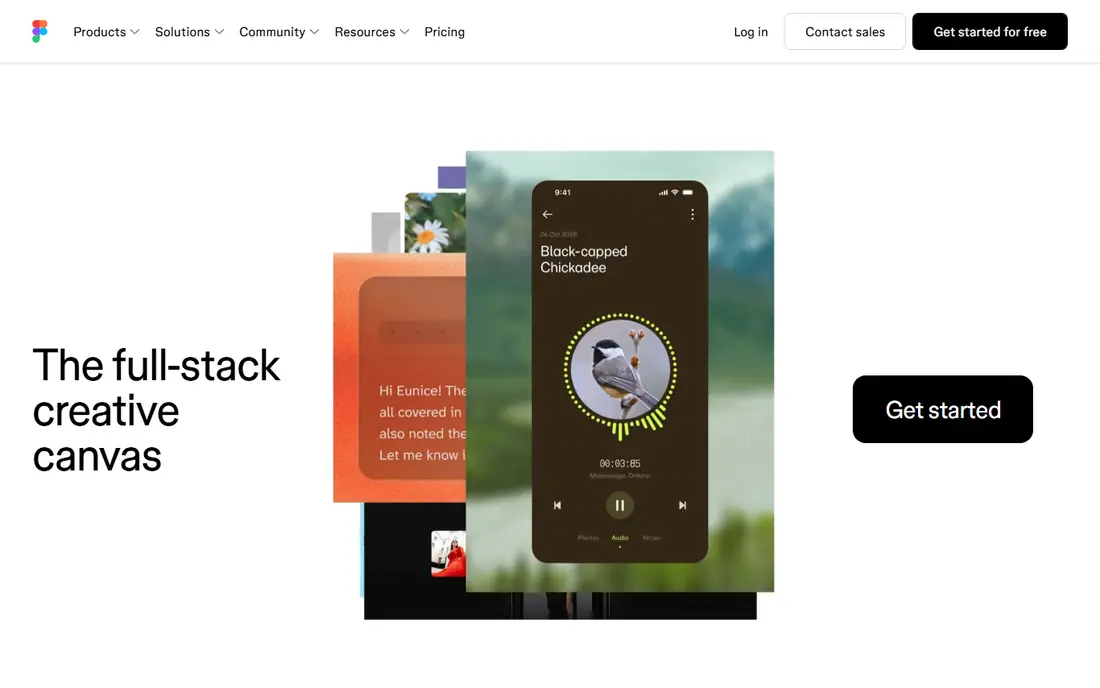
Figma is the default choice for most mobile teams for a practical reason: everyone can open the same file in a browser, edit together and leave comments in context. Components, variables and auto layout make it easier to keep iOS and Android screens consistent, and the mobile app lets stakeholders preview designs on a real phone. Developer mode gives engineers measurements, code and assets without a separate export step.
The cost model deserves attention. Viewers are free, but editors pay, and the professional plan is priced per editor per month when billed annually. Teams that only need occasional edits should check who truly needs an editor seat. For a team designing together every week, Figma's collaboration still sets the pace.
- Browser-based multiplayer editing
- Strong components and design systems
- Developer mode for handoff
- Paid seats cost $16 per editor per month on the professional plan
- Needs an internet connection
- Large files can feel heavy
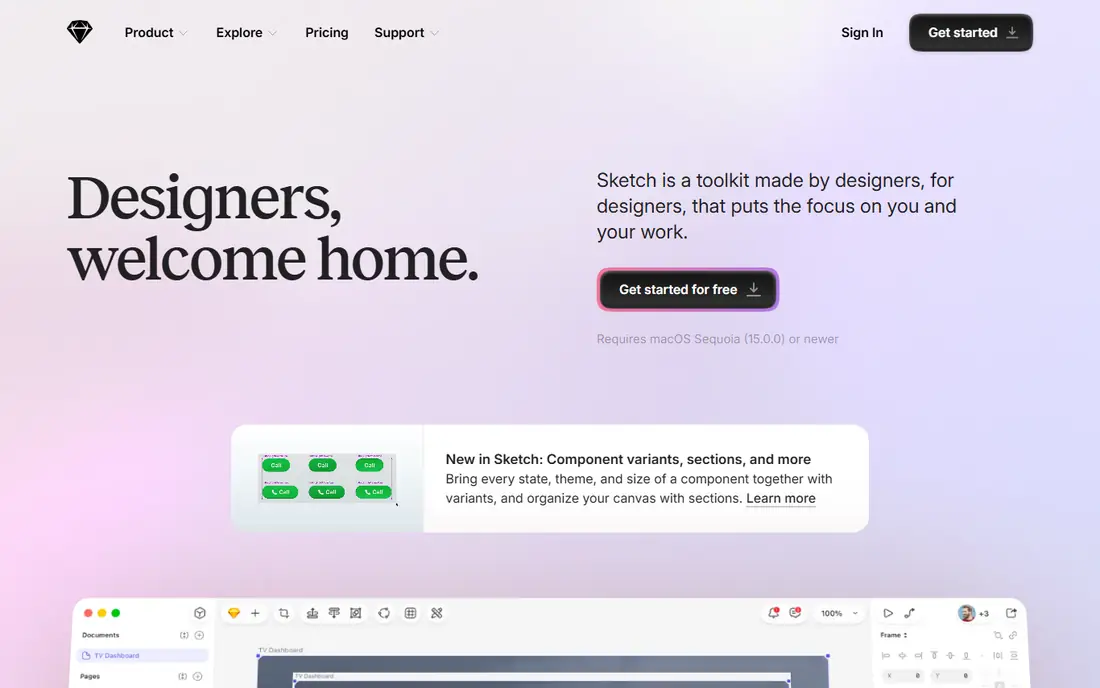
Sketch remains a strong pick for Mac-based designers who value speed and offline work. The native app feels quick with large mobile files, symbols and libraries keep screens consistent, and developers can inspect files, copy code and download assets without paying for a seat. The open file format also makes it easier to move work between tools.
The limits are platform and collaboration. There is no Windows or Linux version, and real-time co-editing is not as fluid as Figma's multiplayer model. A team split across operating systems will struggle. A Mac-only team that prefers desktop software over a browser tab will find Sketch a comfortable, capable home.
- Fast native Mac app with offline work
- Open file format
- Free developer inspection
- Mac only
- Collaboration is less live than Figma
- No permanent free plan
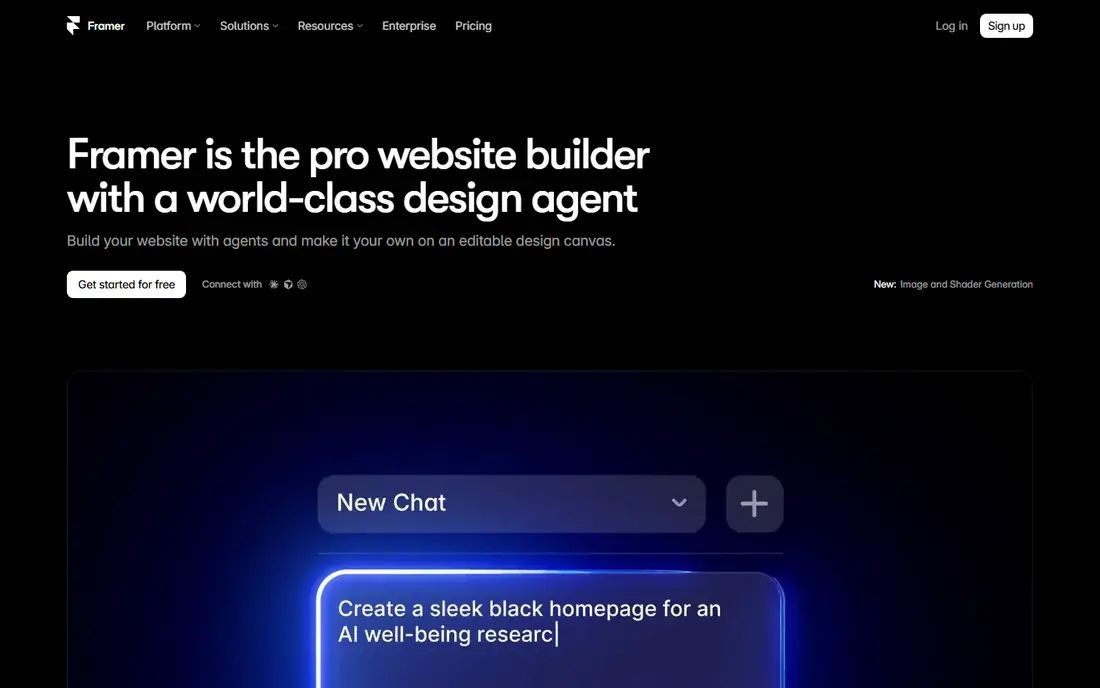
Framer started as a prototyping tool and now lets designers build and publish real websites from their designs. For mobile web apps and marketing pages that must work well on phones, that direct path from design to a live page is a real advantage. Templates and AI-assisted layout help a small team ship a polished mobile web presence quickly.
Native app designers should note the focus. Framer is excellent for mobile web, but a native iOS or Android app still needs separate development from the design. Paid plans apply to published sites, while the free tier covers design work. Use Framer when the deliverable is a live mobile web experience, not just a mockup.
- Design and publish real sites from one tool
- Strong templates
- Free tier for design work
- Web publishing focus fits mobile web better than native apps
- Paid plans for live sites
- Learning curve for advanced interactions
Penpot is an open source design and prototyping platform that runs in the browser and can also run on your own server. Teams that care about data ownership, self-hosting or open formats get a capable editor without a per-editor bill for small groups. The professional cloud plan is free for up to eight users, and inspect mode gives developers measurements and code.
The ecosystem is smaller than Figma's, with fewer plugins and community templates. Larger teams will need the paid unlimited plan, which is still cheaper per user than many rivals. For a budget-conscious team, a nonprofit or an open source project, Penpot is the most credible free alternative on this list.
- Open source with self-hosting
- Free professional cloud plan for small teams
- Inspect mode for developers
- Smaller plugin ecosystem than Figma
- Paid unlimited plan from $7 per user per month
- Fewer templates
Lunacy, from Icons8, is a free desktop design app that reads Sketch files and runs on Windows, Mac and Linux. It includes built-in icons, photos and illustrations, which helps a solo designer mock up mobile screens without hunting for assets. Because it is free for commercial use, it is a genuine option for freelancers and students, not just a trial.
Collaboration is the weak point. Lunacy suits a solo designer or a small team that shares files, rather than a large team editing live together. Advanced prototyping also lags behind ProtoPie and Figma. For a single designer who wants a capable free desktop tool, Lunacy is hard to argue against.
- Fully free for personal and commercial use
- Desktop apps for Windows, Mac and Linux
- Built-in assets
- Collaboration is limited
- Smaller community than Figma
- Fewer advanced prototyping features
ProtoPie is a prototyping specialist for mobile apps that need to feel real before they are built. You can add gestures, sensor input, variables and conditional logic without code, then test the prototype on a phone. That realism matters when a team must validate a tricky flow, such as onboarding, checkout or a camera feature, with real users.
ProtoPie is not a general design editor, so most teams design screens in Figma or Sketch and import them for prototyping. The individual plan starts at a modest monthly price when billed annually, with a free trial for testing. For a team that prototypes often, the time saved in user testing justifies a second tool.
- No-code interactions with sensors and variables
- Realistic device testing
- Works alongside Figma and Sketch
- Design editing is not its strength
- Paid plan needed for full use
- Learning curve for complex logic
Axure RP suits enterprise teams building complex mobile flows with logic, such as multi-step forms, role-based screens and data-driven lists. Prototypes can respond to input, show different states and generate specifications that developers and stakeholders can review. That depth is useful when a product has many rules and edge cases.
The price and learning curve are real barriers. At $29 per user per month on the professional plan when billed annually, Axure costs more than general editors, and new users need time to learn its logic system. A small team with simple flows will be faster in Figma. A large team documenting a complex product will find Axure's rigour worth it.
- Conditional logic, variables and data-driven prototypes
- Detailed specifications
- Enterprise-friendly
- Higher price
- Steeper learning curve
- Interface feels more technical than visual tools
UXPin stands out by letting teams prototype with real code components rather than pictures of components. A design system built in code stays consistent with production, and prototypes can pull in real data through APIs, which makes testing feel closer to the finished app. Conditional logic and variables support realistic flows without a separate build.
The entry plan is affordable, but some advanced features sit on higher tiers, and the community is smaller than Figma's. Teams without a coded design system will not get the full benefit. For a product team that already maintains components in code, UXPin closes the gap between design and development better than most visual tools.
- Prototypes built from real code components
- Data and API-driven screens
- Design system management
- Essentials plan limits some features
- Enterprise pricing for advanced use
- Smaller community
Zeplin is not a place to design screens; it is a place to hand them over cleanly. Designers publish screens from Figma, Sketch or other tools, and developers get specs, measurements, assets and styleguides in one organised workspace. Version history and connected components help a team track changes without digging through design files.
A solo designer who hands work directly to one developer may not need it. A team with several developers, frequent releases and a growing styleguide will save time and reduce questions. The free tier covers one project, which is enough to test whether the handoff workflow fits your team.
- Clean specs, assets and styleguides for developers
- One free project
- Works with Figma, Sketch and other editors
- Not a design editor itself
- Paid team plan from $8 per user per month
- Value depends on handoff volume
Balsamiq is the tool for the earliest stage of mobile design, when the question is structure, not colour or typography. Its sketch-style wireframes make it clear that a screen is a draft, which keeps stakeholder feedback on flow and layout rather than on visual details. Non-designers can pick it up quickly, which helps product managers and founders sketch ideas before a designer polishes them.
It is not a final design tool, and teams will move to Figma, Sketch or Penpot for high-fidelity work. The trial lets a team test the workflow, with paid plans after that. Used at the right stage, Balsamiq prevents a common mistake: polishing screens before the flow is right.
- Very fast sketch-style wireframes
- Keeps focus on structure, not visual polish
- Easy for non-designers
- Not suited to polished final designs
- Limited prototyping depth
- Paid plan needed after trial
How we picked these
We compared official pricing pages, feature pages and public comparisons for mobile app design tools live in October 2026. We kept tools that cover distinct stages: wireframing, general design, interactive prototyping, design systems and handoff. We excluded discontinued tools, and we treated the topic plainly as design tools and services for mobile apps, not as a ranking of finished apps.
How to pick a design stack
Start with who designs and who builds. A small team can often work in one editor, such as Figma or Penpot, from wireframe to handoff. A larger team may need a specialist for prototyping, such as ProtoPie, and a handoff tool, such as Zeplin, on top of the main editor. Adding tools only helps if each one owns a clear stage.
Then test on a real phone early. A design that looks clean on a desktop monitor can feel cramped on a small screen, with touch targets too close together and text too small to read at arm's length. Run a prototype on a device, watch a colleague try the main task without help, and fix the flow before polishing visuals. Finally, check pricing by editor seat, since design tools charge per editor, and a team with many occasional editors can cut costs by keeping viewer seats free.
Frequently asked questions
What are the best mobile app designs made with?
Most professional mobile designs start in Figma, Sketch or Penpot, then move to ProtoPie or Axure RP for realistic prototypes. The tool matters less than testing on a real phone and keeping components consistent. Pick one main editor and add specialists only when a stage needs them.
What is the best design app mobile teams use for collaboration?
Figma is the strongest collaboration pick, because multiple people can edit and comment in the same browser file. Penpot offers live collaboration with an open source model, while Sketch suits Mac teams that prefer desktop work. Test multiplayer editing with your own team before committing.
What are the best designed web apps for mobile design inspiration?
Design galleries and community files inside Figma, Framer templates and Penpot libraries all show polished mobile patterns. Use them for structure and flow ideas, not for copying visuals outright. A pattern that fits one product may confuse users in another context.
What is the best design app mobile beginners should start with?
Figma's free starter plan is a good first step, because tutorials and community files are plentiful. Lunacy and Penpot are also free and suit beginners on a budget. Start with wireframes and one complete flow, rather than trying to design a whole app at once.
Sources
See where you really rank - block by block
ProMapRanker scans Google Maps across a grid of your service area. Simple monthly plans from $19, white-label on every plan.
Start freeKeep reading
 zscaler alternatives
Best Zscaler Alternatives in 2026
Looking for zscaler alternatives? We compare 9 SASE and zero trust platforms on architecture, data protection, pricing, and fit for your network and team.
Read → zapier alternatives free
Best Zapier Alternatives Free in 2026
Nine automation tools for zapier alternatives free in 2026, all with genuinely free tiers, plus free plan limits, starting prices and upgrade paths explained.
Read → which platform is best for online reputation
Which Platform Is Best for Online Reputation in 2026
Wondering which platform is best for online reputation? We compare 8 review, listing, and response tools for small and multi-location businesses and agencies.
Read →