 ProMapRanker
Best Agile Software in 2026: 9 Tools Compared


Software teams running Scrum and Kanban · Pricing starts at: See website
Key takeaways
- Jira and Linear suit software teams best, while Asana and monday.com suit mixed teams that also plan marketing and operations work.
- Free plans are real for small teams, but sprint reports, workload views, and advanced permissions often sit on paid plans.
- ClickUp and Trello give the lowest starting prices in this list, while Azure DevOps gives Microsoft shops the shortest setup path.
- Pick by how your team plans work in practice, not by feature count, because a tool nobody updates will not help any sprint.
Quick comparison
| Pick | Great for | Pricing starts at | Free tier | |
|---|---|---|---|---|
| Jira | Software teams running Scrum and Kanban | See website | Yes | Visit |
 Asana | Cross-team planning and portfolios | $10.99 per user per month | Yes | Visit |
 monday.com | Visual boards and custom workflows | $9 per seat per month | Yes | Visit |
 ClickUp | Replacing several work tools at once | $7 per user per month | Yes | Visit |
 Linear | Fast product and engineering teams | $10 per user per month | Yes | Visit |
 Azure DevOps | Microsoft-based engineering teams | $6 per user per month | Yes | Visit |
 Trello | Simple visual Kanban boards | $5 per user per month | Yes | Visit |
 Wrike | Structured enterprise delivery | $10 per user per month | Yes | Visit |
 Zoho Sprints | Budget Scrum teams | See website | Yes | Visit |
The best agile software
Agile software should make the next sprint easier to plan, easier to follow, and easier to review. The nine tools below cover that job from different angles, from strict issue tracking to visual boards that non-technical teams can adopt quickly.
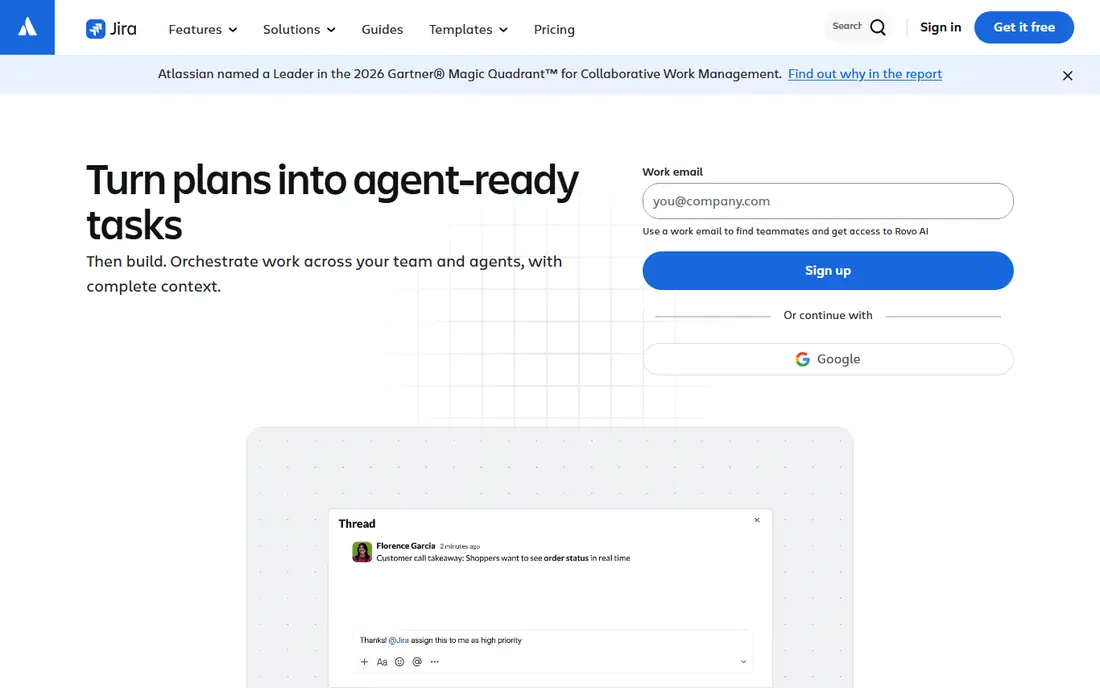
Jira remains the default choice for many software teams for a clear reason. It handles backlogs, sprints, epics, bugs, and releases in one place, and its reports show velocity, burndown, and scope change without extra spreadsheets. Teams that run formal Scrum ceremonies will find the structure they expect, including sprint planning, board configuration, and version tracking.
The catch is admin overhead. Jira rewards teams that invest in clean workflows and permissions, and it can punish teams that copy a complex setup without thinking it through. Small teams that only need a board and a list may find it more tool than they need. For larger engineering groups, though, that depth is the point, and the free plan for up to 10 users makes a pilot easy.
- Deep Scrum and Kanban support
- Strong reporting for sprints and releases
- Large integration and marketplace ecosystem
- Setup and administration take real time
- The interface can feel heavy for small teams
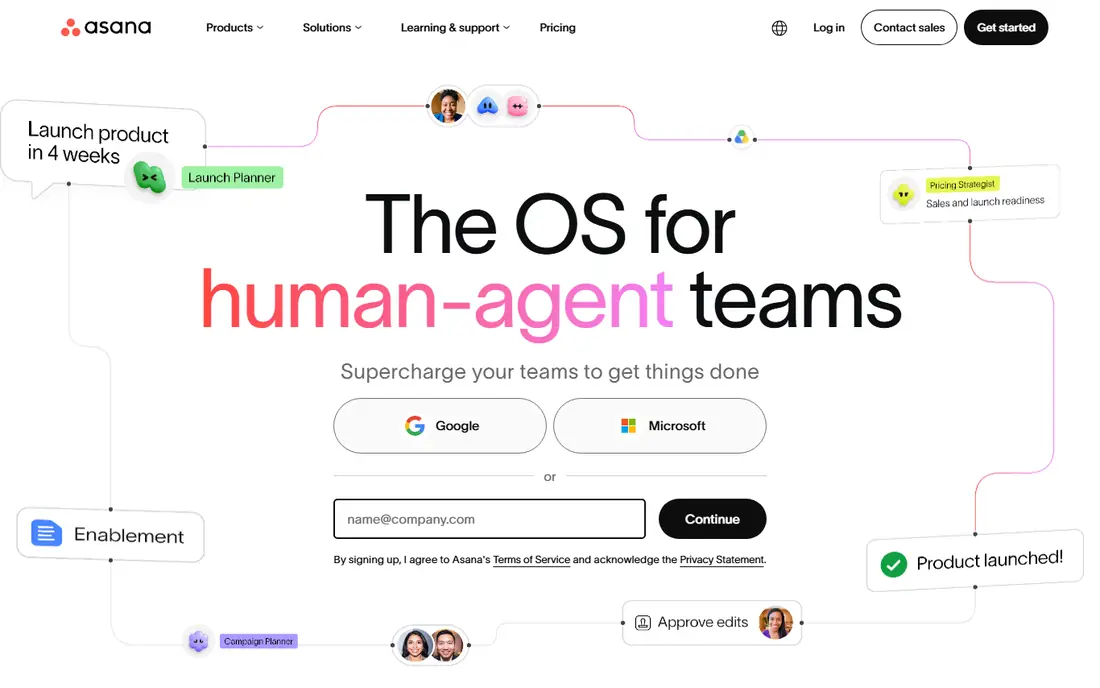
Asana works well when agile work spreads beyond engineering. Marketing, operations, and product teams can share the same project structure without learning developer terminology, and portfolios give managers a view across many projects at once. Timeline and board views let a team switch between planning styles without rebuilding the work.
Software teams should check the fit before committing. Asana tracks tasks well, but it does not offer the same depth for bugs, releases, and code integration that Jira or Linear provide. That trade can be worth it for mixed teams, since adoption matters more than perfect engineering features. If your whole company needs to live in one tool, Asana is a strong candidate.
- Easy to learn for non-technical teams
- Portfolios and goals link work to outcomes
- Many views including list, board, and timeline
- No native software lifecycle objects like code-linked issues
- Advanced reporting sits on higher plans
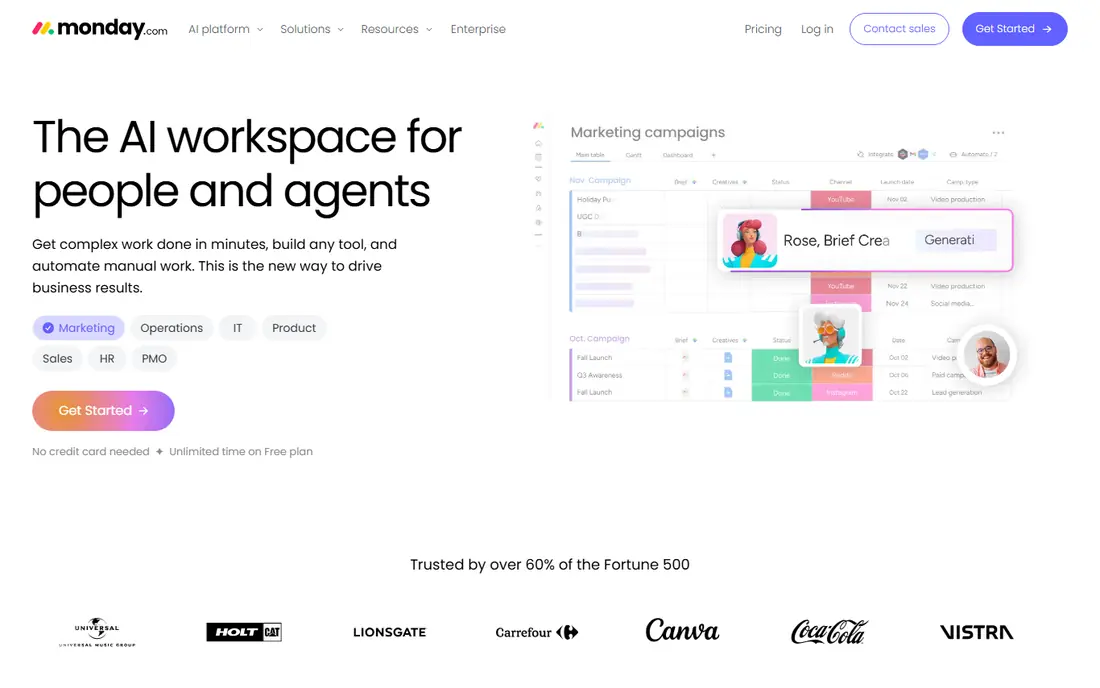
monday.com appeals to teams that think in boards and color. You can build a sprint board, a request pipeline, or a launch tracker from columns, groups, and automations, and dashboards turn that work into charts for stakeholders. Intake forms are a quiet strength, since requests arrive structured instead of as scattered chat messages.
Flexibility cuts both ways. monday.com will not force a team to run Scrum by the book, so a team without agreed rules can drift into a board that looks busy but says little about delivery. Teams that set sprint rules first and then build the board around them tend to get the most from it. Check the seat minimum on the plan you choose, since it changes the real monthly cost.
- Highly visual boards and dashboards
- Flexible columns and automations
- Easy intake forms for requests
- Seat minimums raise the entry cost
- Process discipline must come from the team, since boards stay flexible
ClickUp tries to be the one workspace for tasks, docs, goals, chat, and dashboards, and for many small and mid-size teams that consolidation saves money and tab switching. Sprint features include folders, custom statuses, and reporting that covers burndown, burnup, and velocity on suitable plans. The free plan is generous enough to test real work, not just a demo project.
The risk is sprawl. With so many features on offer, a team can spend weeks tuning ClickUp instead of shipping work. Start with one space, one sprint workflow, and a small set of views, then add docs or dashboards only when a real need appears. Used that way, ClickUp offers strong value for teams that want breadth without enterprise pricing.
- Very broad feature set for the price
- Docs, goals, chat, and dashboards in one workspace
- Sprint folders with velocity and burndown views
- The breadth creates a learning curve
- Setup choices can overwhelm new teams
Linear feels different the moment you open it. Issues, cycles, projects, and roadmaps load quickly, keyboard shortcuts keep hands on the work, and the design pushes teams toward small, well-written issues rather than long ticket forms. Cycles run from one to eight weeks, which suits teams that plan in regular rhythms without heavy ceremony.
That opinionated design is both the appeal and the limit. Teams that want deep custom workflows, complex approval chains, or company-wide project tracking may bump into edges. Product and engineering teams that value speed and focus usually accept that trade gladly. The free plan covers a small team well, so a pilot sprint is a low-cost way to test whether the pace suits your group.
- Fast, clean interface built for speed
- Cycles replace rigid sprint setup
- Strong keyboard support and integrations
- Opinionated model limits heavy customization
- Weaker fit for non-engineering departments
Azure DevOps suits teams already living in Microsoft tools. Boards link work items to code, builds, and test plans, so a sprint review can trace a feature from backlog item to deployed build without jumping between vendors. Portfolio backlogs help larger groups coordinate several teams, and the free allowance for the first users keeps small pilots cheap.
Newcomers should expect a learning curve. Azure DevOps covers a lot of ground, from repos to pipelines to artifacts, and the breadth can confuse a team that only wanted a board. It also pays to price the full setup, since pipelines and test features can add cost beyond the basic board price. For Microsoft shops, that integration is often worth the effort.
- Boards connect directly to repositories, pipelines, and tests
- First users free on the basic plan
- Strong portfolio and sprint backlogs
- Interface feels dense for newcomers
- Some parts are priced separately, so totals need checking
Trello is the simplest tool on this list, and that simplicity is a feature. A team can create a board, add cards, and start moving work in minutes, with no training session and no admin project. For Kanban-style flow and for small teams that run light Scrumban, Trello keeps the work visible without ceremony.
The ceiling arrives when a team needs real sprint reporting. There is no built-in velocity chart or formal sprint object, so teams track those numbers elsewhere or with Power-Ups. If your process fits on cards and your reporting needs stay light, Trello is hard to beat for price and speed. If you need strict sprint governance, look at Jira, Linear, or ClickUp first.
- Instant to learn and start using
- Boards, lists, and cards match how many teams already think
- Large Power-Up integration library
- No native sprint object or velocity reporting
- Reporting and workload views stay thin
Wrike fits teams that juggle many requests, approvals, and shared resources. Custom workflows, workload views, and cross-project reports help managers see who is overloaded and which projects are at risk, while request forms bring intake into one queue. Kanban boards and Gantt views cover both agile and planned work in the same system.
That structure comes with weight. New users may need time to learn where things live, and the pricing structure rewards careful checking before purchase. Teams in professional services, marketing operations, and larger enterprises tend to benefit most, since they use the resource and approval features daily. Smaller teams may find a lighter tool faster to adopt.
- Strong workload, resource, and approval features
- Detailed reporting across projects
- Good fit for request-driven teams
- Interface can feel complex at first
- Higher tiers use annual billing and seat rules that need checking
Zoho Sprints does one job and does it plainly. It offers a backlog, Scrum boards, Kanban boards, and sprint planning without the extra layers that make larger platforms feel heavy. Teams already using Zoho Projects, Zoho Desk, or other Zoho apps get a natural fit, since data and logins sit in the same family.
Limits matter here. The free plan caps users and projects, so growing teams should price the paid tier early rather than after a sprint is already running. The integration ecosystem is also smaller than Atlassian or Asana, so teams with unusual tooling should check connectors first. For a small Scrum team on a tight budget, Zoho Sprints is a practical, focused pick.
- Built for Scrum with backlog, sprints, and Kanban boards
- Low cost compared with larger suites
- Integrates with other Zoho apps
- Free plan caps users, projects, and sprints
- Smaller ecosystem than Jira or Asana
How we picked these
We compared official feature pages, pricing pages, and app store listings for agile tools that are live in October 2026, and we favored tools with real Scrum or Kanban support, a usable free plan or trial, and a clear audience. We left out tools that had shut down or moved to an archived state, and we marked prices as See website where the vendor prices by quote or where list prices varied across pages. We did not claim hands-on testing, and we judged each tool by what its public documentation and pricing actually promise.
What to check before you buy agile software
Start with your planning habit, not the feature list. A team that plans in two-week sprints needs sprint objects, backlog grooming, and velocity reports. A team that works in continuous flow needs a strong Kanban board, work-in-progress limits, and cycle time views. Write down the three reports your manager actually asks for each month, then check that the tool produces them on the plan you can afford, not only on the top tier.
Run one real sprint first
Pilot with one team and one real project, not a sample board. Move the backlog, run planning, hold the daily check-ins, and close the sprint in the new tool. Watch for friction: slow loading, confusing permissions, missing integrations, or reports that need manual fixes. A pilot also reveals training needs, since the best tool is the one the whole team updates without being chased.
Price the whole team, not one seat
Seat minimums, billing blocks, and add-ons change the monthly total fast. Confirm how many seats you must buy, whether guests count, and whether reporting, time tracking, or automation costs extra. Also check who owns admin rights, how data exports work, and what happens to your boards if you cancel. Those answers matter more than a small per-seat difference.
Frequently asked questions
What is the best agile software for most teams?
Jira suits software teams that want depth, Asana suits mixed teams, and Linear suits fast product teams. The best pick depends on whether engineering, the wider business, or speed matters most to your team, so run a pilot before buying for the whole company.
What is the best agile project management software for small teams?
Trello and Zoho Sprints suit small teams that want low cost and fast setup, while ClickUp suits small teams that want more features in one place. Start free where possible, and move to a paid plan only when a limit, such as reporting or permissions, starts to block real work.
What are the best agile software tools for Scrum?
Jira, Zoho Sprints, and Azure DevOps offer the most direct Scrum support, with backlogs, sprint planning, and sprint reports built in. Linear uses cycles that work like sprints for many teams, while Trello needs manual lanes to mimic a sprint.
What is the best agile tool for a Microsoft shop?
Azure DevOps is the natural fit, since boards connect to repositories, pipelines, and test management in the same Microsoft family. Teams that already pay for Microsoft 365 should also check whether their current plan already covers the collaboration tools they need.
Do agile tools offer free plans?
Yes, most tools in this list offer a free plan, usually with caps on users, projects, or features. Free plans work well for pilots and tiny teams, but growing teams should check paid pricing early so a cap does not interrupt a sprint.
How much does agile software cost per user?
Entry paid plans in this list start around $5 to $11 per user per month on annual billing, with enterprise plans priced by quote. Always confirm the billing period, seat minimum, and included features on the vendor pricing page before budgeting.
Sources
See where you really rank - block by block
ProMapRanker scans Google Maps across a grid of your service area. Simple monthly plans from $19, white-label on every plan.
Start freeKeep reading
 best tour operator software
Best Tour Operator Software in 2026
Compare the best tour operator software for bookings, channel management, waivers and payments, with pricing models for day tours and multi-day trips.
Read → best time clock app for small business
Best Time Clock App for Small Business in 2026
We compare the best time clock app for small business options, with free plans, GPS clock ins, scheduling and payroll links for hourly teams and payroll help.
Read → best test automation tools
Best Test Automation Tools in 2026
Compare the best test automation tools, from Playwright and Selenium to Cypress, Katalon and BrowserStack, with prices, languages and best uses explained.
Read →