 ProMapRanker
Best Accounting Workflow Automation Software in 2026


Email-driven workflow and team visibility · Pricing starts at: $59 per user per month
Key takeaways
- Karbon leads for email-driven workflow and team visibility, with automation on its Business tier.
- TaxDome gives tax and accounting firms one client portal for documents, signatures, billing, and workflows.
- Canopy suits tax-heavy practices, especially firms handling IRS notice and representation work.
- Financial Cents, Jetpack Workflow, Uku, and Tidyflow give smaller firms workflow automation at lower prices.
- Modular pricing means the headline tier is rarely the full bill, so quote add-ons for documents, billing, and tax work before signing.
Quick comparison
| Pick | Great for | Pricing starts at | Free tier | |
|---|---|---|---|---|
| Karbon | Email-driven workflow and team visibility | $59 per user per month | Free trial (14 days) | Visit |
 TaxDome | One client portal for tax and accounting firms | $800 per user per year | No | Visit |
 Canopy | Tax practices and tax resolution work | $74 per user per month | No | Visit |
 Financial Cents | Small firms wanting workflows running fast | $19 per month | Free trial (14 days) | Visit |
 Jetpack Workflow | Recurring task tracking without a full suite | $40 per user per month | Free trial (14 days) | Visit |
 Uku | Small firms tracking profitability on advisory work | $19 per user per month | Free trial (14 days) | Visit |
 Tidyflow | Karbon-style depth at a lower price | $39 per user per month | No | Visit |
 Xero Practice Manager | Firms already running on Xero | See website | No | Visit |
The best accounting workflow automation software
Accounting workflow automation software turns repeatable firm work, such as monthly bookkeeping, tax returns, payroll, and client follow-ups, into templates, tasks, deadlines, and reminders that run with less manual chasing. The best rated accounting workflow automation tools in this list cover full practice suites and focused workflow tools, so firms can pick depth or simplicity based on size and budget. This is not tax or financial advice, and firms should confirm compliance needs with their own advisers.

Karbon is a practice management platform for accounting and tax firms that organizes work around clients, jobs, tasks, and email. Client work that arrives by email can be triaged into tasks without leaving the inbox view, and managers can see workloads, deadlines, and bottlenecks across the whole firm. That visibility is why many growing firms choose Karbon over a simple task list.
The Team plan starts at $59 per user per month billed annually, while automation, API access, and some advanced features sit on the Business plan at $89 per user per month billed annually. Firms should price the Business tier if automation is the main reason for buying, since Team alone will not deliver the full automation promise. A 14-day free trial is available through a demo. For firms of five to fifty people where work runs through email, Karbon is our pick for most people.
- Clear task tracking with email triage built in
- Strong team visibility across clients and work
- Client portal and collaboration tools
- Automation sits on the Business tier at $89 per user per month
- E-signatures need an add-on
- No permanent free plan
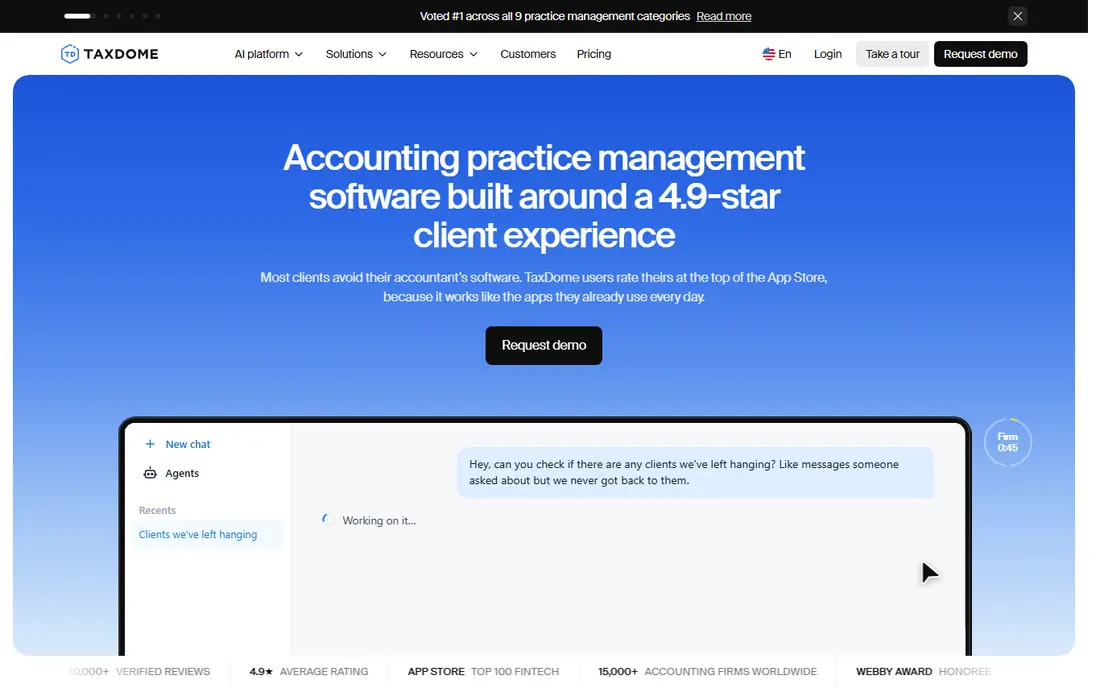
TaxDome gives tax and accounting firms one branded client portal for onboarding, document collection, e-signatures, messaging, billing, and payments, plus workflows that move a return or bookkeeping job through each step. Clients upload documents, sign forms, and pay in the same place, which cuts down on email attachments and chasing. Workflow templates and automations handle reminders, status updates, and recurring jobs.
Pricing starts at $800 per seat per year for Essentials billed annually, with higher tiers for more features. TaxDome bills annually upfront with no monthly option, and onboarding packages are optional but often recommended, so firms should budget for that first-year total. TaxDome suits tax and accounting firms that want one client-facing system and are ready to commit annually. Firms that want monthly billing or a lighter workflow tool should look at Financial Cents or Jetpack Workflow.
- All-in-one client portal with documents, signatures, and billing
- Workflow templates and automations for tax work
- Mobile app for clients
- Annual upfront payment with no monthly option
- Onboarding packages cost extra
- Per-seat cost rises for larger teams
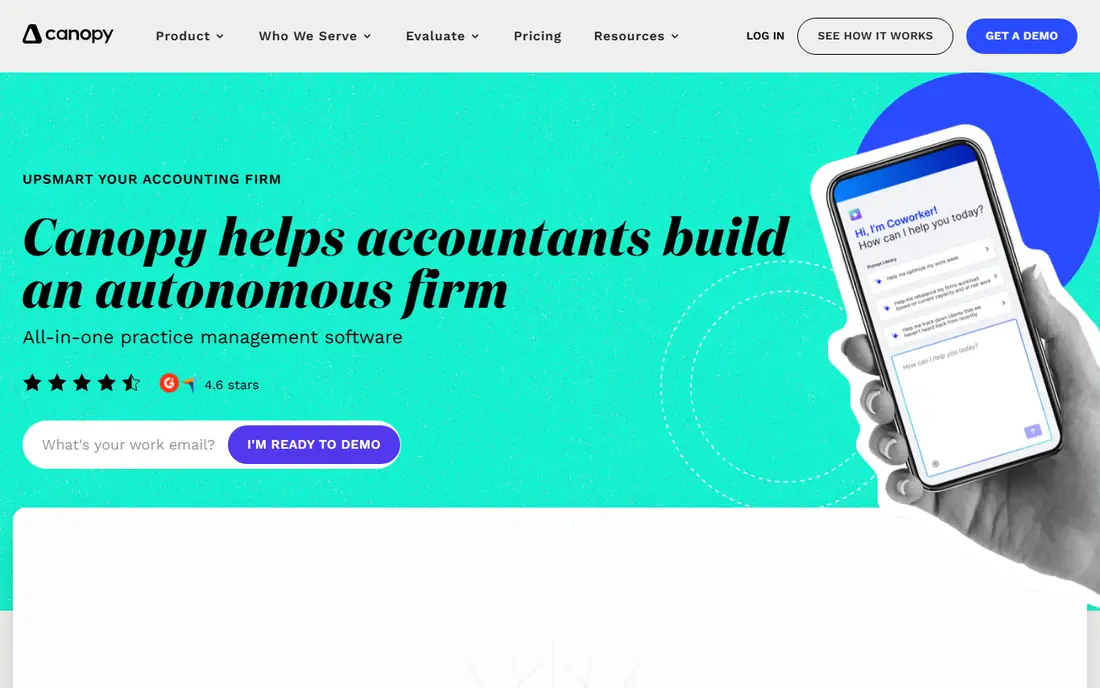
Canopy is a practice management platform for accounting and tax firms, with a modular design that lets firms add document management, workflow, time and billing, and tax resolution as needed. Its tax resolution tools, including IRS integration and notice handling, set it apart for firms that handle representation work. The client portal, CRM, and billing tools cover the day-to-day client side of a tax practice.
The Standard plan starts at $74 per user per month billed annually, with Plus at $109 and Premium at $149, plus add-ons for tax resolution, document management, workflow, and payment processing in some comparisons. That modular structure means firms should quote the full module set they need, not just the base tier. Canopy suits tax-led firms, especially those with IRS work, where its specialist tools justify the higher total. General bookkeeping firms may find Karbon or TaxDome simpler and cheaper.
- Modular platform with CRM, portal, billing, and documents
- Specialist tax resolution tools with IRS integration
- Strong fit for tax-led firms
- Modular pricing means the full total exceeds the headline tier
- Advanced automation sits on higher tiers
- Training costs can add up
Financial Cents is built for small firms that want workflows running this week, not after a long implementation. It offers workflow templates for bookkeeping, tax, payroll, and advisory work, with tasks, deadlines, client requests, and dashboards that show what is done and what is overdue. Staff can see their own work clearly, and managers can spot bottlenecks without digging through spreadsheets.
Pricing starts at $19 per month for the Solo plan, with Team plans from $49 per user per month billed annually in vendor comparisons, and a 14-day free trial. That low entry price makes Financial Cents a good first workflow tool for solo accountants and small firms. Larger firms that need deep email triage, advanced automation, or a full client portal may outgrow it and move to Karbon or TaxDome. For small firms, though, speed and price are hard to beat.
- Fast setup with workflow templates for accounting work
- Low starting price for solo firms
- Clear dashboards for staff and clients
- Smaller feature set than Karbon or TaxDome
- Some advanced reporting needs higher tiers
- No permanent free plan
Jetpack Workflow focuses on one job well: tracking recurring accounting work. Firms can build templates for monthly bookkeeping, quarterly payroll, annual tax returns, and other repeat jobs, then assign tasks, set deadlines, and see status across clients. That focus suits firms that already have a portal, billing, or document tool and just need workflow discipline.
Pricing starts at $40 per user per month billed annually, with a 14-day free trial. Jetpack Workflow suits firms that want workflow without paying for a full suite they will not use. Firms that want a client portal, e-signatures, billing, and workflow in one place should choose TaxDome, Canopy, or Karbon instead. For firms that mainly need to stop missing recurring deadlines, Jetpack Workflow is a clean, focused pick.
- Focused recurring workflow tracking for accounting firms
- Templates for monthly, quarterly, and annual jobs
- Simple team visibility
- Workflow only, not a full client portal or billing suite
- Fewer integrations than larger suites
- No permanent free plan
Uku is a practice management tool for small and growing accounting firms, with tasks, workflows, client portal, integrations, and automation in one platform. Its Team plan starts at $38 per user per month in recent comparisons, with a Solo plan from $19 per member per month billed annually, and an Elite plan from $48 that adds budgeting, document management, and e-signatures. Uku also emphasizes profitability views, which help firms see which clients and services actually make money.
Pricing is more transparent than many rivals, with monthly options that some larger suites do not offer, and a 14-day free trial. Uku suits small firms that want automation and a portal without enterprise pricing, especially firms moving into advisory work where profitability matters. Firms that need deep US tax resolution tools should still compare Canopy, and firms that need email-driven workflow at scale should compare Karbon. For small firms on a budget, Uku is a strong value pick.
- Transparent pricing with monthly options
- Client portal, tasks, and automation included
- Profitability views for advisory and project work
- Smaller vendor footprint than Karbon or TaxDome
- Some advanced features need higher tiers
- Fewer US-focused tax tools than Canopy
Tidyflow positions itself as a growing-firm alternative to Karbon, with workflow, client, and team management at $39 per user per month. It covers tasks, recurring jobs, client work, and team visibility, which are the core needs for firms that have outgrown spreadsheets and simple task lists. The lower starting price makes it attractive for firms that want depth without paying Karbon Business rates.
The trade-off is scale and track record. Tidyflow is a smaller vendor with fewer public reviews than Karbon or TaxDome, so firms should ask for reference clients similar in size and run a trial with real jobs. Tidyflow suits growing firms that want a fuller workflow tool at a mid-range price and are comfortable with a smaller vendor. Firms that need a large integration catalog or a proven enterprise track record may prefer Karbon or TaxDome.
- Karbon-style workflow depth at a lower starting price
- Tasks, clients, and team views in one place
- Good fit for growing firms
- Smaller vendor than leaders
- Fewer public reviews to compare
- Some features may need higher tiers
Xero Practice Manager, known as XPM, is a practice tool for firms already running on Xero. It covers jobs, time tracking, invoicing, and client management, with data tied to Xero accounting, which reduces double entry for bookkeeping firms. For eligible firms on Xero partner plans, XPM is included, which makes it a low-cost starting point for workflow.
Pricing is See website because cost depends on the partner plan, not a standalone per-user list price, so firms should confirm eligibility with Xero. XPM suits Xero-based firms that need basic job and time tracking without buying a separate suite. Firms that need deep automation, a full client portal, or tax-specific workflows will likely need Karbon, TaxDome, or Canopy alongside or instead of XPM. For Xero firms starting with workflow, XPM is a sensible first step.
- Included with Xero partner plans for eligible firms
- Job, time, and client tracking tied to Xero
- Good fit for Xero-based bookkeeping firms
- Pricing depends on partner plan, not a standalone list price
- Workflow depth is less than Karbon or TaxDome
- Best only for Xero firms
How we picked these
We compared official pricing pages, product pages, and public reviews for accounting workflow automation tools in October 2026. We favored tools that exist today, serve accounting and tax firms, and automate recurring jobs with templates, deadlines, reminders, and client requests. We kept both full practice suites and focused workflow tools, and we marked pricing as See website where cost depends on partner plans or modular quotes. We did not claim hands-on testing, and we based the write-ups on vendor documentation and public comparisons.
What to check before you buy
Start with your repeat jobs. List monthly bookkeeping, quarterly payroll, annual tax, and advisory jobs, and check whether the tool has templates for those jobs or requires building them from scratch. Test a full job from intake to delivery on a trial, including client document requests, reminders, review, e-signature, and billing, since a tool that only tracks tasks will still leave manual steps elsewhere.
Next, check the full price. Ask for a quote covering seats, modules, document management, billing, tax tools, e-signatures, payment fees, and onboarding. Check automation limits too, since some tools gate automation behind a higher tier. Finally, check integrations with your accounting software, such as QuickBooks Online or Xero, and with email, since workflow that does not connect to where work arrives will create duplicate entry.
Start with templates, not custom builds
Use vendor templates for your most common jobs first, then customize one template at a time. That approach gets the team using the tool in weeks, rather than spending months building a perfect system no one has tested.
Measure time saved per job
Track hours per return, per monthly close, and per client onboarding before and after rollout. If automation does not cut chasing time and missed deadlines, the template or reminder settings need fixing before you add more clients to the system.
Frequently asked questions
What is the best accounting workflow automation software?
Karbon leads for email-driven workflow and team visibility, TaxDome leads for a single client portal, and Canopy leads for tax resolution work. Small firms often do well with Financial Cents, Uku, or Jetpack Workflow at lower prices.
What are the best rated accounting workflow automation tools for small firms?
Financial Cents from $19 per month, Uku from $19 per member per month, Jetpack Workflow from $40 per user per month, and Tidyflow at $39 per user per month give small firms workflow automation without enterprise pricing. Check which tier includes automation, since some tools gate it behind higher plans.
How much does accounting workflow automation software cost?
Starting prices in this list range from $19 per month to $89 per user per month for Karbon Business, $800 per seat per year for TaxDome, and $74 to $149 per user per month for Canopy tiers. Modular add-ons, onboarding, and payment fees can raise the total, so request a full quote.
Does workflow software replace a client portal?
Not always. Karbon, TaxDome, Canopy, and Uku include client portals, while Jetpack Workflow focuses on internal workflow. Firms that need document collection, signatures, and payments in one place should pick a suite with a portal included.
Can workflow automation handle tax season?
Yes, when templates, deadlines, and reminders are set up before busy season. Build tax templates in the off-season, test them with a few clients, and assign review steps clearly. Automation helps most when the team already has a consistent process to automate.
Sources
See where you really rank - block by block
ProMapRanker scans Google Maps across a grid of your service area. Simple monthly plans from $19, white-label on every plan.
Start freeKeep reading
 who has best internet service
Who Has the Best Internet Service in 2026
Who has best internet service for US homes? We compare fiber, cable, fixed wireless and satellite providers on speed, price, availability and terms today.
Read → which survey tool has the best analytics
Which Survey Tool Has the Best Analytics in 2026
Find which survey tool has the best analytics in 2026, comparing Qualtrics, SurveyMonkey, Typeform, Alchemer, and more on reports, text, and stats today.
Read → which streaming service has the best movies
Which Streaming Service Has the Best Movies in 2026
Answering which streaming service has the best movies, with Netflix, Max, Criterion and more compared on libraries, prices and free options in this guide.
Read →