 ProMapRanker
Best Accounting Software With Payroll Features in 2026


Most small businesses · Pricing starts at: $38 per month
Key takeaways
- QuickBooks Online has the most complete US payroll integration in this list, because payroll is built into the same system as accounting.
- Xero suits teams with many users, since every plan includes unlimited users, though US payroll often runs through a partner.
- FreshBooks, Zoho Books and Wave suit smaller service businesses, but payroll is an add-on or a partner feature, not always a core plan.
- Payroll pricing is usually a base fee plus a per-person fee, so model the total at your real headcount before choosing.
Quick comparison
| Pick | Great for | Pricing starts at | Free tier | |
|---|---|---|---|---|
| QuickBooks Online | Most small businesses | $38 per month | Free trial (30 days) | Visit |
 Xero | Teams with many users | $25 per month | Free trial (30 days) | Visit |
 FreshBooks | Service businesses | $23 per month | Free trial (30 days) | Visit |
 Zoho Books | Zoho ecosystem users | Free | Yes | Visit |
 Wave | Free bookkeeping for solos | Free | Yes | Visit |
 Sage 50 | Inventory and desktop depth | See website | Free trial | Visit |
 Patriot Software | Simple US payroll plus accounting | See website | Free trial | Visit |
 AccountEdge | Single-user desktop accounting | $20 per month | Free trial | Visit |
 Bench | Managed bookkeeping with payroll help | $189 per month | No | Visit |
The best accounting software with payroll features
Accounting software with payroll features should handle invoicing, expenses, bank reconciliation and pay runs in a connected way, so payroll costs flow into the books without manual entry. We compared official pricing pages, product documentation and public reviews, focusing on US small business use. This article is general information only and is not tax advice. Payroll tax rules vary by state, so confirm filing duties with a qualified adviser.

QuickBooks Online is the default choice for many US small businesses, and payroll is a key reason. Its payroll add-on handles pay runs, tax calculations and filings in the same system as invoicing and expenses, so payroll costs post to the books automatically. Most US accountants already work in QuickBooks, which makes year-end handover smoother than with a niche tool.
The cost adds up. Accounting starts at $38 per month for Simple Start, and payroll is charged separately, with a base fee plus a per-employee amount. Lower plans also limit users, so a growing team may need a higher tier. For a business that wants one system for books and US payroll, and an accountant who knows it, QuickBooks remains the safest pick.
- Built-in US payroll add-on
- Wide accountant familiarity
- Large app marketplace and bank feeds
- Payroll is an extra cost on top of accounting
- Per-user limits on lower plans
- Price rises with tiers
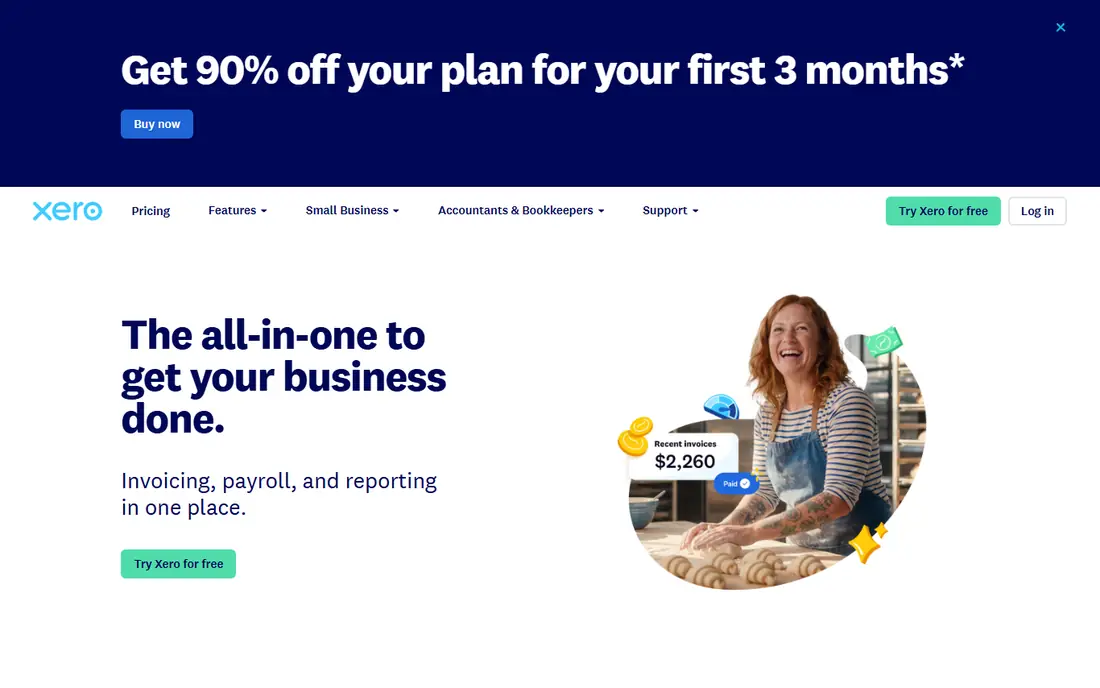
Xero appeals to businesses where several people need access to the books. Every plan includes unlimited users, so adding a bookkeeper, manager or adviser does not raise the seat bill. Bank reconciliation is clean, invoicing is straightforward, and multi-currency support suits businesses with overseas clients or suppliers.
US payroll is the weakness. Xero handles US payroll through a partner integration rather than as a native payroll engine, which adds a second vendor to the setup. Businesses that need deep US payroll, with state filings and benefits, should test that partner workflow carefully. For teams that value unlimited users and a modern interface, Xero is still a strong accounting choice.
- Unlimited users on every plan
- Clean bank reconciliation
- Strong multi-currency support
- US payroll is handled through a partner, not natively
- Smaller US accountant network than QuickBooks
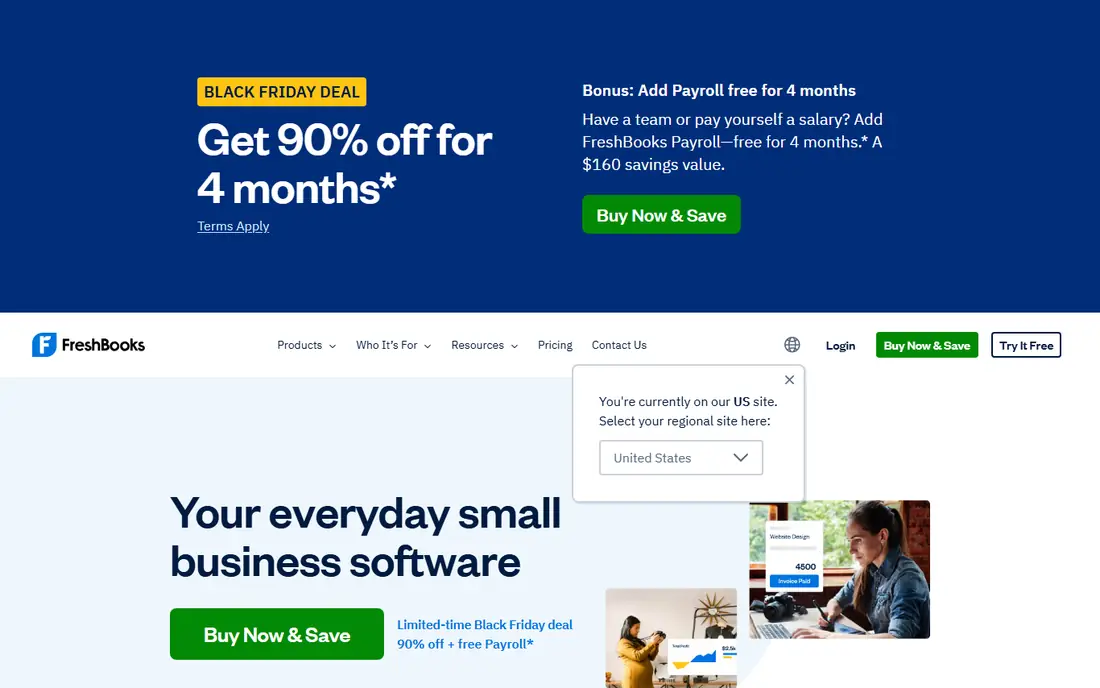
FreshBooks is built for service businesses that bill for time and projects. Invoices, estimates, expenses and time tracking fit together naturally, and clients can pay online from the invoice. That workflow suits freelancers, agencies and consultants whose main financial job is turning work into collected revenue.
Payroll is available as an add-on at $40 per month plus $6 per person, which should be added to the accounting price when comparing totals. FreshBooks also lacks the double-entry depth and inventory features of QuickBooks or Sage, so product-based businesses may outgrow it. For a service business with a small team, its simplicity is a real advantage.
- Excellent invoicing and time tracking
- Simple client billing
- Payroll add-on available
- No double-entry depth for complex accounting
- Payroll add-on costs $40 per month plus $6 per person
Zoho Books suits businesses already using Zoho CRM, Zoho Inventory or other Zoho apps. The free plan covers businesses with revenue under $50,000, with paid plans from about $20 per month for higher limits and more users. Automation, recurring invoices and custom workflows reduce manual bookkeeping for growing teams.
Payroll connects through Zoho Payroll, which is a separate product in the Zoho family, so buyers should confirm US payroll coverage and pricing for their state. The free plan also caps invoices per year, which limits larger businesses. For a Zoho-centred business, the shared data and single sign-on make Zoho Books a natural accounting choice.
- Free plan for businesses under $50,000 revenue
- Automation and custom workflows
- Zoho Payroll integration
- Free plan limits invoices
- Payroll availability varies by plan and region
Wave is the best free starting point for a solo business that needs invoicing and basic bookkeeping without a monthly fee. The free Starter plan covers invoicing and accounting, while Pro at $19 per month adds features such as automatic bank import and receipt tools. Wave Payroll is available in the US as a separate service for businesses that need pay runs.
The free plan limits are important. Without automatic bank import, a busy business will spend more time on manual entry, which can erase the saving. Wave also suits solos and very small teams better than larger businesses with inventory or multi-user needs. For a new freelancer, it is a low-risk way to start organised books and add payroll later.
- Free invoicing and bookkeeping
- Simple layout for solos
- Wave Payroll available in the US
- No automatic bank import on the free Starter plan
- Pro features and payroll add cost
Sage 50 suits established businesses that need inventory depth, job costing and detailed accounting controls. It handles stock, assemblies and costing in a way that simpler cloud tools do not, and its desktop heritage appeals to firms that want local data control. Payroll is available as part of the wider Sage offering, though buyers should confirm the exact payroll module for their plan.
Pricing is subscription-based with an annual commitment, and published figures have varied, so a current quote is essential. The interface is also more traditional than QuickBooks Online or Xero, which can slow new users. For a product-based business with inventory complexity, Sage 50 offers depth that justifies the learning curve.
- Strong inventory and job costing
- Deep double-entry accounting
- Desktop reliability for established firms
- Subscription pricing with annual commitment
- Interface feels traditional compared with cloud rivals
Patriot Software is built around US payroll for small businesses, with accounting available in the same account. That payroll-first design suits businesses whose main need is accurate, affordable pay runs with tax filings, rather than complex inventory or multi-entity accounting. Pricing follows a base fee plus a per-employee model, which is easy to model at a real headcount.
Accounting features are simpler than QuickBooks or Sage, and the integration marketplace is smaller. Businesses with complex reporting or many third-party apps may find Patriot limiting. For a small US employer that wants payroll and books together without enterprise complexity, Patriot is a practical, focused option.
- US payroll built for small businesses
- Accounting and payroll in one account
- Clear per-employee pricing model
- Smaller integration marketplace than QuickBooks
- Accounting depth is simpler than Sage
AccountEdge suits a single-user business that prefers desktop software over a cloud-only system. It covers accounting, invoicing, inventory, time billing and payroll features in one desktop program, which appeals to owners who want their data local and a stable interface. At $20 per month for the Pro plan, it is also cheaper than many cloud rivals.
The single-user model is the limit. Teams that need several people in the books at once, or strong mobile access, will find AccountEdge restrictive. Cloud collaboration is thinner than QuickBooks Online or Xero. For a solo owner-operator who values desktop control, it remains a viable accounting and payroll option.
- Desktop accounting with payroll features
- One-time feel for single users
- Inventory and time billing included
- Single-user focus
- Cloud and mobile features are thinner than QuickBooks Online
Bench is different because it is a managed service, not just software. A dedicated bookkeeping team handles monthly categorisation, reconciliation and reports, while Bench Payroll supports pay runs for businesses that need it. That hands-off model suits owners who want accurate books without doing the bookkeeping themselves.
The price reflects the service, starting at $189 per month, which is far above software-only plans. Owners who enjoy controlling every transaction may find Bench too hands-off, and businesses with complex inventory may need a different setup. For a small business owner who wants books and payroll handled by people, Bench removes a weekly chore.
- Human bookkeepers handle monthly books
- Payroll support through Bench Payroll
- Clean reports for owners
- Managed service price is higher than software alone
- Less hands-on control than DIY accounting
How we picked these
We compared official pricing pages, product documentation and public reviews for accounting tools that offer payroll as a built-in feature, an add-on or a closely integrated partner product. We stated that distinction for each tool, because payroll depth varies widely. We favoured tools with US payroll relevance, clear pricing and a track record with small businesses, and we avoided inventing payroll tax figures.
What to check before you buy
Start with payroll scope. Ask whether payroll is native, an add-on or a partner product, and which states, tax filings and benefits it covers. A tool that handles federal payroll but not your state filings will leave work undone. Also confirm how payroll costs post to the books, and whether contractor payments are included or charged separately.
Next, model total cost at your headcount. Add accounting, payroll base fees and per-person fees together, then compare that total across tools. A cheap accounting plan with expensive payroll can cost more than a higher accounting plan with payroll included. Check contract terms too, since some plans require annual billing for the best price.
Finally, test the workflow with your accountant. Run a sample pay period, an invoice and a bank reconciliation, and ask your accountant to review the reports. A system your accountant cannot use easily will cost more in year-end fees than any monthly saving. Choose the tool that fits your team size, payroll complexity and accountant workflow together.
Frequently asked questions
What is the best accounting software with payroll features?
QuickBooks Online is the strongest all-round pick for US small businesses, because payroll is built into the same system as accounting. Xero suits teams with many users, while FreshBooks and Patriot suit smaller service businesses. The best pick depends on headcount, payroll complexity and accountant familiarity.
Does QuickBooks include payroll?
QuickBooks Online accounting does not include payroll by default. Payroll is an add-on with a base fee plus a per-employee charge, and the exact price depends on the payroll plan chosen. Add both fees together when comparing QuickBooks with tools that bundle payroll differently.
What is the best accounting software with payroll feature for a freelancer?
Wave and FreshBooks suit many freelancers, with Wave offering free bookkeeping and FreshBooks offering strong invoicing and time tracking. Payroll matters less for a solo freelancer with no staff, though contractor payments and tax estimates still need care. Add a payroll plan only when you hire employees.
How much does accounting software with payroll cost?
Accounting alone in this list ranges from free to $38 per month for entry plans, while payroll usually adds a base fee plus a per-person fee. FreshBooks payroll, for example, is listed at $40 per month plus $6 per person. Model the combined total at your headcount, not the accounting price alone.
Is Xero payroll good for US businesses?
Xero accounting is strong, but US payroll runs through a partner integration rather than a native Xero payroll engine. That can work well, but buyers should test the partner workflow, state coverage and support path before committing. US businesses that need deep native payroll often prefer QuickBooks or Patriot.
Sources
See where you really rank - block by block
ProMapRanker scans Google Maps across a grid of your service area. Simple monthly plans from $19, white-label on every plan.
Start freeKeep reading
 who has best internet service
Who Has the Best Internet Service in 2026
Who has best internet service for US homes? We compare fiber, cable, fixed wireless and satellite providers on speed, price, availability and terms today.
Read → which survey tool has the best analytics
Which Survey Tool Has the Best Analytics in 2026
Find which survey tool has the best analytics in 2026, comparing Qualtrics, SurveyMonkey, Typeform, Alchemer, and more on reports, text, and stats today.
Read → which streaming service has the best movies
Which Streaming Service Has the Best Movies in 2026
Answering which streaming service has the best movies, with Netflix, Max, Criterion and more compared on libraries, prices and free options in this guide.
Read →