 ProMapRanker
Best Accounting Software for Self Employed in 2026


Service freelancers who invoice often · Pricing starts at: $23 per month
Key takeaways
- QuickBooks Solopreneur and FreshBooks are the most direct picks for solo workers, with tax tracking and invoicing as their core strengths.
- Wave and Zoho Books offer real free plans, which makes them strong starting points when cash flow is tight.
- Xero and QuickBooks Online suit self employed workers who plan to grow into a larger business or work closely with an accountant.
- Hurdlr and Found help gig workers and freelancers who need mileage tracking or banking plus bookkeeping in one place.
- This article is general information only, not tax advice, and tax rules vary by state and income type, so check with a qualified tax professional.
Quick comparison
| Pick | Great for | Pricing starts at | Free tier | |
|---|---|---|---|---|
| FreshBooks | Service freelancers who invoice often | $23 per month | Free trial | Visit |
 QuickBooks Solopreneur | Tax focused solo workers | $20 per month | Free trial | Visit |
 Wave | Free bookkeeping for new businesses | Free | Yes | Visit |
 Xero | Self employed workers planning to grow | $25 per month | Free trial | Visit |
 Zoho Books | Budget bookkeeping in the Zoho system | Free | Yes | Visit |
 Hurdlr | Mileage and gig worker taxes | $9.99 per month | Yes | Visit |
 Found | Banking plus bookkeeping | Free | Yes | Visit |
 Kashoo | Simple books with unlimited users | $20 per month | Free trial | Visit |
 QuickBooks Online | Full accounting that scales | $38 per month | Free trial | Visit |
The best accounting software for self employed workers
We compared official pricing, invoicing, expense tracking, mileage, and tax features for solo workers, with a focus on what you actually need when you work for yourself: clean records, clear invoices, and an easier tax season.
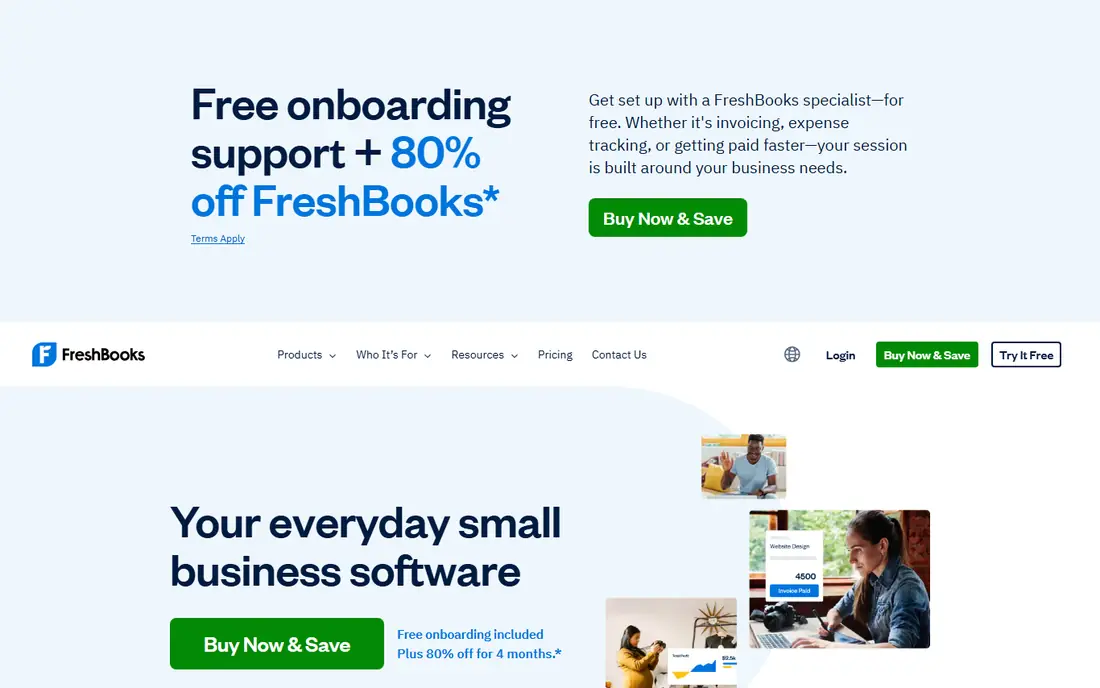
FreshBooks is built around getting paid. You can turn tracked time and expenses into an invoice quickly, send reminders, and accept payments without leaving the app. For designers, writers, consultants, and other service freelancers, that workflow saves more time than a generic ledger.
The main limit is the Lite plan, which allows only a small number of billable clients. If you serve many clients at once, price the Plus plan instead. FreshBooks is still our top pick for invoice-heavy solo work, because its client view keeps every project, invoice, and payment in one place.
- Strong invoicing and time tracking
- Easy expense capture
- Clear client records
- Lite plan caps billable clients
- Higher plans cost more for full bookkeeping
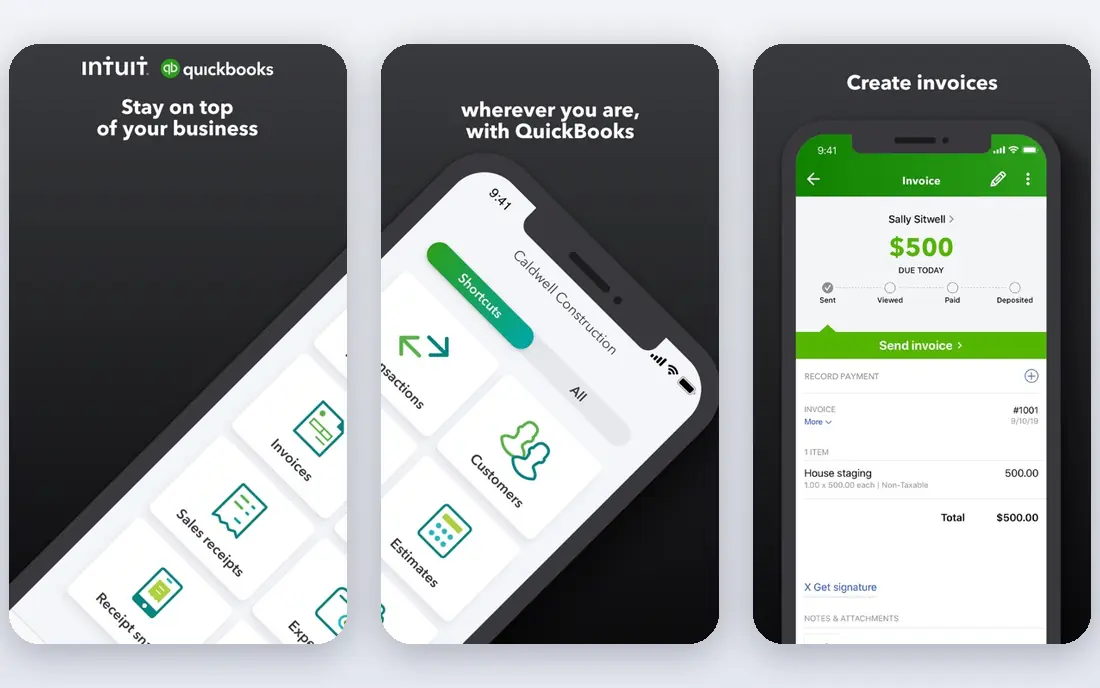
QuickBooks Solopreneur is designed for one-person businesses that want tax season to be less stressful. It helps separate personal and business transactions, tracks mileage, and estimates quarterly taxes based on your income and expenses. That tax-first focus is what sets it apart from a general invoice tool.
It is not a full double-entry accounting system in the same way QuickBooks Online is, so growing businesses may outgrow it. For a sole proprietor who mainly needs clean records, invoices, and tax estimates, however, it covers the core jobs well, and it shares the familiar QuickBooks name that many accountants recognize.
- Separates business and personal spending
- Mileage tracking
- Quarterly tax estimates
- Less full accounting depth than QuickBooks Online
- Some features require higher bundles
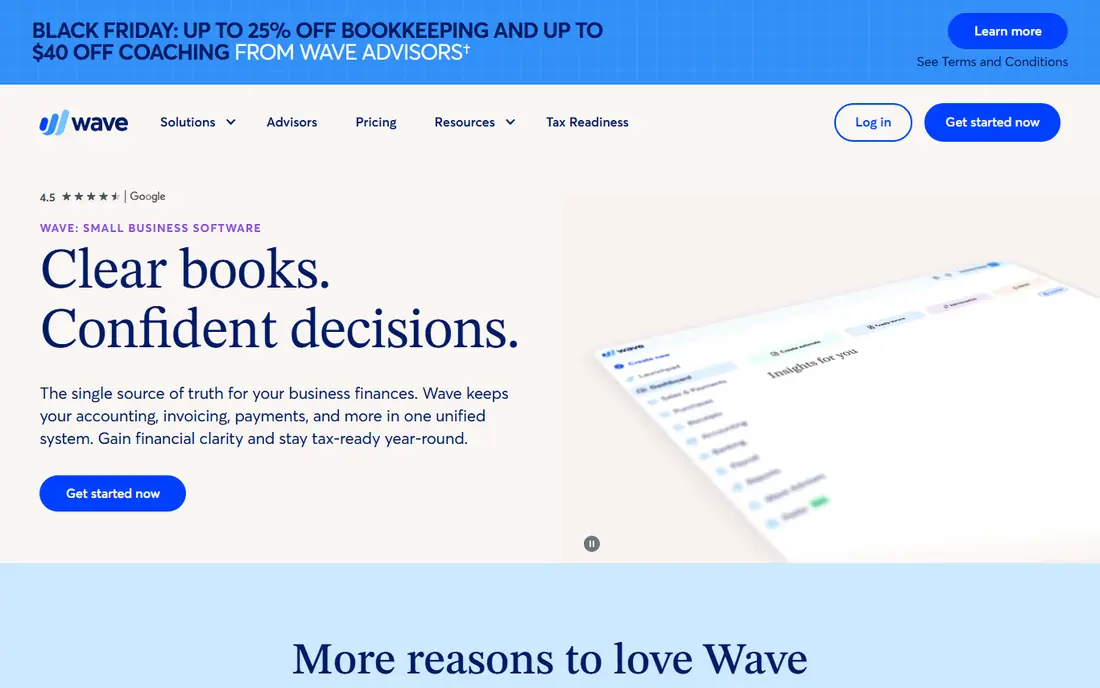
Wave is the best free starting point for many self employed workers. The Starter plan covers invoicing and bookkeeping records at no monthly cost, which is useful when you are just starting and every dollar counts. You can send professional invoices and track income and expenses without a subscription.
Wave Pro, at $19 per month in recent comparisons, adds more features for businesses that need them. Check what the free plan includes for bank connections and receipt handling before you rely on it for a high volume of transactions. For simple solo books, though, Wave is hard to beat on price.
- Free Starter plan
- Unlimited invoices
- No revenue cap on the free plan in published comparisons
- Paid Pro adds features such as receipt capture extras
- Support and payroll are paid add-ons
Xero suits a self employed worker who wants room to grow. Its bank reconciliation is strong, it handles bills and invoices in one place, and accountants can access the same books easily. If you expect to hire help, add inventory, or move toward a small company structure, Xero gives you a path without switching systems.
The Early plan limits the number of invoices and bills each month, so check your volume before choosing it. Xero also feels more like accounting software than a simple invoice app, which is a strength for accuracy and a drawback if you only want to send a quick invoice.
- Strong bank reconciliation
- Unlimited users on many plans
- Good accountant access
- Entry plan limits invoices and bills
- More accounting focused than invoice focused
Zoho Books is a strong budget pick, especially if you already use Zoho for email, CRM, or other business tools. The free plan covers businesses with revenue under $50,000 a year in published comparisons, with invoicing and basic reports included. Paid plans start around $20 per month for more capacity.
The catch is that some useful features, such as bank feeds, may require a paid plan depending on the current plan details. Still, for a solo worker inside the Zoho system, Zoho Books offers a lot of depth for little or no cost, and it scales to paid tiers as revenue grows.
- Free plan for businesses under a revenue threshold
- Good invoicing and reports
- Integrates with other Zoho apps
- Free plan revenue limit
- Bank feeds may require a paid plan in some comparisons
Hurdlr is built for drivers, delivery workers, freelancers, and other gig workers who need to track mileage and expenses without thinking about it. Automatic mileage tracking alone can save a lot of manual logging, and its tax estimates help gig workers set money aside during the year.
It is not a replacement for a full accounting system if you run a larger service business with inventory or payroll. As a focused tool for gig income, deductions, and mileage, though, it fills a gap that general accounting tools often handle less smoothly. Pair it with an invoice tool if you bill clients directly.
- Automatic mileage tracking
- Gig income and expense tracking
- Tax estimates for freelancers
- Less full accounting depth than QuickBooks or Xero
- Best as a companion for gig work
Found combines a business bank account with bookkeeping tools, which appeals to self employed workers who want fewer apps. Income and spending flow into the same view, and the app helps categorize expenses and estimate taxes. That single view can make monthly reviews much faster.
Found is not tax advice, and it does not replace a professional for complex tax questions. It also works best for solo workers who are comfortable banking through an app-based provider. If that fits, Found can reduce the number of tools you juggle each month.
- Business banking with bookkeeping built in
- Expense tracking and tax estimates
- Simple setup for solo workers
- Core banking features are free, but some advanced tools are paid
- Not a full replacement for an accountant
Kashoo keeps bookkeeping simple without dumbing it down. It offers real double-entry accounting, clear reports, and unlimited users, which is useful if an accountant or helper needs access without extra seat fees. The interface stays calm, even for people who do not enjoy accounting work.
The trade-off is a smaller integration list than QuickBooks or Xero, so check whether your bank, payment tool, or payroll provider connects cleanly. For a sole proprietor who wants correct books and simple reports, Kashoo is a solid middle ground between a free invoice tool and a large platform.
- Simple double-entry books
- Unlimited users
- Clean reports for small businesses
- Fewer integrations than larger platforms
- Less invoice focused than FreshBooks
QuickBooks Online is the standard many accountants expect, and that alone can be a reason to choose it. It handles invoicing, expenses, bills, reports, and full double-entry books, and it scales from a sole proprietor to a team without switching systems. If you plan to hire, add payroll, or work closely with a bookkeeper, that scale matters.
The price is higher than solo-focused tools, and payroll and payment processing cost extra. For a simple one-person operation, QuickBooks Solopreneur may be enough. Choose QuickBooks Online when you want the full system and the widest accountant support.
- Widely used by accountants
- Full double-entry accounting
- Many integrations and add-ons
- Higher price than solo tools
- Payroll and payments are paid add-ons
How we picked these
We compared official pricing pages, free plan limits, invoicing, expense tracking, mileage, and tax estimate features, with a focus on sole proprietors and freelancers rather than larger companies. We favored tools that are available in the United States, support common banks and payment tools, and publish clear plan limits. We did not claim hands-on testing, and we treated promotional prices with caution. This article is general information only and is not tax advice.
What to check before you choose
Start with how you get paid
If most of your income comes from invoices, favor FreshBooks, Wave, or Zoho Books. If most income comes from gig platforms or mileage-heavy work, favor Hurdlr or Found. If you need full books for an accountant, favor QuickBooks Online, Xero, or Kashoo. Your income pattern should drive the pick.
Check client, invoice, and bank limits
Free and entry plans often cap clients, invoices, or bank connections. Count your active clients, monthly invoices, and bank accounts before you buy, and price the plan that covers all three. A cheap plan that forces an upgrade in month two is not cheap.
Set aside tax money every month
Self employed workers often owe quarterly estimated taxes, plus self-employment tax, and the amount varies by income and deductions. Use the tax estimate features in your tool as a starting point only, keep business and personal spending separate, and talk to a tax professional about your specific situation. This is not tax advice.
Keep records clean from day one
Connect your bank, categorize transactions weekly, and save receipts for larger expenses. A short weekly review prevents a painful year-end cleanup, and it makes your records far more useful if you need to answer a question from a bank, a client, or a tax professional.
Frequently asked questions
What is the best accounting software for self employed workers?
QuickBooks Solopreneur suits tax-focused solo workers, FreshBooks suits service freelancers who invoice often, and Wave suits new businesses that need a free start. The best pick depends on whether invoicing, tax estimates, mileage, or full accounting matters most to you.
What is the best self employed accounting software with a free plan?
Wave offers a free Starter plan with invoicing and bookkeeping records, and Zoho Books offers a free plan for businesses under a revenue threshold. Found also offers free core banking and bookkeeping features. Check bank feed and receipt limits on each free plan before you rely on it fully.
What is the best accounting software for a sole proprietor?
A sole proprietor who wants simple, tax-focused books should look at QuickBooks Solopreneur or Found first. A sole proprietor who invoices clients often should look at FreshBooks or Wave. A sole proprietor planning to grow should look at Xero or QuickBooks Online for more accounting depth.
Do I need accounting software if I use a spreadsheet?
A spreadsheet can work for very simple income and expenses, but it does not reconcile bank feeds, track mileage automatically, or estimate taxes in the same way. Accounting software also produces cleaner reports for tax filing and loan applications. If your transactions are few and simple, a spreadsheet may be enough for a short time.
Is accounting software tax advice?
No. Accounting software helps you record income and expenses and estimate taxes, but it does not give personal tax advice. Tax rules depend on your income type, state, deductions, and filing status. Use the software for records and estimates, and check important decisions with a qualified tax professional.
How much should self employed accounting software cost?
Free plans cover basic needs for many new solo workers, while paid solo plans in this list start around $10 to $25 per month. Full accounting platforms start higher, around $38 per month for QuickBooks Online. Price the plan that covers your client count, invoice volume, and bank connections, not just the headline price.
Sources
See where you really rank - block by block
ProMapRanker scans Google Maps across a grid of your service area. Simple monthly plans from $19, white-label on every plan.
Start freeKeep reading
 best employee time tracking app
Best Employee Time Tracking Apps in 2026
We compare the best employee time tracking app options for teams, from simple timers to shift tools, with honest notes on privacy and consent in 2026.
Read → best employee recognition software
Best Employee Recognition Software in 2026
We compared the best employee recognition software for peer praise, rewards, and service awards, with pricing, integrations, and honest limits for teams.
Read → best ehr software
Best EHR Software in 2026
Compare the best EHR software in 2026 for small practices, specialty groups and hospitals, with pricing models, charting and billing features compared in full.
Read →