 ProMapRanker
Best Accounting Software for Restaurants in 2026


Multi-unit restaurant groups · Pricing starts at: $249 per month
Key takeaways
- Restaurant365 is the best full platform for multi-unit groups, with accounting, inventory, scheduling, and payroll tools in one system.
- MarginEdge is the best add-on for cost control, with invoice processing, recipe costing, and daily food cost visibility on top of your accounting.
- QuickBooks Online and Xero suit independent restaurants that need solid general accounting and can connect to a POS through apps.
- Zoho Books and Wave fit budget-conscious single locations, food trucks, and cafes that need clean books without restaurant-specific depth.
- Sage Intacct and Ottimate fit larger or AP-heavy operations, where multi-entity reporting or invoice automation matters most.
Quick comparison
| Pick | Great for | Pricing starts at | Free tier | |
|---|---|---|---|---|
| Restaurant365 | Multi-unit restaurant groups | $249 per month | No | Visit |
 MarginEdge | Food cost control and invoices | See website | No | Visit |
 QuickBooks Online | Independent restaurants | $38 per month | No | Visit |
 Xero | Custom reporting for restaurants | $25 per month | No | Visit |
 Sage Intacct | Multi-entity restaurant groups | See website | No | Visit |
 Zoho Books | Budget small restaurants | $15 per month | Yes | Visit |
 Wave | Food trucks and micro restaurants | Free | Yes | Visit |
 Ottimate | AP automation for restaurants | See website | No | Visit |
The best accounting software for restaurants
Restaurant accounting is different from general small business accounting. Sales come from a POS, food costs change weekly, labor shifts vary by day, and inventory moves fast. The best tools either handle those restaurant flows directly or connect cleanly to the POS and cost tools you already use. We compared full restaurant platforms, general accounting tools, and specialist add-ons.
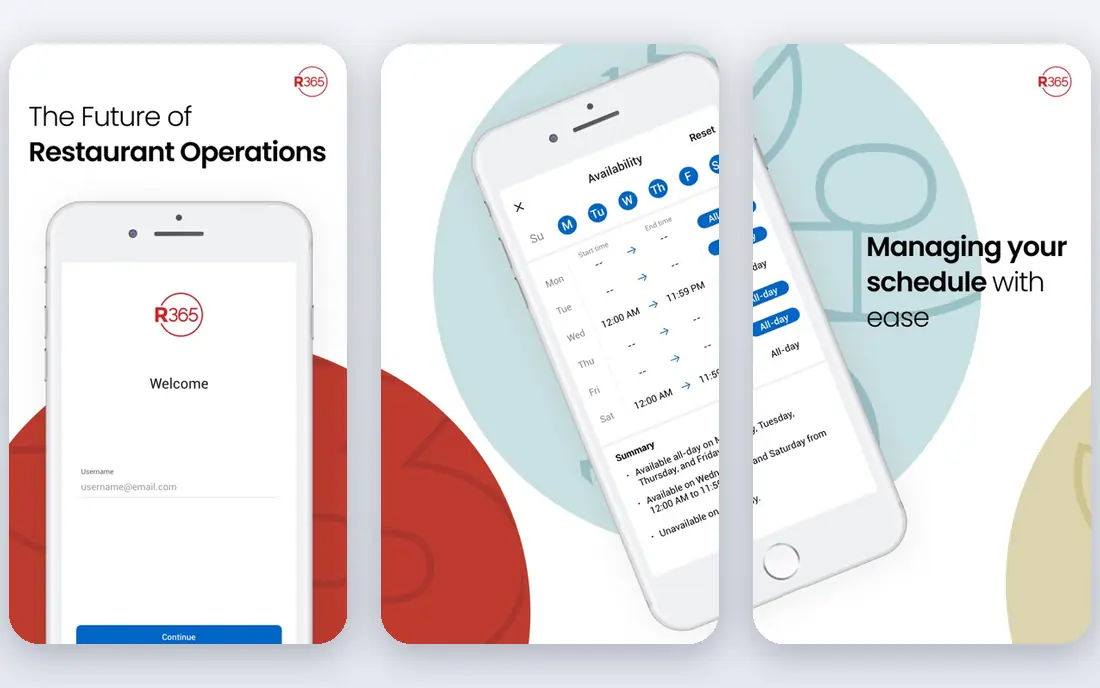
Restaurant365 is our pick for multi-unit groups that want one back-office system instead of several disconnected tools. Its Core Accounting plan starts at $249 per location per month billed quarterly, with inventory and POS connections included, and higher plans add scheduling, smart ordering, recipe costing, and custom financial reports. Consolidated profit and loss reporting across locations is the feature that sets it apart for groups.
The cost and complexity are real. A single cafe will usually find Restaurant365 more than it needs, and per-location fees make it expensive for small footprints. For groups with several sites, franchises, or a need for consistent reporting across locations, the consolidation is worth the price and the setup effort.
- Accounting, inventory, scheduling, and reporting in one platform
- Connects to many POS systems
- Consolidated multi-location reporting
- Per-location pricing adds up fast
- Learning curve is steep for small single-location teams
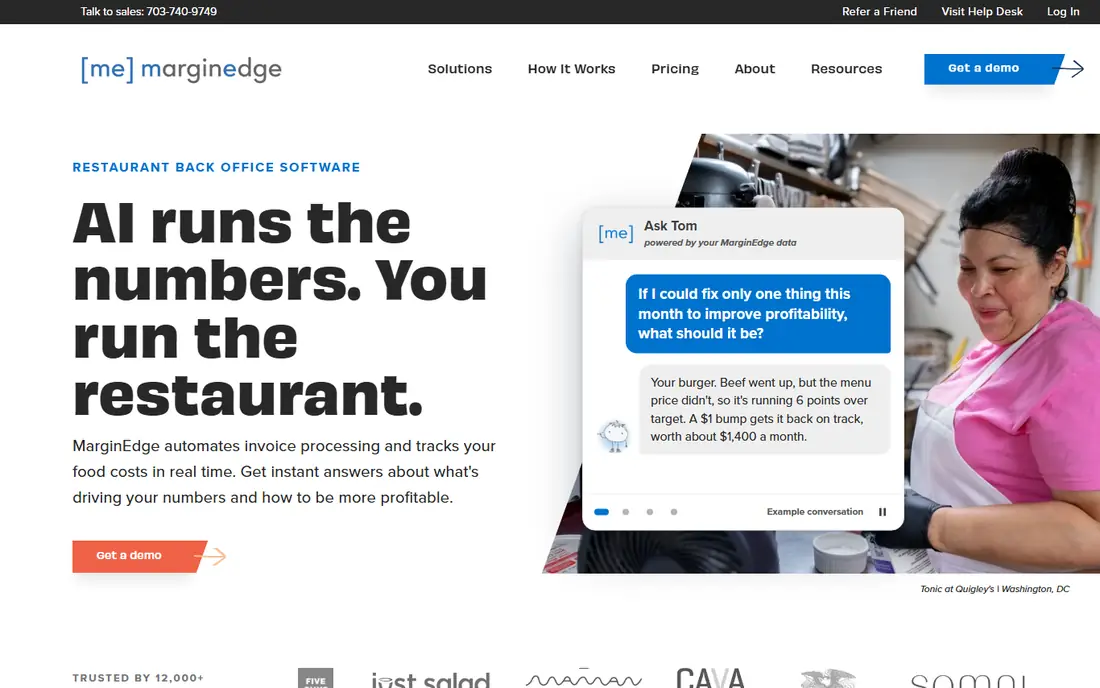
MarginEdge is not a replacement for general accounting. It is a cost control layer that sits on top of it, processing supplier invoices, tracking recipe costs, and showing daily food cost and controllable profit. That daily view helps operators catch a rising ingredient cost or a menu item losing margin before month-end reports arrive. Direct POS sync brings sales data in without manual entry.
Pricing is listed per location per month in recent coverage, around $330 to $350, but figures vary, so we list See website and recommend confirming the current per-location price. MarginEdge suits independent restaurants and small groups that already use QuickBooks Online and want tighter cost control without moving to a full platform such as Restaurant365.
- Invoice processing and recipe costing
- Daily food cost and controllable profit visibility
- Direct POS sync for sales data
- Not a full general ledger on its own
- Works best paired with QuickBooks Online or a similar accounting tool
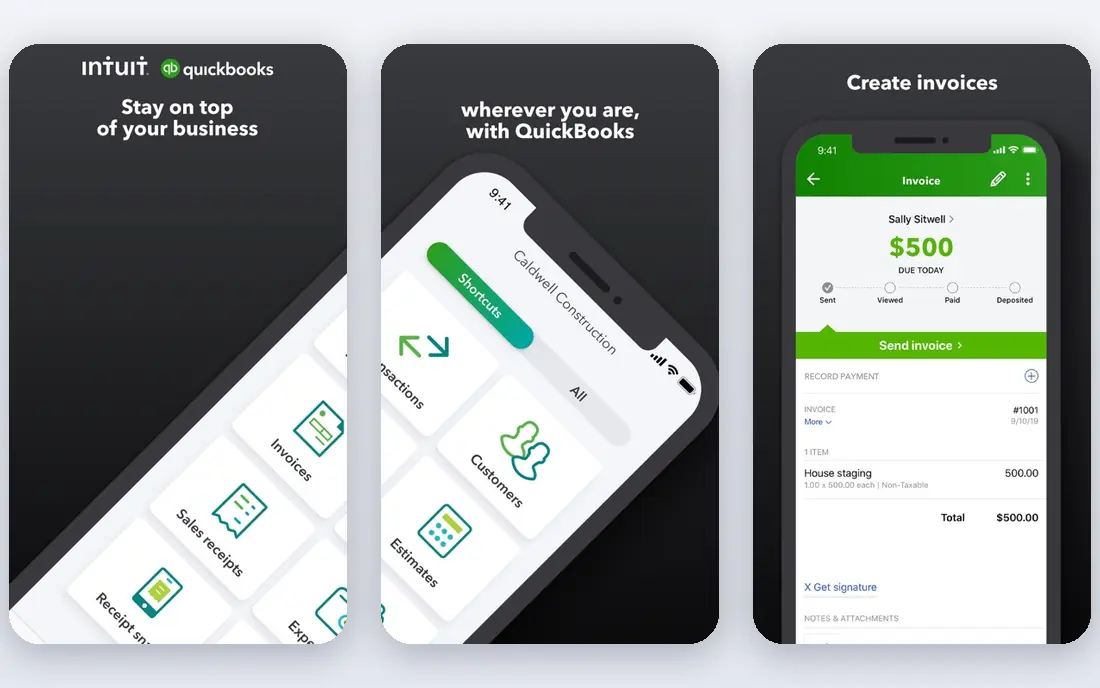
QuickBooks Online is a practical choice for independent restaurants because most accountants already know it, and its app marketplace connects to POS systems, payroll, and cost tools such as MarginEdge. Simple Start starts at $38 per month, with higher plans adding bill management, inventory tracking, and more users. For a single location with straightforward books, it covers invoicing, expenses, payroll add-ons, and tax reports well.
The limit is restaurant depth. QuickBooks Online alone does not offer recipe costing, theoretical food cost, or advanced restaurant inventory, so operators who need those features must add a tool. That pairing works well and is common, but it means two subscriptions and two systems to keep in sync. Restaurants that want one restaurant platform should look at Restaurant365 first.
- Widely used by restaurant accountants
- Broad app marketplace for POS and cost tools
- Scalable plans from solo to multi-user
- No built-in recipe costing or restaurant inventory depth
- POS connections often need third-party apps
Xero suits restaurant owners who want flexible reporting and a clean general ledger, and who are happy to connect POS and inventory apps from its marketplace. Its Early plan starts at $25 per month, with quotes, invoices, bills, and reconciliation included, and higher plans add multi-currency, expenses, and project tracking. Unlimited users help when owners, managers, and accountants all need access.
Like QuickBooks Online, Xero is not a restaurant-specific system. Recipe costing, food cost tracking, and labor scheduling need separate tools, and United States payroll needs a separate solution for many users. For owners who value reporting flexibility and accountant familiarity, and who already use a strong POS, Xero is a solid core accounting choice.
- Strong bank reconciliation and custom reports
- Unlimited users on plans
- Marketplace apps for POS and inventory
- United States payroll is limited
- Restaurant-specific features need third-party apps
Sage Intacct fits larger restaurant groups, franchises, and hospitality companies that need serious multi-entity accounting. Its dimensional reporting lets finance teams slice results by location, concept, department, or other dimensions without building separate charts for each site. That depth matters when a group runs several concepts, entities, or ownership structures under one finance team.
Pricing is quoted, and implementation is a real project, so Sage Intacct is not a fit for a single cafe or food truck. It also needs connectors or integrations for POS and restaurant operations data, which add cost. For groups that have outgrown QuickBooks Online or Xero on reporting and consolidation, Sage Intacct is a credible next step.
- Strong multi-entity and multi-location financial reporting
- Dimensional reporting for sites, concepts, and departments
- Scalable for growth
- Quote-only pricing
- Implementation needs a partner and a longer project
Zoho Books is the best budget general accounting choice for small restaurants, cafes, and food businesses that need clean books at low cost. Its free plan covers businesses with annual revenue under $50,000, and its paid Standard plan starts at $15 per month billed yearly, with inventory, invoicing, expenses, and bank reconciliation included. Workflow automation helps with recurring bills and invoices.
Restaurant-specific features are limited. There is no built-in recipe costing or theoretical food cost, and POS connections rely on integrations rather than a native restaurant module. For a small restaurant that mainly needs accurate books, inventory basics, and low cost, Zoho Books is excellent. For cost control depth, pair it with a tool such as MarginEdge or move to Restaurant365.
- Free plan for revenue under $50,000 per year
- Built-in inventory and workflow automation
- Low paid starting price
- No restaurant-specific costing depth
- POS connections depend on third-party integrations
Wave suits food trucks, market stalls, and micro cafes that need free, simple books to start. Its free plan covers unlimited invoices, estimates, bills, and bookkeeping records, which is enough to track sales, expenses, and taxes for a tiny operation. Setup is fast, and owners who are not accountants can use it without training.
The limits show up as soon as the operation grows. Wave has no inventory or recipe costing, POS integration is limited, and bank feeds require the paid Pro plan. A food truck that grows into a busy restaurant will likely move to QuickBooks Online, Xero, or Zoho Books, and later to Restaurant365. For starting out free, though, Wave is the easiest choice.
- Free core invoicing, estimates, bills, and bookkeeping
- Simple setup for tiny operations
- No revenue cap on free plan
- No inventory or recipe costing
- Bank feeds require paid Pro
- Limited POS integration
Ottimate, formerly Plate IQ, is a specialist accounts payable tool for restaurants, not a full accounting platform. It captures supplier invoices, codes them to the right accounts and locations, routes them for approval, and syncs them to accounting systems such as QuickBooks Online, Sage, and Restaurant365. That automation saves hours for restaurants drowning in paper invoices from many suppliers.
Because Ottimate only handles AP, it must be paired with a general accounting tool, which means two subscriptions. Pricing is quoted, so confirm the per-location and volume cost before buying. For restaurants where invoice volume and supplier management are the main pain, Ottimate is a strong add-on. For restaurants that need a full ledger, start with a core accounting tool first.
- Automates supplier invoices and payments for restaurants
- Codes invoices to the general ledger
- Pairs with QuickBooks, Sage, and Restaurant365
- AP only, not full accounting
- Pricing is quoted per location and volume
How we picked these
We compared vendor product pages and current 2026 roundups of restaurant accounting software, focusing on POS connectivity, inventory and costing depth, multi-location reporting, and price. We kept tools that are live in the United States and serve a distinct restaurant need, from free micro-business books to multi-entity group finance. Where pricing varied across sources, we wrote See website rather than publishing a disputed figure.
How to choose accounting software for a restaurant
Start with your POS and your biggest cost problem, then pick the accounting core that connects to both. A tool that cannot read your sales data will create manual work every week.
Connect the POS before you buy
Confirm exactly how sales, tips, taxes, and payment fees flow from your POS into the accounting tool, and if the connection is native or needs a third-party app. Test the connection with a week of real sales data, and check how refunds, voids, and gift cards are handled. A clean POS link saves more time than any reporting feature.
Decide how much cost control you need
Single locations with stable menus can often manage with general accounting plus a spreadsheet for food cost. Restaurants with changing ingredient prices, many menu items, or tight margins need recipe costing and daily food cost visibility from MarginEdge or Restaurant365. Do not pay for full cost control if you will not check the daily numbers.
Match the tool to your location count
One location fits QuickBooks Online, Xero, Zoho Books, or Wave, depending on budget. Two to five locations can still use those tools with good POS links, but reporting gets harder. Six or more locations, or multiple concepts, usually justify Restaurant365 or Sage Intacct, where consolidated reporting pays for the higher price.
Budget for the full stack, not one subscription
Most restaurants need accounting plus a POS, a payroll tool, and often a cost or AP add-on. Add up the full monthly stack per location before comparing headline prices, since a cheap ledger plus two expensive add-ons can cost more than a full platform. Ask each vendor for the total per-location cost, including integrations.
Frequently asked questions
What is the best accounting software for a small restaurant?
For most small restaurants, QuickBooks Online or Xero are strong core choices, because accountants know them and POS apps connect well. Zoho Books is best on a tight budget, and Wave is best free for a food truck or micro cafe. Add MarginEdge when food cost control becomes the main problem.
What is the best accounting software for a restaurant chain?
Restaurant365 is the best full platform for multi-unit chains, with accounting, inventory, scheduling, and consolidated reporting in one system. Sage Intacct fits larger groups that need multi-entity and dimensional reporting across concepts and ownership structures. Both are priced per location or by quote, so get a written total for your footprint.
Does QuickBooks Online work for restaurants?
Yes, for independent restaurants that need general accounting and can connect a POS through its app marketplace. QuickBooks Online alone does not include recipe costing or advanced restaurant inventory, so many restaurants pair it with MarginEdge for cost control. That pairing is common and works well for single locations and small groups.
How much does restaurant accounting software cost?
Costs range from free with Wave, to $15 per month billed yearly for Zoho Books, $25 per month for Xero, and $38 per month for QuickBooks Online. Restaurant365 starts at $249 per location per month, while MarginEdge, Sage Intacct, and Ottimate are quote-based or vary by location. Always compare the full stack per location, including POS and add-ons.
What is the difference between Restaurant365 and MarginEdge?
Restaurant365 is a full back-office platform with accounting, inventory, scheduling, and reporting built in. MarginEdge is a cost control add-on that processes invoices, tracks recipe costs, and shows daily food cost, and it pairs with an accounting tool such as QuickBooks Online. Choose Restaurant365 for consolidation, and MarginEdge for cost control on top of existing books.
Do I need restaurant-specific software, or is general accounting enough?
General accounting is enough for a tiny operation with a simple menu and stable costs, especially with a good POS. Restaurant-specific software becomes worth it when food costs move often, inventory is complex, labor scheduling matters, or you run several locations. If month-end surprises about food cost or labor are common, a restaurant tool will usually pay for itself.
Sources
See where you really rank - block by block
ProMapRanker scans Google Maps across a grid of your service area. Simple monthly plans from $19, white-label on every plan.
Start freeKeep reading
 best employee time tracking app
Best Employee Time Tracking Apps in 2026
We compare the best employee time tracking app options for teams, from simple timers to shift tools, with honest notes on privacy and consent in 2026.
Read → best employee recognition software
Best Employee Recognition Software in 2026
We compared the best employee recognition software for peer praise, rewards, and service awards, with pricing, integrations, and honest limits for teams.
Read → best ehr software
Best EHR Software in 2026
Compare the best EHR software in 2026 for small practices, specialty groups and hospitals, with pricing models, charting and billing features compared in full.
Read →