 ProMapRanker
Best Accounting Software for Invoicing in 2026

Full accounting with invoicing · Pricing starts at: $20 per month
Key takeaways
- QuickBooks Online and Xero give the fullest accounting behind the invoice, while Wave and Zoho Books keep the entry cost at zero for small sellers.
- FreshBooks suits service firms that bill time and projects, because tracked hours can flow straight onto an invoice.
- Invoice caps matter more than headline prices: Xero Early limits invoices, and FreshBooks Lite limits billable clients.
- Payment processing fees sit on top of every subscription here, so check card and bank transfer rates before you commit.
- This guide is general information only, not accounting advice, and prices vary by plan, billing term, and location.
Quick comparison
| Pick | Great for | Pricing starts at | Free tier | |
|---|---|---|---|---|
| QuickBooks Online | Full accounting with invoicing | $20 per month | Free trial | Visit |
 Xero | Teams that need unlimited users | $27 per month | Free trial | Visit |
 FreshBooks | Service firms billing time | $23 per month | Free trial | Visit |
 Zoho Books | Low-cost invoicing with accounting | Free | Yes | Visit |
 Wave | Free invoicing for freelancers | Free | Yes | Visit |
 Sage Accounting | Straightforward small business books | $20 per month | Free trial | Visit |
 Square Invoices | Sellers already using Square | Free | Yes | Visit |
 Patriot Software | Simple invoicing with payroll options | See website | Free trial | Visit |
 Invoice Ninja | Self-hosted and open invoicing | Free | Yes | Visit |
The best accounting software for invoicing
These picks combine a real ledger with invoices your customers can actually pay, not just a PDF maker. This guide is general information only, not accounting advice, and prices vary by plan and billing term.
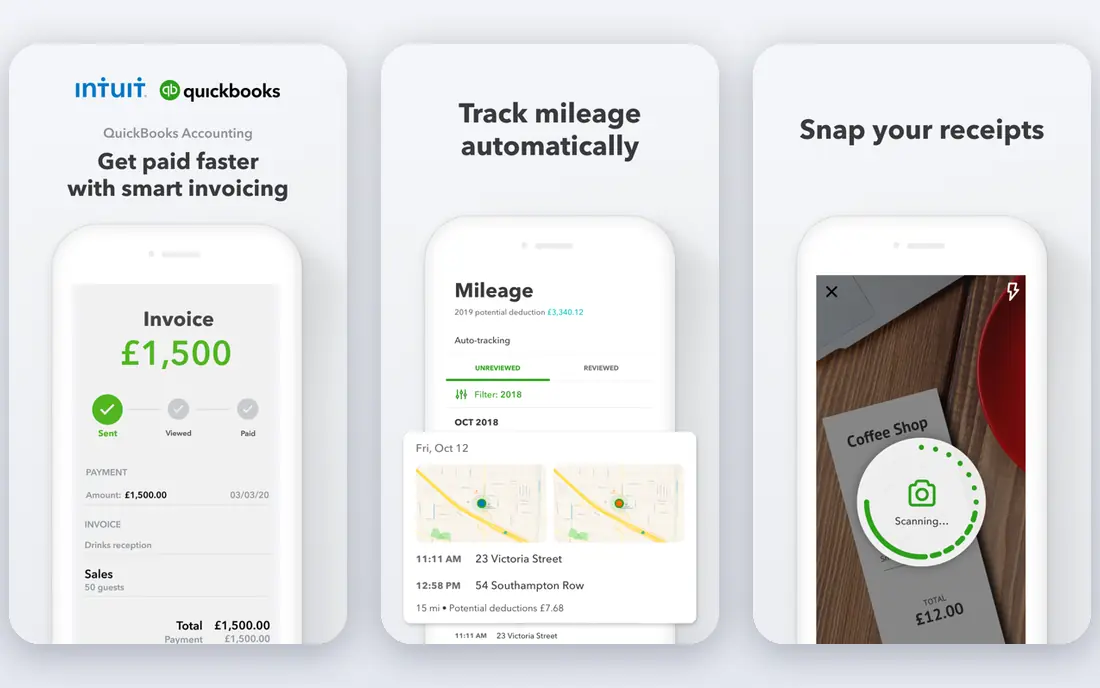
QuickBooks Online is our pick for most small businesses that want invoicing inside a complete set of books. You can create branded invoices, set recurring invoices, send reminders, and accept card or bank payments without leaving the ledger. Income, expenses, bills, and reports then sit in the same place, which makes month-end work and tax preparation less scattered.
The trade-off is cost and complexity. The lowest plan is aimed at solo operators, and growing teams soon need a higher plan for extra users and features. Payment processing fees also apply on top of the subscription. Still, if your accountant already uses QuickBooks, that familiarity alone can save time and avoid conversion headaches.
- Deep accounting and reporting
- Wide bank and app connections
- Invoices with card and bank payment options
- Prices rise on higher plans
- User limits force upgrades
- Payroll costs extra
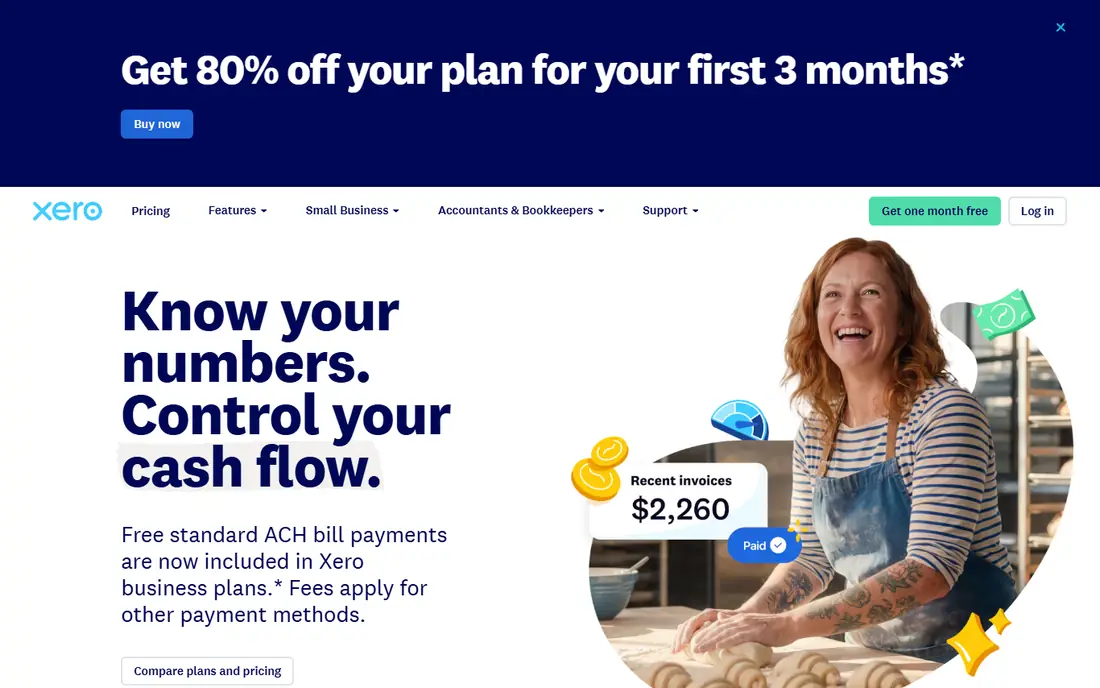
Xero stands out for teams, because every plan includes unlimited users at no extra seat charge. Invoices look polished, quotes convert to invoices, and online payments can be added so customers pay from the invoice itself. Bank reconciliation and real-time reports keep the books current between invoice runs.
Watch the Early plan limits before you choose it. It covers 20 invoices and five bills per month, which a busy month can exceed fast. Growing removes those caps and adds dashboards and automatic reconciliation. For a business with several people touching the books, that flat pricing model often works out cheaper than per-user billing.
- Unlimited users on every plan
- Clean invoicing and bank reconciliation
- Strong app marketplace
- Early plan caps invoices and bills
- Payroll in the US runs through a partner
- Inventory depth is limited
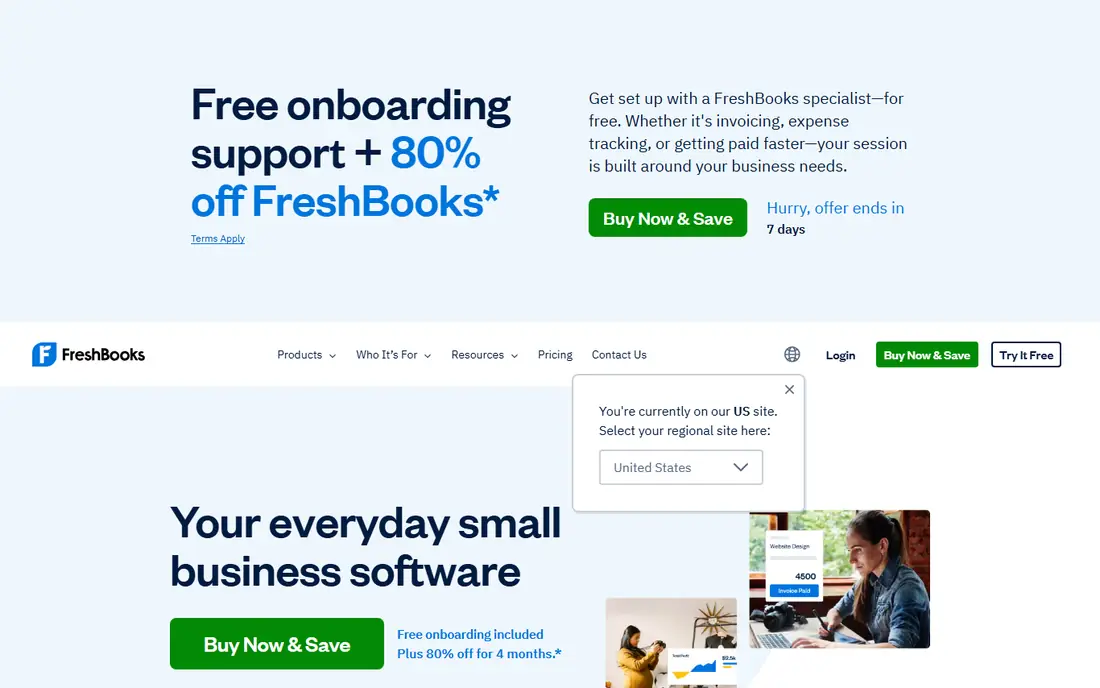
FreshBooks was built around getting service businesses paid, and that focus shows in its invoices. You can track time, add it to an invoice, send estimates, set late fees, and send automated reminders. Clients get a portal where they can view invoices and pay by card, bank transfer, or digital wallet options where available.
The client cap is the main catch. Lite allows five billable clients, Plus allows 50, and only Premium is unlimited, so a growing client list can push you up a tier sooner than expected. Each extra team member also adds a monthly charge. For freelancers and small agencies with a steady client base, the billing workflow is hard to beat.
- Strong invoicing, estimates, and time tracking
- Client portal for payments
- Proposals on higher plans
- Lite plan limits billable clients to five
- No permanent free plan
- Extra team members cost extra
Zoho Books gives small businesses a serious free starting point. The free plan covers invoicing, expenses, bank reconciliation, and a client portal, subject to a revenue limit for the business. That makes it a practical choice for a new firm that needs proper books but cannot yet justify a monthly fee.
Paid plans add more users, workflows, bills, purchase orders, and inventory as the business grows. The interface can feel dense at first, because Zoho packs a lot of settings into each module. If you already use Zoho CRM, Zoho Inventory, or Zoho Mail, the shared data between apps is a clear bonus.
- Genuine free plan for small businesses
- Recurring invoices and payment reminders
- Broad Zoho app connections
- Free plan has a revenue limit
- Support is lighter on free plans
- US payroll needs a separate route
Wave remains the simplest free route to professional invoices. You can send unlimited invoices, track expenses, and keep basic books at no subscription cost. Estimates, recurring invoices, and payment links round out a tool that suits freelancers, tutors, and solo consultants well.
The limits show up as work grows. Automatic bank imports and receipt scanning sit on the paid Pro plan, and there is no inventory or time tracking at any level. Payment processing fees also apply when customers pay online. For a one-person business with straightforward income, though, Wave is difficult to argue against on price.
- Unlimited free invoicing and bookkeeping
- Simple setup
- Card and bank payments available
- No inventory or time tracking
- Bank automation sits behind the paid plan
- US and Canada only
Sage Accounting suits owners who want solid books without a long feature list they will never use. Invoices, quotes, expense tracking, and bank reconciliation cover the daily work, and cash flow views help you see what is owed and what is due. The plan structure is easy to follow, with higher plans adding users, inventory, and project features.
It is not the flashiest option here, and some users find the layout less modern than QuickBooks or Xero. Bill pay depth is also a weak spot to check if you pay many suppliers through the software. For a small business that values steady, dependable bookkeeping over novelty, Sage earns its place.
- Unlimited invoices on its plans
- Bank reconciliation and cash flow tracking
- Clear plan structure
- Bill pay is limited compared with some rivals
- Interface feels dated in places
- Payroll is a separate add-on
Square Invoices is best viewed as a billing tool that fits neatly into Square, rather than a full accounting system. You can send invoices, set recurring invoices, and let customers pay online or in person through Square. If you already take card payments at a counter or market stall, that shared customer and payment record is convenient.
The catch is accounting depth. Square Invoices alone does not replace a ledger with a full chart of accounts, detailed financial reports, and tax-ready books, so many owners pair it with accounting software or an accountant. Paid invoice plans add features such as custom templates and multi-location controls. For simple billing inside the Square world, it is fast and easy to run.
- Free to send invoices
- Ties into Square payments and point of sale
- Simple customer payment flow
- Not a full accounting ledger on its own
- Advanced invoice features need a paid plan
- Processing fees apply
Patriot Software keeps invoicing and accounting deliberately plain, which suits owners who dislike cluttered dashboards. You can send invoices, record payments, track income and expenses, and add US payroll if you need it, without learning a large system first. The layout is easy to explain to a new hire or a part-time bookkeeper.
The downside is breadth. It does not match the app marketplaces of QuickBooks or Xero, and its reports cover the basics rather than deep analysis. Pricing also depends on which product and payroll add-ons you choose, so confirm the full monthly total before signing up. For a small US business that wants simple books and payroll in one account, Patriot is worth a trial.
- Plain invoicing and accounting layout
- US payroll available as an add-on
- Straightforward onboarding
- Pricing varies by product and add-on
- Fewer third-party connections than the leaders
- Reporting is basic
Invoice Ninja is the pick for owners who want control over their invoicing data. The hosted free plan covers invoices, quotes, clients, and payments, and the self-hosted option lets a technical owner run it on their own server. Dozens of payment gateways can be connected, so customers are not locked into one processor.
It is not a replacement for a full accounting package if you need payroll, deep inventory, or complex tax reporting. Self-hosting also puts updates, backups, and security in your hands, which is a benefit for some and a burden for others. For freelancers, agencies, and developers who bill regularly and like open tools, Invoice Ninja is a strong, low-cost fit.
- Free plan with invoicing and quotes
- Self-hosting option for full control
- Many payment gateways
- Accounting depth is lighter than full ledgers
- Setup takes more care when self-hosting
- Support varies by plan
How we picked these
We compared official feature pages, pricing pages, and app store listings for accounting and invoicing tools that are live in October 2026. We kept only tools that combine invoicing with bookkeeping or billing records, and we left out pure invoice template makers and tools that no longer operate. Where a price could not be confirmed on the vendor site, we wrote See website rather than guessing.
What to check before you choose
Start with invoice volume, not the feature list. Count how many invoices you send in a busy month, how many clients you bill, and how often you need recurring invoices or reminders. A low headline price can turn expensive fast if a cap forces an upgrade or if every extra user carries a fee.
Match the tool to how you get paid
If most customers pay by card, compare processing rates and payout timing alongside the subscription. If they pay by bank transfer, check bank payment fees and whether the invoice includes a clear pay link. A tool that makes payment easy is worth more than a tool with extra reports you never open.
Test the full billing cycle
Use the trial or free plan to send a real invoice, record a payment, and run a profit and loss report. Check how estimates convert, how late fees work, and how easy it is to find an unpaid invoice. This short test reveals awkward steps that a feature page will not show.
Plan for your accountant
Ask your accountant which file format or direct connection they prefer, and whether they charge extra to work in a less common system. A slightly higher subscription can cost less overall if your accountant can work in it without manual exports. Keep your invoice templates, tax settings, and payment terms consistent when you switch, so customers see no disruption.
Frequently asked questions
Which accounting software is best for invoicing?
QuickBooks Online suits most small businesses that need full books behind their invoices, while FreshBooks suits service firms that bill time. Zoho Books and Wave suit low budgets, and Xero suits teams with several users. The best choice depends on invoice volume, client count, and whether you need payroll or inventory.
What is the best accounting software with invoicing tools for a freelancer?
Wave and Zoho Books are strong free starting points for freelancers, because both cover unlimited or generous invoicing without a subscription. FreshBooks is a good paid step up if you track time and want proposals and a client portal. Check the free plan limits first, since revenue caps and client caps differ.
Does free accounting software really cover invoicing?
Yes, in several cases here. Wave offers unlimited free invoicing, Zoho Books offers a free plan with invoicing, and Square Invoices is free to send invoices. Payment processing fees still apply when customers pay online, and advanced features such as automation or extra users usually need a paid plan.
Which accounting software has the best invoicing tools for recurring billing?
FreshBooks, Zoho Books, QuickBooks Online, and Xero all support recurring invoices and reminders, which helps for retainers and subscriptions. Compare how each handles failed payments, late fees, and client credits before you choose. A clear recurring schedule reduces chasing and keeps cash flow steadier.
Can I accept card payments on my invoices?
Yes, most tools here let customers pay by card from the invoice, and several also support bank transfers and digital wallets. Processing fees apply on top of the subscription, and rates vary by method and provider. Confirm the exact rate on the vendor pricing page, since promotional rates can change.
Should I switch invoicing software mid-year?
You can, but plan the move carefully. Export open invoices, customer records, and payment history first, and keep the old system readable until the year-end books are closed. Tell customers if payment links or bank details change, and run one full billing cycle in the new tool before cancelling the old one.
Sources
See where you really rank - block by block
ProMapRanker scans Google Maps across a grid of your service area. Simple monthly plans from $19, white-label on every plan.
Start freeKeep reading
 twitch alternatives
Twitch Alternatives in 2026
Explore the best Twitch alternatives in 2026 for live streaming, with free platforms, monetisation options, audiences, chat tools, and tips for new streamers.
Read → firebase alternatives
Best Firebase Alternatives in 2026
Looking for Firebase alternatives? We compare 9 backend platforms for auth, databases, realtime, storage, functions, self-hosting, and pricing for your app.
Read → companies with best work life balance
Companies With Best Work Life Balance in 2026
See companies with best work life balance in 2026, ranked by employee ratings, with flexible work options, benefits, and what to check before applying.
Read →