 ProMapRanker
Best Accounting Software for Freelancers in 2026

Key takeaways
- FreshBooks is our pick for most service freelancers because invoicing, time tracking, and expense handling work well together.
- Wave is the best free starting point, with free invoicing and bookkeeping for freelancers on a tight budget.
- Zoho Books offers a strong free plan for businesses under a revenue limit, plus full double-entry accounting.
- QuickBooks Solopreneur suits freelancers who want simple tax tracking, mileage, and separation of business and personal spending.
- This article is general information only, not accounting or tax advice, and tax rules vary by location and situation.
Quick comparison
| Pick | Great for | Pricing starts at | Free tier | |
|---|---|---|---|---|
 FreshBooks | Most service freelancers | See website | Free trial | Visit |
 QuickBooks Solopreneur | Simple tax tracking | See website | No | Visit |
 Wave | Tightest budgets | Free | Yes | Visit |
 Xero | Growing freelancers with an accountant | See website | Free trial | Visit |
 Zoho Books | Free plan under revenue limit | Free | Yes | Visit |
 QuickBooks Online | Scaling to a larger business | See website | Free trial | Visit |
 Bonsai | Contracts plus invoicing | See website | Free trial | Visit |
 FreeAgent | UK and international freelancers | See website | Free trial | Visit |
The best accounting software for freelancers
Freelancers need a different mix than larger businesses. Invoicing, expense tracking, tax estimates, and simple reports matter more than inventory or payroll. These eight tools cover those jobs in different ways, from free bookkeeping to full accounting suites.
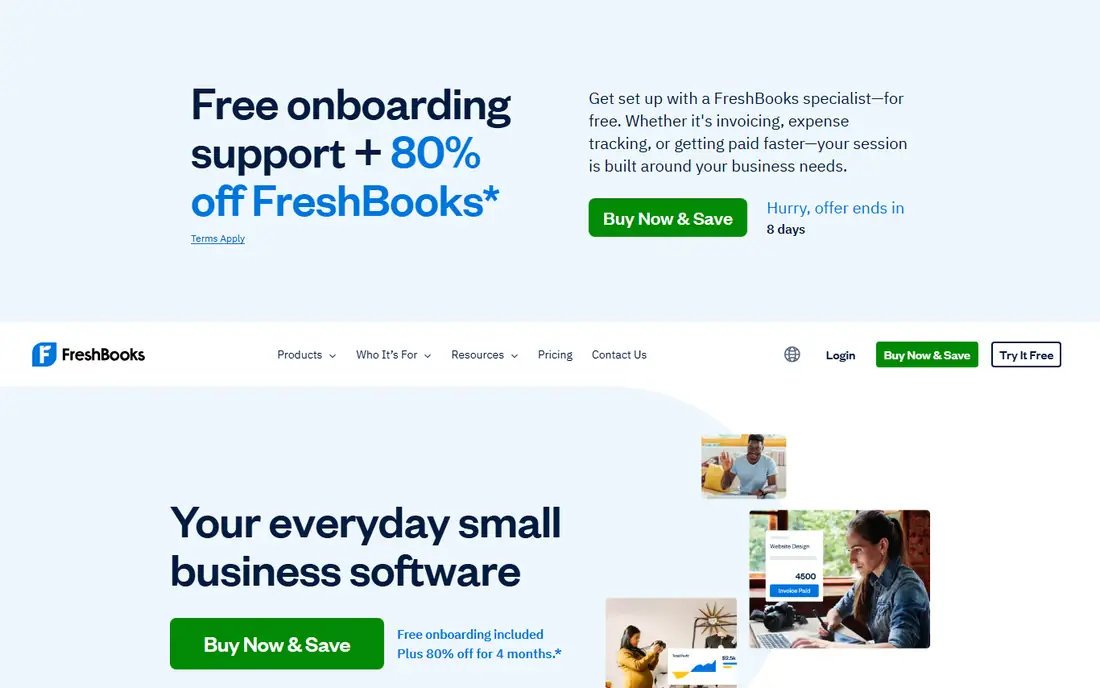
FreshBooks is built around service freelancers who bill clients by project or by hour. Invoices look professional, clients can pay online, and time tracked on a project can turn into an invoice without retyping hours. Expense tracking, receipt capture, and mileage help keep business costs organized, and reports show income, expenses, and outstanding invoices at a glance. For a designer, writer, consultant, or developer with regular clients, that workflow feels natural.
The limits are client caps and price. Lower plans limit billable clients, so a freelancer with many small clients will need a higher tier. Advanced double-entry accounting and inventory features are also thinner than on QuickBooks Online or Xero. If invoicing and client work drive your business, FreshBooks is the best pick on this list. If you need deep accounting or work closely with an accountant on complex books, compare it with Xero first.
- Polished invoices and client portals
- Time tracking linked to billing
- Expense and mileage tracking
- Client limits on lower plans
- Costs rise as client count grows
- Advanced accounting features are thinner than full suites
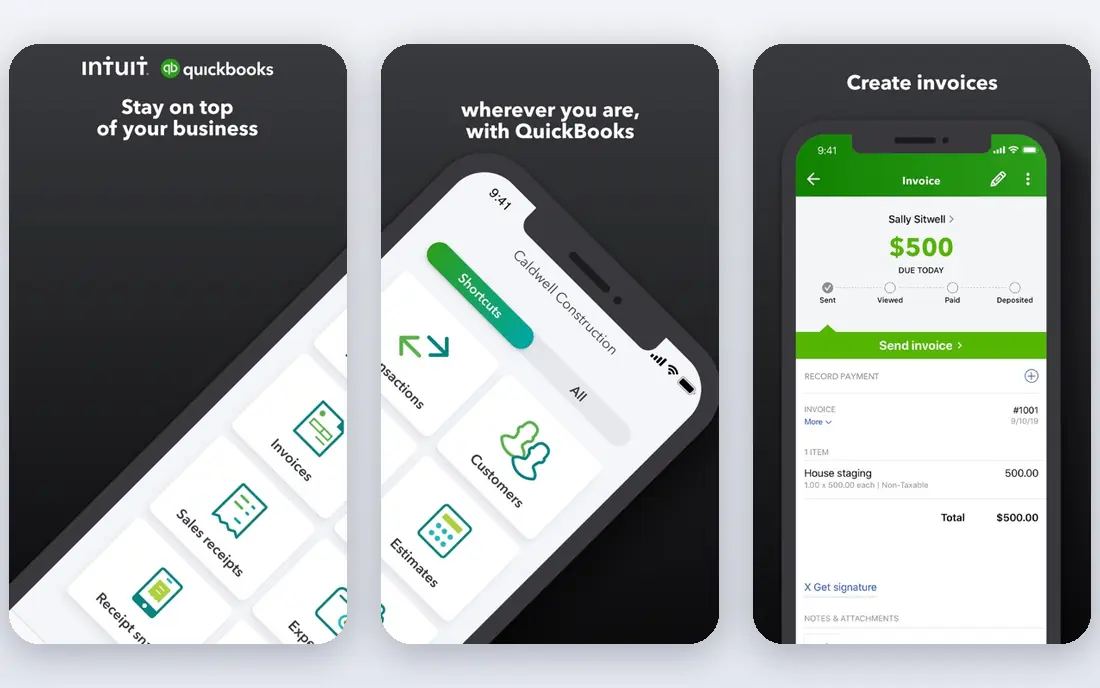
QuickBooks Solopreneur, formerly QuickBooks Self-Employed, is designed for solo freelancers who want tax help without learning full accounting. It separates business and personal transactions, tracks mileage, estimates quarterly taxes, and exports data for tax filing. Bank feeds and expense categorization reduce manual entry, which helps freelancers who otherwise leave bookkeeping until tax season. For a solo operator with straightforward income and expenses, it is a practical middle ground.
The simplicity is also the limit. It lacks the full double-entry depth, project tools, and multi-user features of QuickBooks Online, so a freelancer who hires help or adds complex services may outgrow it. Invoice limits also vary by plan, so check the current plan page if you send many invoices. If tax tracking is your main worry and your books are simple, Solopreneur is a strong pick. If you plan to grow into a small team, start with QuickBooks Online instead.
- Separates business and personal spending
- Mileage tracking
- Quarterly tax estimates and TurboTax export
- Simpler than QuickBooks Online, so growing businesses may outgrow it
- Invoice limits vary by plan
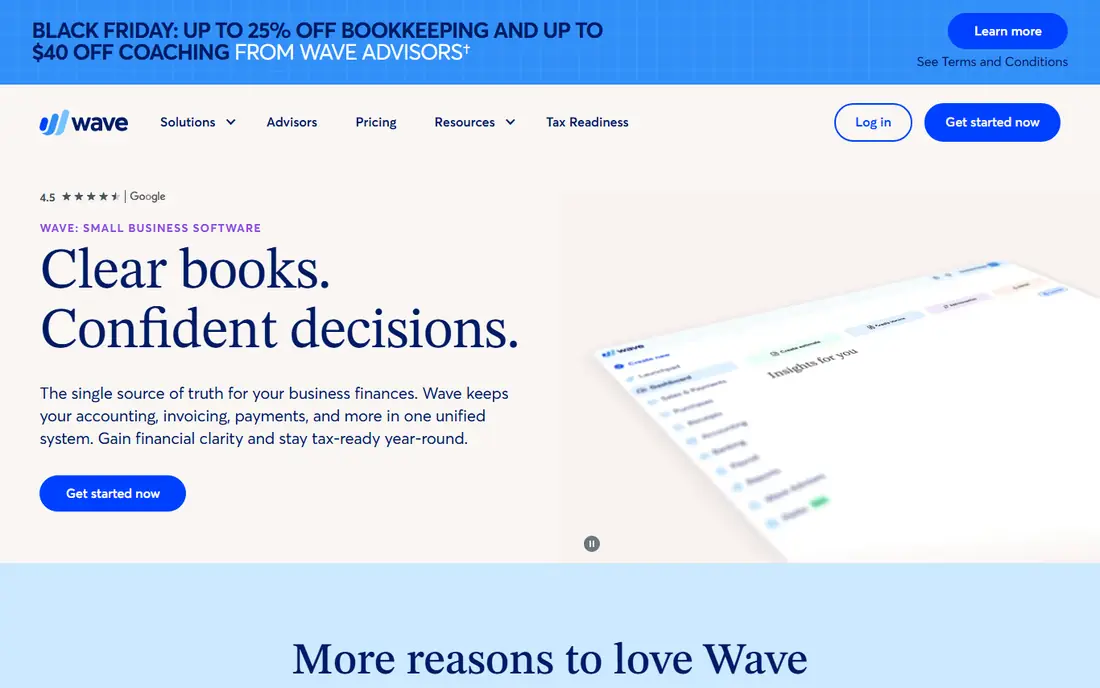
Wave is the best free option for freelancers who need real bookkeeping without a monthly fee. The free tier covers invoicing, expense tracking, and accounting records, with payment processing available for a transaction fee when clients pay online. That makes it ideal for new freelancers, part-time freelancers, and anyone testing whether paid accounting software is worth it. Reports cover income, expenses, and profit without requiring a subscription.
The trade-offs are manual work and paid extras. Some bank connections and features sit behind paid plans, and payroll, if needed, costs extra. Support is also thinner than on paid suites, so users who need phone help may prefer FreshBooks or QuickBooks. Even with those limits, Wave is an excellent starting point. Use it until your income, client count, or accountant needs justify a paid tool, then migrate with exported records.
- Free invoicing and bookkeeping
- Unlimited invoices on the free tier in many cases
- Simple reports
- Free plan may need manual bank entry in some cases
- Paid features such as payroll cost extra
- Support options are thinner than paid suites
Xero suits freelancers who are growing toward working with an accountant or handling international clients. Bank reconciliation is strong, multi-currency support helps with overseas clients, and unlimited users on many plans make it easy to add an accountant without extra seat fees. Reports are detailed, and the platform scales from solo work to a small team without switching systems. For a freelancer who plans to grow, Xero is a safe long-term choice.
The learning curve is steeper than FreshBooks or Wave, and entry plans limit invoice and bill counts, so check limits against your monthly volume. The interface also assumes some accounting comfort, which can slow new users at first. If you work with an accountant, have international clients, or expect to grow, Xero is worth the learning time. If you want the simplest invoicing experience, FreshBooks will feel easier day to day.
- Strong bank reconciliation
- Multi-currency support
- Unlimited users on many plans
- Accountant-friendly reports
- Learning curve is steeper than FreshBooks
- Entry plan limits invoices and bills
- Price rises with plan tier
Zoho Books offers one of the strongest free plans in accounting, for businesses under a set annual revenue limit. The free tier includes invoicing, expense tracking, bank reconciliation, and accountant access, which is more complete than many free trials. Paid plans add automation, workflows, and multi-user features, and the platform connects with other Zoho tools for CRM, projects, and email. For a cost-conscious freelancer who wants full accounting, Zoho Books is hard to beat.
The revenue limit is the key condition. Once revenue passes the limit, you need a paid plan, so check the current threshold on the vendor site. The interface can also feel busy compared with FreshBooks, and users outside the Zoho ecosystem get less benefit from integrations. If your revenue fits the free plan and you want full accounting without paying, Zoho Books is an excellent pick. If you already use Zoho tools, it becomes even stronger.
- Free plan for businesses under a revenue limit
- Full double-entry accounting
- Automation and accountant access
- Free plan ends above the revenue limit
- Interface can feel busy
- Best value inside the Zoho ecosystem
QuickBooks Online is the full accounting suite most US accountants already know. It covers invoicing, expenses, bank reconciliation, reporting, payroll add-ons, and multi-user access, and it scales from a solo freelancer to a small team without migrating systems. App integrations cover time tracking, payments, inventory, and industry tools, which helps as a business grows. If you work with a CPA or bookkeeper, chances are they already use QuickBooks Online.
Price and complexity are the trade-offs. It costs more than Wave, Zoho Books free, or FreshBooks entry plans, and the interface can feel heavy for a freelancer who only sends a few invoices a month. For a freelancer who plans to hire, add services, or work closely with an accountant, QuickBooks Online is the safest long-term investment. For a simple solo practice, Solopreneur or FreshBooks may be easier and cheaper.
- Deepest feature set and accountant familiarity
- Scales from solo to team
- Wide app and bank integrations
- Higher price than freelancer-focused tools
- Interface can feel heavy for simple needs
Bonsai is not a pure accounting tool. It combines contracts, proposals, invoicing, time tracking, and client management for freelancers, which suits creative and consulting work where a signed agreement comes before billing. You can send a proposal, turn it into a contract, track time, and invoice from the same client record. That workflow saves time for freelancers who otherwise juggle separate contract and invoicing tools.
Accounting depth is the limit. Bookkeeping, tax reporting, and accountant workflows are thinner than on FreshBooks, Xero, or QuickBooks, so many Bonsai users still export data to an accounting tool at year end. If contracts and client workflow are your main pain, Bonsai is a strong pick. If accounting and tax reporting are your main pain, choose a full accounting tool and use Bonsai only for contracts if needed.
- Contracts, proposals, and invoices in one workflow
- Client portals
- Time tracking and project tools
- Accounting depth is thinner than full suites
- Tax features are more limited in places
FreeAgent is popular with UK freelancers and also serves international users who want clear invoicing, expenses, and tax timelines. It shows upcoming tax deadlines and estimates in supported regions, tracks time and projects, and gives accountants access to the books. The interface is clean and freelancer-focused, which suits sole traders and small service businesses that want accounting without enterprise complexity.
US freelancers should check tax features carefully, since FreeAgent tax tools are strongest in its home markets and thinner for US filing than QuickBooks Solopreneur. The US support footprint is also smaller. If you are based in the UK or work mainly with UK clients, FreeAgent is an excellent pick. If you are US-based and tax filing is a priority, favor a US-focused tool such as QuickBooks Solopreneur or QuickBooks Online.
- Clear invoicing and expense tools
- Tax timelines and estimates for supported regions
- Accountant access
- US tax features are thinner than US-focused tools
- Smaller US user base and support footprint
How we picked these
We compared official pricing pages, invoicing, expense tracking, bank reconciliation, tax features, free plan limits, and accountant access. We kept only tools that exist and work in October 2026 for freelancers, and we favored a mix of free, freelancer-focused, and full accounting options. We also weighed client limits and revenue limits, since those decide whether a low headline price stays low in practice. No tool paid for a place on this list, and prices change often, so check the vendor site before you buy.
How to choose accounting software as a freelancer
The right tool depends on how you bill, how many clients you have, and whether an accountant will use your books. The points below keep the choice practical, and this section is general information only, not accounting or tax advice.
Start with how you get paid
If you bill by hour or project, favor invoicing and time tracking, which points to FreshBooks or Bonsai. If you sell products or subscriptions, favor inventory and recurring billing, which points to a full suite. If you have only a few clients and simple expenses, a free tool such as Wave or Zoho Books may cover everything. Match the tool to your billing pattern first, since that is the workflow you will use every week.
Check client, invoice, and revenue limits
Low plans often limit billable clients, monthly invoices, or revenue for free tiers. Count your active clients, monthly invoices, and annual revenue, then compare those numbers with each plan page. A tool that looks free or cheap can become costly after an upgrade, while a slightly higher plan may stay stable as you grow. Trials are the best way to test whether limits fit your real volume.
Plan for tax time from day one
Set up bank feeds, expense categories, and receipt capture at the start, not in December. A tool that estimates taxes, tracks mileage, and exports cleanly to your accountant or tax software will save hours at filing time. Keep business and personal spending separate, and review categories monthly so year-end reports are accurate. If tax rules in your location are complex, ask a qualified accountant or tax professional for advice suited to your situation.
Frequently asked questions
What is the best accounting software for freelancers?
For most service freelancers, FreshBooks is the best accounting software for freelancers because invoicing, time tracking, and expenses work well together. Wave is best if budget is the priority, Zoho Books is best for a strong free plan under a revenue limit, and QuickBooks Solopreneur is best for simple tax tracking. Choose by billing pattern, client count, and whether an accountant will use your books.
What is the best bookkeeping software for freelancers on a free plan?
Wave and Zoho Books are the strongest free options. Wave offers free invoicing and bookkeeping without a revenue cap in many cases, while Zoho Books offers full double-entry accounting free under a revenue limit. Wave suits freelancers who want simplicity, while Zoho Books suits freelancers who want fuller accounting features. Check current limits on each vendor site before you commit.
What accounting tools are best for freelancers who bill hourly?
FreshBooks and Bonsai are the best accounting apps for freelancers who bill hourly, since both link time tracking to invoices and client portals. FreshBooks is stronger for pure invoicing and expenses, while Bonsai is stronger when contracts and proposals come before billing. If you bill hourly for many clients, check client limits on lower plans before you choose.
Is QuickBooks or Xero better for freelancers?
QuickBooks Online suits US freelancers who work with a CPA or plan to scale to a team, since most US accountants already use it. Xero suits freelancers with international clients, an accountant who prefers Xero, or a need for unlimited users on many plans. Both are full accounting suites, so the better choice often depends on which platform your accountant already uses.
Do I still need an accountant if I use accounting software?
Accounting software organizes income, expenses, and invoices, but it does not replace professional advice for complex tax, legal, or business structure questions. Many freelancers use software daily and consult an accountant at year end or when income, hiring, or business structure changes. This article is not accounting or tax advice, so ask a qualified professional about your own situation.
Sources
See where you really rank - block by block
ProMapRanker scans Google Maps across a grid of your service area. Simple monthly plans from $19, white-label on every plan.
Start freeKeep reading
 top custom software development company
Top Custom Software Development Company in 2026
Looking for a top custom software development company? We compare 9 firms for web, mobile, and enterprise software, covering strengths and fit for 2026.
Read → tableau alternatives
Tableau Alternatives in 2026
Compare the best Tableau alternatives for 2026, from Power BI to Metabase, with prices, hosting options, and picks for small teams and enterprises today.
Read → microsoft teams alternatives
Best Microsoft Teams Alternatives in 2026
Looking for microsoft teams alternatives? We compare 9 chat and video tools for 2026, covering free plans, pricing, meetings, and integrations for teams.
Read →