 ProMapRanker
Best Accounting Software for Bookkeeping in 2026


Most US small businesses · Pricing starts at: $38 per month
Key takeaways
- QuickBooks Online is the safest default for US small businesses, mainly because most accountants and apps already support it.
- Xero suits teams that need unlimited users and clean bank reconciliation, while Zoho Books and Wave suit tighter budgets.
- FreshBooks is best for service businesses that bill by time or project, not for deep inventory or complex bookkeeping.
- Entry prices in this list run from free to around $38 per month, but user limits, invoice caps and payroll add-ons change the real total.
Quick comparison
| Pick | Great for | Pricing starts at | Free tier | |
|---|---|---|---|---|
| QuickBooks Online | Most US small businesses | $38 per month | Free trial | Visit |
 Xero | Teams and multi-currency work | $25 per month | Free trial | Visit |
 FreshBooks | Service billing and invoicing | $23 per month | Free trial | Visit |
 Wave | Solo operators on a budget | Free | Yes | Visit |
 Zoho Books | Cost-conscious growing businesses | Free | Yes | Visit |
 Sage Accounting | Inventory and job costing | See website | Free trial | Visit |
 Kashoo | Non-accountants who want simplicity | See website | Free trial | Visit |
 Patriot Accounting | Very small businesses that want simplicity | See website | Free trial | Visit |
The best accounting software for bookkeeping
We compared official pricing pages, feature pages and public documentation for accounting tools live in October 2026, focusing on bookkeeping tasks: bank feeds, reconciliation, invoicing, bills, reports and tax-ready records.
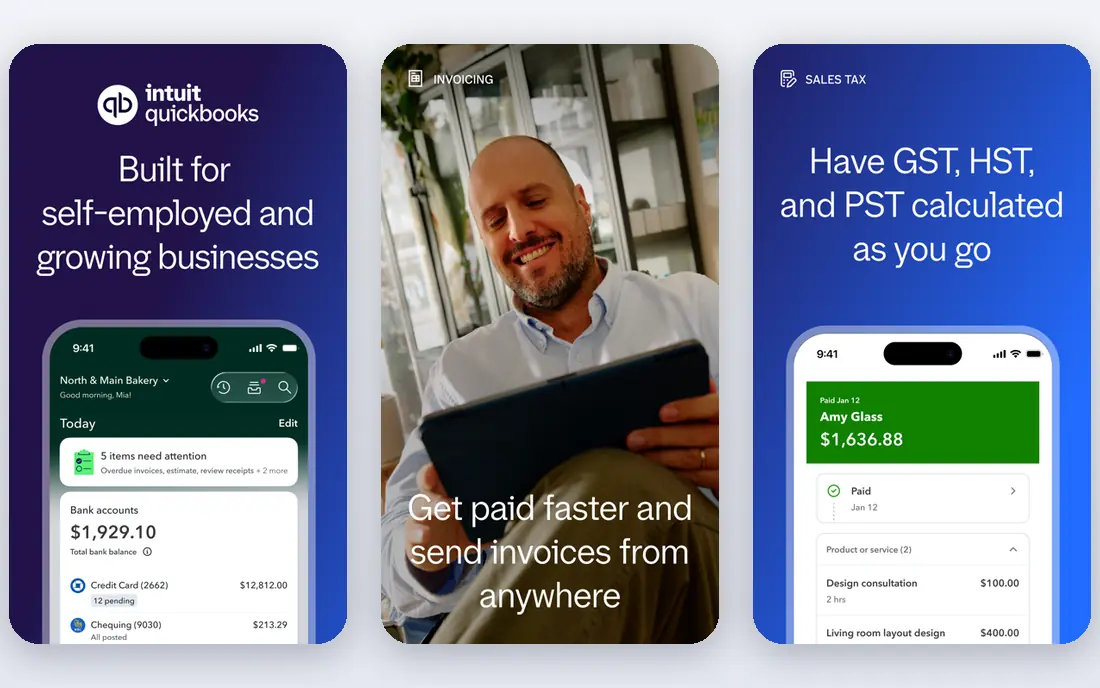
QuickBooks Online is the default for a reason: your accountant probably already uses it, your bank probably connects to it, and most US small business apps integrate with it. Bank feeds, invoicing, bill pay, payroll add-ons and tax reports cover the full bookkeeping cycle for a growing business. That ecosystem saves time at tax season, when clean records matter most. The catch is cost and user limits. Simple Start covers one user, so a team quickly needs Essentials or Plus, and payroll and advanced features add more. Start with the plan that fits your user count and invoice volume, and check promo pricing against the regular monthly price before you commit.
- Widest US accountant and app support
- Bank feeds, invoicing, payroll add-ons and inventory on higher plans
- Strong reporting
- Entry plan allows only one user plus an accountant
- Price rises sharply on higher plans
- Interface can feel crowded
Xero suits a business where several people need access without paying per seat. Bank reconciliation is clear and fast, and the interface is less crowded than QuickBooks, which helps non-accountants keep books tidy. Multi-currency support on higher plans also helps businesses that buy or sell abroad. The limit is the entry plan. Early caps monthly invoices and bills, so a busy business may need to move up a tier sooner than expected. Check invoice and bill limits against a busy month, not an average one, before you pick a plan.
- Unlimited users on every plan
- Clean bank reconciliation
- Multi-currency on higher plans
- Strong app marketplace
- Entry plan caps invoices and bills
- US payroll runs through a partner
- Inventory is basic compared with QuickBooks Plus
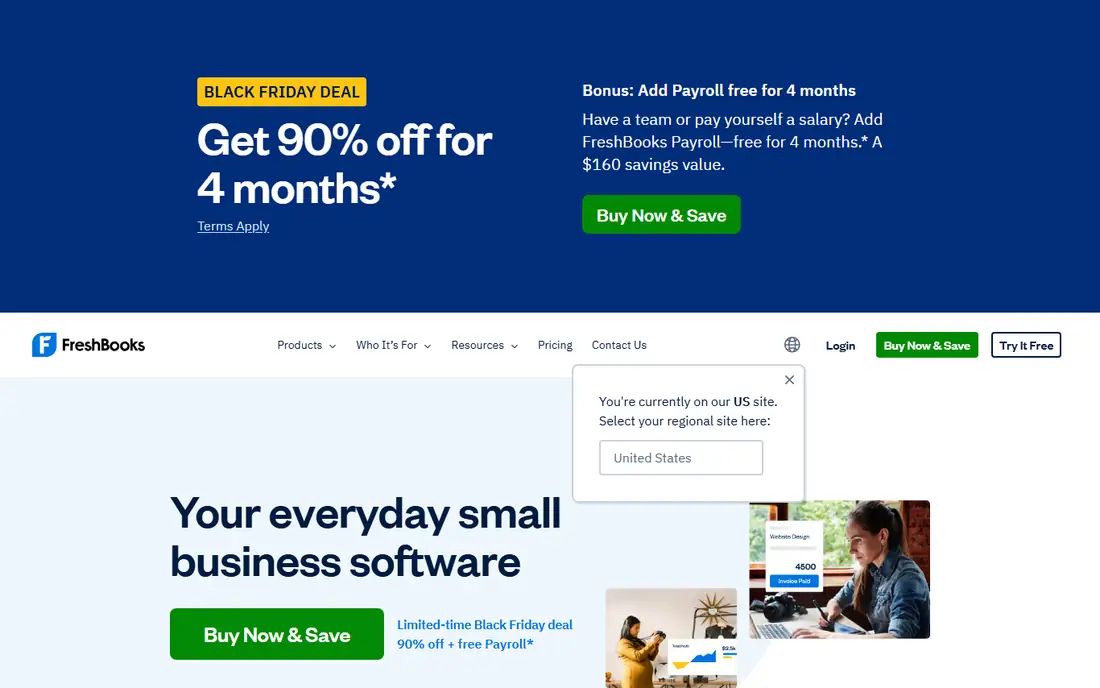
FreshBooks is best for a service business that lives on invoices. Creating, sending and chasing invoices is fast, time tracking links to client bills, and project tools help agencies and consultants see what each client owes. For a freelancer or small agency, that billing focus often matters more than deep accounting features. The trade-off is bookkeeping depth. A business with inventory, complex cost tracking or heavy reconciliation needs may find FreshBooks light, and should compare it with QuickBooks or Xero. Check current bank reconciliation and reporting terms on the pricing page before you rely on it for full books.
- Excellent invoicing and client billing
- Time tracking and project tools
- Easy for freelancers and service firms
- Lighter on double-entry accounting depth
- No bank reconciliation on some entry terms in past listings
- Limited inventory
Wave is the budget pick for a solo operator or side business that needs proper books at no monthly cost. Invoicing, expense tracking and accounting reports cover the basics, and the interface does not assume accounting training. For a new business with low volume, that free start is hard to beat. The catch is bank feeds. Automatic bank import now needs a paid Pro plan, so free users must import transactions manually or pay for the feed. If you have many bank transactions, that manual work can erase the saving, so test the workflow with your real transaction volume.
- Free core accounting and invoicing
- Real double-entry bookkeeping
- Simple interface for solo operators
- Automatic bank feeds need a paid plan in current terms
- Payroll and advanced features cost extra
- Support is limited on free plans
Zoho Books suits a growing business that wants automation at low cost, especially if it already uses Zoho CRM, inventory or other Zoho tools. Invoicing, bank feeds, expense tracking and workflow automation are strong for the price, and the free tier helps a small business start without a monthly bill. The limit is ecosystem fit. A business that relies on apps outside Zoho may find fewer direct integrations than with QuickBooks or Xero, and the free tier has revenue and invoice limits. Check those limits and your integration list before you move books to Zoho.
- Free tier for businesses under a revenue limit
- Automation for invoicing, reminders and workflows
- Strong value in the Zoho ecosystem
- Full value depends on other Zoho apps
- Fewer third-party integrations than QuickBooks
- Free tier limits apply
Sage Accounting fits a business where inventory, job costing or project costs are central to the books. It handles stock, purchase and sales flows with more depth than a simple invoicing tool, and its reporting helps a product business see margins by item or job. That depth is the reason to pick Sage over a lighter tool. The downside is complexity and price clarity. Setup takes more time, and plan pricing should be confirmed for your region and business size. A service business with no inventory will likely find QuickBooks, Xero or FreshBooks simpler and cheaper.
- Strong inventory and job costing for product and project businesses
- Bank feeds and reporting
- Long track record
- Pricing varies by plan and region
- Learning curve is steeper than Wave or FreshBooks
- Some plans need an annual commitment
Kashoo is built for owners who want to keep books without learning accounting terms. The interface is plain, invoicing and expense tracking are direct, and reports are easy to read. For a very small business with simple income and expenses, that simplicity can mean books actually get done. The limit is growth. A business that adds inventory, payroll, multi-user access or complex reporting may outgrow Kashoo quickly. Use it for simple books, and plan a migration path if volume or complexity rises.
- Very simple interface for non-accountants
- Invoicing, expenses and reports in one place
- Good for very small businesses
- Limited feature depth for growing businesses
- Fewer integrations than larger rivals
- Pricing needs confirmation
Patriot Accounting suits a very small US business that wants simple books and the option to add payroll from the same vendor. Setup is quick, the interface is clear, and the payroll link helps a business with a few employees avoid a separate payroll system. That combined simplicity is its main appeal. The trade-off is depth. Reporting, inventory and third-party integrations are more limited than larger rivals, so a growing business should check those limits early. Confirm current pricing on the vendor site, since plans and payroll add-ons change the total.
- Simple setup and interface
- Accounting plus optional payroll from the same vendor
- US-based support focus
- Limited reporting depth compared with QuickBooks or Xero
- Fewer integrations
- Higher plans needed for fuller features
How we picked these
We compared official pricing and feature pages and public documentation for accounting tools live in October 2026 that cover core bookkeeping: bank feeds or imports, invoicing, bills, reconciliation and reports. We favored tools with a free tier or trial and a clear pricing page. Where a vendor does not publish a simple starting price, we wrote See website. This is general information only, not tax or financial advice, and software alone does not make records tax compliant.
What to check before you buy bookkeeping software
Start with your accountant. Ask which tool they prefer, how they will access your books, and what reports they need at tax time. A tool your accountant dislikes will cost you more in cleanup fees than a slightly cheaper subscription saves. Next, test a full month of real bookkeeping. Connect bank feeds, record invoices and bills, reconcile accounts, and run profit and loss and balance sheet reports. Check how the tool handles partial payments, refunds, sales tax and recurring invoices, since those edge cases cause most bookkeeping errors.
Users, limits and payroll
Check user limits, invoice and bill caps, and payroll add-on costs for your team size. A plan that looks cheap for one user can cost much more once staff, a bookkeeper and payroll are added.
Migration and records
Ask how past data imports, what happens to records if you cancel, and how long you can access reports after cancelling. Keep your own backups of key reports each year, even when the vendor stores your data in the cloud.
Frequently asked questions
What is the best accounting software for bookkeeping?
For most US small businesses, QuickBooks Online is the safest default, while Xero suits teams that need unlimited users. Wave and Zoho Books suit tighter budgets, and FreshBooks suits service billing. The right pick follows your accountant, team size and transaction volume.
How much does bookkeeping software cost?
Entry prices in this list run from free at Wave and Zoho Books to $23 to $38 per month for FreshBooks, Xero and QuickBooks Online entry plans, with other vendors quoting on request. Payroll, extra users and higher tiers can raise the total.
Is there free bookkeeping software?
Yes. Wave offers free core accounting and invoicing, and Zoho Books offers a free tier for smaller businesses under a revenue limit. Free tiers usually limit bank feeds, users or invoice volume, so check those limits against your real volume.
Do I still need an accountant if I use bookkeeping software?
Yes, for most businesses. Software records transactions, but an accountant checks categorization, tax treatment and year-end reports. This guide is general information only, not tax advice, and your accountant or tax adviser should review your setup.
What is the difference between bookkeeping and accounting software?
Bookkeeping software records daily income, expenses, invoices and bank transactions. Accounting software is a wider term that can also cover payroll, inventory, tax reports and financial planning. Most tools in this list cover both daily bookkeeping and core accounting reports.
Can I switch bookkeeping software later?
Yes, but plan the move carefully. Export invoices, bills, customer and vendor lists, and opening balances, and run both systems in parallel for at least one month. A clean migration avoids gaps in tax records and duplicate entries.
Sources
See where you really rank - block by block
ProMapRanker scans Google Maps across a grid of your service area. Simple monthly plans from $19, white-label on every plan.
Start freeKeep reading
 who has best internet service
Who Has the Best Internet Service in 2026
Who has best internet service for US homes? We compare fiber, cable, fixed wireless and satellite providers on speed, price, availability and terms today.
Read → which survey tool has the best analytics
Which Survey Tool Has the Best Analytics in 2026
Find which survey tool has the best analytics in 2026, comparing Qualtrics, SurveyMonkey, Typeform, Alchemer, and more on reports, text, and stats today.
Read → which streaming service has the best movies
Which Streaming Service Has the Best Movies in 2026
Answering which streaming service has the best movies, with Netflix, Max, Criterion and more compared on libraries, prices and free options in this guide.
Read →