 ProMapRanker
Best Accounting Automation Software in 2026

Key takeaways
- Ramp and BILL cover the most common automation needs for small and mid-size teams, from spend to AP and AR.
- Vic.ai and Stampli suit mid-market AP teams with high invoice volume and approval complexity.
- QuickBooks Online and Xero are better when you need a full general ledger plus automation, rather than an automation layer alone.
- Check sync with your existing ledger first, because a tool that cannot sync cleanly will create manual work instead of removing it.
Quick comparison
| Pick | Great for | Pricing starts at | Free tier | |
|---|---|---|---|---|
 Ramp Ramp | Spend and AP automation | Free | Yes | Visit |
 BILL BILL | AP and AR automation | $45 per user per month | No | Visit |
 Vic.ai Vic.ai | High-volume AP automation | See website | No | Visit |
 Stampli Stampli | Collaborative AP approvals | See website | No | Visit |
 Tipalti Tipalti | Global supplier payments | $99 per month | No | Visit |
 Melio Melio | Small business bill pay | Free | Yes | Visit |
 QuickBooks Online QuickBooks Online | Full ledger plus automation | See website | No | Visit |
 Xero Xero | Full ledger plus automation | See website | No | Visit |
The best accounting automation software
Accounting automation should remove data entry, coding and chasing approvals, while leaving a clear audit trail. The tools below differ in whether they replace your ledger, sit on top of it, or focus on one part of the workflow such as AP or spend.
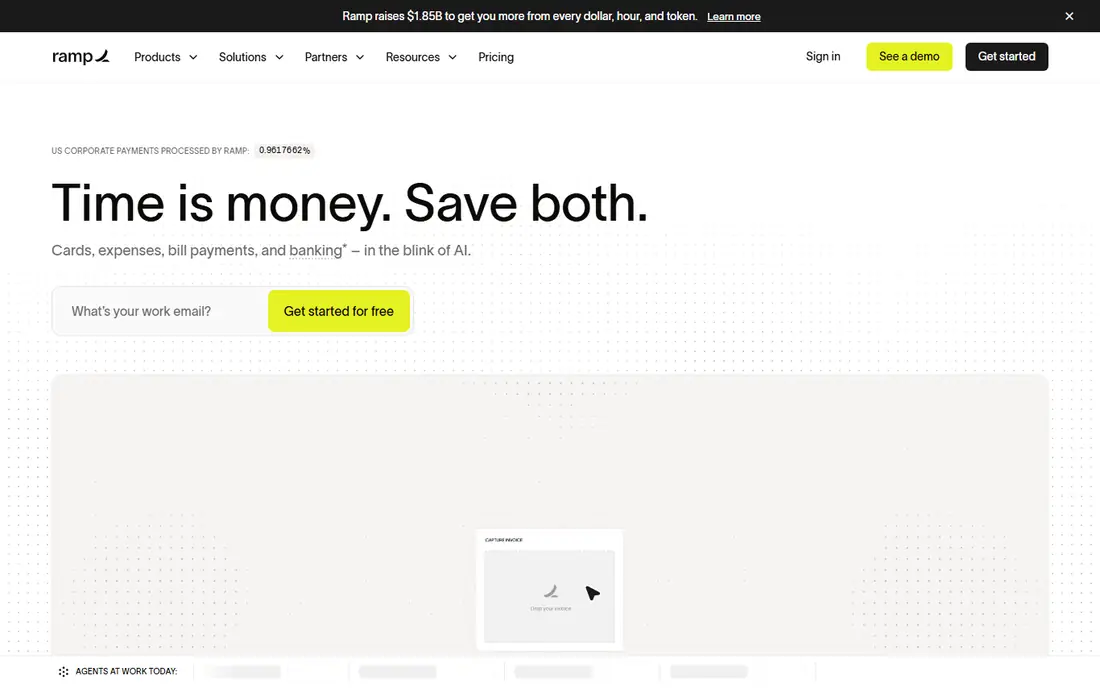
Ramp combines corporate cards, expense management and bill pay, with AI coding that assigns transactions to categories and accounts. Bills arrive by email, upload or import, get coded and routed for approval, then sync to QuickBooks Online, Xero or larger ERPs on higher plans. That breadth suits startups and growing companies that want spend control before money leaves the account.
The free plan covers a lot, including bill pay basics, but payment fees and Plus plan costs need checking for your volume. Ramp works best when cards and bills live in one system, so finance teams see spend in real time. Teams that only need AP, without cards, may prefer a narrower tool such as BILL or Stampli.
- Free plan with AI coding
- Bill pay and cards in one platform
- QuickBooks and Xero sync
- Plus plan costs $15 per user per month plus a platform fee
- Payment fees apply in some cases
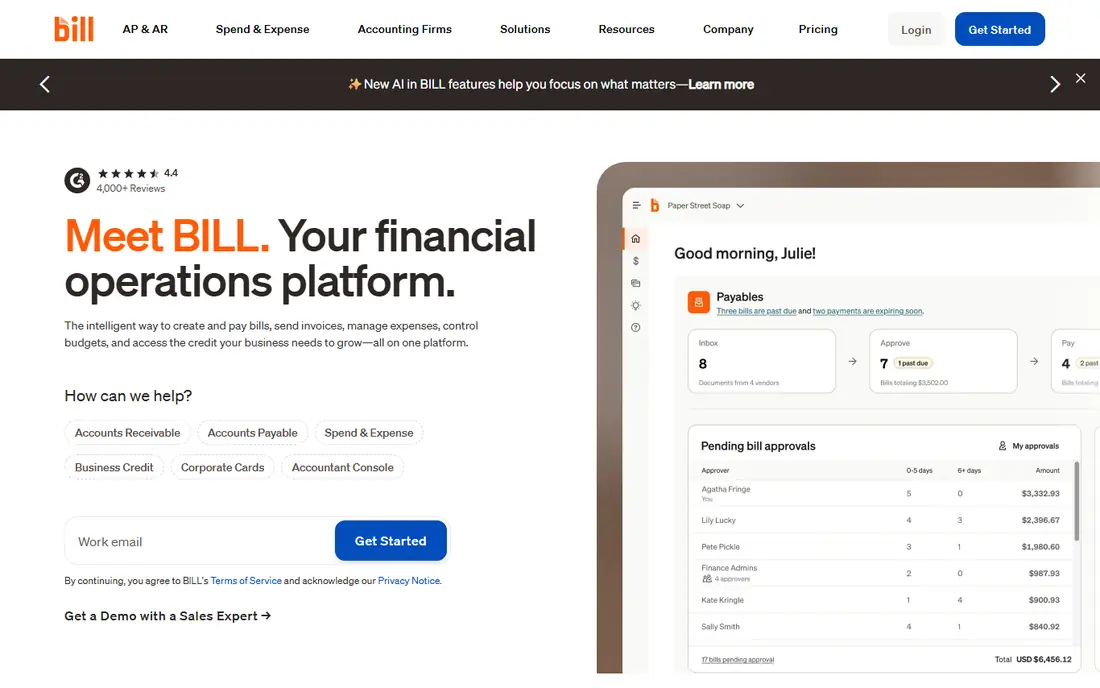
BILL automates both sides of the invoice workflow, capturing bills, coding them, routing approvals and paying vendors, while also handling invoicing and receivables. Its network of vendors and accountants makes onboarding familiar for outside bookkeepers, and published pricing helps small teams budget without a sales call. Essentials starts at $45 per user per month, with Team and Corporate tiers above it.
The seat model matters for approval-heavy teams, because approvers count toward paid seats on lower plans. Advanced approval rules and some ERP connections sit on higher tiers, so map your approval chain before choosing a plan. For small and mid-size teams that want AP and AR together, BILL remains a practical default.
- AP and AR in one platform
- Published pricing
- Wide accountant familiarity
- Every approver can be a paid seat on lower plans
- Higher tiers needed for advanced approvals
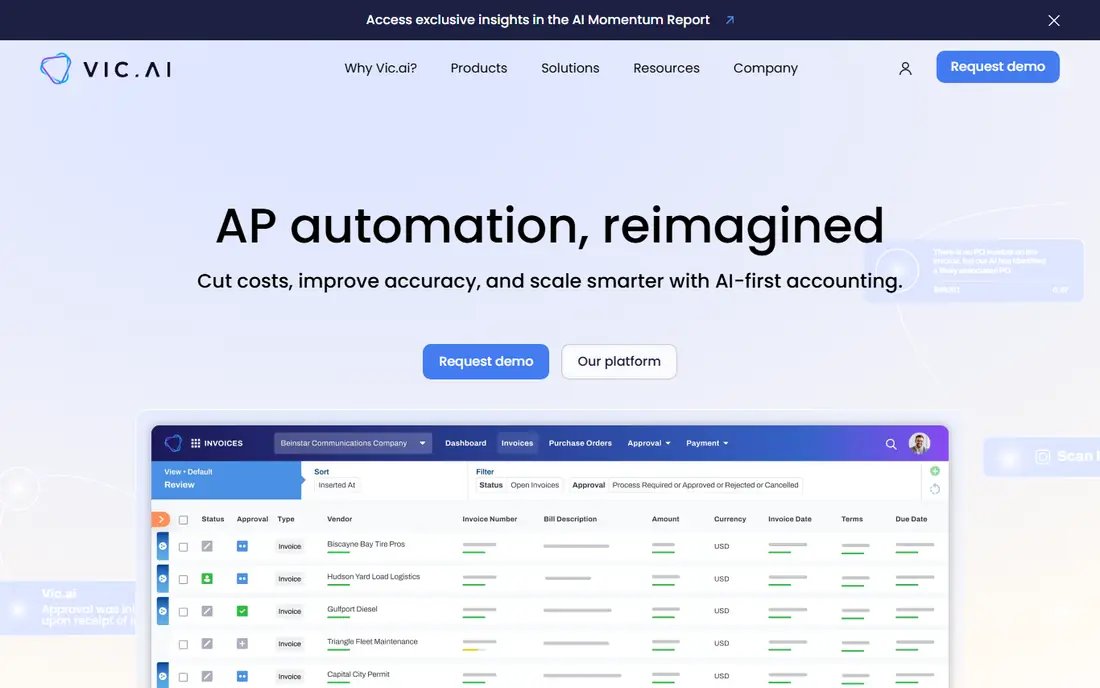
Vic.ai focuses on autonomous AP, using AI trained on large invoice volumes to code, match and route bills with less manual review. That strength shows at scale, where a team processes hundreds or thousands of invoices a month and small coding errors compound. Approval workflows and ERP sync keep finance in control while routine invoices move faster.
Custom pricing and implementation effort make Vic.ai a poor fit for a five-person team with a handful of monthly bills. Mid-market and enterprise AP teams, especially those with complex vendors and approval rules, will get more value. Ask for a pilot on your own invoices before committing, since accuracy on your formats matters more than any demo.
- AI invoice coding at scale
- Approval workflows
- ERP integrations
- Custom pricing
- Better suited to mid-market and enterprise volume than small teams
Stampli puts the invoice at the center of the approval conversation, so approvers, accountants and vendors discuss the same document rather than trading emails. AI assists with coding and flags issues, while humans keep approval control, which suits teams where audit trails and approver accountability matter. That model works well for mid-market companies with distributed approvers.
Custom pricing makes budgeting harder without a sales conversation, and Stampli is broader than a simple bill pay tool. Teams that need only basic bill pay may find it more than they need. Teams that lose time chasing approvals across email threads will value the shared invoice workspace most.
- Invoice-centered collaboration
- Clear audit trail
- AI-assisted coding and review
- Custom pricing
- No published starter price for easy budgeting
Tipalti solves a different problem from domestic bill pay, namely paying many suppliers across countries, currencies and tax rules. Supplier onboarding, tax form collection, payment approvals and global payouts sit in one platform, which reduces the spreadsheet work that grows with international hiring. Plans start at $99 per month, with higher tiers for advanced features.
Small domestic teams will not need that global depth, and the starting price reflects enterprise-grade payment infrastructure. Companies paying creators, affiliates, freelancers or suppliers in many countries will feel the benefit fastest. Check currency coverage and payout methods for your supplier countries before choosing a plan.
- Global payments in many countries
- Supplier onboarding and tax forms
- AP automation
- Starting price is high for small teams
- Best value appears at global scale
Melio is a friendly bill pay tool for small businesses that want to stop writing checks and chasing paper bills. You upload or forward a bill, schedule payment by bank transfer or card, and sync the result to QuickBooks Online or Xero. The free plan for one user covers basic bill pay, while Core, Boost and Unlimited tiers add users and features.
Melio lacks some advanced AP automation found in Vic.ai or Stampli, such as deep PO matching and complex approval chains. For a small team with straightforward vendor payments, that simplicity is a plus. Melio suits owner-operated businesses and small firms that need reliable bill pay without a mid-market platform.
- Free plan for one user
- Simple bill pay
- QuickBooks and Xero sync
- Higher tiers cost $25 to $80 per month
- Fewer advanced AP features than BILL
QuickBooks Online is a full accounting system with automation built in, rather than an automation layer alone. Bank feeds, receipt capture, recurring transactions, invoicing and reporting reduce manual entry for small businesses, while its app ecosystem connects payroll, payments and inventory tools. That breadth makes it the default ledger for many US small businesses.
Automation features deepen on higher plans, so a basic plan may still need manual review for complex workflows. Teams that already use QuickBooks should check whether its built-in automation covers their AP and close needs before adding another tool. Adding Ramp or BILL on top makes sense when invoice volume or approval complexity outgrows the ledger alone.
- Full general ledger
- Bank feeds and receipt capture
- Wide app ecosystem
- Automation depth varies by plan
- Higher plans cost more for advanced features
Xero offers a full cloud ledger with bank feeds, invoicing, bill capture and reporting, plus unlimited users on its plans. That user model helps small teams and their accountants work in the same books without per-seat friction for every viewer. Automation covers bank rules, recurring bills and invoice reminders, with deeper AP tools available through connected apps.
Xero's payroll and advanced feature availability varies by country and plan, so US teams should check current plan details. For teams that want a clean ledger plus solid automation, Xero is a strong alternative to QuickBooks Online. Pair it with a dedicated AP tool only when invoice volume or approval rules demand it.
- Full general ledger
- Unlimited users on plans
- Bank feeds and invoicing
- Payroll and advanced features vary by region and plan
- Automation add-ons may be needed
How we picked these
We compared official feature pages, pricing pages and integration lists for accounting automation tools that serve US small and mid-size businesses. We favored tools with clear AP, spend or close automation, sync to common ledgers, and current 2026 availability. We left out tools that only offer OCR without workflow, or that require an enterprise ERP to function.
Choosing the right automation layer
Start with your ledger. If you lack a ledger, pick QuickBooks Online or Xero first, then add automation only where manual work remains. If you already have a ledger, pick an automation layer that syncs cleanly with it, and test sync on real invoices before a full rollout.
Map one workflow end to end
Choose a single workflow, such as vendor bills, and map capture, coding, approval, payment and sync. A tool that automates capture but breaks at approval will not save time. Run that workflow for two weeks, measure hours saved and errors caught, and only then expand to a second workflow.
Keep controls visible
Automation should not hide approvals, duplicate payments or coding changes. Check audit trails, approval history and exception reports before you trust a tool with real money. Set approval limits, require a second check for large payments, and review the first month of automated coding closely.
Frequently asked questions
Which accounting automation software is best?
Ramp and BILL are the strongest general picks, with Ramp leading on spend plus AP and BILL leading on AP plus AR. Vic.ai and Stampli suit high-volume AP teams, while QuickBooks Online and Xero suit teams that need a full ledger. The best pick follows your ledger, invoice volume and approval needs.
What are the best accounting automation platforms for small businesses?
Ramp, BILL and Melio are the most practical small business platforms, because they cover bill pay and spend without enterprise implementation. QuickBooks Online and Xero also automate core bookkeeping for small teams. Start with the free or low-cost plan that matches your current invoice volume.
What is the best SaaS accounting software for automation?
QuickBooks Online and Xero are the leading SaaS ledgers with built-in automation, while Ramp and BILL are leading SaaS automation layers that sync to them. The right SaaS choice depends on whether you need a ledger, an automation layer, or both. Check sync and pricing for your team size before deciding.
Does accounting automation replace a bookkeeper?
No, automation removes data entry and routine coding, but it does not replace judgment, review and year-end work. Bookkeepers and accountants still review exceptions, reconcile accounts and advise on tax and cash flow. Automation makes their time more valuable by removing repetitive tasks, not by removing the role.
How much does accounting automation software cost?
Costs range from free plans at Ramp and Melio to $45 per user per month at BILL, $99 per month at Tipalti, and custom pricing at Vic.ai and Stampli. Ledger plans at QuickBooks Online and Xero add their own subscription cost. Compare total cost, including seats, payment fees and add-ons, for your real volume.
Sources
See where you really rank - block by block
ProMapRanker scans Google Maps across a grid of your service area. Simple monthly plans from $19, white-label on every plan.
Start freeKeep reading
 onenote alternatives
Best OneNote Alternatives in 2026
We compared the best onenote alternatives on notes, search, sync and price, so you can find a replacement that fits how you take notes each day for daily use.
Read → best text messaging service for business
Best Text Messaging Service for Business in 2026
Compare the best text messaging service for business, from SimpleTexting and EZ Texting to Podium and Salesmsg, with pricing, credits and compliance notes.
Read → best software for architectural design
Best Software for Architectural Design in 2026
Compare the best software for architectural design, from BIM tools like Revit and Archicad to SketchUp and AutoCAD, with current pricing and honest trade-offs.
Read →