 ProMapRanker
Best Access Management Tool in 2026


Microsoft 365 and Azure environments · Pricing starts at: $7 per user per month
Key takeaways
- Microsoft Entra ID is the natural pick for teams already running Microsoft 365, since its controls often ride along with existing licensing.
- Okta suits mixed-vendor app portfolios, with a large integration catalogue and strong lifecycle automation.
- Cisco Duo is a focused, affordable route to multi-factor authentication and device trust.
- JumpCloud combines identity and device management for smaller teams without on-premises Active Directory.
- Keycloak gives engineering teams a free self-hosted option, at the cost of running it themselves.
Quick comparison
| Pick | Great for | Pricing starts at | Free tier | |
|---|---|---|---|---|
| Microsoft Entra ID | Microsoft 365 and Azure environments | $7 per user per month | Free trial | Visit |
 Okta Workforce Identity | Mixed-vendor SaaS portfolios | $6 per user per month | Free trial | Visit |
 Cisco Duo | Multi-factor authentication and device trust | $3 per user per month | Yes | Visit |
 JumpCloud | Identity plus device management for smaller teams | See website | Free trial | Visit |
 Ping Identity | Large enterprises with complex federation | See website | No | Visit |
 Auth0 | Customer login for websites and apps | Free | Yes | Visit |
 Keycloak | Self-hosted single sign-on | Free | Yes | Visit |
 SailPoint | Identity governance and access reviews | See website | No | Visit |
 OneLogin | Mid-market teams wanting fast single sign-on | See website | Free trial | Visit |
The best access management tools
Access management decides who can reach which application, under what conditions, and for how long. The best access management tool for a given team depends on the apps it runs, the devices it manages, and the compliance rules it must meet. This list covers workforce login, customer login and governance, since those jobs often get bought together but need different strengths.
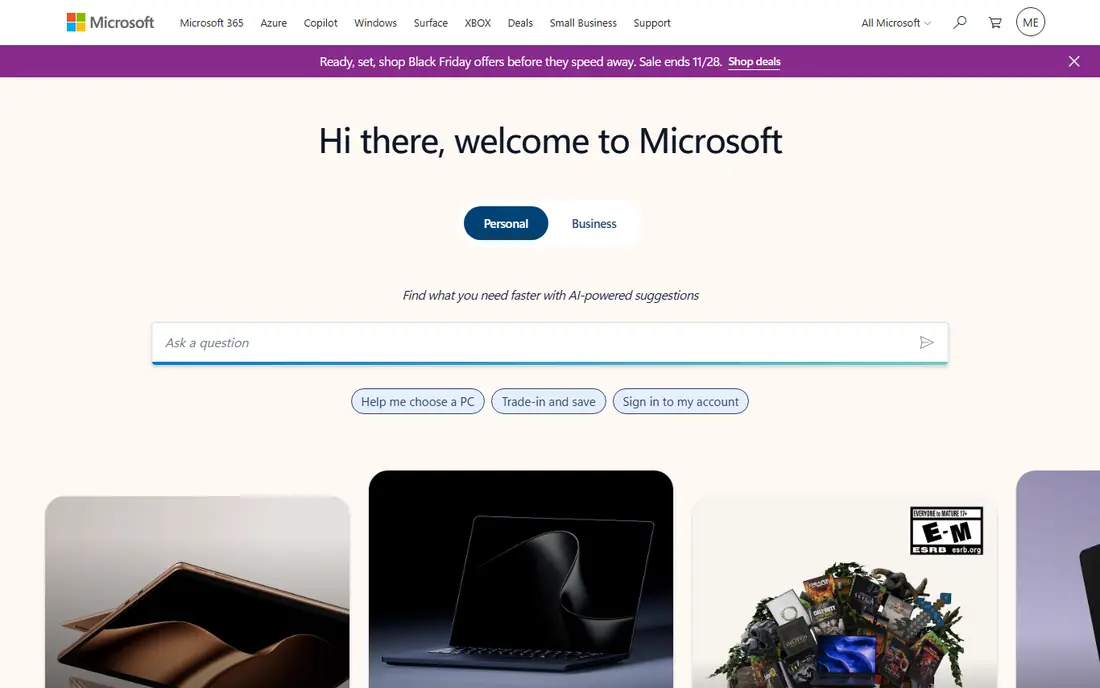
Microsoft Entra ID, formerly Azure Active Directory, is the identity layer for Microsoft 365 and Azure. Single sign-on, multi-factor authentication and Conditional Access policies sit close to the apps most office teams use every day, which makes enforcement consistent. Higher tiers add Identity Protection and Privileged Identity Management for risk-based decisions and just-in-time admin access.
The catch is licensing complexity. Features split across P1, P2 and separate governance options, and teams sometimes discover a needed control sits on a higher tier. Teams already paying for Microsoft 365 E3 or E5 may find much of what they need already included, which makes Entra ID hard to beat on value in those shops.
- Native Conditional Access across Microsoft apps
- Often included in Microsoft 365 plans
- Strong identity protection on higher tiers
- Licensing tiers can confuse buyers
- Non-Microsoft apps need extra integration work
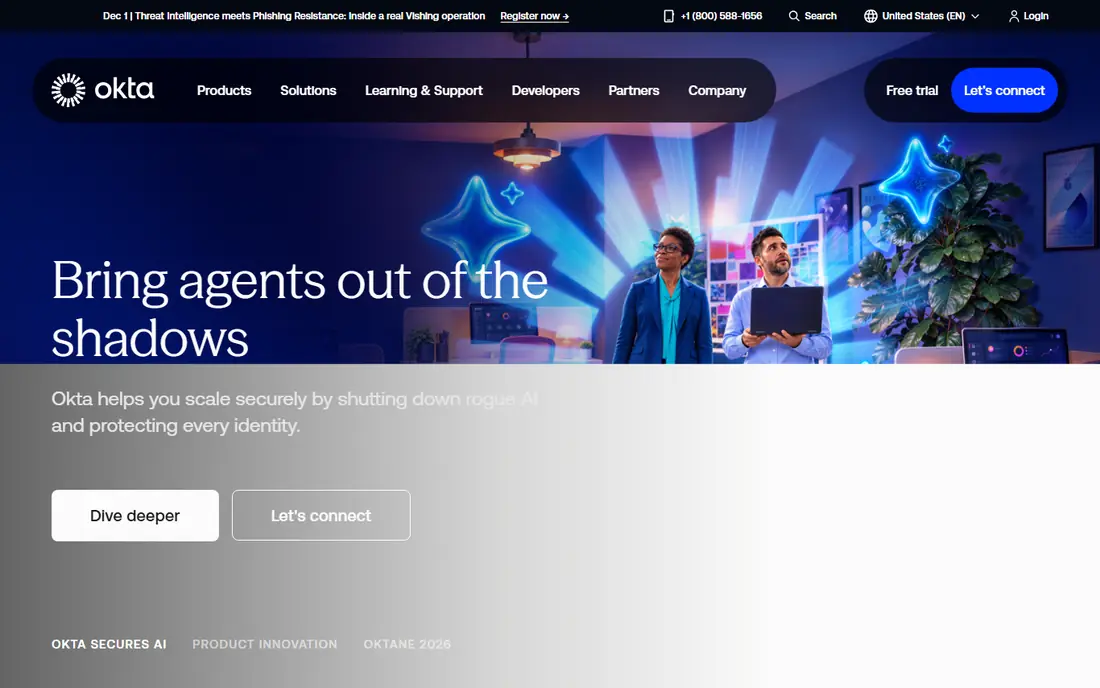
Okta Workforce Identity suits teams whose apps come from many vendors rather than one stack. Its integration network covers thousands of applications, so single sign-on coverage arrives faster than building each connection by hand. Lifecycle automation provisions and deprovisions accounts from HR data, which closes a common security gap when staff join or leave.
Pricing starts accessibly but grows with features. Advanced threat protection, governance and privileged access sit on higher tiers or as add-ons, so buyers should map the full feature list before signing. For a mixed SaaS estate, that breadth is still the main reason teams choose Okta.
- Very large pre-built integration catalogue
- Adaptive multi-factor authentication
- Lifecycle automation from HR systems
- Costs climb as add-ons stack up
- Minimum commitments apply on some plans
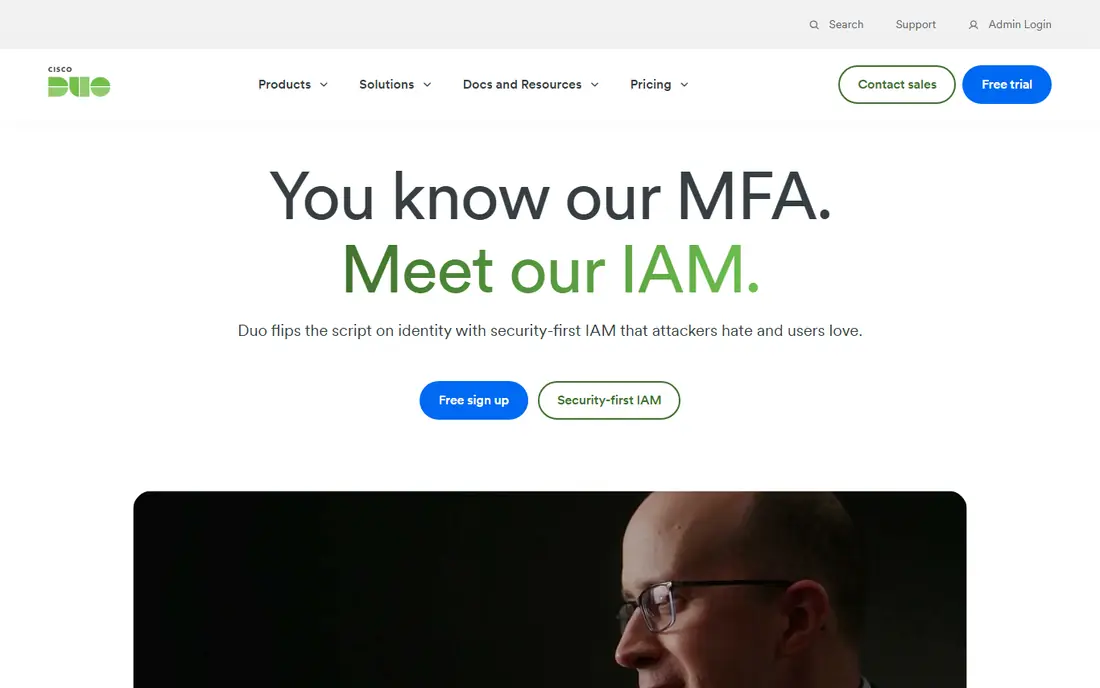
Cisco Duo started as multi-factor authentication done well, and that focus still shows. Users verify with a push, passkey or hardware key, and Duo checks device health before granting access to sensitive apps. A free tier for up to 10 users lets tiny teams protect core systems without a budget discussion.
Duo is not a full identity platform on its entry tier. Teams wanting deep lifecycle automation, governance reviews and a vast app catalogue will pair it with another system or choose a broader platform. As a first step toward stronger login security, though, Duo is one of the easiest wins available.
- Free tier for up to 10 users
- Simple multi-factor setup
- Device health checks before access
- Full single sign-on sits on higher tiers
- Less of a complete identity platform
JumpCloud appeals to smaller teams that never built an on-premises Active Directory and do not want to start now. It manages user identities, devices and access policies from a cloud console, covering Windows, Mac and Linux machines alongside SaaS apps. That combination suits remote and hybrid teams with a mixed device fleet.
Larger organisations with complex governance, certification campaigns and privileged access programmes will likely need specialist tools alongside or instead of JumpCloud. For a growing company that wants one console for people and devices, the consolidation is genuinely useful.
- Cloud directory plus device management in one console
- Single sign-on and multi-factor included
- No on-premises server needed
- Package pricing is quote-based
- Enterprise governance is thinner than specialist tools
Ping Identity serves large enterprises with hybrid estates, partner federation and complex authentication policies. Its platform supports cloud, software and hybrid deployment, which matters when some systems cannot move to the cloud. Federation features connect partner organisations and legacy directories without forcing a single architecture.
That power comes with a sales-led, quote-based model and a rollout that rewards experienced implementers. Smaller teams will find simpler tools faster and cheaper. Enterprises with intricate federation needs, though, often find Ping handles cases that simpler platforms cannot express.
- Strong federation and hybrid deployment options
- Handles complex enterprise identity cases
- Mature platform
- Quote-based pricing
- Implementation needs skilled staff or partners
Auth0, now part of Okta, is built for customer-facing login rather than employee login. Developers add sign-up, social login, passkeys and custom flows to a website or app without building authentication from scratch. A free plan lets small products launch secure login early, which is better than storing passwords badly.
Pricing shifts with monthly active users and enterprise connections, so a growing consumer product should model costs at several user counts. Auth0 is the right pick when the users are customers, while Okta Workforce Identity fits employees. Mixing those jobs up is a common and costly mistake.
- Free plan for getting started
- Hosted login, social login and passkeys
- Flexible custom authentication flows
- Enterprise connections and high volumes raise costs
- Workforce features differ from Okta Workforce
Keycloak gives engineering teams a free, self-hosted identity server with single sign-on, identity federation and role-based access. It suits organisations that need full control over where identity data lives, or that want to avoid per-user subscription costs. Custom login flows and themes let product teams shape the sign-in experience.
The price is operational. A team owns hosting, upgrades, backups and security patching, and that work never ends. Companies without engineering capacity for identity infrastructure should choose a managed service instead. For teams that can run it well, Keycloak is a capable and honest alternative.
- Free open-source software
- Single sign-on, federation and custom login flows
- Full control over data
- Team must host, patch and support it
- Setup takes engineering time
SailPoint focuses on governance: who has access, whether they still need it, and who approved it. Access reviews, certifications and approval workflows give auditors clear evidence, while lifecycle automation keeps joiner, mover and leaver processes consistent. Separation-of-duties controls flag risky combinations before they become audit findings.
SailPoint pairs with a login platform rather than replacing one. It answers the governance question that single sign-on leaves open, and it costs accordingly, with quote-based pricing and a substantial rollout. Regulated and large organisations get the most from it, since their audit burden justifies the investment.
- Access certifications and approval workflows
- Lifecycle automation
- Separation-of-duties controls
- Quote-based pricing
- Implementation is a programme, not a quick install
OneLogin suits mid-market teams that want single sign-on and multi-factor authentication without an enterprise project. Its catalogue covers common business apps, and the admin console stays approachable for small IT teams. That speed matters when a company is moving from shared passwords to proper identity controls for the first time.
The trade-off is depth. Advanced governance, privileged access and complex federation are thinner than in enterprise specialists, and pricing requires a conversation. Teams with straightforward app portfolios will appreciate the pace, while complex estates should compare enterprise options first.
- Fast single sign-on rollout
- Multi-factor authentication included
- Straightforward admin console
- Pricing details are quote-based
- Advanced features sit on higher tiers
How we picked these
We compared official product and pricing pages, documentation and public reviews, and kept only tools that exist and work in October 2026 and truly manage access. We covered workforce login, customer login, device-linked identity and governance, because buyers often confuse those jobs. Where vendors do not publish pricing, we wrote See website rather than estimating a figure.
Buying access management without overbuying
Start by listing who needs access: employees, contractors, partners or customers. Each group points to a different product shape, and buying a workforce tool for customer login (or the reverse) wastes money. Next, list the apps that matter most, and check single sign-on support for those apps before falling for a long catalogue count.
Then test the painful moments. Enrol a new starter, remove a leaver, reset multi-factor authentication for a locked-out manager, and run an access review for one team. If those four flows work smoothly, daily operations will too. Also confirm how passkeys, hardware keys and conditional policies work on the tier you plan to buy, since headline features often sit above entry pricing.
Finally, plan for migration. Multi-factor enrolment rarely transfers cleanly between vendors, so budget time and helpdesk cover for re-enrolment. A phased rollout, starting with IT and one pilot team, surfaces problems while they are still small. Access management protects everything else, so a calm rollout beats a fast one.
Frequently asked questions
What is the best access management software for small businesses?
JumpCloud and Cisco Duo suit many small teams, since both cover core login security without enterprise complexity. Microsoft Entra ID also fits if the team already uses Microsoft 365. Start with single sign-on and multi-factor authentication, then add governance later.
What is the best access management tool for enterprises?
Okta Workforce Identity and Microsoft Entra ID lead for most enterprises, with Ping Identity strong for complex federation and SailPoint for governance. The right choice depends on app mix, Microsoft licensing and audit needs. Large teams often pair a login platform with SailPoint.
How much does access management software cost?
Entry prices here range from free for Keycloak and Auth0 starter use, to $3 per user per month for Cisco Duo, $6 for Okta and $7 for Microsoft Entra ID P1. Enterprise governance and federation tools are quote-based. Always price the tier that includes the features you need.
Is single sign-on enough on its own?
No, single sign-on must sit with multi-factor authentication, sensible access policies and a leaver process. Without those, one stolen password still opens many apps. Add access reviews for sensitive systems, and review privileged accounts on a regular cycle.
What is the difference between workforce and customer identity tools?
Workforce tools manage employee and contractor access to business apps, usually priced per user. Customer tools manage sign-up and login for external users of a website or app, usually priced by monthly active users. Okta Workforce and Auth0 show that split inside one vendor family.
Should a team self-host Keycloak?
Self-hosting suits engineering teams that need data control and can own patching, backups and upgrades. Teams without that capacity should pick a managed service, since an unpatched identity server is a serious risk. Judge Keycloak on total operating cost, not licence price alone.
Sources
See where you really rank - block by block
ProMapRanker scans Google Maps across a grid of your service area. Simple monthly plans from $19, white-label on every plan.
Start freeKeep reading
 who has best internet service
Who Has the Best Internet Service in 2026
Who has best internet service for US homes? We compare fiber, cable, fixed wireless and satellite providers on speed, price, availability and terms today.
Read → which survey tool has the best analytics
Which Survey Tool Has the Best Analytics in 2026
Find which survey tool has the best analytics in 2026, comparing Qualtrics, SurveyMonkey, Typeform, Alchemer, and more on reports, text, and stats today.
Read → which streaming service has the best movies
Which Streaming Service Has the Best Movies in 2026
Answering which streaming service has the best movies, with Netflix, Max, Criterion and more compared on libraries, prices and free options in this guide.
Read →