 ProMapRanker
Best AAC Apps in 2026: 9 Apps Compared

Key takeaways
- Proloquo2Go, TouchChat and LAMP Words for Life are the most widely recommended full vocabulary apps, and all are mainly iPad based.
- CoughDrop and Cboard stand out for cross-platform use and sharing, which helps families and teams that use mixed devices.
- Free options such as Cboard and LetMeTalk can be a useful starting point, but they differ a lot from paid apps in vocabulary depth and support.
- The right choice depends on an assessment by a speech-language professional, since motor access, language level and device access vary widely.
Quick comparison
| Pick | Great for | Pricing starts at | Free tier | |
|---|---|---|---|---|
 Proloquo2Go | Full symbol communication | See website | No | Visit |
 TouchChat | Flexible grid layouts | See website | No | Visit |
 LAMP Words for Life | Motor planning approach | See website | No | Visit |
 TD Snap | Tobii Dynavox device users | See website | No | Visit |
 CoughDrop | Cross-platform sharing | See website | Free trial | Visit |
 Cboard | Free browser-based AAC | Free | Yes | Visit |
 Avaz AAC | School and family use | See website | Free trial | Visit |
 LetMeTalk | Free basic symbol boards | Free | Yes | Visit |
 Proloquo4Text | Text-based communication | See website | No | Visit |
The best AAC apps
We compared vocabulary design, access methods, platforms, pricing and sharing features across current AAC apps. AAC stands for augmentative and alternative communication, and these apps give a voice to people who cannot rely on speech alone. This article is general information only, not medical advice, and a speech-language professional should guide any final choice.
Proloquo2Go is the app many professionals name first, and its core-word design is a big reason. It puts the most useful words within easy reach, then lets users build longer messages from combinations, rather than hunting through topic folders for every word. That design supports everyday conversation, school work and social talk in one system.
Customization is deep, with grid sizes, button layouts, personal photos and a wide voice choice. The trade-off is cost and platform: the app is priced as a one-time purchase at a level that can be a barrier without school or insurance funding, and it works best on an iPad. Families should check current App Store pricing and funding options before buying.
- Large core-word vocabulary
- Many voices and languages
- Strong customization for grids and buttons
- One-time price is high
- Mainly an Apple app, so an iPad is usually needed
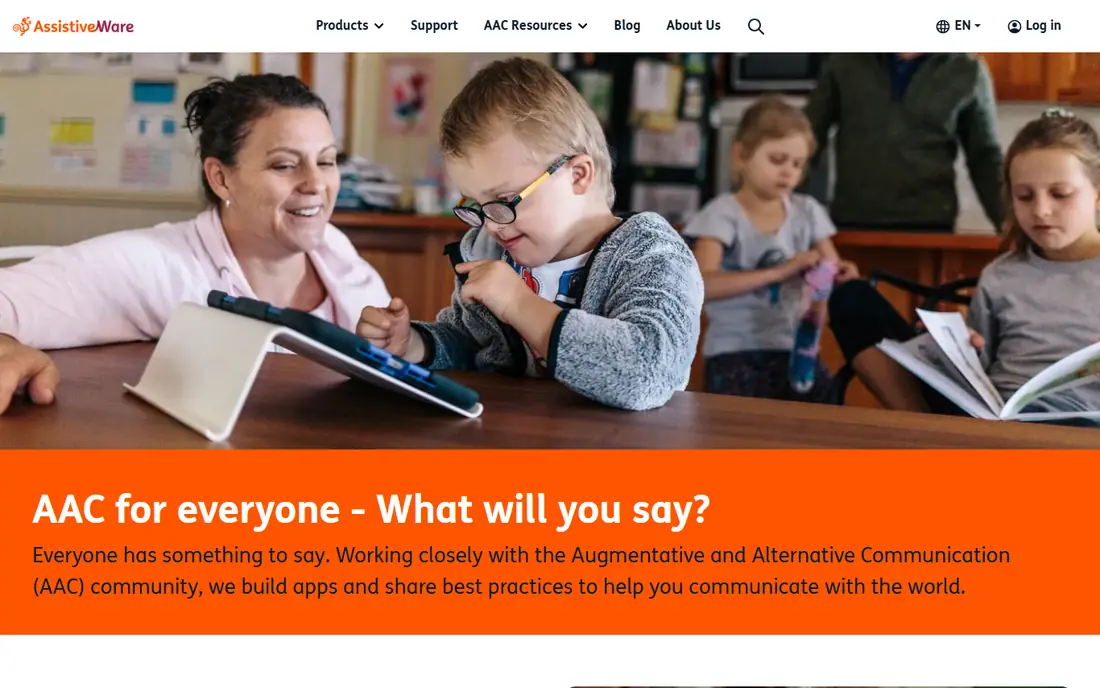
TouchChat suits users who need a grid that can grow with them. Its WordPower vocabularies come in several grid sizes, so a team can start simple and move to a denser layout without switching to a different app. Symbol and text options sit side by side, which helps users who read some words but still lean on symbols for speed.
Access options include switch scanning and head tracking on supported devices, which matters for users with limited hand control. The downside is the learning curve: choosing the right vocabulary set and tuning buttons, pages and voices takes time, and professional guidance helps. Pricing is a one-time purchase, so check the current store price before committing.
- WordPower vocabularies with many grid sizes
- Text and symbol options
- Switch and head-tracking access
- One-time price is high
- Setup can take time for new users
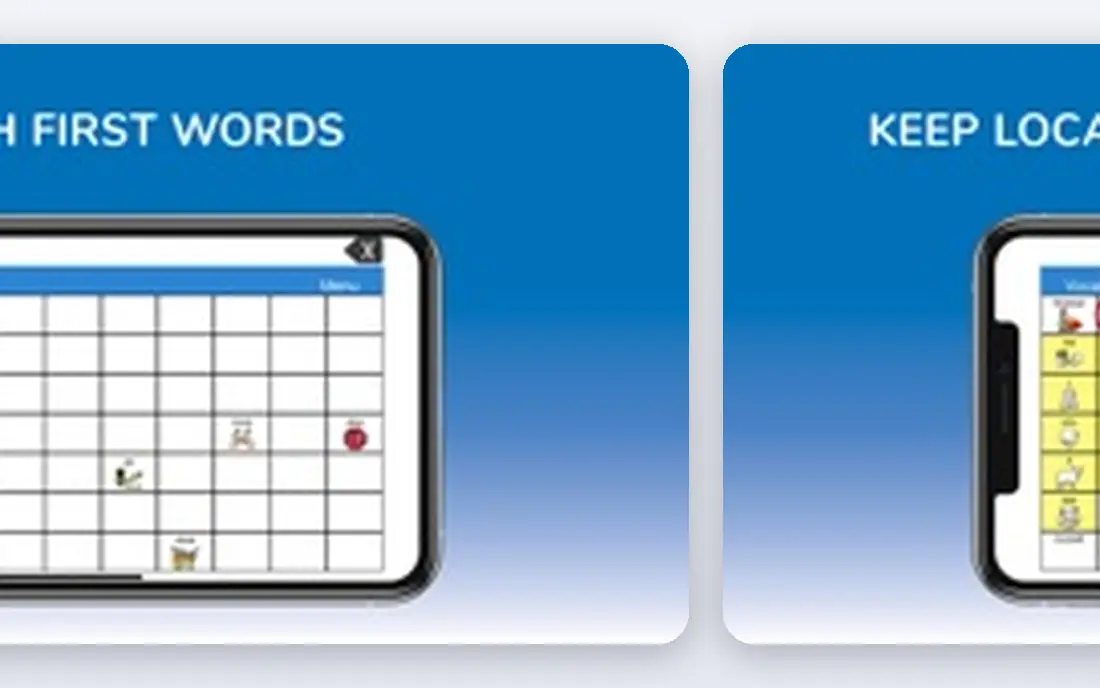
LAMP Words for Life is built around motor planning, which means each word keeps the same button pattern every time it is used. Over time, users can build muscle memory for common words, which can make communication faster and less effortful than searching a changing layout. Its Unity vocabulary system is designed to grow from single words to full sentences.
That consistency is also a commitment. Users and communication partners benefit from training in the LAMP approach, and the app is mainly used on Apple devices. The one-time price is in the same range as other full vocabulary apps, so funding and trial planning matter. For a user whose team supports motor planning, it is one of the strongest options available.
- Consistent motor patterns for words
- Unity vocabulary system
- Built for long-term language growth
- Apple-only in practice
- One-time price is high
- Training helps users get the most from it
TD Snap is the communication software that ships on many Tobii Dynavox devices, and it also runs as an app on tablets. It offers both core-word page sets and motor-planning options, so a team can pick the layout style that fits the user rather than forcing one approach. Eye-gaze, switch and touch access are central to its design.
The catch is that pricing and availability depend on whether you buy the app alone or as part of a dedicated device bundle, so a single headline price can mislead. Device-based users may also need mounting, cases and support that add cost. For users who already use Tobii Dynavox hardware, TD Snap is the natural first choice to test.
- Core-word and motor-planning page sets
- Eye-gaze and switch access
- Works with Tobii Dynavox devices
- Pricing varies by device and bundle
- Full setup can feel complex
CoughDrop stands out because it is not tied to one device brand. Boards built in a browser can be used on an iPad, an Android tablet, a Chromebook or a Windows device, and sharing with family, teachers and therapists is simple. That flexibility helps when a user moves between home, school and therapy settings with different hardware.
Pricing uses a monthly subscription or a lifetime purchase, plus a trial period to test the system first. The symbol set and voice options differ from the big iPad apps, so a team should compare boards side by side before switching. For mixed-device households, the sync and sharing alone can justify the cost.
- Runs in browsers and on many devices
- Boards sync and share easily
- Subscription or lifetime option
- Subscription cost adds up over time
- Symbol library differs from some paid rivals
Cboard is a free, open option that runs in a browser on phones, tablets and computers. It offers symbol boards in many languages and lets users build simple boards without buying hardware or a paid app. For a first trial, a backup board or a low-budget setting, that free access is a genuine advantage.
The limits are real, though. Its vocabulary is not as deep as Proloquo2Go or TouchChat, and advanced access methods and professional support are thinner. Think of Cboard as a starting point or a supplement, not a like-for-like replacement for a full assessment-based system. If it works well, it can also clarify what a paid app needs to add.
- Free to use in a browser
- Many languages
- Simple symbol boards that are quick to set up
- Vocabulary depth is thinner than paid apps
- Fewer access and support options
Avaz AAC is a symbol-based app aimed at children and adults who need a clear, picture-led system. It supports symbol boards with text, lets caregivers track use and progress, and offers a trial so families can test it before paying. School teams often like the reporting tools, since they show which words and boards get used most.
Pricing varies by platform and subscription choice, so check the current listing in your app store rather than relying on an old price. The picture style and layout will also suit some users better than others, which is why a short trial with real daily routines matters more than a feature list. Used with professional guidance, it is a solid mid-priced option.
- Symbol-based boards with picture and text support
- Tracking and reporting tools
- Trial period available
- Pricing model varies by store and plan
- Picture library style may not suit every user
LetMeTalk is a free symbol-board app for Android and iOS that uses a free symbol library. It lets users tap pictures to speak phrases, build simple boards and use the app without a subscription. For a quick trial, a travel backup or a setting with no budget, it removes the cost barrier completely.
The feature set is basic compared with paid AAC apps, with simpler boards, fewer voices and less depth in vocabulary organization. That simplicity can still be a strength for beginners, since there is less to learn before a first successful message. If needs grow beyond simple boards, a paid app or a device-based assessment is the next step.
- Free to download and use
- Uses a free symbol set
- Works offline on supported devices
- Basic feature set
- Less polished than paid apps
- Limited professional support
Proloquo4Text serves a different group from the symbol apps above: people who can read and type but cannot rely on speech. It turns typed text into speech quickly, with word prediction, abbreviations and saved phrases to cut typing effort. VoiceOver and switch support on Apple devices help users with motor or vision needs.
The limit is literacy. Users who cannot read fluently will get more from a symbol system, and Proloquo4Text does not replace one. For literate teens and adults who want a fast, private way to speak in meetings, classrooms or medical visits, it is one of the clearest text-based choices. Check current pricing in the App Store before buying.
- Fast text-to-speech for literate users
- Word prediction and saved phrases
- Apple accessibility support
- Needs literacy and typing ability
- Not a symbol vocabulary app
How we picked these
We compared official product pages, app store listings and public AAC guides for apps that are live in October 2026. We favored apps with a real vocabulary system, speech output and current support, and we mixed paid leaders with free options so readers can see the full range. We did not claim that any app suits a specific diagnosis, and we left out apps that are no longer maintained or that lack a clear official page.
How to choose an AAC app
Start with an assessment, not a download. A speech-language professional can test language level, motor access, vision, hearing and daily settings, then recommend a vocabulary style and access method. That assessment also opens funding routes through schools, health plans or device programs that can cover a high one-time price.
Next, trial the shortlist in real routines, not just at a desk. Try ordering food, asking for help, chatting with a friend and doing school or work tasks, since an app that looks good in a demo can feel slow in daily use. Check who can edit boards, how boards back up and share, and whether the app works offline when Wi-Fi drops. Finally, plan for growth: the best system is one the user can still use in a year, with room for more words and faster access.
Frequently asked questions
What is the best AAC app?
There is no single best app, since needs differ by language level, motor access and device. Proloquo2Go, TouchChat and LAMP Words for Life are the most widely used full vocabulary apps. A speech-language professional should guide the final choice after an assessment.
Are AAC apps free?
Some are free, including Cboard and LetMeTalk, while full vocabulary apps are usually a one-time purchase or a subscription. Schools and health plans may fund a paid app or a dedicated device after an assessment. Always check current pricing, since sales and funding rules change.
Can an iPad replace a dedicated AAC device?
An iPad with an AAC app can work well for many users and costs far less than a dedicated device. Dedicated devices add rugged cases, mounting, longer support and access hardware that some full-time users need. Guided Access on an iPad can also limit the device to the communication app when that helps.
What is the difference between symbol and text AAC?
Symbol AAC uses pictures and core words that users tap to build messages, which suits users who cannot read fluently. Text AAC turns typed words into speech and suits literate users who can type. Some apps combine both, letting users switch between symbols and text.
Do AAC apps work offline?
Many AAC apps work offline once boards and voices are downloaded, which matters at school, outdoors or in buildings with weak Wi-Fi. Browser-based tools may need a connection for editing or syncing, so check offline support before relying on an app in the field.
Sources
See where you really rank - block by block
ProMapRanker scans Google Maps across a grid of your service area. Simple monthly plans from $19, white-label on every plan.
Start freeKeep reading
 who has best internet service
Who Has the Best Internet Service in 2026
Who has best internet service for US homes? We compare fiber, cable, fixed wireless and satellite providers on speed, price, availability and terms today.
Read → which survey tool has the best analytics
Which Survey Tool Has the Best Analytics in 2026
Find which survey tool has the best analytics in 2026, comparing Qualtrics, SurveyMonkey, Typeform, Alchemer, and more on reports, text, and stats today.
Read → which streaming service has the best movies
Which Streaming Service Has the Best Movies in 2026
Answering which streaming service has the best movies, with Netflix, Max, Criterion and more compared on libraries, prices and free options in this guide.
Read →