 ProMapRanker
Best 2FA App in 2026: 8 Apps Compared


Simple setup for most people · Pricing starts at: Free
Key takeaways
- Google Authenticator is our pick for most people, with simple setup and optional cloud sync through a Google account.
- Microsoft Authenticator suits Microsoft and work accounts, with cloud backup and passwordless sign-in options.
- Ente Auth and Aegis suit privacy-focused users, with encrypted backups and open-source code.
- 2FAS and Proton Authenticator suit cross-platform users who want sync without being tied to one big ecosystem.
Quick comparison
| Pick | Great for | Pricing starts at | Free tier | |
|---|---|---|---|---|
| Google Authenticator | Simple setup for most people | Free | Yes | Visit |
 Microsoft Authenticator | Microsoft and work accounts | Free | Yes | Visit |
 Authy | Multi-device sync | Free | Yes | Visit |
 2FAS | Clean, private mobile 2FA | Free | Yes | Visit |
 Ente Auth | Encrypted cross-platform sync | Free | Yes | Visit |
 Proton Authenticator | Cross-platform with encrypted sync | Free | Yes | Visit |
 Bitwarden Authenticator | Standalone or password manager use | Free | Yes | Visit |
 Aegis Authenticator | Android privacy and local control | Free | Yes | Visit |
The best 2fa apps
These eight authenticator apps generate time-based one-time codes that work offline once set up. The real difference between them is backup and recovery, so choose based on how you will regain access if you lose your phone. Save recovery codes for every important account, wherever you store them.
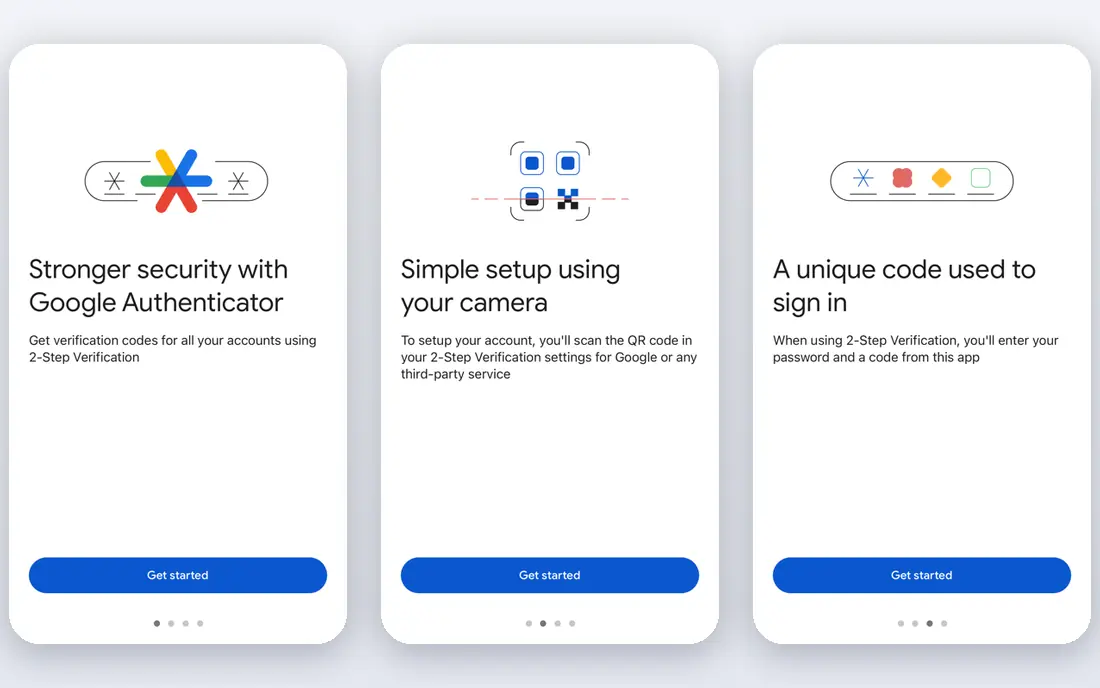
Google Authenticator is the simplest starting point, and simplicity matters for security tools. You scan a QR code for each account, and the app generates six-digit codes that work without an internet connection. That straightforward flow is why it remains the default recommendation for people setting up two-factor authentication for the first time.
Cloud sync through a Google account helps if you change phones, but it also ties recovery to that account, so protect it well. Advanced users may want the encrypted sync of Ente Auth or the local control of Aegis, but most people will be well served by Google Authenticator plus saved recovery codes.
- Very simple setup by QR code
- Codes work offline
- Optional sync through a Google account
- Sync is tied to a Google account
- Fewer advanced features than privacy-focused rivals
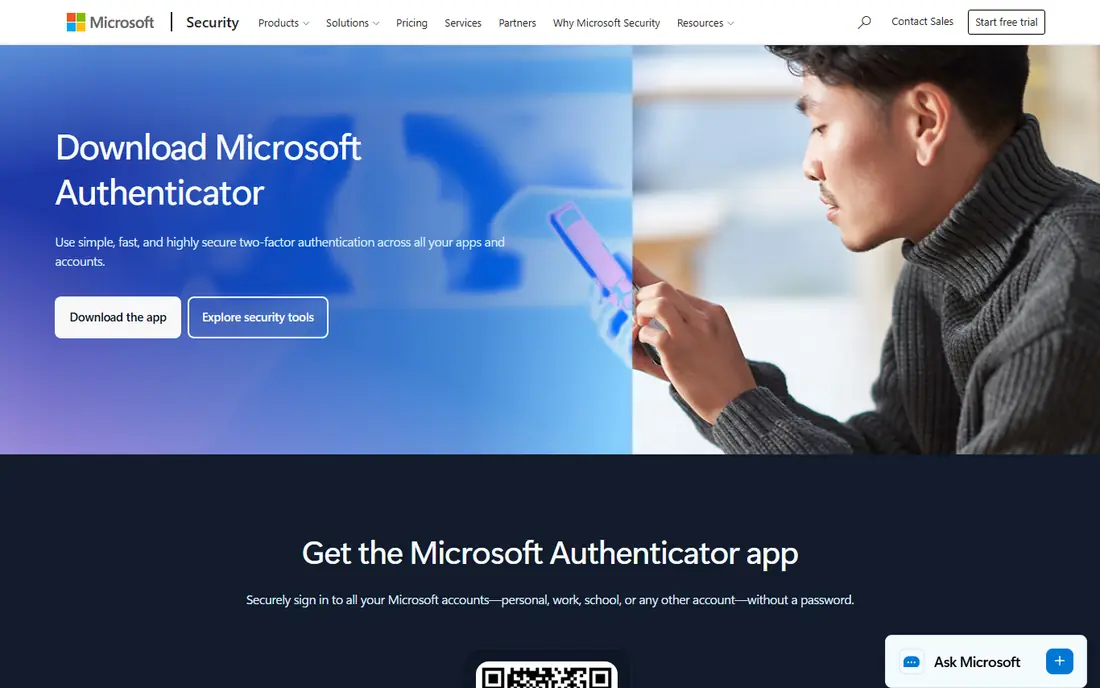
Microsoft Authenticator is the natural pick for Microsoft accounts and for work or school accounts managed through Microsoft systems. It supports one-tap approvals and passwordless sign-in for Microsoft services, alongside standard time-based codes for other sites. Cloud backup through a Microsoft account makes phone changes easier than a purely local app.
Personal users with no Microsoft accounts can still use it for standard codes, but the experience feels work-oriented. If your main accounts are Microsoft, school, or work accounts, this is the obvious choice. If you want ecosystem independence, look at 2FAS, Ente Auth, or Proton Authenticator.
- Cloud backup through a Microsoft account
- Passwordless sign-in for Microsoft accounts
- Work and school account support
- Fullest benefits need a Microsoft account
- Interface can feel work-focused for personal use
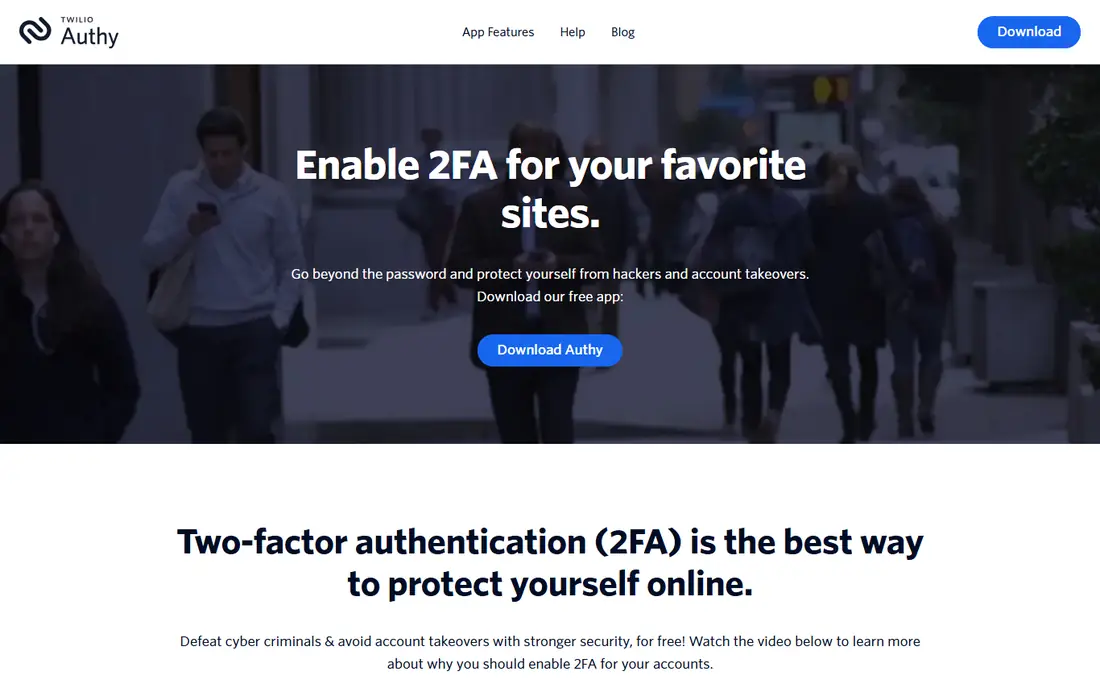
Authy built its reputation on multi-device sync. Encrypted cloud backups let you restore codes on a new phone without manually re-adding every account, which is a real relief after a lost or broken device. The interface stays simple, and setup follows the same QR code flow as other authenticators.
The trade-off is the phone number account model, which some privacy-focused users dislike, and changing desktop support over time means you should check current platform availability before relying on a desktop version. For users who value easy restore over local-only control, Authy remains a strong free choice.
- Encrypted cloud backups across devices
- Multi-device support
- Simple interface
- Account is tied to a phone number
- Desktop app support has changed over time, so check current platforms
2FAS is a favourite among users who want a clean, private authenticator without clutter. It is open-source, it has no ads in the core experience, and it offers a browser extension that can autofill codes on desktop. Backup through iCloud or Google Drive helps with phone changes, though you should check the current encryption details for your backup method.
A paid tier adds unlimited sync features, but the free core covers most personal use. If you want a tidy mobile authenticator with a browser extension and a privacy-friendly approach, 2FAS is an excellent middle ground between Google Authenticator and the more technical Aegis.
- Clean interface with no ads in the core app
- Backup through iCloud or Google Drive
- Browser extension for autofill
- Sync backup is not end-to-end encrypted by default in all setups
- Paid tier for unlimited sync features
Ente Auth is the cross-platform privacy pick. It offers end-to-end encrypted cloud sync across mobile, desktop, and web, with open-source code that lets independent reviewers check how it works. That combination suits users who want sync on every device without handing code secrets to a large platform account in plain form.
The free tier covers most personal setups, with paid storage tiers for larger use. Ente is a newer name than Google or Microsoft, so users who prefer a decades-old brand may stick with those. For encrypted sync plus genuine cross-platform coverage, Ente Auth is currently one of the strongest options available.
- End-to-end encrypted cloud sync
- Open-source code
- Apps for mobile, desktop, and web
- Free tier has storage limits for larger setups
- Newer brand than Google or Microsoft, so check long-term support
Proton Authenticator brings Proton's privacy-focused approach to two-factor codes. It offers encrypted sync and backups across mobile and desktop platforms, with a clean interface that will feel familiar to Proton Mail and Proton Pass users. Codes work offline once set up, as with other authenticators here.
Users without a Proton account can still use the core app, but sync is tied to that account, so it suits Proton users best. If you already use Proton services, this is a natural addition. If you want an independent, open-source sync option, Ente Auth is the closest alternative.
- Encrypted sync and backups
- Apps for major mobile and desktop platforms
- Fits well with other Proton services
- Fullest sync benefits need a Proton account
- Some features vary by platform
Bitwarden Authenticator suits two groups: people who want a free standalone authenticator, and people who already use Bitwarden as a password manager. The standalone app stores codes locally with export options, while Bitwarden vault users can keep passwords and codes together, though security experts often advise keeping them separate for high-value accounts.
The interface is functional rather than polished, and some sync features depend on your Bitwarden setup. For a free, open-source-leaning authenticator from a known password manager maker, it is a solid choice. For pure privacy and local control on Android, Aegis still leads.
- Free standalone authenticator app
- Integrates with Bitwarden password manager
- Local storage with export options
- Vault sync features need a Bitwarden account or Premium in some setups
- Interface is functional rather than polished
Aegis is the privacy-first pick for Android users. It is open-source, it needs no account, and it stores codes in an encrypted local vault that you back up yourself. That local control appeals to users who do not want code secrets in any cloud service, and its export options make migration straightforward.
The cost of that control is responsibility. There is no built-in cloud sync, so losing your phone without a recent encrypted backup means losing your codes. Aegis is Android only, so iPhone users should look at 2FAS or Ente Auth instead. For Android users who will manage backups properly, Aegis is excellent.
- Open-source with encrypted local vault
- No account required
- Detailed export and backup controls
- Android only
- No built-in cloud sync, so you must manage backups yourself
How we picked these
We compared official product pages and app store listings for authenticator apps that are available in 2026, generate standard time-based codes, and work offline. We favoured apps with clear backup options, broad platform support, and a distinct strength, and we left out SMS-only two-factor methods, which are weaker than app-based codes. We did not claim hands-on testing, and we based the write-ups on published features, pricing, and public reviews.
How to choose the best multi factor authentication app
Start with recovery, not with the code screen. Every app here shows similar six-digit codes, but they differ sharply on what happens when you lose your phone. A cloud-synced app restores quickly if you keep that cloud account safe, while a local-only app needs a backup file you control. Pick the recovery model you will actually maintain.
Save recovery codes before you need them
When you enable two-factor authentication on an important account, save the recovery codes it shows you in a safe place separate from your phone, such as a password manager or a printed copy in a secure location. Test the restore process on a spare device if you can, before you depend on it. A backup you have never tested is a guess, not a plan.
Prefer app codes over SMS where possible
App-based codes are stronger than SMS codes, which can be intercepted through SIM swap attacks. Use an authenticator app for email, banking, and social accounts first, since email recovery often guards the rest. For the highest-value accounts, consider a hardware security key alongside an authenticator app.
Frequently asked questions
What is the best 2fa app?
Google Authenticator is the best 2fa app for most people, thanks to simple setup and optional cloud sync. Microsoft Authenticator suits Microsoft and work accounts, Ente Auth suits encrypted cross-platform sync, and Aegis suits Android users who want local control.
What is the best multi factor authentication app for work?
Microsoft Authenticator is the best multi factor authentication app for many workplaces, especially those using Microsoft accounts and managed devices. Duo Mobile is another enterprise option, though it is aimed at organisations rather than personal use. Check what your workplace supports before choosing a personal app for work accounts.
What is the best 2 factor authenticator app for privacy?
Aegis Authenticator and Ente Auth are the strongest privacy picks here. Aegis keeps codes in an encrypted local vault on Android with no account, while Ente Auth offers end-to-end encrypted cloud sync across platforms with open-source code. Both require you to manage backups carefully.
What happens if I lose my phone with 2FA?
If your app uses cloud sync, restore it on your new phone through that cloud account. If it uses local backups, restore from your encrypted backup file. If neither is available, use the recovery codes you saved when you set up two-factor authentication, or follow the account provider's recovery process, which may take time.
Is Google Authenticator safe?
Yes, Google Authenticator is a safe, widely used authenticator app, and its codes work offline. Protect your Google account with a strong password and its own two-factor method if you use cloud sync, and save recovery codes for your most important accounts separately.
Sources
See where you really rank - block by block
ProMapRanker scans Google Maps across a grid of your service area. Simple monthly plans from $19, white-label on every plan.
Start freeKeep reading
 best chat tool for website
Best Chat Tool for Website in 2026
Best chat tool for website owners compared, with live chat, AI agents, free plans, and pricing for small stores, SaaS teams, and support teams of all sizes.
Read → best birdwatching app
Best Birdwatching App in 2026
Best birdwatching app picks for 2026: nine free and paid apps for bird ID by sight and sound, checklists, hotspots, and finding birds near you for all birders.
Read → best bird identification app
Best Bird Identification Apps in 2026
Find the best bird identification app for photos, songs and calls. We compare 9 bird apps, including Merlin, BirdNET and Audubon, to help you choose today.
Read →