 ProMapRanker
Best 2D Animation Software for Beginners in 2026

Key takeaways
- Pencil2D, Krita and Synfig are the best free starting points, with different strengths for drawing and vector work.
- OpenToonz offers production-style tools for free, but its interface takes longer to learn.
- Moho and Clip Studio Paint suit beginners who want rigging or strong drawing tools without a subscription.
- Adobe Animate and Toon Boom Harmony suit learners aiming at professional web or studio work, at a higher cost.
Quick comparison
| Pick | Great for | Pricing starts at | Free tier | |
|---|---|---|---|---|
 Pencil2D | Simplest first animations | Free | Yes | Visit |
 Krita | Painting plus animation | Free | Yes | Visit |
 Synfig Studio | Vector tweening | Free | Yes | Visit |
 OpenToonz | Free production-style work | Free | Yes | Visit |
 Moho | Rigged character animation | $59.99 one-time | Free trial | Visit |
 Clip Studio Paint | Drawing and short animation | $49.99 one-time | Free trial | Visit |
 Adobe Animate | Web and interactive animation | See website | Free trial | Visit |
 Toon Boom Harmony | Studio-style learning | See website | Free trial | Visit |
 Animaker | Template-based explainer videos | Free | Yes | Visit |
 Cartoon Animator | Talking characters from art | $149 one-time | Free trial | Visit |
The best 2d animation software for beginners
We compared official feature pages, pricing pages and public documentation for tools a beginner can learn without a studio budget or a steep technical setup.
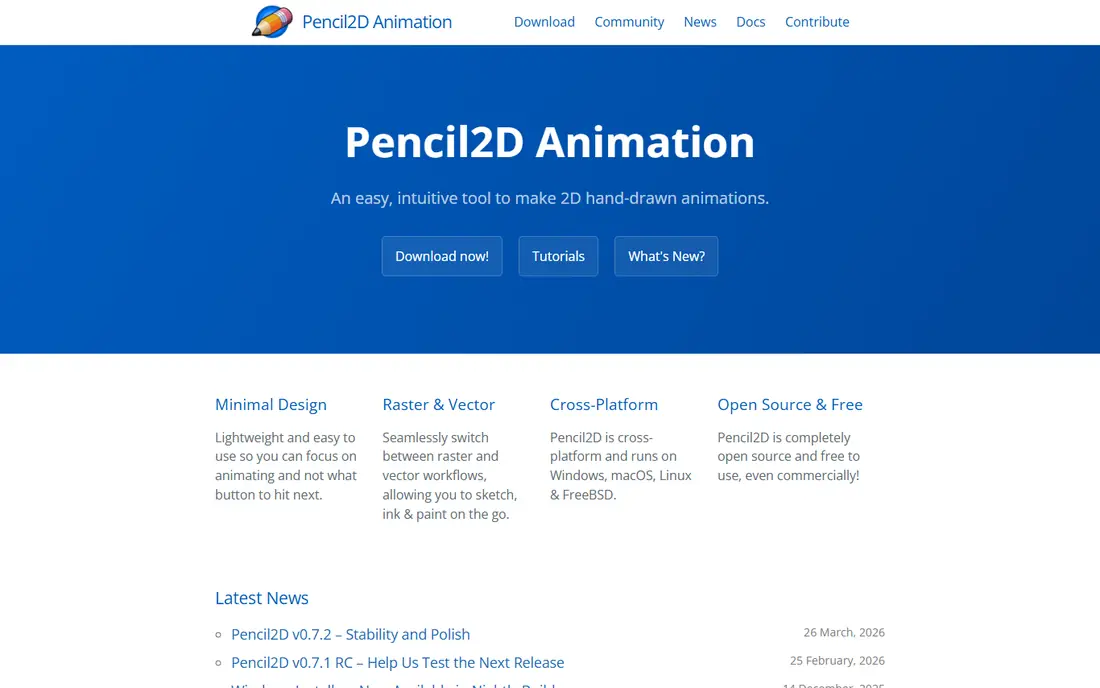
Pencil2D is the easiest place to start frame-by-frame animation. The interface is stripped down to drawing tools, a timeline, onion skinning for seeing nearby frames and an audio track, so a beginner can make a short animation in an afternoon. It runs on Windows, macOS and Linux, and it is free and open source.
The trade-off is scope. There is no rigging system, no advanced effects and few tools for long projects, and performance can drop with many frames. Treat Pencil2D as a learning tool and a sketchbook for ideas, then move to a fuller tool when your projects outgrow it.
- Very simple interface
- Bitmap and vector layers
- Lightweight on older computers
- Few advanced features
- Slows on long, complex projects
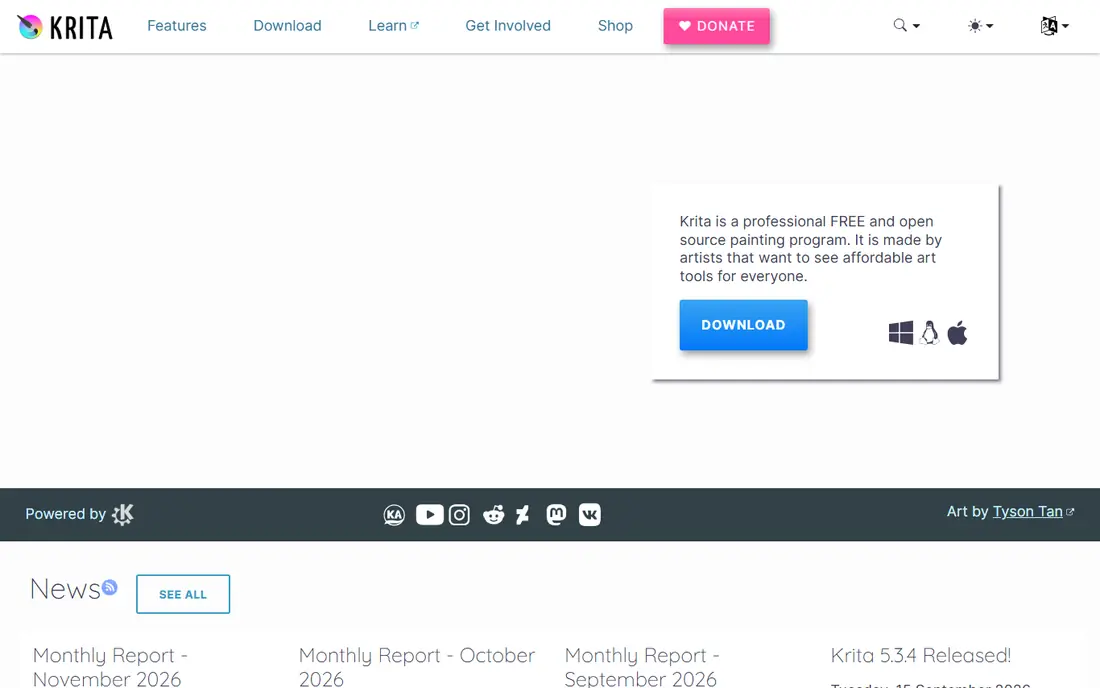
Krita is a full digital painting programme that also handles animation, which suits beginners who already draw. The brush engine, layers and colour tools are strong, and the animation timeline with onion skinning lets painters add motion without learning a separate app. It is free and open source, with versions for Windows, macOS and Linux.
Animation is not Krita's main focus, so longer or more complex animations can hit slowness or bugs, and rigging is absent. For short, painterly animations and for learning timing and movement while drawing, Krita is an excellent free choice.
- Strong brush engine
- Timeline and onion skinning
- PSD support
- Animation tools are thinner than painting tools
- Can be heavy on complex projects
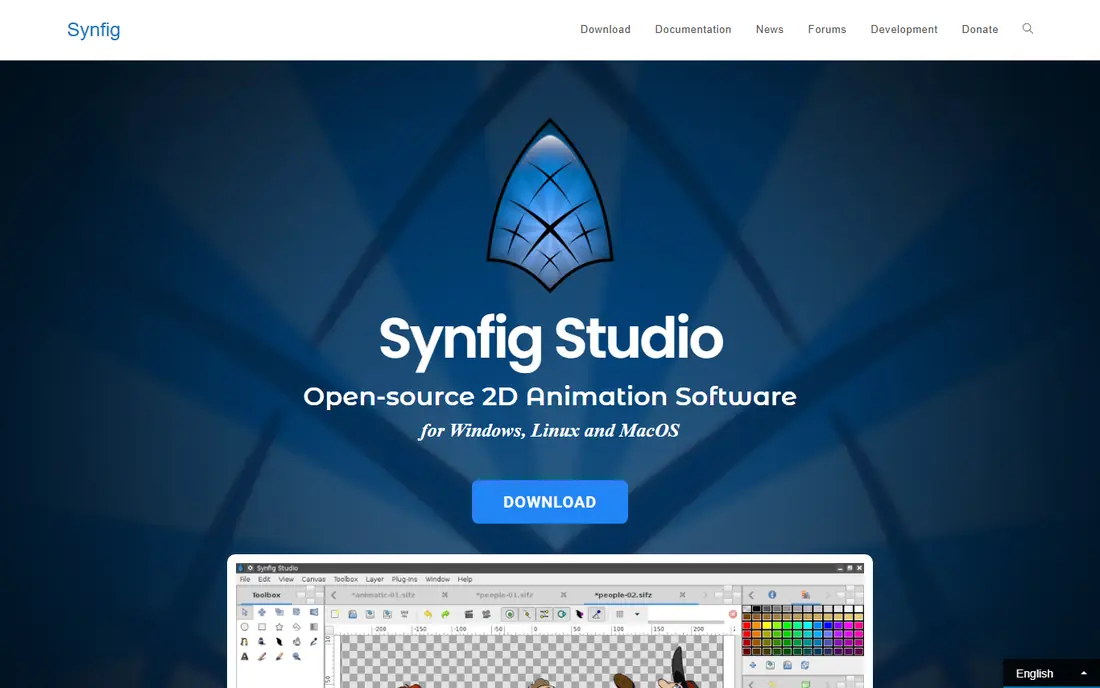
Synfig Studio suits beginners who like clean vector animation and do not want to draw every frame by hand. You create artwork, set keyframes and let Synfig tween the movement between them, with bones for character parts and controls for timing. That approach can produce smooth motion with far fewer drawings than frame-by-frame work.
The interface is less polished than paid rivals, and the learning curve is steeper than Pencil2D. It also suits vector styles better than painterly hand-drawn animation. For explainer clips, logos and simple character motion, it is a powerful free option once the basics click.
- Vector tweening without drawing every frame
- Bone system
- Free and open source
- Interface takes learning
- Less suited to pure hand-drawn work
OpenToonz is open-source animation software with production-style features, including scanning for hand-drawn work, effects, camera controls and a full timeline. It grew out of software used in studio production, so beginners who stick with it learn workflows that transfer to professional work. It is free for commercial and non-commercial use.
The interface is the catch. It assumes more animation knowledge than Pencil2D or Krita, and there is no vendor support contract or guided onboarding. Beginners with patience and a tutorial plan will get more from it than those who want a quick first cartoon.
- Production features for free
- Scanning and effects
- Used in studio pipelines
- Complex interface
- No vendor support contract
Moho, formerly Anime Studio, suits beginners who want to rig characters once and reuse them across episodes. Smart Bones let a character bend naturally, the vector drawing tools keep shapes clean, and a built-in physics engine adds gravity and collisions. A one-time purchase at $59.99 in recent listings avoids an ongoing subscription.
Frame-by-frame drawing tools are less strong than the rigging side, so hand-drawn animators may prefer Krita or OpenToonz. Moho also lists Windows and macOS builds, not Linux. For YouTube series and short character animations, it offers strong value.
- Smart Bones rigging
- One-time purchase
- Physics for dynamic scenes
- Frame-by-frame tools are thinner
- Windows and macOS only in listings
Clip Studio Paint is first a drawing and comic tool, with animation features that suit illustrators who want short clips. The drawing tools, brushes and comic page management are excellent, and the timeline handles short animations well. A one-time PRO purchase at $49.99 in recent listings suits beginners who already draw digitally.
The PRO edition caps animation frames at 24 in public guides, while the EX edition removes that limit at a higher price. Monthly plans are also offered, with different pricing for one device. For short loops, social clips and animated illustrations, PRO is enough, while longer work needs EX.
- Excellent drawing tools
- Timeline for short animation
- Comic workflow
- Animation frame limit on PRO
- EX needed for unlimited frames
Adobe Animate suits beginners aiming at web animation, ads, explainer videos and interactive content. It offers vector drawing, motion tweening, a bone tool and exports for HTML5 Canvas, video and GIF, with smooth integration with Photoshop and Illustrator. That makes it a natural pick for learners already in the Adobe ecosystem.
The subscription is the main drawback, with recent listings placing it around $20 to $23 per month, so we list it as See website here to avoid relying on a single figure. The toolset also takes time to learn, and 3D and compositing features are thinner than in After Effects. For web-focused learners, it remains a strong professional route.
- Vector animation for web
- Photoshop and Illustrator integration
- Wide export options
- Subscription cost adds up
- Learning curve for new animators
Toon Boom Harmony is the industry standard for television and studio 2D animation, covering traditional drawing, rigging and compositing in one pipeline. Beginners who want a studio career benefit from learning its node system, rigging tools and production workflow, and a 14-day trial lets them test it before paying. It is offered in three subscription editions.
For a casual beginner, Harmony is more tool than needed, and subscription pricing adds up over time. It suits learners who are serious about studio work and who will use its depth, rather than those making a first short cartoon for fun.
- Industry-standard pipeline
- Rigging and traditional tools in one app
- Three editions
- Subscription pricing
- Steep learning curve for beginners
Animaker suits beginners who need an animated explainer, presentation or marketing video quickly, without drawing skills. It runs in the browser, offers templates, characters, props and voice options, and lets users assemble scenes by dragging elements onto a timeline. A free plan covers basic use.
The trade-off is originality and control. Template-based videos can look similar to each other, and fine animation control is limited compared with drawing tools. For business and classroom videos where speed matters more than a unique art style, Animaker is a practical choice.
- Templates and characters
- Browser-based
- Easy for explainer videos
- Template look can feel generic
- Advanced control is limited
Cartoon Animator, from Reallusion, suits creators who want talking characters quickly from photos, PSD files or vector art. It offers lip sync, facial animation, motion libraries and scene tools, with a one-time licence at $149 in recent listings and a 30-day trial. That makes it useful for YouTube presenters, teachers and marketers.
It is not a hand-drawn animation tool, and listings show Windows builds rather than macOS. Creators who want to draw every frame should choose Krita, Pencil2D or OpenToonz instead. For character-led explainer and social videos, Cartoon Animator saves a great deal of time.
- Turns images and PSD art into talking characters
- Lip sync
- Motion libraries
- Windows only in listings
- Hand-drawn frame work is limited
How we picked these
We compared official feature pages, pricing pages and public documentation, and favoured tools that are still offered in October 2026 and that a beginner can learn without professional training. We included free, one-time and subscription tools, and we favoured tools with tutorials and active communities, since learning support matters as much as features for beginners.
What to check before you choose
Start with the kind of animation you want to make. Frame-by-frame drawing, rigged characters and template videos need different tools, and picking the wrong type will frustrate a beginner more than any missing feature. Try a free tool first, even if you later plan to buy a paid one.
Match the tool to your drawing skills
If you love drawing, Pencil2D, Krita and OpenToonz reward that skill. If you prefer building characters once and reusing them, Moho and Cartoon Animator suit you better. If you need a video fast and drawing is not your strength, Animaker will get you to a finished result sooner.
Check your computer and operating system
Free tools run on Windows, macOS and Linux in most cases, while Moho and Cartoon Animator have narrower platform support in listings. Check system needs, especially for larger projects, and test with a short project before starting a long one. A tool that lags on your machine will slow learning.
Learn timing before buying effects
Focus first on timing, spacing, squash and stretch and simple storytelling, using tutorials for your chosen tool. A beginner who masters a short loop in a free tool will progress faster than one who buys a studio tool and only uses a fraction of it. Upgrade when a specific project needs a feature your current tool lacks.
Frequently asked questions
What is the best 2D animation software for beginners?
Pencil2D is the simplest free start, Krita suits beginners who draw, and Synfig suits vector tweening. The best 2D animation software for beginners depends on whether you want to draw every frame, rig characters or make template videos.
Is there free 2D animation software for beginners?
Yes. Pencil2D, Krita, Synfig Studio and OpenToonz are free and open source, and Animaker offers a free plan. Free tools can produce finished short animations, though paid tools add rigging, support and polish.
Can beginners use Toon Boom Harmony?
Yes, with patience. Harmony offers a trial and tutorials, but its learning curve is steep for a first tool. Beginners aiming at studio work may still choose it, while casual learners usually start with a simpler free tool.
Do I need a drawing tablet for 2D animation?
A tablet helps for hand-drawn work, but it is not required to start. Mouse-based vector and rigging tools, and template tools such as Animaker, work without one. A basic tablet becomes useful once drawing becomes a regular part of your work.
How long does it take to learn 2D animation?
Basic skills can be learned in a few weeks of regular practice, while confident short films take several months. Short, finished projects teach more than long unfinished ones, so aim for a complete 10-second clip first.
Sources
- https://www.pencil2d.org
- https://www.krita.org
- https://www.synfig.org
- https://www.opentoonz.org
- https://www.moho.lostmarble.com
- https://www.clipstudio.net/en
- https://www.adobe.com/products/animate.html
- https://www.toonboom.com/products/harmony
- https://www.animaker.com
- https://www.reallusion.com/cartoon-animator
See where you really rank - block by block
ProMapRanker scans Google Maps across a grid of your service area. Simple monthly plans from $19, white-label on every plan.
Start freeKeep reading
 who has best internet service
Who Has the Best Internet Service in 2026
Who has best internet service for US homes? We compare fiber, cable, fixed wireless and satellite providers on speed, price, availability and terms today.
Read → which survey tool has the best analytics
Which Survey Tool Has the Best Analytics in 2026
Find which survey tool has the best analytics in 2026, comparing Qualtrics, SurveyMonkey, Typeform, Alchemer, and more on reports, text, and stats today.
Read → which streaming service has the best movies
Which Streaming Service Has the Best Movies in 2026
Answering which streaming service has the best movies, with Netflix, Max, Criterion and more compared on libraries, prices and free options in this guide.
Read →