 ProMapRanker
Best Applitools Alternatives in 2026

Key takeaways
- Percy and Chromatic give most teams a hosted review workflow at a lower entry price than Applitools, with free tiers that cover small projects.
- Argos and the open source tools suit teams that already capture screenshots in CI and want to keep costs close to zero.
- Storybook teams should start with Chromatic, while teams on BrowserStack or Sauce Labs should stay inside the grid they already pay for.
- Visual testing catches presentation changes, not broken logic, so pair it with functional tests rather than treating it as a full replacement.
- Snapshot volume drives the bill, so cap the pages and viewports you capture before you compare headline monthly prices.
Quick comparison
| Pick | Great for | Pricing starts at | Free tier | |
|---|---|---|---|---|
 Percy | Teams already using BrowserStack | $199 per month | Yes | Visit |
 Chromatic | Storybook design systems | $179 per month | Yes | Visit |
 Argos | Budget CI visual review | $100 per month | Yes | Visit |
 Sauce Visual | Teams already on Sauce Labs | $149 per month | Free trial | Visit |
 SmartUI | LambdaTest grid users | $199 per month | Yes | Visit |
 mabl | Low-code visual and functional testing | See website | Free trial | Visit |
 Diffy | Simple URL-based visual checks | $67 per month | Yes | Visit |
 Playwright | Free self-hosted screenshot checks | Free | Yes | Visit |
 BackstopJS | Free self-hosted regression checks | Free | Yes | Visit |
The best Applitools alternatives
We compared hosted visual review tools and free self-hosted options on capture method, browser coverage, review workflow, and price. The list below covers a spread of budgets and setups.
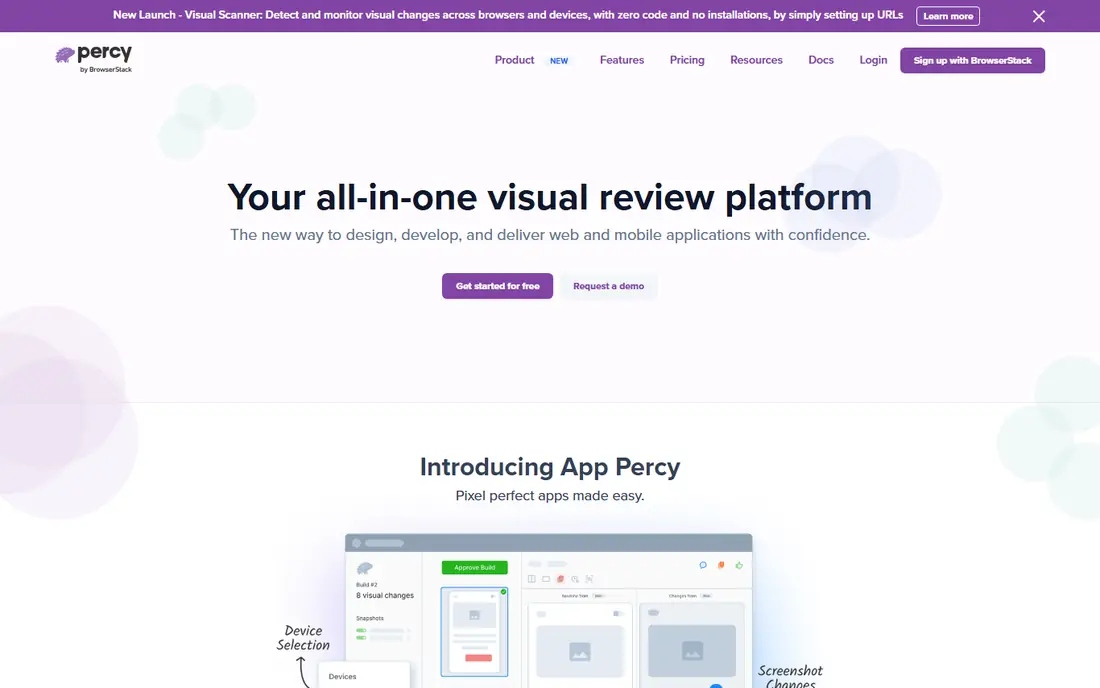
Percy fits teams that already run tests on BrowserStack and want visual review in the same place. You add snapshots to existing tests, and Percy renders them across browsers and screen sizes, then presents the differences for approval in a pull request style review. That workflow keeps visual checks close to code review, which helps teams catch layout shifts before they reach users.
The trade-off is cost control. Percy charges by screenshot volume, and a site with many pages, breakpoints, and browsers can use its allowance quickly. We think it is a strong pick when BrowserStack is already part of your stack, since you avoid adding another grid vendor. Teams that only need a handful of pages checked may find the free tier enough, but larger suites should budget for the paid tier from the start.
- Hosted review workflow
- Broad browser and device coverage through BrowserStack
- Works with common test frameworks
- Paid entry is high for small teams
- Screenshot volume can grow fast on large sites
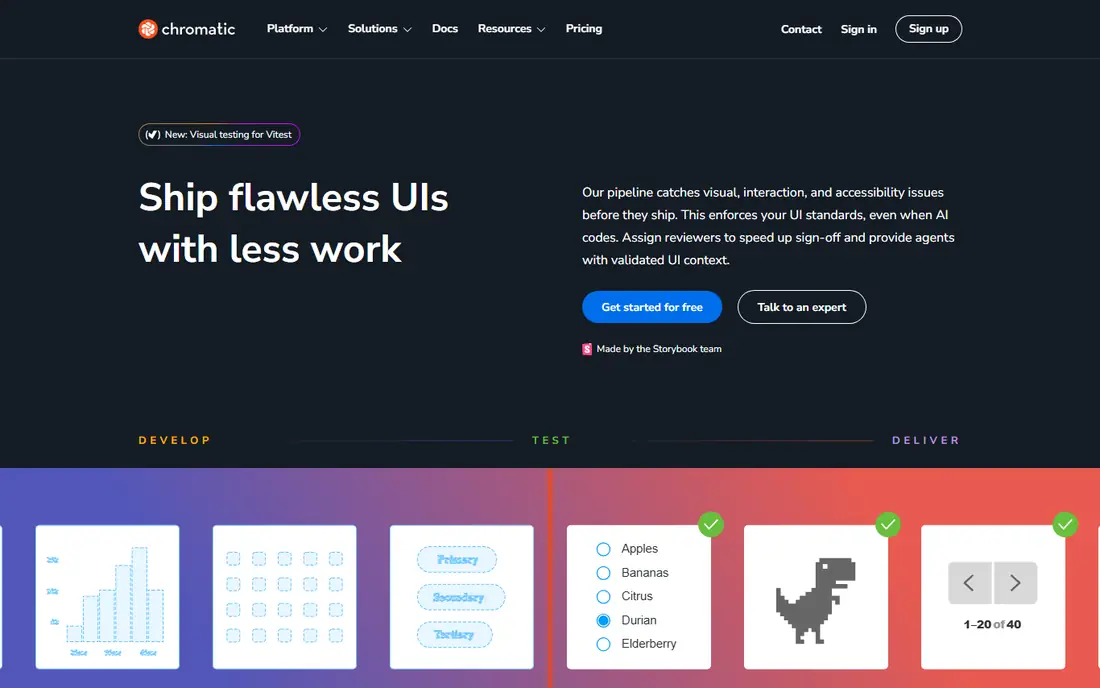
Chromatic is the natural choice when a design system lives in Storybook. It captures each story as a snapshot, shows pixel differences side by side, and lets reviewers approve or request changes. That component level view makes it easier to spot a broken button, card, or form field than a full-page screenshot that hides small changes in a long scroll.
The limitation is scope. Chromatic shines for components, but a team that mainly needs full journey checks across a whole app may need another tool alongside it. For design system teams, though, the combination of versioned components, visual review, and shared libraries is hard to beat. The free tier covers small libraries, and the paid tier scales by snapshot count.
- Built for Storybook components
- Clear visual review and approval flow
- Accessibility checks available in the same workflow
- Less suited to full-page marketing sites
- Component focus can miss whole-page interactions
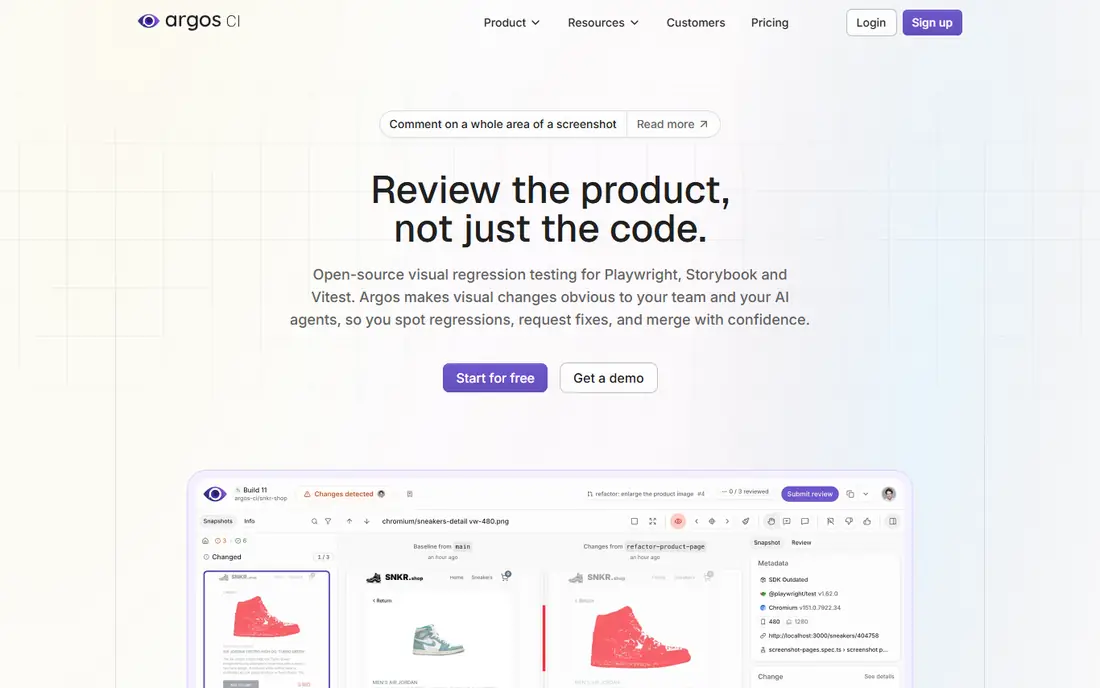
Argos appeals to teams that want hosted review without the highest price tag. You capture screenshots with Playwright or Cypress in your own pipeline and upload them, and Argos handles the comparison and review interface. That split keeps capture flexible, since you control the browsers and devices in your own tests, while still getting a clean approval flow for reviewers.
The catch is that Argos does not render for you in the same way a grid tool does. If your CI only runs one browser, your visual coverage will reflect that limit. Teams with solid Playwright or Cypress suites will get the most from it. For budget conscious teams, the free tier and the lower paid entry make it a sensible first hosted option to try before committing to a pricier platform.
- Lower paid entry than Percy and Chromatic
- Pull request based review
- Supports Playwright and Cypress capture
- You capture screenshots in your own CI
- Browser coverage depends on your setup
Sauce Visual makes sense as an add-on rather than a standalone purchase. If your functional tests already run on Sauce Labs, adding visual snapshots keeps results, logs, and visual diffs in one place. That single view can shorten triage, since a tester can see a failed functional step and a changed screenshot without switching tools.
Teams outside Sauce Labs should compare it against Percy or Argos on price and capture method before switching grids. The trial is useful for a real pilot, because visual tools only prove their worth on your own pages and components. Run it on your most fragile pages first, and check how many snapshots a typical release actually consumes.
- Runs inside the Sauce Labs device and browser cloud
- Combines visual checks with functional test runs
- Trial lets teams test the workflow
- Value drops if you do not already use Sauce Labs
- Snapshot limits need careful planning
SmartUI, from LambdaTest, targets teams that already use that grid for cross-browser testing. It captures screenshots across browsers and devices and flags visual differences, with options to handle shifting or dynamic areas that often cause false positives. That handling matters on real sites, where ads, dates, and animations can otherwise flood a review queue with noise.
The main question is fit. If LambdaTest is already your grid, SmartUI avoids a second vendor and a second bill for rendering. If it is not, the price alone does not justify a switch, since Percy and Argos offer similar review workflows. Check the lifetime free allowance and the monthly snapshot limit against your release pace before you commit.
- Visual testing on the LambdaTest grid
- Smart comparison options for dynamic content
- Fits teams already testing cross-browser on LambdaTest
- Paid entry is at the higher end
- Free allowance is limited compared with some rivals
mabl suits teams that want visual checks inside a wider test platform, not a separate screenshot service. Testers can build browser tests with low-code steps, add visual assertions, and run them in the cloud with results and screenshots in one report. That blend helps smaller QA teams that do not have a large automation codebase, since one tool covers both kinds of checks.
The downside is transparency. With pricing behind a quote, you cannot compare it cleanly on this page against per-snapshot tools. Ask for pricing based on your actual test volume, parallel runs, and team size, and run the trial on your real flows. If your main need is only screenshot diffing, a focused tool will be cheaper and simpler.
- Combines visual checks with low-code functional tests
- Auto-healing style handling for changing selectors
- Cloud runs with reporting
- Pricing is quote based, so budgeting needs a sales conversation
- Broader than a pure visual tool, which can be more than small teams need
Diffy is a good fit for marketing sites, blogs, and content pages where the check is simple: did this page change in a way we did not expect. You give it URLs, it captures screenshots, and it alerts you to differences. That simplicity is the point, and it means a content team can run visual checks without writing test code.
It is not a substitute for a test suite. Pages behind logins, multi-step checkouts, and interactive states need a capture method that Diffy does not offer in the same way. Use it where pages are public and stable, and keep a code-based tool for the app itself. At its price, it is also a useful safety net after a redesign or a content migration.
- No test code needed for basic page checks
- Easy setup from URLs
- Lower paid entry than grid tools
- URL-based checks miss app states behind logins and complex flows
- Less depth for component libraries
Playwright is our pick for teams that already write browser tests and want visual checks at no licence cost. Its screenshot comparison runs inside your own CI, and baselines sit in your repository, so a visual change shows up as a test result like any other failure. That control appeals to engineering teams that prefer to own their tooling end to end.
The cost is time, not licence fees. Someone has to manage baselines, store screenshots, and build a review habit, since there is no polished hosted dashboard waiting for approvers. Small suites manage this well with a few key pages. Large suites need discipline about which pages matter, or the baseline folder and the review burden will grow faster than the value.
- Free and open source
- Screenshot comparison built into a strong test framework
- Baselines live with your code
- No hosted review interface out of the box
- Your team owns storage, baselines, and triage
BackstopJS has been a steady free option for visual regression for years. You define scenarios in a config file, capture reference images, and compare new runs against them, with an HTML report that shows differences side by side. For a small team that wants a repeatable check on a set of key pages, it does the job without a monthly bill.
Cross-browser coverage is the honest limit. BackstopJS centers on headless Chrome, so it will not catch a Safari or Firefox only layout break in the same way a grid tool would. Pair it with manual checks or a grid tool for release milestones if browser breadth matters. For teams on a tight budget, it remains a practical starting point, and you can move to a hosted tool later without losing the habit of visual review.
- Free and open source
- Config driven scenarios for pages and viewports
- HTML reports for comparing before and after images
- Headless Chrome focus limits cross-browser depth
- Setup and upkeep fall on your team
How we picked these
We compared official product pages, pricing pages, and public documentation for visual testing tools that serve as direct replacements for Applitools Eyes, focusing on how screenshots are captured, how differences are reviewed, and what the free and entry paid tiers actually include. We kept tools that are live in October 2026, that capture or compare visual output in a repeatable way, and that fit either a hosted review workflow or a self-hosted code based workflow. We excluded tools that only monitor live pages for price or competitor changes, since those do not test a new release before it ships.
What to check before you pay
Start with volume, not features. Count the pages, components, and viewports you truly need to check on each release, then multiply by your release pace. A tool that looks cheap at the headline price can become costly once every breakpoint and browser counts as a separate snapshot. A free tier that covers 5,000 screenshots a month sounds generous until a 200 page site at three viewports uses it in a single run.
Next, check how you handle dynamic content. Dates, ads, carousels, and user-specific content create false positives that train teams to ignore real changes. Look for masking, ignore regions, and tolerance settings, and test them on your messiest pages during a trial. Also check the review step: who approves a change, how fast can they see the diff, and does the approval link back to the pull request or release it came from.
Finally, decide who owns baselines. Hosted tools make this easy, with a dashboard and a history of approvals. Self-hosted tools put baselines in your repository, which gives you control but needs housekeeping. Pick the model your team will actually maintain, since a visual suite that nobody reviews is worse than no suite at all, because it creates a false sense of cover.
Frequently asked questions
What are the top Applitools alternatives?
Percy, Chromatic, and Argos are the most common hosted replacements, while Playwright and BackstopJS are the leading free self-hosted options. Percy fits BrowserStack teams, Chromatic fits Storybook teams, and Argos fits teams that already capture screenshots in CI. The best pick depends on your test stack and your snapshot volume, not on a single feature list.
Is there a free Applitools alternative?
Yes. Playwright and BackstopJS are free and open source, and Percy, Chromatic, Argos, and Diffy offer free tiers with monthly limits. Free tiers work well for small sites and small component libraries, but larger suites will usually need a paid tier once snapshot counts grow. Check the monthly limit and the cost of extra snapshots before you build a large suite on a free plan.
How does visual testing differ from functional testing?
Functional testing checks that a feature works, for example that a login succeeds or a cart total is correct. Visual testing checks that the page looks as expected, for example that a button is visible, aligned, and styled correctly. Both are needed, since a page can pass every functional test while still showing a broken layout to users.
Does Applitools still work in 2026?
Applitools Eyes remains a live enterprise visual testing platform, and this guide lists alternatives for teams that want a lower price, a different workflow, or a self-hosted option. If you already use Applitools and its AI comparison and cross-browser grid fit your needs, switching only makes sense when another tool clearly beats it on cost or on fit for your stack.
Which alternative is best for Storybook?
Chromatic is the strongest pick for Storybook work, since it is built around stories and component snapshots, with a review flow that matches how design systems are updated. Teams that do not use Storybook should look at Percy or Argos instead, since Chromatic gains less when there are no stories to capture.
How do I avoid false positives in visual testing?
Mask dynamic areas such as dates, ads, and animations, set sensible tolerance levels, and limit captures to stable viewports and key pages. Run the suite on a few real releases during a trial and review every flagged change, so you learn which differences are noise and which are real breaks before you rely on the suite for releases.
Sources
See where you really rank - block by block
ProMapRanker scans Google Maps across a grid of your service area. Simple monthly plans from $19, white-label on every plan.
Start freeKeep reading
 who has best internet service
Who Has the Best Internet Service in 2026
Who has best internet service for US homes? We compare fiber, cable, fixed wireless and satellite providers on speed, price, availability and terms today.
Read → which survey tool has the best analytics
Which Survey Tool Has the Best Analytics in 2026
Find which survey tool has the best analytics in 2026, comparing Qualtrics, SurveyMonkey, Typeform, Alchemer, and more on reports, text, and stats today.
Read → which streaming service has the best movies
Which Streaming Service Has the Best Movies in 2026
Answering which streaming service has the best movies, with Netflix, Max, Criterion and more compared on libraries, prices and free options in this guide.
Read →