 ProMapRanker
Alternatives to Western Digital in 2026


A full-range Western Digital replacement · Pricing starts at: See website
Key takeaways
- Seagate is the closest full-range replacement, covering desktop hard drives, NAS drives, external drives and gaming storage.
- Samsung and SK hynix lead for fast internal SSDs, while Kingston and Crucial offer strong value across SSDs and memory.
- Kioxia, Sabrent and Corsair fill useful niches, from enterprise flash heritage to high-speed enthusiast SSDs.
- Check interface, form factor and warranty before you buy: a fast drive that does not fit your machine is no bargain.
- Storage prices move often, so treat any price you see as a snapshot and confirm the current price at checkout.
Quick comparison
| Pick | Great for | Pricing starts at | Free tier | |
|---|---|---|---|---|
| Seagate | A full-range Western Digital replacement | See website | No | Visit |
 Samsung | Fast, dependable SSDs | See website | No | Visit |
 Kingston | Value SSDs, memory and portable drives | See website | No | Visit |
 Crucial | Budget-friendly mainstream SSDs and RAM | See website | No | Visit |
 SK hynix | High-performance NVMe SSDs | See website | No | Visit |
 Kioxia | Flash storage from the inventor of NAND flash | See website | No | Visit |
 Sabrent | Enthusiast SSDs and external enclosures | See website | No | Visit |
 Corsair | Gaming PCs and high-speed builds | See website | No | Visit |
The best alternatives to Western Digital
Western Digital sells everything from desktop hard drives to portable SSDs, so a good replacement depends on what you actually need: bulk storage, a fast boot drive, a NAS, or a pocket drive for travel. These eight brands cover that whole range without relying on Western Digital or its SanDisk brand.
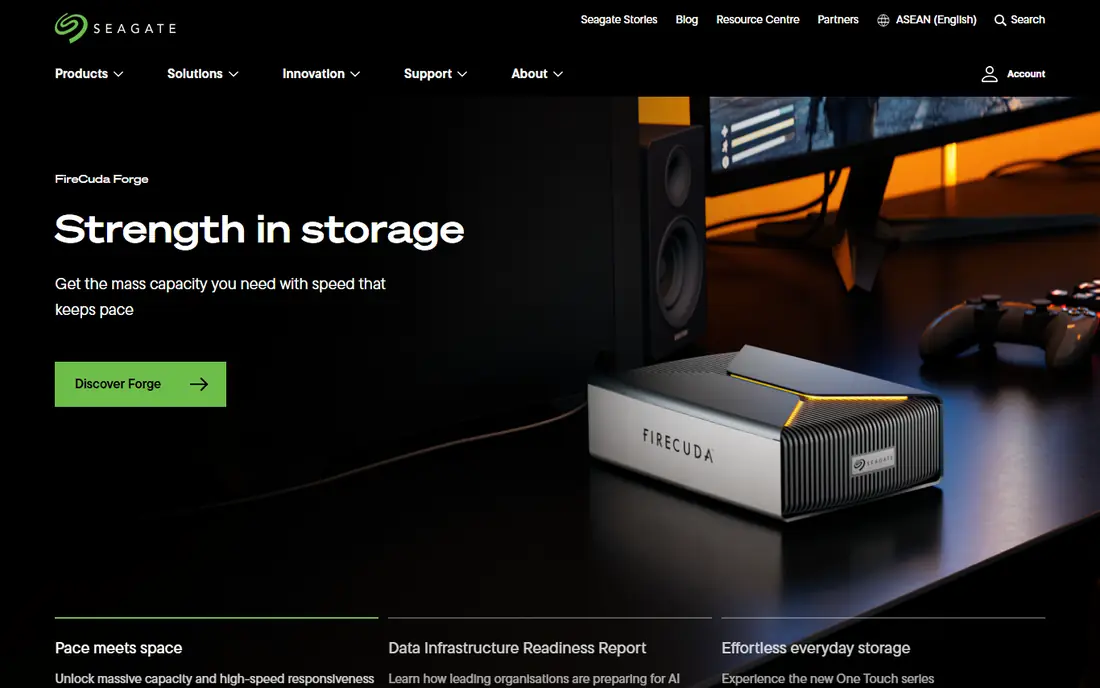
Seagate is the most direct answer to Western Digital, because its catalog mirrors it: BarraCuda desktop drives, IronWolf NAS drives, SkyHawk surveillance drives, FireCuda gaming drives, and a wide set of external and portable drives. If you are replacing a WD desktop hard drive or building a NAS, Seagate almost certainly has a matching product, and its drives are sold almost everywhere storage is sold. Some models also include data rescue services, which can matter when a drive holds years of photos.
The honest catch is that hard drives are hard drives: large, cheap and slow compared with SSDs, so buy one for capacity, not speed. Seagate's naming can also trip up buyers, since similar names cover different speeds and warranties. Match the exact model to your use, check the warranty length, and use an SSD for your operating system alongside a Seagate HDD for bulk files.
- Huge range from desktop HDDs to NAS and gaming drives
- Long track record
- Rescue services on some products
- Entry desktop drives are slower than SSDs
- Model names can confuse buyers
Samsung has been the default SSD recommendation for years, and that reputation is earned: its 990 PRO and 9100 PRO lines sit near the top of mainstream performance, its 870 EVO remains a solid SATA upgrade for older machines, and its Magician software makes firmware updates and health checks straightforward. Samsung makes its own NAND and controllers, which gives it tighter control over quality than brands that buy parts from several suppliers.
You pay for that polish on flagship models, and budget buyers may find better value elsewhere. Samsung's focus has also shifted firmly toward NVMe, so shoppers with older SATA-only laptops should confirm the exact model still fits. For a primary drive in a modern PC, laptop or PlayStation 5, Samsung is our pick for most people who want speed without research headaches.
- Consistently strong SSD performance
- Mature software tools
- Good endurance ratings
- Premium pricing on flagship models
- SATA range is narrowing as NVMe takes over

Kingston covers the practical middle of the storage market: affordable NVMe SSDs such as the NV series, SATA drives for older machines, USB flash drives, memory cards and the pocket-sized XS2000 portable SSD. That breadth makes Kingston a good one-brand shop for a family or small office that needs several different drives. Its products are widely stocked, which helps when you need a drive today rather than after a shipping wait.
The trade-off is tiering. Kingston's cheapest drives use slower components than its FURY gaming line, so two Kingston SSDs can perform very differently despite similar packaging. Read the exact model specifications, especially interface and rated speeds, before assuming any Kingston drive is fast. For everyday upgrades and portable storage, Kingston's value is hard to beat.
- Broad, affordable range
- Strong portable SSD options
- Easy to find in stores
- Entry models are slower than flagships
- Product tiers need careful comparison
Crucial is Micron's consumer brand, which means its SSDs use Micron NAND and benefit from a major flash maker standing behind them. The P3 and P310 lines are popular budget and mainstream picks, while the T705 targets enthusiasts who want top PCIe 5.0 speeds. Crucial also sells RAM, and its online advisor tools help you confirm which SSD or memory kit fits your exact laptop or desktop model, a small feature that prevents a common buying mistake.
High-end Crucial drives generate real heat under sustained load, so a heatsink version or good case airflow matters for the fastest models. Entry-level drives are also best for everyday use rather than heavy video editing. For a straightforward capacity or speed upgrade at a fair price, Crucial belongs on every shortlist.
- Backed by Micron NAND
- Strong value on popular capacities
- Helpful upgrade advisor tools
- Flagship PCIe 5.0 models run hot without good cooling
- Entry drives suit light workloads best
SK hynix is one of the world's largest memory makers, and its consumer SSDs, such as the Platinum P41, have earned a loyal following among enthusiasts for sustained performance rather than burst speeds that fade. Because SK hynix designs its own NAND and controllers, its drives tend to behave consistently under load, which matters for gaming, editing and large file transfers. Prices on popular models are often competitive with Samsung.
The brand is less visible in stores than Samsung or Kingston, and it does not offer the hard-drive range that Seagate does, so it is a specialist pick rather than a one-stop shop. If your goal is a fast internal SSD and you are comfortable ordering online, SK hynix deserves a direct comparison with Samsung before you decide.
- In-house NAND and controllers
- Strong sustained performance
- Competitive pricing on popular models
- Smaller retail presence than Samsung
- Fewer portable and HDD options
Kioxia, formerly Toshiba Memory, traces its roots to the company that invented NAND flash memory, and it remains a major flash supplier to other brands. Its consumer range includes internal SSDs such as the Exceria line, microSD cards, USB flash drives and portable SSDs. That heritage shows up in steady, dependable products rather than headline-chasing speeds, which suits buyers who value proven flash engineering over marketing numbers.
The downside is familiarity: many shoppers have never heard of Kioxia, and retail availability varies more by region than for Samsung or Kingston. Model lineups can also be confusing across markets. If you find a Kioxia drive that fits your machine at the right price, its background is a genuine reason for confidence, not just a story.
- Deep flash expertise as the former Toshiba Memory
- SSDs, memory cards and USB drives
- Enterprise heritage
- Consumer brand recognition is lower
- Retail availability varies by region
Sabrent has built a following among PC builders for its Rocket SSD line, which spans mainstream PCIe 4.0 drives to fast PCIe 5.0 models, plus a large catalog of enclosures, docking stations and adapters. That makes Sabrent useful when your project is not just a drive but a setup: an old SSD in a new USB enclosure, a drive cloned into a laptop, or a high-speed external drive built from parts. Capacity options are generous, including large drives for media libraries.
Support and firmware polish can feel less refined than Samsung's, and the fastest Sabrent drives, like other PCIe 5.0 models, need cooling to hold top speeds. For builders who know what they are doing and want flexibility, Sabrent is a strong alternative. For a first-time upgrader, a simpler Samsung or Crucial pick may cause fewer questions.
- Wide range of high-speed SSDs and enclosures
- Good for DIY upgrades
- Frequent capacity options
- Support experience varies
- Some models need heatsinks for sustained speed
Corsair is best known for PC components and peripherals, and its MP600 and MP700 SSD lines bring that gaming focus to storage. Speeds on the PCIe 5.0 MP700 models rival the fastest consumer drives, and heatsink versions suit PlayStation 5 expansion and hot-running desktops. If you are already building a Corsair-based PC, matching storage keeps software and support in one place.
Corsair is not the brand for cheap bulk storage: it has no hard-drive range to rival Seagate, and its prices sit above budget picks. For a gaming or creator PC where storage speed matters and the budget allows it, Corsair is a credible alternative to Samsung's flagships. For a simple documents drive, look at Kingston or Crucial first.
- Fast MP600 and MP700 SSD lines
- Heatsink options for consoles and PCs
- Strong gaming ecosystem
- Premium pricing
- Little for buyers who only need basic bulk storage
How we picked these
We compared official product pages, specifications and public reviews for storage brands selling current hard drives, SSDs or portable drives in October 2026. We favored brands with real retail availability, clear warranties, and products that map to Western Digital's main categories, from desktop and NAS drives to portable SSDs. We excluded Western Digital itself and SanDisk, which Western Digital owns, since this guide is about alternatives. Prices are listed as See website because storage prices shift frequently by capacity, region and retailer. We did not run hands-on drive benchmarks for this guide; our comparisons rest on published specifications, warranty terms and reviewer evidence.
What to weigh before you switch
Start with fit, not speed. Confirm whether your machine takes a 2.5-inch SATA drive, an M.2 NVMe drive, or both, and whether it supports PCIe 4.0 or 5.0, because a drive that does not fit is useless no matter how fast it claims to be. Laptop owners should also check physical length, since M.2 drives come in sizes such as 2280 and 2230. Manufacturer advisor tools from Crucial and others can confirm compatibility from your exact model number.
Next, match the drive to the job. An operating system and games benefit most from a fast NVMe SSD, while photos, video archives and backups are better served by a large, cheaper hard drive or a portable drive. Endurance ratings, expressed in terabytes written, and warranty length matter more for heavy workloads than peak speed numbers, which only show up in short bursts. Finally, back up before you swap any drive, and keep the old drive untouched until the new one is working and your files are verified.
Frequently asked questions
What is the best Western Digital alternative overall?
Seagate is the closest full-range replacement, especially for hard drives and NAS storage. For SSDs, Samsung is the most dependable all-round pick, with Kingston and Crucial offering better value.
Is Seagate as reliable as Western Digital?
Both brands sell drives across a wide quality range, so reliability depends more on the exact model, workload and warranty than on the brand name alone. Check the rated workload, warranty length and reviews for the specific drive you plan to buy.
Should I buy an SSD or a hard drive?
Buy an SSD for your operating system, apps and games, where speed matters every day. Buy a hard drive for large, low-cost bulk storage such as photo and video archives, where capacity matters more than speed.
Do I need a PCIe 5.0 SSD?
Most people do not. PCIe 4.0 drives are fast for gaming and everyday work, and PCIe 5.0 drives mainly help with very large file transfers and heavy editing, while costing more and running hotter.
Can I use these drives in a PlayStation 5?
Many NVMe SSDs from Samsung, Corsair, Kingston and others meet the PlayStation 5 expansion requirements when fitted with a heatsink, but you must check the console's current size and speed requirements and the drive's exact specifications first.
Why are storage prices listed as See website?
Storage prices change frequently by capacity, region and retailer, and vendor sites often point buyers to retailers rather than listing a single price. Checking the current price at checkout avoids quoting a figure that is already out of date.
Sources
See where you really rank - block by block
ProMapRanker scans Google Maps across a grid of your service area. Simple monthly plans from $19, white-label on every plan.
Start freeKeep reading
 best chat tool for website
Best Chat Tool for Website in 2026
Best chat tool for website owners compared, with live chat, AI agents, free plans, and pricing for small stores, SaaS teams, and support teams of all sizes.
Read → best birdwatching app
Best Birdwatching App in 2026
Best birdwatching app picks for 2026: nine free and paid apps for bird ID by sight and sound, checklists, hotspots, and finding birds near you for all birders.
Read → best bird identification app
Best Bird Identification Apps in 2026
Find the best bird identification app for photos, songs and calls. We compare 9 bird apps, including Merlin, BirdNET and Audubon, to help you choose today.
Read →