 ProMapRanker
Alternatives to TP-Link in 2026

Key takeaways
- Netgear and Asus are the closest direct replacements, with broad router and mesh ranges for homes of every size.
- Linksys and eero suit buyers who want simple setup and a clean app, while UniFi suits buyers who want deeper network control.
- D-Link and Zyxel offer solid value, especially for budget buyers and small offices that need dependable gear without premium prices.
- Google Nest Wifi is a good fit for households already invested in Google services and voice control.
- Router prices depend on Wi-Fi generation, coverage and pack size, so compare the same configuration, not just brand names.
Quick comparison
| Pick | Great for | Pricing starts at | Free tier | |
|---|---|---|---|---|
 Netgear | A broad, direct TP-Link replacement | See website | No | Visit |
 Asus | Feature-rich routers and AiMesh systems | See website | No | Visit |
 Linksys | Simple, dependable mesh Wi-Fi | See website | No | Visit |
 Ubiquiti UniFi | Advanced control for homes and small offices | See website | No | Visit |
 D-Link | Budget routers and mesh without frills | See website | No | Visit |
 Zyxel | Value networking for homes and small offices | See website | No | Visit |
 eero | The easiest mesh setup | See website | No | Visit |
 Google Nest Wifi | Google-centered smart homes | See website | No | Visit |
The best alternatives to TP-Link
TP-Link built its name on affordable routers and Deco mesh systems, so a good replacement depends on whether you want the same value, an easier app, faster Wi-Fi 7 hardware, or more control over your network. These eight brands cover all four goals.
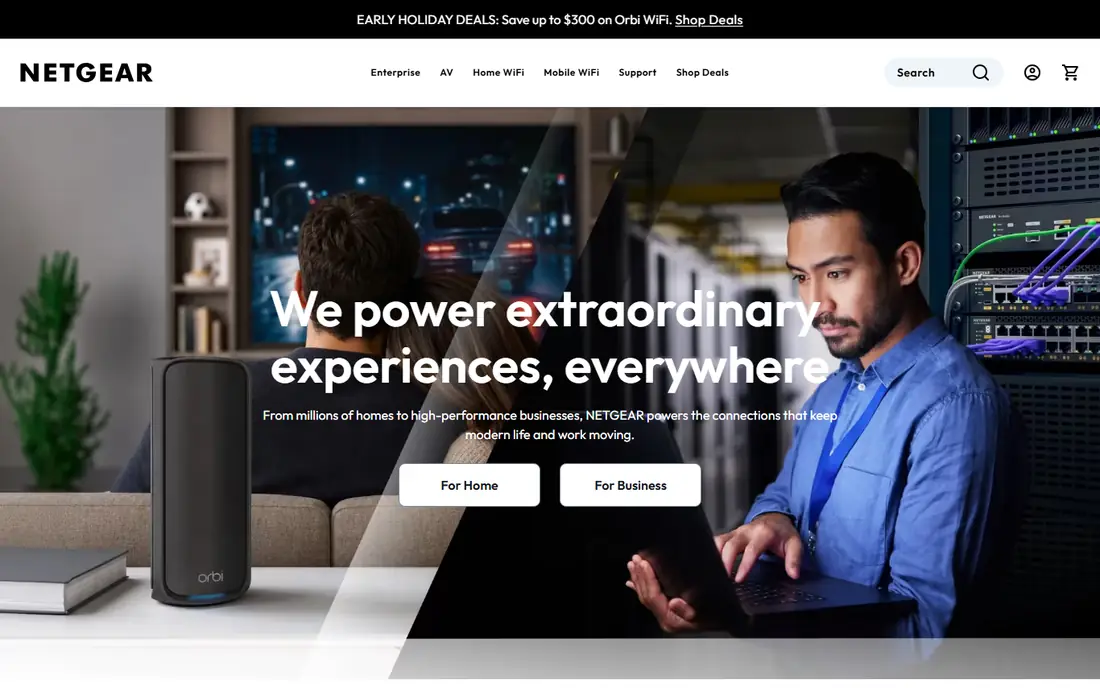
Netgear is the most like-for-like alternative to TP-Link, with single routers, Nighthawk gaming routers and Orbi mesh systems spanning budget to premium. Orbi systems in particular suit larger homes, with dedicated backhaul on higher models to keep speeds steady across rooms. Wi-Fi 7 Orbi models are available for buyers who want the latest standard, while Wi-Fi 6 models offer better value for typical broadband speeds.
The catch is price at the top end, where Orbi packs can cost several times a basic Deco set, and some security features sit behind a subscription after a trial. For most homes, a mid-range Orbi or Nighthawk system gives you Netgear's strengths without the flagship bill. Check your internet plan speed first: a gigabit-plus mesh system is wasted on a 100 Mbps connection.
- Orbi mesh and Nighthawk routers cover most homes
- Strong Wi-Fi 7 lineup
- App-based setup
- Premium models are pricey
- Some advanced security features need a subscription
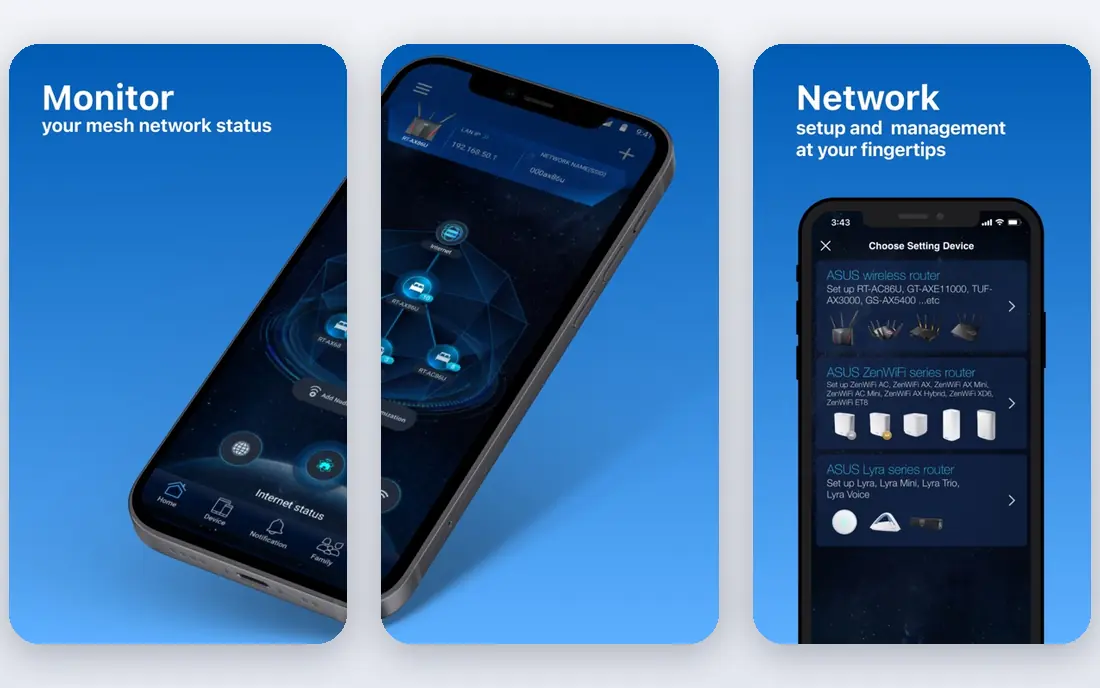
Asus routers stand out for features that other brands charge for: AiProtection network security is included without a subscription on many models, and AiMesh lets you combine compatible Asus routers into a mesh system instead of buying a fixed pack. That flexibility helps if you already own one Asus router and want to extend coverage later. The ROG Rapture gaming line adds game acceleration, multi-gig ports and Wi-Fi 7 on top models.
The downside is choice overload. Asus sells dozens of similar-sounding routers, and comparing them takes care, especially around Wi-Fi generation, port speeds and coverage claims. Gaming models also carry a premium for features casual users will never touch. If you want a capable router with no security subscription and room to expand, Asus is a strong pick once you narrow the model list.
- AiMesh mixes routers into mesh systems
- AiProtection security without a subscription
- Strong gaming routers
- Model range is large and confusing
- Premium gaming models cost a lot
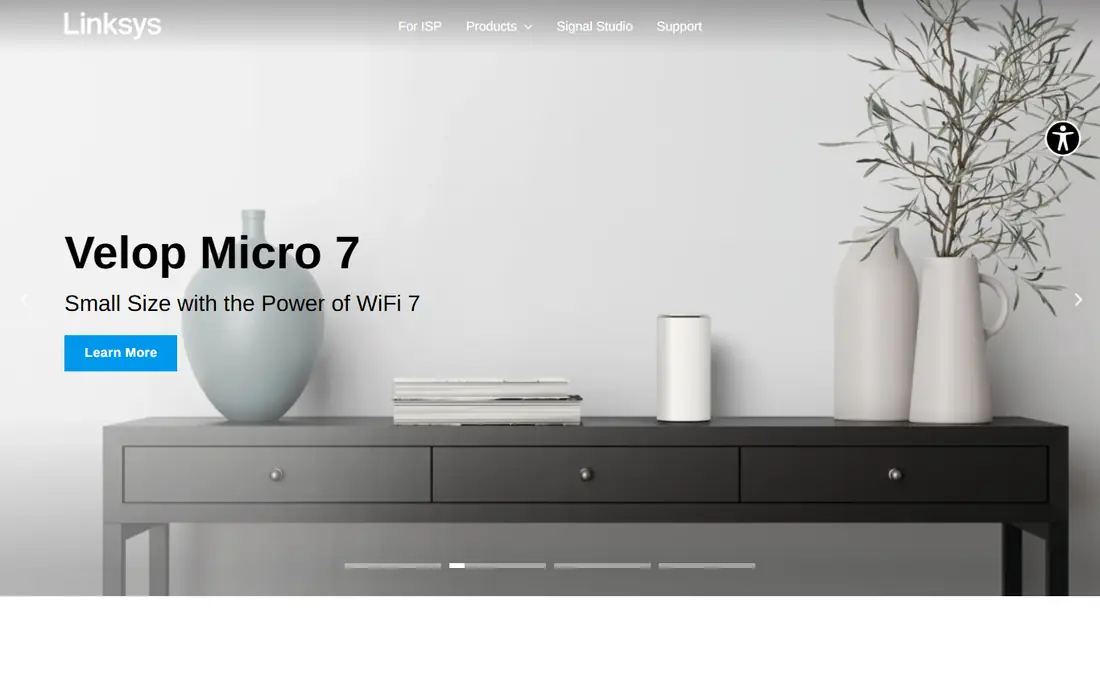
Linksys has sold home routers for decades, and its modern strength is mesh: Velop and Atlas systems that set up through an app and quietly cover a home without constant tinkering. For buyers who want Wi-Fi that works and a straightforward app for guest networks and parental controls, Linksys delivers without demanding networking knowledge. Its routers also tend to look discreet, which helps in living rooms.
Power users may find Linksys less configurable than Asus or UniFi, with fewer deep settings for VLANs, VPN servers or traffic shaping. Value is mid-range rather than budget: you pay a bit more than a basic TP-Link set for the simplicity. Choose Linksys when easy setup and steady coverage matter more than advanced tweaking.
- Easy setup and app control
- Velop and Atlas mesh lines
- Long history in home networking
- Fewer advanced controls than Asus or UniFi
- Top models are not the cheapest
UniFi is a different kind of alternative: instead of one all-in-one router, you build a system from a gateway, access points and optionally switches, all managed from one controller interface. That modular approach scales from a large home to a small office, gives you detailed control over networks, devices and traffic, and avoids mandatory subscriptions for core management. The UniFi Express line has lowered the entry barrier for smaller homes.
The trade-off is effort. UniFi rewards buyers who enjoy planning placement, running cables or at least thinking about access point locations, and a full system costs more than a single mesh pack. If you just want Wi-Fi working tonight with minimal thought, eero or Linksys will suit you better. If you want a network you can grow and tune for years, UniFi is the enthusiast pick here.
- Central controller software
- Access points, gateways and switches that scale
- No mandatory subscription
- Steeper learning curve
- Buying separate parts costs more and takes planning
D-Link remains a solid value brand, with affordable routers, range extenders and mesh systems that cover typical homes without premium prices. Its Eagle Pro AI mesh line adds app-based management and smart features at prices that undercut many rivals, which makes D-Link a sensible pick for renters, students and families on a budget. Retail availability is broad, so replacement units are easy to find.
Software and app polish are not quite at Netgear or Asus levels, and the Wi-Fi 7 lineup is thinner, so buyers chasing the newest standard have fewer D-Link options. For a standard broadband connection and everyday streaming, browsing and video calls, though, D-Link gives you dependable coverage for less money. Match the model to your home size rather than buying the cheapest single router for a large house.
- Affordable Wi-Fi 6 routers and mesh
- Wide retail availability
- Simple setup
- Software polish lags behind leaders
- Wi-Fi 7 range is smaller
Zyxel has long sold networking gear to homes and small businesses, and its current range includes Wi-Fi routers, mesh systems, switches and access points. That business heritage shows in steady hardware and options for small offices that need more than a single consumer router, such as multi-WAN support or managed switches. Prices are generally fair for the specifications on offer.
The consumer side is less visible than Netgear or Asus, so finding reviews and community help for a specific model can take more digging, and the app experience is not uniform across the range. Zyxel suits buyers who are comfortable comparing specifications and who value solid hardware over a polished app. Small offices in particular should look at Zyxel before defaulting to a consumer mesh pack.
- Dependable routers, mesh and switches
- Business-grade options at fair prices
- Good for small offices
- Consumer brand awareness is lower
- App experience varies by model
eero, owned by Amazon, is built around simplicity: plug in the units, follow the app, and the mesh network largely manages itself with automatic updates and optimization. Hardware is compact and unobtrusive, Alexa integration suits Amazon-centered smart homes, and eero systems cover small flats to large houses depending on pack size. For non-technical households, eero is often the least stressful way to fix dead zones.
The limits are control and cost of extras. Advanced features such as detailed activity insights and enhanced security sit behind an eero Plus subscription, and eero units have fewer Ethernet ports than a traditional router, so wired-heavy setups may need a switch. If you want Wi-Fi that just works and you are comfortable in the Amazon ecosystem, eero is an excellent TP-Link alternative.
- Very simple setup and app
- Automatic updates
- Alexa integration
- Compact hardware
- Some advanced features need a subscription
- Fewer ports than traditional routers
Google Nest Wifi systems set up through the Google Home app, which many households already use for speakers, cameras and smart displays. Some Nest Wifi points double as smart speakers with Google Assistant, which saves space and adds voice control to rooms that need coverage. Updates are automatic, parental controls and guest networks are straightforward, and the design blends into living spaces.
Advanced users will miss the deeper settings found on Asus or UniFi, and the system works best if you are already comfortable with Google services and accounts. Port selection is also limited compared with traditional routers. For a household that already runs on Google Home and wants mesh Wi-Fi without a learning curve, Nest Wifi is a natural fit.
- Simple setup through Google Home
- Smart speaker points on some models
- Automatic updates
- Limited advanced settings
- Tied to the Google ecosystem
How we picked these
We compared official product pages, specifications and public reviews for router and mesh brands selling current Wi-Fi 6 and Wi-Fi 7 hardware in October 2026. We favored brands with real retail availability, current model ranges, and a clear reason to choose them over TP-Link, whether value, simplicity, features or control. We excluded TP-Link itself and brands that had left the consumer router market or offered only enterprise gear at enterprise prices. Prices are listed as See website because router costs vary by Wi-Fi generation, pack size and retailer. We did not run hands-on speed tests for this guide; our comparisons rest on published specifications, features and reviewer evidence.
What to weigh before you switch
Start with your internet plan and home size, because both decide how much router you actually need. A 200 Mbps plan in a two-bedroom flat does not need a Wi-Fi 7 mesh system, while a gigabit plan in a large, multi-floor house will struggle on a single budget router. Count the rooms with weak signal today, note thick walls or floors that block signal, and choose a mesh pack sized for that reality rather than the marketing coverage figure, which assumes open space.
Next, think about wired devices and smart-home gear. Gamers, desktop PCs and TV boxes benefit from Ethernet ports or a wired backhaul, while a house full of smart devices benefits from a system that handles many connections steadily. Check whether security features you want are included or subscription-based, and whether the app gives you the parental controls and guest network options your household needs. Finally, place mesh units in open spots, not inside cabinets, and keep your modem and router firmware updated after setup.
Frequently asked questions
What is the best TP-Link alternative overall?
Netgear is the closest direct replacement, with Orbi mesh and Nighthawk routers for most homes. Asus is better if you want subscription-free security and flexible AiMesh expansion, while eero is better if you want the simplest setup.
Is mesh Wi-Fi better than a single router?
For larger homes or homes with dead zones, yes, because multiple units spread coverage more evenly than one router can. For a small flat with the router centrally placed, a single good router is often enough and costs less.
Do I need Wi-Fi 7?
Only if your devices and internet plan can use it. Wi-Fi 7 helps with very fast plans, many devices and demanding uses such as high-bitrate streaming and gaming, but Wi-Fi 6 remains plenty for most households in 2026.
Can I mix router brands in one mesh system?
Generally no: mesh systems work best within one brand's ecosystem, such as Asus AiMesh or Netgear Orbi. Mixing brands usually means running separate networks or using a wired access point setup instead.
Are router security subscriptions worth it?
It depends on what you need. Built-in protections such as those on Asus routers cover many households without a fee, while subscription services add features such as detailed activity reports and advanced threat blocking that some families value.
How many mesh units do I need?
Start with the pack size matched to your home's square footage and layout, then add a unit only if a specific room still has weak signal. More units do not always help, since units placed too close together can interfere with each other.
Sources
See where you really rank - block by block
ProMapRanker scans Google Maps across a grid of your service area. Simple monthly plans from $19, white-label on every plan.
Start freeKeep reading
 best chat tool for website
Best Chat Tool for Website in 2026
Best chat tool for website owners compared, with live chat, AI agents, free plans, and pricing for small stores, SaaS teams, and support teams of all sizes.
Read → best birdwatching app
Best Birdwatching App in 2026
Best birdwatching app picks for 2026: nine free and paid apps for bird ID by sight and sound, checklists, hotspots, and finding birds near you for all birders.
Read → best bird identification app
Best Bird Identification Apps in 2026
Find the best bird identification app for photos, songs and calls. We compare 9 bird apps, including Merlin, BirdNET and Audubon, to help you choose today.
Read →