 ProMapRanker
Best Alternatives to Skype for Business in 2026


Microsoft 365 business communication · Pricing starts at: See website
Key takeaways
- Start with Microsoft Teams if direct Microsoft successor to Skype for Business is the main need, and use the other tools to cover format, price, or scale gaps.
- Zoom is the strongest second shortlist pick when meetings-first replacement matters more than the lowest price.
- Check tier limits before buying, since key features in this category often sit above the entry plan.
- Run a short trial with real workflows, since demos hide the limits that matter in daily use.
Quick comparison
| Pick | Great for | Pricing starts at | Free tier | |
|---|---|---|---|---|
| Microsoft Teams | Microsoft 365 business communication | See website | Free trial | Visit |
 Zoom | reliable video meetings at scale | See website | Yes | Visit |
 Webex | enterprise meetings and calling | See website | Yes | Visit |
 Google Meet | Google Workspace video meetings | See website | Yes | Visit |
 RingCentral | business phone plus meetings | See website | Free trial | Visit |
 Slack | team chat with huddles and calls | See website | Yes | Visit |
 GoTo Meeting | simple business meetings | See website | Free trial | Visit |
 Dialpad | AI-assisted business phone and meetings | See website | Free trial | Visit |
The best alternatives to Skype for Business
Skype retired in May 2025, and Skype for Business Online retired in 2021, so teams still on those tools need a currently supported replacement. We compared meetings, chat, phone, and admin controls, and listed only tools that are supported today.
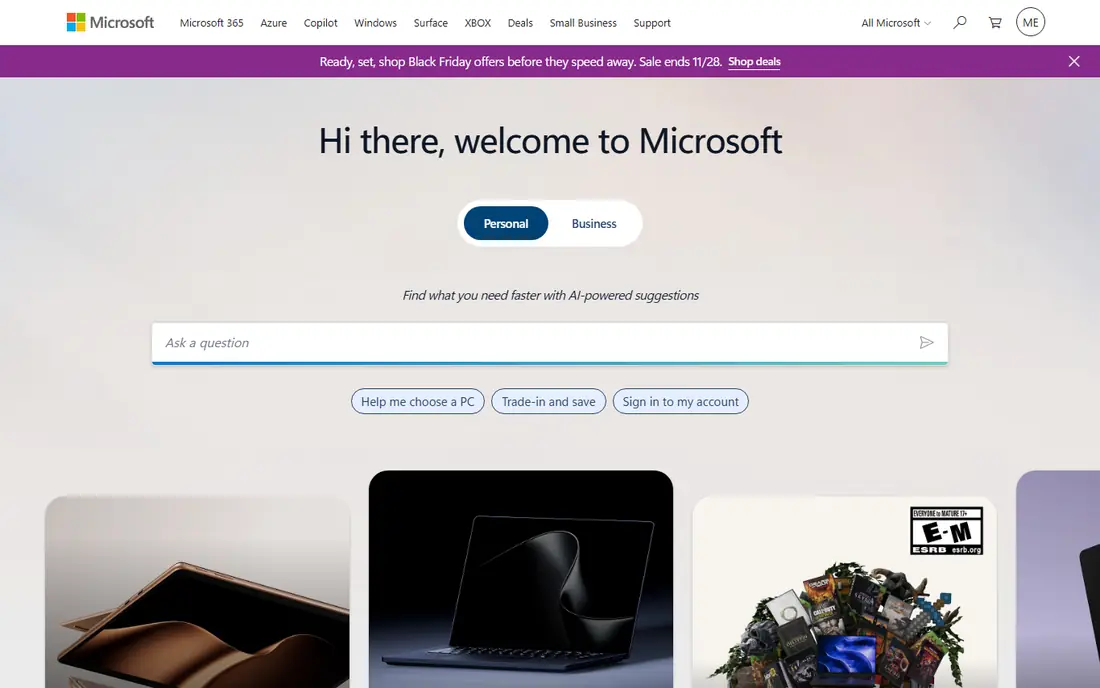
For teams that need direct Microsoft successor to Skype for Business, Microsoft Teams is a practical starting point. Microsoft Teams is the clearest successor for Skype for Business users, because it carries meetings, chat, channels, and phone options inside Microsoft 365. We compared official feature pages, pricing pages, and public reviews for this roundup, and we did not claim hands-on testing that did not happen.
The catch is clear: teams outside Microsoft 365 may find it heavier than a meeting-only tool, and full phone features depend on licensing and setup. That limit does not remove the value, but it should shape the trial. Test it with real workflows, check the tier that holds the features you need, and confirm total cost before rolling it out.
- Meetings, chat and phone options
- Microsoft 365 integration
- Admin and compliance controls
- Best value inside Microsoft 365
- Can feel heavy for non-Microsoft teams
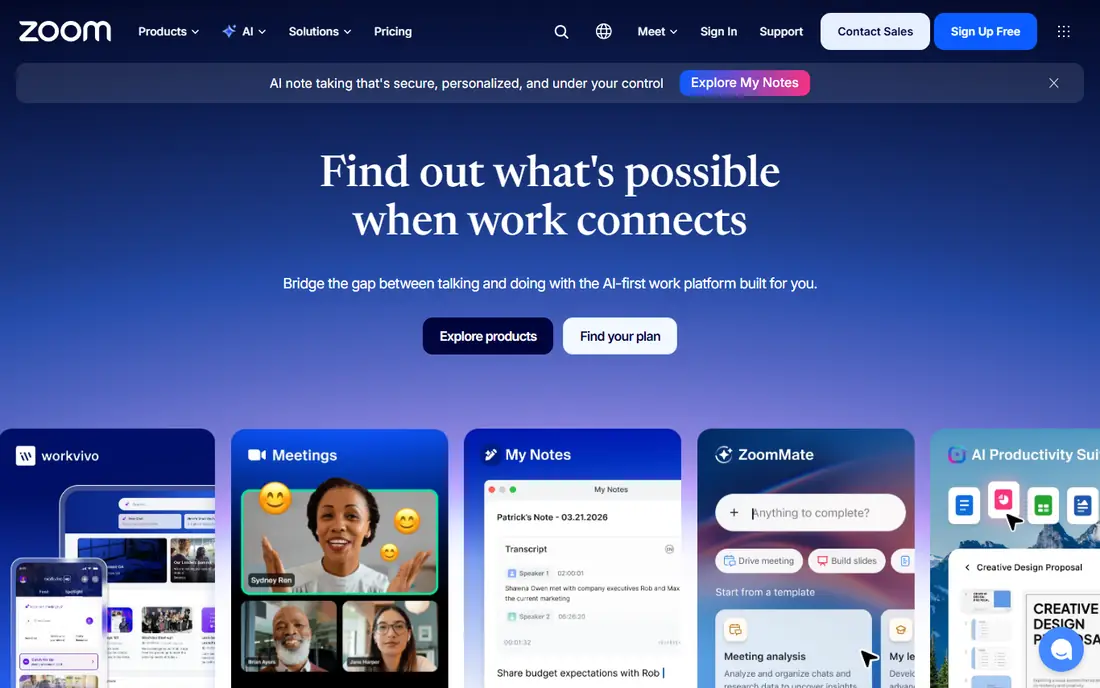
Zoom stands out first for meetings-first replacement. Zoom remains the simplest large-meeting choice, with reliable video, webinars, and room options that work well for mixed internal and external calls. We compared official feature pages, pricing pages, and public reviews for this roundup, and we did not claim hands-on testing that did not happen.
That trade-off matters in practice: the free plan limits group meeting length, and business phone is a separate paid option, so total cost depends on the full bundle. Before committing, run a short pilot with the team that will use it daily, and compare the result with the current tool rather than a feature list.
- Reliable large meetings
- Webinars and rooms
- Phone options on higher plans
- Free plan limits group meetings
- Phone needs a paid add-on
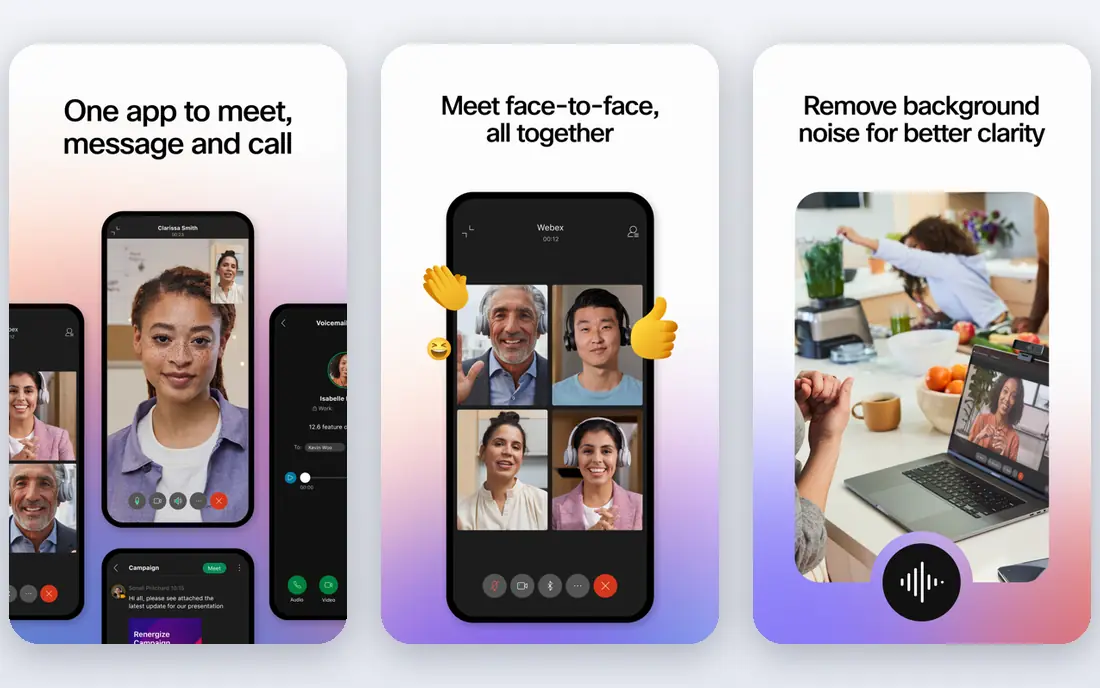
When enterprise meetings with strong controls matters most, Webex deserves a close look. Webex suits regulated and enterprise teams that need strong meeting controls, calling, and room hardware in one Cisco-backed platform. We compared official feature pages, pricing pages, and public reviews for this roundup, and we did not claim hands-on testing that did not happen.
The honest weakness is this: smaller teams may find the interface heavier than Zoom or Meet, and the best value comes from using the wider suite, not just meetings. It is still worth shortlisting, provided the team tests the exact workflow that caused the search for an alternative in the first place.
- Enterprise meeting controls
- Calling options
- Hardware room support
- Interface can feel enterprise-heavy
- Best value needs a full suite
We put Google Meet on this list because of simple meetings for Google Workspace teams. Google Meet runs in a browser with no heavy install, which makes it easy for Google Workspace teams to start meetings from Calendar and Gmail. We compared official feature pages, pricing pages, and public reviews for this roundup, and we did not claim hands-on testing that did not happen.
On the downside, it is a meeting tool first, so teams needing a full business phone system must add another service, and advanced controls sit on paid Workspace plans. A careful trial will show whether that limit affects daily work or only edge cases, which is the detail that should decide the purchase.
- Simple browser meetings
- Google Workspace integration
- Live captions options
- Phone needs a separate system
- Advanced controls need Workspace plans
RingCentral works best as a phone-first unified communication option, not a general-purpose pick. RingCentral combines business phone, video meetings, and team messaging, which suits companies replacing both a phone system and Skype for Business at once. We compared official feature pages, pricing pages, and public reviews for this roundup, and we did not claim hands-on testing that did not happen.
The limit to weigh is simple: pricing varies by features and user count, and phone migration needs number porting and call-flow planning before cutover. If that limit touches a core workflow, look at the next tier or a rival. If it does not, the strength above may outweigh it.
- Phone, meetings and messaging in one
- Number porting options
- Admin controls
- Pricing varies by user and features
- Setup needs phone planning
A team that wants chat-first teamwork with quick calls will find Slack easy to shortlist. Slack centers on channel chat, with huddles for quick voice calls and deep app integrations, which suits teams that live in chat all day. We compared official feature pages, pricing pages, and public reviews for this roundup, and we did not claim hands-on testing that did not happen.
A buyer should also note that it is not a full business phone system, and large formal meetings are better handled by Teams, Zoom, or Webex. That point is easy to miss in a demo, so ask for it in writing and test it during any trial period.
- Channel-based chat
- Huddles for quick calls
- Huge integration range
- Not a full phone system
- Large meetings need another tool
GoTo Meeting takes a different route to straightforward meetings without extra weight than most tools here. GoTo Meeting keeps business meetings simple, with easy scheduling, screen sharing, and dial-in options that suit teams that do not want a full collaboration suite. We compared official feature pages, pricing pages, and public reviews for this roundup, and we did not claim hands-on testing that did not happen.
The weakness is not hidden: teams wanting deep chat, channels, or a full phone system will need another tool alongside it. Teams that can live with it get a focused tool. Teams that cannot should shortlist a rival before signing.
- Simple meeting setup
- Screen sharing
- Phone audio options
- Fewer collaboration extras than Teams or Slack
- Smaller ecosystem
If cloud phone with AI call help is the deciding factor, Dialpad is worth testing first. Dialpad pairs a cloud phone system with meetings, messaging, and AI transcription, which helps sales and support teams review calls quickly. We compared official feature pages, pricing pages, and public reviews for this roundup, and we did not claim hands-on testing that did not happen.
In daily use, the main drawback is that its meeting ecosystem is smaller than Zoom or Teams, so meeting-heavy teams should test room, webinar, and large-call needs first. That does not make it a poor tool, but it does make a structured trial more valuable than a sales demo alone.
- Cloud phone system
- Meetings and messaging
- AI transcription options
- Pricing varies by plan
- Smaller meeting ecosystem than Zoom
How we picked these
We compared official feature pages, pricing pages, app store listings, and public reviews, and we favored tools that exist and work today in October 2026. We checked whether each product truly fits the topic, rather than adding near matches to fill a list. Where a vendor did not publish a simple price, we wrote See website instead of guessing a figure.
We also weighed fit for different team sizes, tier limits, and honest weaknesses. A tool with a strong core feature but a clear limit can still earn a place, provided the limit is stated plainly. That approach keeps the list useful for a buyer who must choose, not just browse.
Choosing a Skype for Business replacement
Start by naming the job the tool must do in the first month, not the full feature list. A short, written job description makes it easier to test each shortlisted option against the same tasks. It also stops a long feature list from winning over a tool that handles the core job well.
Next, check the tier that holds the features you actually need, and model total cost at your real team size or volume. Entry prices often exclude the feature that prompted the search. A trial with real data and real users will reveal those gaps faster than a sales demo.
Finally, plan the switch before signing. Confirm migration help, data export, contract length, and support hours. A tool that is easy to start but hard to leave can cost more over time than a slightly pricier option with clear exit terms.
Frequently asked questions
What replaced Skype for Business?
Microsoft Teams is the direct Microsoft successor, with meetings, chat, and phone options. Other teams may prefer Zoom, Webex, Google Meet, or RingCentral, depending on their existing tools and phone needs.
Can I still use Skype for Business?
No, Skype for Business Online retired in 2021, and consumer Skype retired in May 2025. Teams should migrate to a supported platform rather than relying on an unsupported service.
Do I need separate meeting and phone tools?
Not always. Teams, Zoom, Webex, RingCentral, and Dialpad can combine meetings and business phone in one platform, while Slack and Google Meet pair better with a separate phone system.
What should I check before migrating?
Check meeting recording, admin controls, phone number porting, integration with email and calendars, and compliance needs. Run a pilot with real meetings before moving the whole company.
Which option is best for small teams?
Google Meet and Zoom are simple meeting-first picks, while RingCentral suits teams that also need a business phone system. The best small-team choice depends on whether phone, chat, or meetings matter most.
Sources
See where you really rank - block by block
ProMapRanker scans Google Maps across a grid of your service area. Simple monthly plans from $19, white-label on every plan.
Start freeKeep reading
 who has best internet service
Who Has the Best Internet Service in 2026
Who has best internet service for US homes? We compare fiber, cable, fixed wireless and satellite providers on speed, price, availability and terms today.
Read → which survey tool has the best analytics
Which Survey Tool Has the Best Analytics in 2026
Find which survey tool has the best analytics in 2026, comparing Qualtrics, SurveyMonkey, Typeform, Alchemer, and more on reports, text, and stats today.
Read → which streaming service has the best movies
Which Streaming Service Has the Best Movies in 2026
Answering which streaming service has the best movies, with Netflix, Max, Criterion and more compared on libraries, prices and free options in this guide.
Read →