 ProMapRanker
Alternatives to Skylight Calendar in 2026


Family routines and child profiles · Pricing starts at: See website
Key takeaways
- Hearth Display is the closest premium hardware rival, with routines and child profiles built for family use.
- DAKboard suits households that want a custom dashboard, while Mango Display suits homes that already own a screen.
- Cozyla Calendar+, Dragon Touch, and Apolosign give dedicated displays without the same hardware premium.
- Cozi, TimeTree, and Honeydew are app first options that can run on a tablet you already own.
- Check calendar sync first: Google, Apple, and Outlook support varies, and that matters more than screen size.
Quick comparison
| Pick | Great for | Pricing starts at | Free tier | |
|---|---|---|---|---|
| Hearth Display | Family routines and child profiles | See website | No | Visit |
 DAKboard | Custom wall dashboard | See website | Yes | Visit |
 Cozyla Calendar+ | Large dedicated family display | See website | No | Visit |
 Mango Display | Screens you already own | $5.99 per month | Yes | Visit |
 Dragon Touch Digital Calendar | Lower cost dedicated display | See website | No | Visit |
 Apolosign Digital Calendar | Android based wall display | See website | No | Visit |
 Cozi | Simple shared family app | See website | Yes | Visit |
 TimeTree | Shared calendars with chat | See website | Yes | Visit |
 Honeydew | AI assisted family planning | See website | Yes | Visit |
The best alternatives to Skylight Calendar
We compared dedicated displays and app based options on calendar sync, chores, lists, photos, and total cost over time. This list includes only alternatives, not the named product itself, and it separates hardware displays from software you can run on a tablet or TV.
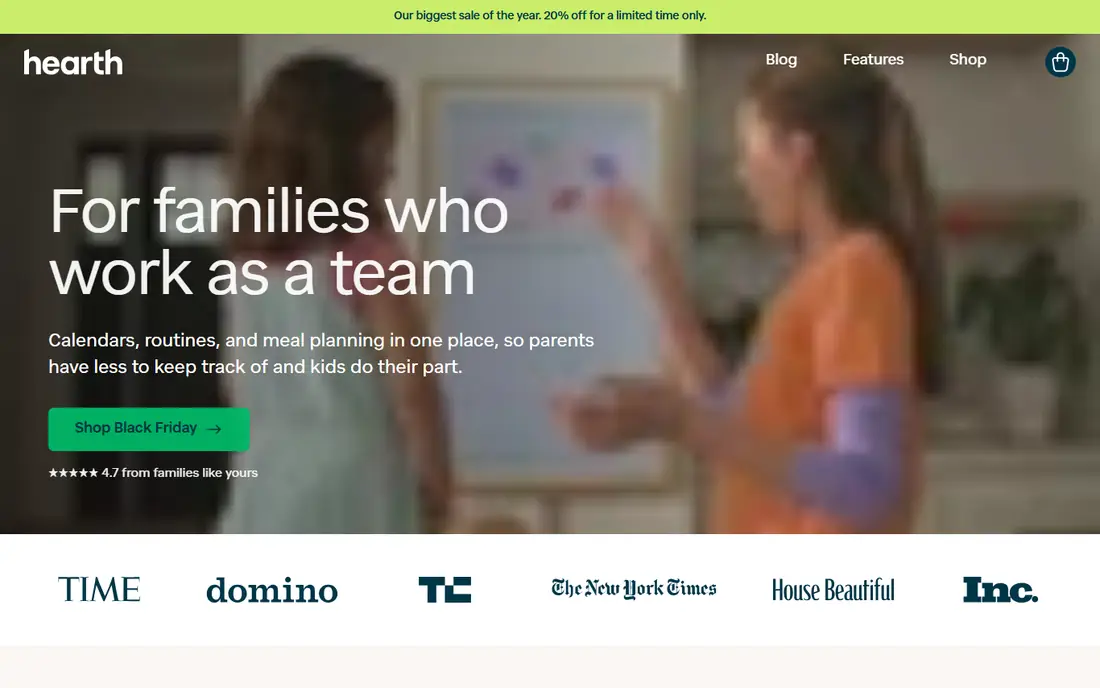
Hearth Display fits families who want the wall screen to run the household day, not just show dates. Routines and chores sit beside the calendar, and children can check off tasks at the screen. That routine focus is the main reason families pick Hearth over a simple calendar frame.
The catch is cost and size. Hearth is a premium display with a paid plan, so the total over three years runs higher than app based options. It also needs a good wall spot and a power outlet. If routines matter as much as events, the price may be worth it. If you only need a shared calendar, a cheaper option will do.
- Routines, chores, and rewards built in
- Large touch display
- Child profiles for family use
- Higher hardware and subscription cost than most rivals
- Larger screen needs wall space
DAKboard fits households that want a dashboard, not just a calendar. You can arrange calendars, photos, weather, chores, and other widgets in a layout that matches your wall and your habits. It also runs on hardware you already own, which can lower the starting cost.
The trade off is setup time. DAKboard rewards users who enjoy arranging a layout and linking services, and it can feel fiddly for families who want a device that works straight from the box. If you like control and already have a spare screen, DAKboard gives the most flexibility here.
- Highly custom layouts
- Calendar, photos, weather, and news in one view
- Works on own hardware or its displays
- Setup takes more time
- Best results need some technical comfort
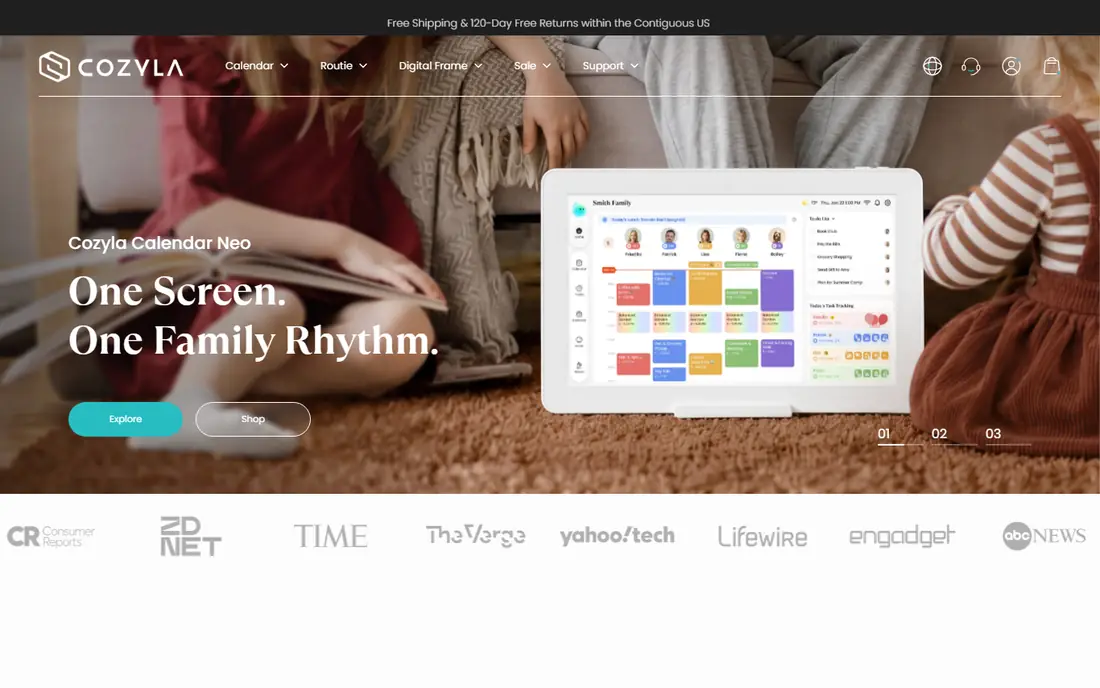
Cozyla Calendar+ fits families who want a big, simple display in a shared room. The calendar stays visible, chores and lists sit nearby, and photos give the screen a family feel. Daily use is straightforward, which helps grandparents and children use the same device.
Its limit is scope. Cozyla does not aim to be a full smart home dashboard, so households that want weather widgets, news, and custom layouts may prefer DAKboard. For a clean family calendar display with a large screen, Cozyla is a strong middle ground between premium routine displays and budget frames.
- Large touch display for shared viewing
- Calendar, chores, and photos together
- Simple daily use
- Hardware cost is still significant
- Feature set is narrower than a full dashboard
Mango Display fits families who do not want to buy another screen. It turns a TV, tablet, iPad, or smart display into a family calendar hub, with chores, meal planning, and photos included. The free plan lets you test whether the family will actually use a shared display before paying.
The catch is that you supply the hardware and the setup. An old tablet may need charging and mounting, and a TV display needs a player or app that stays running. If you already have a suitable screen, Mango Display is the lowest cost path to a wall calendar. If you want a purpose built device, look at Cozyla or Dragon Touch.
- Runs on TV, tablet, or smart display you own
- Family calendar, chores, and meal planning
- Free plan to test
- Needs a screen and stable internet
- No dedicated hardware in the base plan
Dragon Touch fits families who want a dedicated display without a premium price. Several sizes are available, and many listings position the device as a one time hardware purchase rather than a subscription product. That can make total cost easier to predict than a display plus a monthly plan.
The limit is that models and software vary, so buyers should check the exact model, calendar sync, and return terms before ordering. A lower price helps only if the display syncs with the calendars your family already uses. For budget focused homes that check those details, Dragon Touch is a sensible alternative.
- Dedicated calendar display at a lower price point
- Multiple sizes
- No subscription positioning in many listings
- Software polish varies by model
- Check sync support for your calendar accounts before buying
Apolosign fits families who want a modern wall display with an Android base and clear size choices. Calendar, photos, and household views sit on a dedicated screen, and some models add extra modes for different daily uses. The design suits homes that want a tidy wall device rather than a tablet on a stand.
Buyers should confirm the exact model before ordering, since sizes and features differ across the range. Check Google calendar support, photo handling, and whether any paid features apply to your model. With those details confirmed, Apolosign gives a polished alternative at a mid range price.
- Android based display with multiple sizes
- Calendar and photo features
- Dual mode options on some models
- Model range can confuse buyers
- Check app and sync support for the exact model
Cozi fits families who want shared organisation on phones first, with a tablet display as a second step. The shared calendar, shopping lists, and meal planner cover the core household jobs, and the free tier handles basic use. Many families already know Cozi from years of family scheduling use.
The limit is that Cozi is software, not a wall device. You can mount a tablet running Cozi, but you must handle charging, mounting, and screen wake yourself. If your family mainly coordinates by phone, Cozi is a low friction start. If you want a screen that is always on in the kitchen, pair it with a dedicated display plan.
- Shared calendar, lists, and meal planning in one app
- Free tier for basic family use
- Runs on phones and tablets
- No dedicated hardware
- Design is simpler than newer family apps
TimeTree fits families, couples, and groups who mainly need to share dates and talk about them in one place. Each shared calendar has its own chat, so plans, changes, and questions stay beside the event. Sharing is simple, and the free tier covers the core calendar job.
Its limit is depth. TimeTree does not aim to run chores, rewards, or meal plans in the same depth as Hearth or Mango Display. For pure calendar sharing, that simplicity is a strength. For a full household hub, TimeTree works best as a calendar layer beside a lists app or a display app.
- Free shared calendars
- Chat inside each calendar
- Easy sharing with family and groups
- No chores or meal planning depth
- No dedicated hardware option
Honeydew fits families who want to capture plans fast, by voice, text, or photo, and turn them into lists and calendar items. Its wall mode lets a tablet act as a family display without buying new hardware. That input speed helps busy parents who add plans on the move.
The catch is maturity. Honeydew is newer than Cozi and TimeTree, so long term support and feature depth should be checked against your needs. If quick capture and a tablet display appeal to you, it is worth a trial. If you want a proven dedicated display, Hearth or Cozyla may feel safer.
- Voice, text, and photo input for plans
- Lists and calendar hand offs
- Tablet wall mode for a display feel
- Newer product with a smaller track record
- Hardware display requires your own tablet
How we picked these
We compared official product pages, comparison guides, and current pricing notes for dedicated displays and family apps. We kept only products that still work in October 2026 and that serve the same household job: a shared calendar visible to the whole family. Where a price varied by size, model, or plan, we used See website rather than a single figure.
What to check before you buy a family display
Start with calendar sync, not screen size. List every calendar your household uses, including Google, Apple, Outlook, and school feeds, and confirm the alternative syncs with each one. A beautiful display that misses one parent calendar will cause missed events.
Next, count total cost over three years, including hardware and any subscription. A cheaper display with a monthly plan can cost more than a higher priced display with no plan. Also check where the screen will live, how it gets power, and who will use it daily. A display in the kitchen that children can touch will get more use than one tucked in a hallway.
Frequently asked questions
What are the best Skylight Calendar alternatives?
Hearth Display is the closest premium hardware alternative, DAKboard is best for custom dashboards, and Mango Display is best for homes that already own a screen. Cozyla, Dragon Touch, and Apolosign cover dedicated displays at different prices.
What is the best alternative to Skylight Calendar without a subscription?
Mango Display has a free plan, and Dragon Touch and Cozyla are often positioned as hardware purchases, but terms vary by model and plan. Check the exact product page before buying, since some features may still require a paid plan.
Can I use a tablet as a Skylight Calendar alternative?
Yes. Mango Display, Honeydew wall mode, Cozi, and TimeTree can all run on a tablet, and DAKboard can run on a spare screen. You will need to handle mounting, charging, and keeping the display awake.
Which Skylight alternative is best for chores and routines?
Hearth Display is the strongest choice for routines, chores, and child profiles, with rewards built into the family workflow. Mango Display and Cozyla also cover chores, but Hearth goes furthest on daily routines.
Do these alternatives sync with Google Calendar?
Most do, but support varies by product and model, and Apple and Outlook support should also be checked. Confirm sync for every account your household uses before you buy hardware.
Sources
See where you really rank - block by block
ProMapRanker scans Google Maps across a grid of your service area. Simple monthly plans from $19, white-label on every plan.
Start freeKeep reading
 vimeo alternatives
Best Vimeo Alternatives in 2026
Looking for Vimeo alternatives? We compare 9 video hosting platforms for reach, branded embeds, marketing, sales, live events, and pricing for your team.
Read → sendgrid alternatives
SendGrid Alternatives in 2026
Compare SendGrid alternatives for transactional email, from Resend and Postmark to Mailgun, Amazon SES, Brevo, Mailjet and other email APIs for developers.
Read → midjourney alternatives
Best Midjourney Alternatives in 2026
Looking for Midjourney alternatives? We compare 9 AI image tools for art, photos, text in images, game assets, and commercial use for projects in 2026.
Read →