 ProMapRanker
Best Alternatives to Sass in 2026

Key takeaways
- Less is our pick for teams that want a direct preprocessor swap with CSS-like syntax and a long track record.
- PostCSS suits teams that want a plugin pipeline close to standard CSS, with autoprefixing and future syntax support.
- Tailwind CSS suits teams that want utility classes and less custom stylesheet code, especially in component apps.
- Native CSS now covers variables, nesting, and layers, so many simple projects no longer need a preprocessor at all.
- All of the core tools here are free and open source, so the choice is about syntax, build setup, and team habits.
Quick comparison
| Pick | Great for | Pricing starts at | Free tier | |
|---|---|---|---|---|
 Less | Direct preprocessor swap | Free | Yes | Visit |
 Stylus | Flexible, minimal syntax | Free | Yes | Visit |
 PostCSS | Plugin-based CSS transforms | Free | Yes | Visit |
 Tailwind CSS | Utility-first styling | Free | Yes | Visit |
 Lightning CSS | Fast CSS processing | Free | Yes | Visit |
 Native CSS | No-build styling | Free | Yes | Visit |
 Styled Components | CSS in React components | Free | Yes | Visit |
 Emotion | Flexible CSS-in-JS | Free | Yes | Visit |
The best alternatives to sass
Sass, usually written as SCSS, added variables, nesting, mixins, and modules to CSS long before browsers supported those features natively. Modern CSS has closed much of that gap, and new build tools offer faster or simpler paths, so a team starting a project in 2026 has real choices. The tools below range from direct preprocessors to utility frameworks and CSS-in-JS libraries, and we compared official documentation for each one.
Less, short for Leaner Style Sheets, is the closest direct alternative to Sass for many teams. Its syntax looks like CSS, with variables marked by an at sign, mixins written as classes, and nesting that mirrors the HTML structure. A team moving from Sass can often translate a stylesheet file by file, because the core ideas map closely, even if the exact syntax differs.
Less is free and open source, and it runs as a Node package or in the browser for development, although build-time compilation is the usual production path. The catch is ecosystem size: fewer new design systems choose Less today, so fresh guides and plugins are fewer than for Sass or Tailwind. For a legacy project or a team that wants a preprocessor without learning a new styling model, Less is the least disruptive swap.
- CSS-like syntax
- Variables and mixins
- Easy Node integration
- Smaller ecosystem than Sass today
- Fewer advanced modules
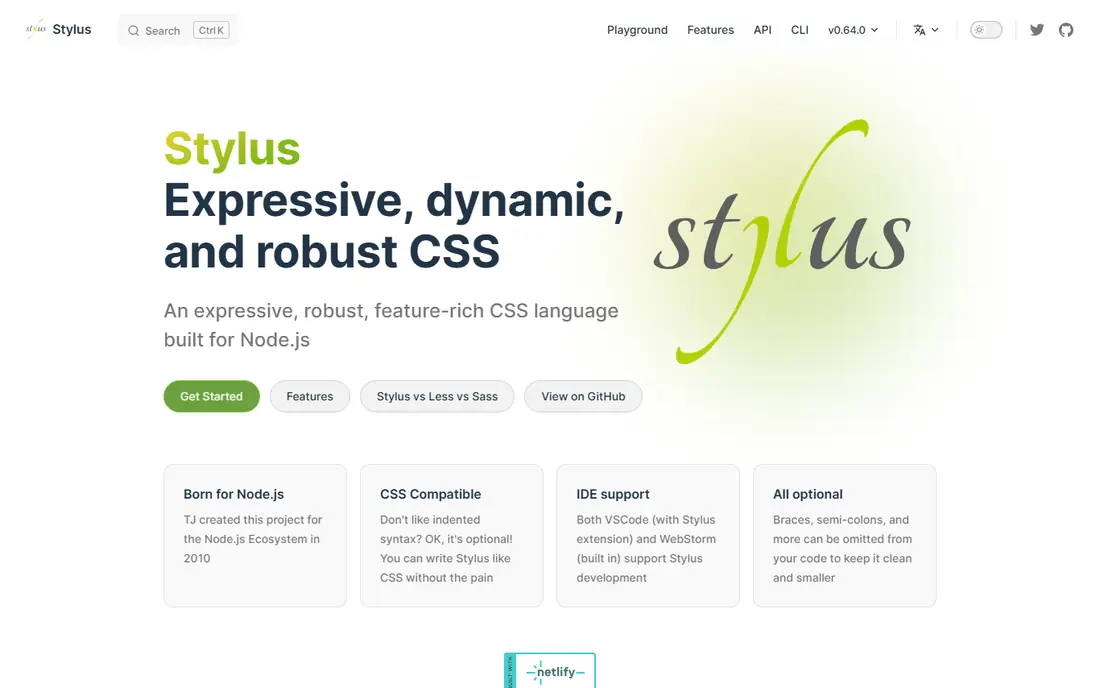
Stylus is a preprocessor with the most flexible syntax of the classic trio, allowing you to omit braces, colons, and semicolons if you prefer a minimal style. It supports variables, mixins, functions, and conditionals, with a syntax that feels closer to a programming language than to CSS in some cases. Teams that like terse code often enjoy writing Stylus, because a stylesheet can be much shorter than the equivalent CSS.
Stylus is free and open source, and it integrates with Node build tools. The main trade-off is community size: Stylus is far less common than Sass or Less today, so hiring, guides, and third-party integrations are thinner. That makes it a personal or small-team choice rather than a safe default for a large company project. If syntax minimalism matters to you and your team is small, Stylus is worth trying on a side project first.
- Optional braces and semicolons
- Expressive functions
- Node based
- Small community
- Fewer integrations
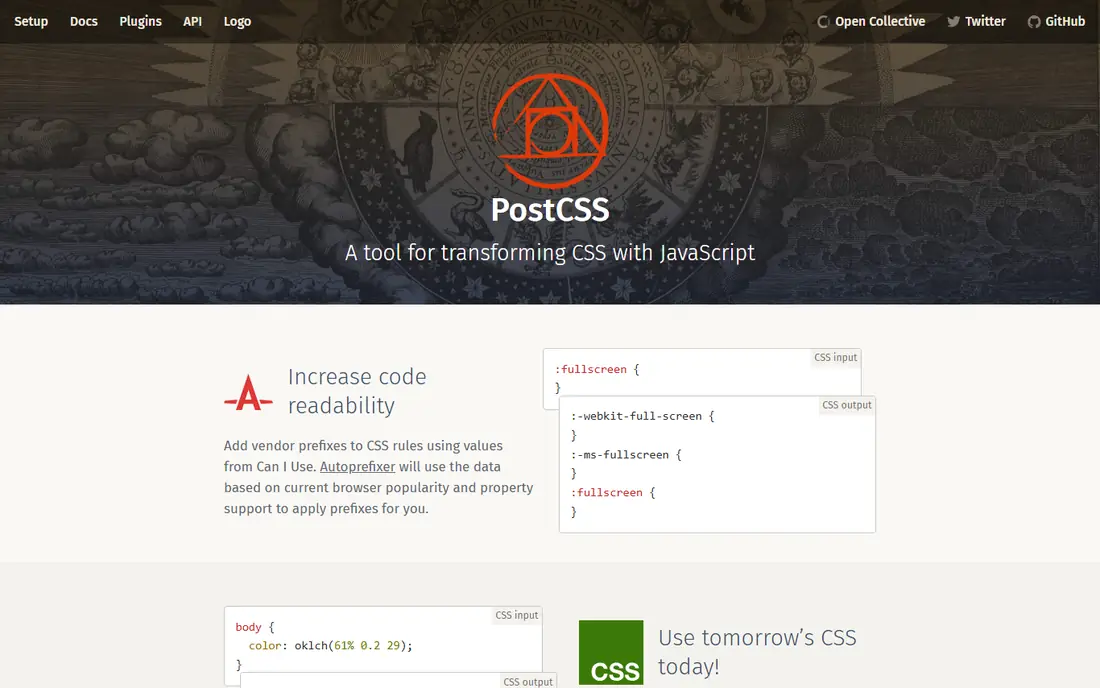
PostCSS is a tool for transforming CSS with JavaScript plugins, rather than a preprocessor with its own language. With plugins, it can add nesting, mixins, autoprefixing, custom properties, and future CSS syntax, while the source files stay close to standard CSS. That closeness is the appeal: you pick only the transforms you need, and the output is standard CSS that any developer can read.
PostCSS is free and open source, and it works with Vite, webpack, and other build tools. The catch is choice: you must decide which plugins to use, and a plugin set that is too large can become its own maintenance burden. Autoprefixer, the best-known PostCSS plugin, remains a standard part of many pipelines for vendor prefixes. For teams that want modern CSS features without adopting a whole new language, PostCSS is a flexible middle path.
- Plugin ecosystem
- Autoprefixing
- Future CSS support
- Needs plugin choices
- Not a full preprocessor alone
Tailwind CSS takes a different approach from Sass entirely: instead of writing custom stylesheet rules with variables and mixins, you style with utility classes in your markup. Colours, spacing, layout, and responsive behaviour are all expressed as classes, and the build step removes unused classes for production. That model suits component-based apps, where each component carries its own styling and a shared design system is expressed as a configuration file.
Tailwind is free and open source, and version 4 uses a modern build system with nesting and tree-shaking built in. The trade-off is the mental shift: developers used to Sass partials and mixins must learn utility names and configuration instead. Markup also becomes class-heavy, which some teams dislike. For new React, Vue, or similar apps where speed and consistency matter, Tailwind is often the most practical Sass alternative today.
- Utility classes
- Responsive design
- Small production builds
- Class-heavy markup
- Different mental model from Sass
Lightning CSS is a fast CSS parser, transformer, and minifier written in Rust, designed to handle imports, nesting, vendor prefixing, and minification in one step. Its speed is the headline: large stylesheets that take noticeable time in JavaScript-based tools process quickly, which shortens build and rebuild times during development. It can replace parts of a PostCSS pipeline, or work alongside other tools, depending on your setup.
Lightning CSS is free and open source. The catch is youth: its plugin ecosystem and integration guides are smaller than PostCSS, and some teams may need to check support for a specific transform before switching. For large codebases where build speed is a daily pain, Lightning CSS is a strong, modern choice. For small projects, the speed gain may not justify changing a working pipeline.
- Very fast, Rust based
- Nesting and imports
- Minification
- Newer tool
- Plugin ecosystem smaller than PostCSS
Native CSS, meaning plain CSS as browsers support it today, is now a real alternative to Sass for many projects. Custom properties give you variables that can change at runtime, nesting lets you write related rules together, layers give you control over cascade order, and features such as container queries and colour functions cover cases that once needed a preprocessor. A simple site or a small app can now be styled with no build step at all.
Native CSS is free, by definition, and it removes a whole layer of tooling. The limits are real: there are no mixins, loops, or functions in the Sass sense, so repeated patterns still need manual copying or a utility framework. Very old browsers also lack the newest features, so check support if you must support them. For simple projects, or as the base under a framework, native CSS is the simplest choice on this list.
- No build step
- Custom properties
- Nesting and layers
- No mixins or loops
- Older browsers lack newest features
Styled Components is a CSS-in-JS library for React that lets you write CSS inside JavaScript, tied to a specific component. A button component carries its own styles, theming comes from a provider, and props can change styles without adding class names by hand. That closeness between a component and its styles suits React teams that already think in components rather than in global stylesheets.
Styled Components is free and open source. The trade-off is model and runtime cost: styles are generated at runtime, which adds JavaScript work compared with a static stylesheet, and the approach does not help a non-React project. Teams that like Sass partials may find component-scoped styles harder to share across a whole site. For React apps where component ownership matters, Styled Components is a coherent Sass alternative.
- Styles tied to components
- Theming
- Props-based styles
- React focused
- Runtime cost
- Different from stylesheet model
Emotion is another CSS-in-JS library, known for flexible APIs that let you write styles as template literals, objects, or class names, with theming and server rendering support. It is used in React projects and in other setups, and it powers styling in some well-known component libraries. That flexibility means a team can pick the API style that fits its codebase, rather than adopting a single prescribed style.
Emotion is free and open source. The catch is choice overload: several APIs for the same job can confuse a new team, and, like other CSS-in-JS tools, it adds runtime work compared with static CSS. Documentation is strong, which helps, but a team should agree on one API style before adopting it widely. For a React team that wants CSS-in-JS flexibility, Emotion is a solid, well-maintained option.
- Flexible APIs
- Theming
- Works with React and other setups
- Learning curve for API choices
- Runtime considerations
How we picked these
We compared official documentation for CSS tools that are active in October 2026 and that can replace Sass for styling, whether as a preprocessor, a transform pipeline, a utility framework, native CSS, or a CSS-in-JS library. We favoured tools with clear documentation, current maintenance, and a distinct approach, rather than listing every small plugin. We did not claim hands-on testing of private codebases, and we listed these tools as free because their core code is open source.
What to check before you switch from Sass
Start with what you actually use Sass for. If you only use variables and nesting, native CSS may already cover you. If you use mixins and modules heavily, Less or PostCSS with plugins will feel closer. If you use Sass to manage a large design system, Tailwind or a CSS-in-JS library may be a bigger change, and you should trial it on one component set first.
Check build setup, browser support, and team habits together. A tool that needs a build step is fine in a Vite or webpack project, but a burden in a plain HTML site. Check how the tool handles theming, dark mode, and responsive breakpoints, because those are where a switch often breaks. Finally, plan migration in stages: keep Sass for old files, use the new tool for new files, and convert old files only when you touch them, so the build stays green throughout.
Frequently asked questions
What is the best direct alternative to Sass?
Less is the best direct alternative, because it is a preprocessor with variables, mixins, and nesting in a CSS-like syntax. A team can often translate Sass files to Less with modest changes, although syntax details differ. If you want to stay close to standard CSS instead, PostCSS with nesting and autoprefixing plugins is the other direct path.
Do I still need Sass in 2026?
Not always. Native CSS now covers variables, nesting, layers, and container queries, so simple projects can skip a preprocessor entirely. Sass still helps for complex design systems that need mixins, functions, loops, and modules, and for large codebases with existing Sass files. The need depends on how much logic your stylesheets actually contain.
Is Tailwind CSS better than Sass?
Tailwind and Sass solve styling differently: Tailwind uses utility classes in markup, while Sass uses custom stylesheet rules with variables and mixins. Tailwind suits component apps that want speed and consistency, while Sass suits teams that prefer custom stylesheets and design system partials. Many teams use Tailwind for layout and utilities plus a small amount of custom CSS for special cases.
Can PostCSS replace Sass completely?
PostCSS can replace many Sass features with plugins, including nesting, mixins, and future syntax, while keeping source files close to standard CSS. It does not offer the same single, coherent language as Sass, so a team must choose and maintain its plugin set. For teams that want control over each transform, that trade is worth it.
What is Lightning CSS used for?
Lightning CSS parses, transforms, and minifies CSS quickly, handling imports, nesting, prefixing, and optimisation in one Rust-based tool. It suits large projects where build speed matters, and it can replace parts of a PostCSS pipeline. Check that it supports the specific transforms you need before you switch a whole project to it.
Sources
See where you really rank - block by block
ProMapRanker scans Google Maps across a grid of your service area. Simple monthly plans from $19, white-label on every plan.
Start freeKeep reading
 best chat tool for website
Best Chat Tool for Website in 2026
Best chat tool for website owners compared, with live chat, AI agents, free plans, and pricing for small stores, SaaS teams, and support teams of all sizes.
Read → best birdwatching app
Best Birdwatching App in 2026
Best birdwatching app picks for 2026: nine free and paid apps for bird ID by sight and sound, checklists, hotspots, and finding birds near you for all birders.
Read → best bird identification app
Best Bird Identification Apps in 2026
Find the best bird identification app for photos, songs and calls. We compare 9 bird apps, including Merlin, BirdNET and Audubon, to help you choose today.
Read →