 ProMapRanker
Best Alternatives to Microsoft Publisher in 2026

Key takeaways
- Affinity is now free and covers layout, photo editing, and vector design in one app, making it the strongest no-cost pick for serious layout work.
- Canva is the fastest option for non-designers who need a good-looking flyer, newsletter, or brochure quickly.
- Adobe InDesign remains the professional standard for print shops and publishers, at $22.99 per month billed annually.
- Scribus is the best fully free open-source desktop publishing app for Windows, Mac, and Linux.
Quick comparison
| Pick | Great for | Pricing starts at | Free tier | |
|---|---|---|---|---|
 Canva | Quick marketing documents | Free | Yes | Visit |
 Adobe InDesign | Professional print publishing | $22.99 per month | No | Visit |
 Affinity | Free professional layout | Free | Yes | Visit |
 Scribus | Free open-source publishing | Free | Yes | Visit |
 Marq | Team publishing in the browser | $10 per user per month | Yes | Visit |
 QuarkXPress | Print shops that want owned software | See website | No | Visit |
 Swift Publisher | Mac users on a budget | $19.99 one-time | No | Visit |
 VivaDesigner | Mixed-OS teams and Publisher switchers | Free | Yes | Visit |
The best alternatives to microsoft publisher
Microsoft Publisher was a simple tool for newsletters, brochures, and flyers, and its alternatives split into two camps: easy browser tools for quick documents, and professional layout apps for print-ready work. The eight options below cover both, so you can match the tool to the document you actually produce.
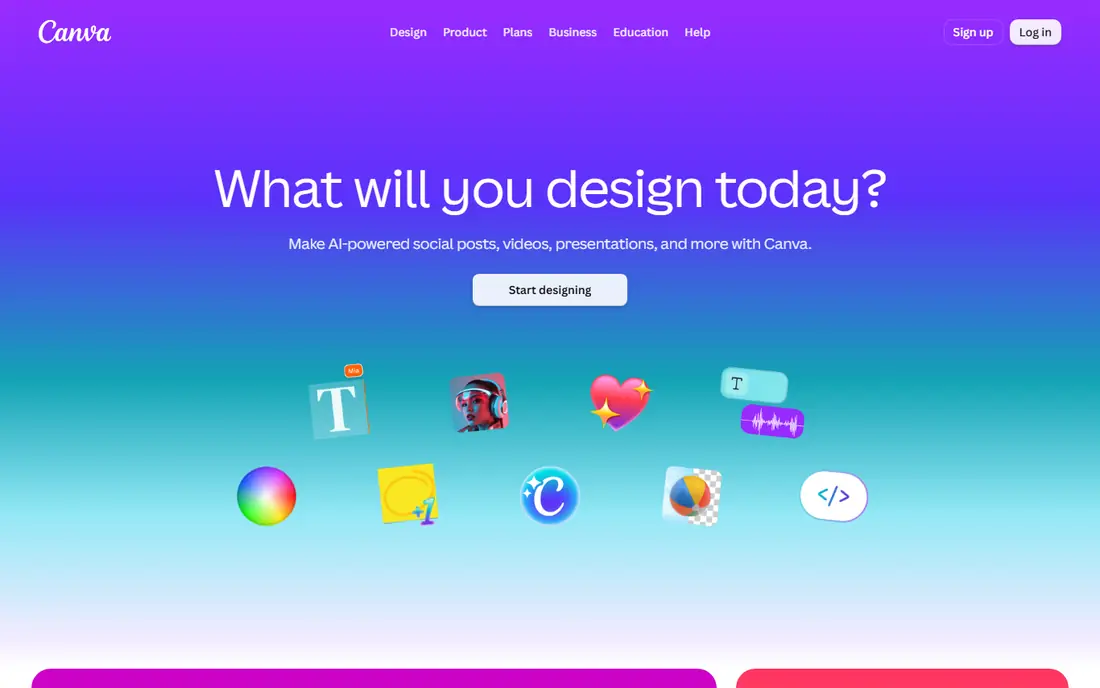
Canva is the fastest replacement for most Publisher users. Templates for newsletters, brochures, menus, and social posts mean a good-looking document takes minutes, not hours, and the browser-based editor works on any computer. The free tier covers most casual needs, while Pro adds brand kits, background removal, and premium content.
The honest limit is precision. Canva is not a professional page layout app: text flow across pages, master pages, and preflight controls are thinner than in Affinity or InDesign. For marketing documents that are printed in small runs or shared digitally, Canva is more than enough; for a book or a magazine, look further down this list.
- Huge template library for flyers, newsletters, and brochures
- Browser-based with no install
- Free tier covers most casual needs
- Layout control is weaker than desktop publishing apps
- Print quality depends on the plan and export settings
- Pro costs about $120 per year
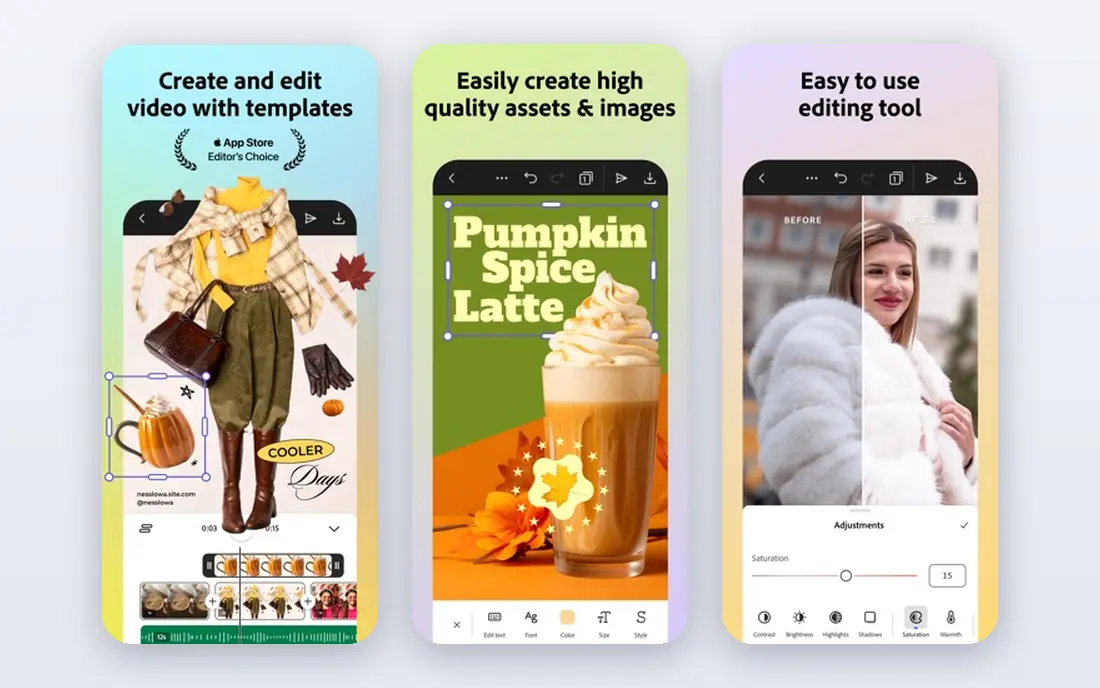
InDesign is the tool print shops and publishers expect. It handles long documents, books, and magazines with master pages, styles, data merge, and preflight checks that catch print problems before they reach the press. Integration with Photoshop, Illustrator, and InCopy keeps the whole Adobe workflow in one place, which is why agencies standardize on it.
The price and the learning curve are the barriers. At $22.99 per month billed annually, InDesign is a real commitment, and its depth takes time to learn. For a small business producing occasional flyers, Canva or Affinity is the smarter buy; for a publisher producing print work regularly, InDesign is still the safest choice.
- Industry standard for print and digital publishing
- Precise typography, master pages, and preflight
- Deep integration with Photoshop and Illustrator
- Subscription costs $22.99 per month billed annually
- Steep learning curve
- Overkill for simple flyers
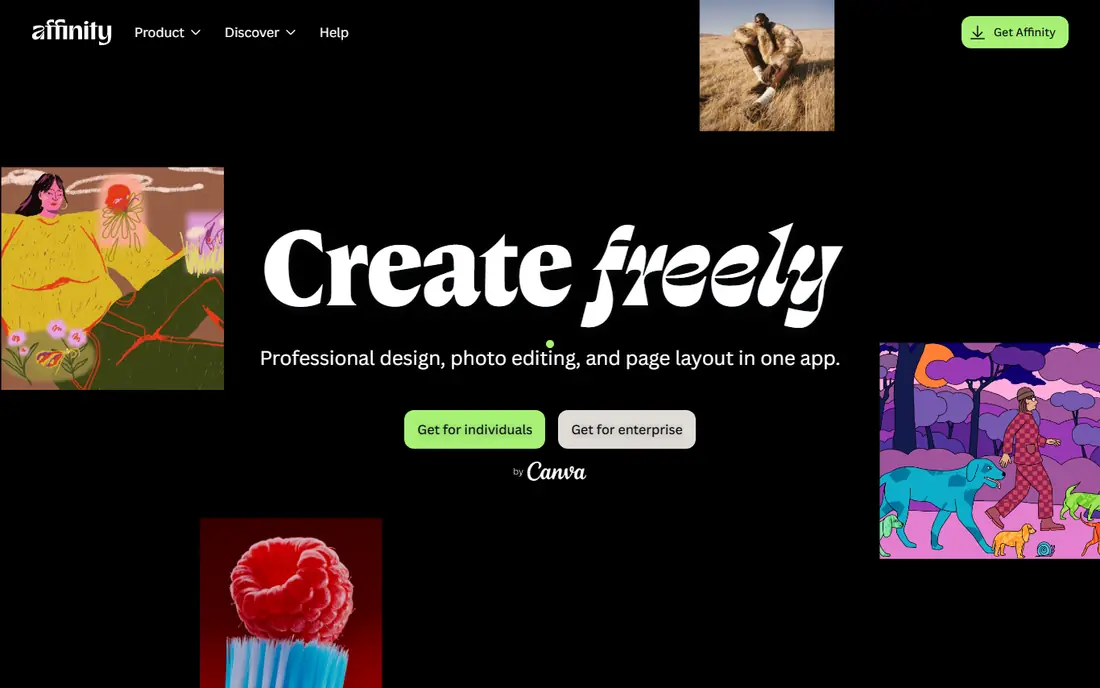
Affinity, from Serif and now part of Canva, is the standout pick on this list. The single app now covers page layout, photo editing, and vector illustration, with quick switching between the three, and the core software is free. It opens native Photoshop, Illustrator, and InDesign files, handles master pages and OpenType typography, and includes preflight checks for print work.
The trade-offs are modest. The third-party plugin ecosystem is smaller than Adobe's, and real-time team collaboration is thinner than browser tools such as Marq or Canva. A premium subscription adds AI tools and Canva Pro features for users who want them. For a Publisher user who wants professional power without a subscription, Affinity is the clear first download.
- Now free, including page layout, photo editing, and vector design in one app
- Opens InDesign and Photoshop files
- Professional typography and preflight
- Smaller plugin ecosystem than Adobe
- Collaboration features are thinner
- Premium AI features require a paid subscription
Scribus is the only serious free desktop publishing app that is fully open source, and it runs on Windows, Mac, and Linux. It supports CMYK color, PDF export for print, master pages, and styles, which puts it far ahead of word processors for multi-page documents. For schools, nonprofits, and small publishers with no budget, Scribus is a genuine professional option.
The interface is the weak point. Scribus looks and feels older than Affinity or Canva, and new users need patience to learn its workflow. Templates and stock assets are thinner, so expect to build documents from scratch more often. If you can live with the interface, the price is unbeatable.
- Completely free and open source
- Runs on Windows, Mac, and Linux
- Professional features including CMYK color and PDF export
- Interface feels dated
- Learning curve is steeper than Canva
- Fewer templates and stock assets
Marq, formerly Lucidpress, is built for teams that produce branded documents together in a browser. Brand assets, fonts, and colors can be locked so every newsletter or brochure stays on brand, and collaborators can edit without installing software. Templates cover magazines, annual reports, catalogs, and brochures.
The cost is per user, starting at $10 per user per month billed annually, with a free tier for light use. Print controls are lighter than InDesign or Affinity, so Marq suits digital-first and short-run print documents better than complex books. For a marketing team spread across locations, the collaboration features justify the price.
- Browser-based collaboration with brand controls
- Templates for magazines, reports, and brochures
- Good for distributed teams
- Paid plans start at $10 per user per month billed annually
- Print controls are lighter than desktop apps
- Needs an internet connection
QuarkXPress predates InDesign and remains a respected professional layout tool, particularly in print shops that prefer an annual license to a monthly subscription. It handles long documents, typography, and digital publishing, and it imports IDML files from InDesign workflows. Shops that have used Quark for years often see no reason to switch.
The downside is ecosystem size. The community, templates, and third-party tools around QuarkXPress are smaller than Adobe's, and pricing requires checking the current offer on the vendor site. For a print shop that wants to own its software and already knows Quark, it remains a solid choice.
- Long-established professional layout tool
- Strong typography and long-document features
- Annual license rather than monthly rent
- Pricing is not published as a simple monthly figure
- Smaller community than InDesign
- Collaboration is desktop focused
Swift Publisher is the closest thing to the old Publisher experience on a Mac: a simple, affordable layout app with templates for newsletters, brochures, flyers, and booklets. The one-time price of $19.99 is easy to justify for a small business or school, and the interface is friendly for users who found InDesign intimidating.
The limits are platform and power. Swift Publisher runs only on Mac, and it lacks the typography, preflight, and long-document features of professional tools. For short, simple documents on a Mac, it is excellent value; for a book or a magazine, Affinity or InDesign is the better pick.
- One-time purchase of $19.99
- Hundreds of templates and clipart
- Simple interface for newsletters and brochures
- Mac only
- Less powerful than Affinity or InDesign
- No free plan, though a trial is available
VivaDesigner is a desktop publishing app that explicitly courts Publisher users, with a workflow that feels familiar to anyone who made newsletters and brochures in Publisher. It runs on Windows, Mac, and Linux, which helps mixed-OS teams, and the Free Edition covers basic layout work. Commercial editions add professional features for print production.
The trade-off is scale. VivaDesigner's community and template library are smaller than Canva's or Affinity's, and commercial pricing needs a check on the vendor site. For a small team that wants a desktop app on any operating system without a subscription, VivaDesigner is worth a trial.
- Free Edition available
- Runs on Windows, Mac, and Linux
- Familiar desktop publishing workflow for Publisher users
- Commercial editions require checking the vendor site for current pricing
- Smaller community and template library
How we picked these
We compared official pricing pages, feature documentation, and current publishing guides, and we kept only tools that are live and genuinely handle multi-page documents such as newsletters, brochures, and books. We favored tools with clear pricing and noted where pricing is quote based or plan dependent. Our comparisons rest on vendor documentation and public reviews, not on hands-on testing.
Choosing between easy and professional
Start with the document, not the tool
A monthly newsletter or event flyer needs Canva or Marq. A book, magazine, or catalog needs Affinity, InDesign, or QuarkXPress. Matching the tool to the document saves both money and frustration.
Check print requirements early
If a print shop will produce your document, ask for its file requirements before choosing. CMYK color, bleed, and PDF export settings matter, and professional tools handle them better than browser editors.
Try the free options first
Affinity and Scribus are free, and Canva and Marq offer free tiers. Run a real document through two of them before paying, and compare the export quality, not just the editing experience.
Plan for file compatibility
If collaborators use InDesign, Affinity's ability to open InDesign files matters. If collaborators use Word, check how each tool imports and exports Word documents. Compatibility problems cost more time than any subscription saves.
Frequently asked questions
What is the best free alternative to Microsoft Publisher?
Affinity is the best free alternative for serious layout work, since it is now free and covers page layout, photo editing, and vector design in one app. Scribus is the best fully open-source option, and Canva is the best free option for quick marketing documents.
What are the best alternatives to Publisher for newsletters?
Canva and Marq are the fastest newsletter tools, with templates and browser-based editing. Affinity and Scribus suit newsletters that need precise print control, and Swift Publisher is a good low-cost Mac option for simple newsletters.
Is there a Microsoft Publisher alternative for Mac?
Yes. Affinity, Scribus, and VivaDesigner all run on Mac, and Swift Publisher is Mac only. Canva and Marq run in any browser on a Mac. Affinity is the strongest free Mac pick for professional layout.
Can these tools open Publisher files?
Most tools cannot open Publisher's native file format directly. The practical path is to export Publisher documents to PDF or recreate them in the new tool, and to export text and images separately where needed. Affinity can open InDesign files, which helps when moving between professional tools.
Do I need InDesign to produce professional print work?
Not always. Affinity and QuarkXPress both produce professional print files, and Scribus handles CMYK and PDF export for print. InDesign remains the safest choice when a print shop or agency requires InDesign files, but for most independent work, Affinity is enough.
Sources
See where you really rank - block by block
ProMapRanker scans Google Maps across a grid of your service area. Simple monthly plans from $19, white-label on every plan.
Start freeKeep reading
 best chat tool for website
Best Chat Tool for Website in 2026
Best chat tool for website owners compared, with live chat, AI agents, free plans, and pricing for small stores, SaaS teams, and support teams of all sizes.
Read → best birdwatching app
Best Birdwatching App in 2026
Best birdwatching app picks for 2026: nine free and paid apps for bird ID by sight and sound, checklists, hotspots, and finding birds near you for all birders.
Read → best bird identification app
Best Bird Identification Apps in 2026
Find the best bird identification app for photos, songs and calls. We compare 9 bird apps, including Merlin, BirdNET and Audubon, to help you choose today.
Read →