 ProMapRanker
Alternatives to Less in 2026

Key takeaways
- Sass is the safest direct replacement for Less, with variables, nesting, mixins and a huge community behind it.
- PostCSS and Lightning CSS suit modern build pipelines, since they transform plain CSS through plugins rather than a new language.
- Tailwind CSS, UnoCSS and Panda CSS change the workflow more deeply, moving styles into utility classes or typed recipes.
- Every tool on this list is free and open source, so the real cost is learning time and migration effort, not a subscription.
- If your codebase is small, plain modern CSS with nesting and custom properties may now cover what Less once did for you.
Quick comparison
| Pick | Great for | Pricing starts at | Free tier | |
|---|---|---|---|---|
 Sass | A direct replacement for Less | Free | Yes | Visit |
 Stylus | Developers who want terse, flexible syntax | Free | Yes | Visit |
 PostCSS | Plugin-based modern CSS workflows | Free | Yes | Visit |
 Lightning CSS | Fast builds and modern CSS output | Free | Yes | Visit |
 Tailwind CSS | Utility-first styling in markup | Free | Yes | Visit |
 UnoCSS | Instant, on-demand utility classes | Free | Yes | Visit |
 Panda CSS | Type-safe styles in TypeScript projects | Free | Yes | Visit |
 Stylable | Scoped styles for component libraries | Free | Yes | Visit |
The best alternatives to Less
Less gave front-end developers variables, nesting and mixins long before browsers supported them natively. These eight tools carry that idea forward, each with a different answer to how much abstraction your stylesheets should have.
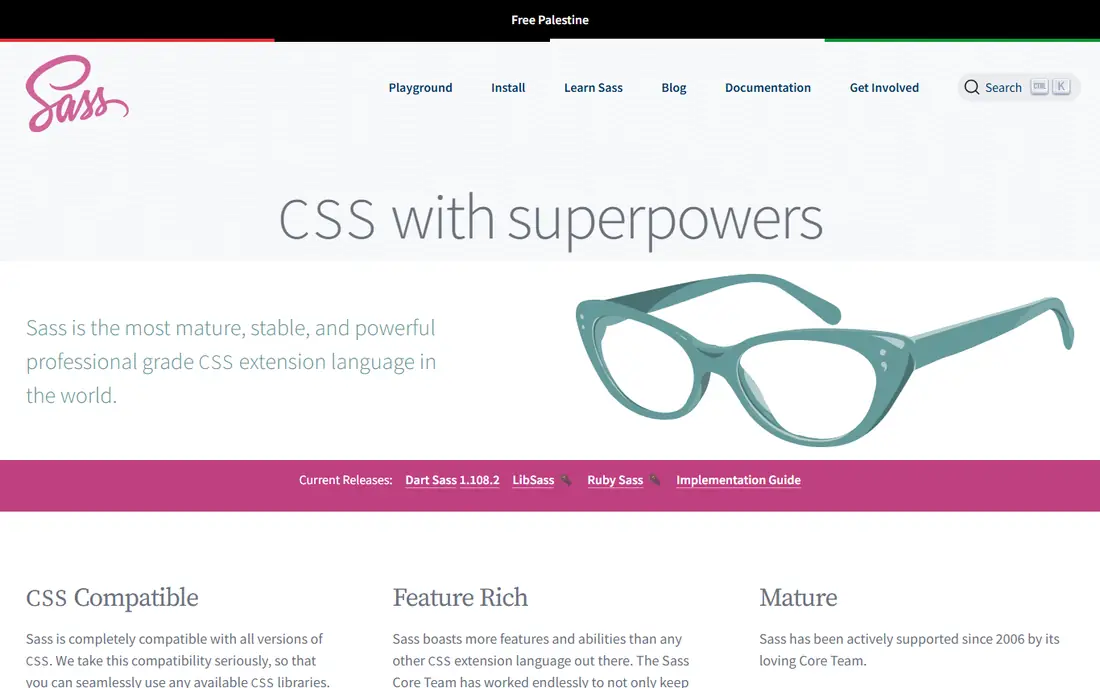
Sass is the closest like-for-like swap for Less, and our pick for most people making this move. Its SCSS syntax is a superset of CSS, so valid CSS is valid SCSS, which makes migration far less painful than a full rewrite. Variables, nesting, mixins, functions and partials all work in ways Less users will recognize at once, and the module system helps large teams split styles into files that do not leak globals everywhere.
The catch is that Sass is still a preprocessor, so you add a build step and a dependency to keep updated. Dart Sass is the current reference implementation, and it is actively maintained, which matters for a tool you plan to build on for years. If you want the smallest change from Less with the largest community and the most answered questions online, start here and only move on if a specific need pushes you elsewhere.
- Mature ecosystem
- Two syntaxes to choose from
- Strong tooling and framework support
- A separate compilation step
- Large codebases need discipline to stay tidy
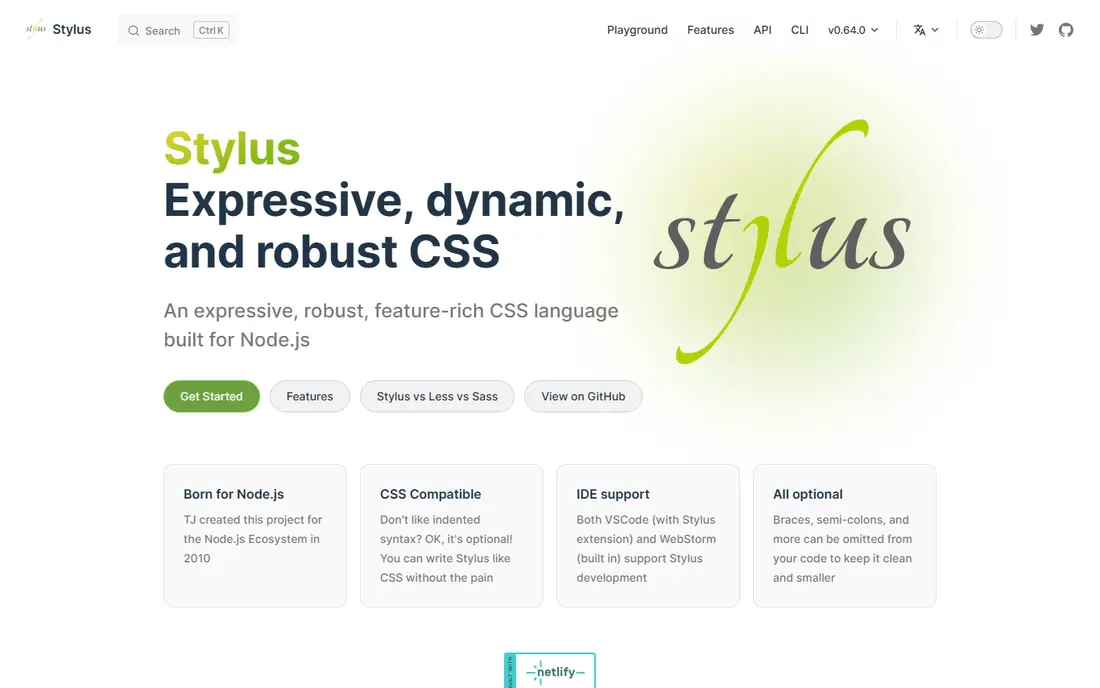
Stylus takes the opposite approach to Sass: it removes as much punctuation as possible and lets you write styles that read almost like plain indentation. For solo developers and small teams, that brevity can feel liberating, and the language still covers variables, nesting, mixins, conditionals and iteration. It runs on Node.js, so it slots into JavaScript build pipelines without much fuss.
The trade-off is consistency. When every developer on a team can choose a different level of punctuation, code review gets harder and style guides matter more. Stylus also has a smaller community than Sass, so you may wait longer for answers to unusual problems. Pick it if you value expressive, compact code and you work mostly alone or with a team that agrees on one house style.
- Braces, colons and semicolons are optional
- Expressive mixins and functions
- Node.js friendly
- Smaller community than Sass
- Flexible syntax can hurt readability on shared codebases
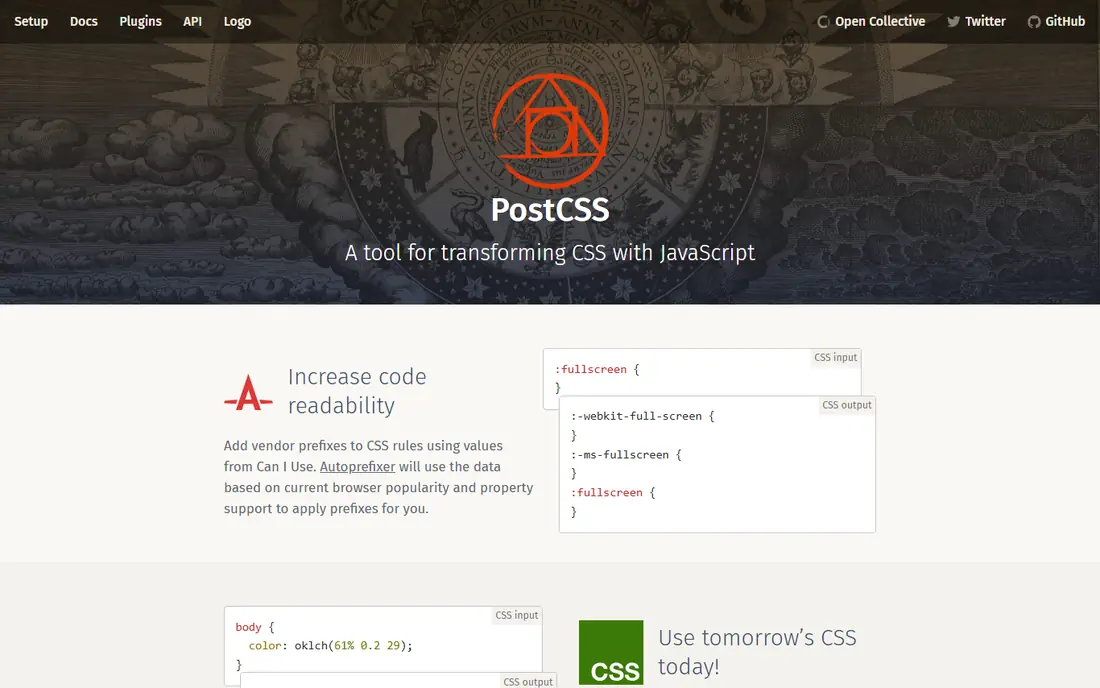
PostCSS is not a preprocessor in the Less sense. It is a tool for transforming CSS with JavaScript plugins, which means you assemble exactly the features you want and skip the rest. Autoprefixer handles vendor prefixes, other plugins add nesting, custom properties, future syntax or minification, and you can write in plain CSS throughout. That makes it a strong choice for teams that want modern CSS without committing to a new stylesheet language.
The honest catch is choice fatigue. PostCSS itself does very little until you add plugins, so two PostCSS setups can look nothing alike, and a new team member has to learn your particular stack. If you already use a JavaScript bundler and you like composing tools, that freedom is a strength. If you want one obvious way to write styles, Sass will feel calmer.
- Huge plugin ecosystem
- Works with plain CSS
- Autoprefixer and future CSS features included through plugins
- Setup takes more decisions
- It is a toolkit, not a single language
Lightning CSS is a parser, transformer, minifier and bundler for CSS, built for speed. It understands modern CSS features such as nesting, custom media queries and color functions, and it can transpile them down for older browsers while adding the right vendor prefixes. For large sites where CSS build times actually slow down development, that speed is a real, daily benefit rather than a benchmark curiosity.
Because it is newer than PostCSS, the surrounding ecosystem is smaller, and you will find fewer ready-made plugins and tutorials. It also focuses on transforming CSS rather than giving you a Sass-style authoring language, so teams that love mixins and functions may miss them. Choose Lightning CSS when build performance and clean modern output matter more than a giant plugin catalog.
- Very fast, written in Rust
- Handles nesting, custom media and vendor prefixes
- Minifies CSS
- Newer and smaller ecosystem
- Fewer plugins than PostCSS
Tailwind CSS replaces hand-written stylesheets with small utility classes applied directly in your HTML, such as classes for padding, text size and color. That sounds messy until you try it on a real interface, where the payoff is speed: you style as you build, you reuse a shared design scale instead of inventing values, and you rarely write a new CSS file for a new component. The current version compiles CSS from your content automatically, so unused utilities do not bloat your final stylesheet.
The catch is taste and tolerance. Long class lists can make templates hard to scan, and teams that prefer styles kept apart from markup often dislike the approach on principle. Tailwind also asks you to learn its naming system before you feel fast. If your project is a product interface with many repeated patterns, it is one of the most productive Less alternatives here. If you maintain long-form, document-style pages, a traditional stylesheet may still suit you better.
- Rapid UI building
- Consistent spacing and color scales
- Large community and component resources
- Markup gets class-heavy
- Learning the class names takes time
UnoCSS works like an instant, on-demand atomic CSS engine: it scans your code, generates exactly the utilities you used, and nothing else. It can mimic Tailwind-style classes, Windi-style classes or your own custom rules, which makes it a good fit for teams that like utility styling but want more control over the engine itself. Development feedback is quick, and the output stays small because unused styles are never generated in the first place.
The downside is maturity and familiarity. Fewer developers know UnoCSS than Tailwind, so hiring, onboarding and finding ready-made component examples take more effort. Configuration is powerful but can feel abstract at first, especially the preset system. Pick UnoCSS if you already understand utility-first CSS and you want a lighter, more configurable engine, or if you are building a design system with unusual requirements.
- Generates only the CSS you use
- Flexible presets
- Very fast in development
- Smaller community than Tailwind
- Configuration can confuse newcomers
Panda CSS generates styles from recipes and design tokens defined in your code, with full TypeScript support so misspelled tokens and invalid variants get caught by your editor. It is aimed at design systems and component libraries, where a button with size and tone variants should behave the same everywhere. Recipes, conditions and responsive variants give you a structured way to describe components without scattering class names across templates.
That structure comes with a learning curve, and Panda CSS is a bigger conceptual shift from Less than Sass is. You also need to be comfortable with a code-first workflow and a build step that turns recipes into CSS. For TypeScript teams building a shared component library, the type safety alone can justify the switch. For a simple marketing site, it is more machinery than you need.
- Styles defined in code with type safety
- Recipes and variants for components
- Works with modern frameworks
- Newer tool with a learning curve
- Adds a build step to TypeScript projects
Stylable, from Wix, extends CSS with scoped stylesheets for components, so a class in one component cannot accidentally restyle another. It adds typed states, variants and a way to extend or compose component styles, which solves a genuine pain point in large applications where global CSS grows unpredictable. If you have ever hunted a styling bug caused by two components sharing a class name, Stylable addresses that problem directly.
Adoption is niche compared with Sass or Tailwind, so community resources are thinner and integrating it into an existing pipeline takes deliberate work. It also makes the most sense for component-driven apps rather than simple pages. Choose it when style isolation and component APIs matter more to your team than using the most popular tool available.
- Component-scoped CSS with real encapsulation
- States and variants built in
- Good for large apps
- Niche adoption
- Ties you to its build tooling
How we picked these
We compared official documentation, pricing pages, app listings and public reviews for tools that are actively maintained in October 2026. We favored tools that replace a real part of the Less workflow, whether that is authoring syntax, transformation, or component styling, and we left out dead projects and generic frameworks that do not handle styles. Every tool here is free and open source, so we judged them on fit, maturity, ecosystem and migration effort rather than price. We did not run hands-on benchmarks for this guide; our comparisons rest on published feature lists, documentation and community evidence.
What to weigh before you switch
Start with how your team actually writes CSS today. If most of your stylesheets use variables and mixins in a straightforward way, Sass gives you the shortest migration path, and you can convert files gradually rather than in one big rewrite. If your pain point is browser support and build speed, PostCSS or Lightning CSS may matter more than a new syntax, since both let you keep writing largely plain CSS.
Think about who else will touch the code. A popular tool with many tutorials is easier to hire for and easier to hand over, which is a real advantage for Sass and Tailwind. A niche tool can be better on paper and still cost you time in onboarding and troubleshooting. Also check your framework: some tools integrate more smoothly with React, Vue or Svelte projects, and a clean integration beats a theoretically better tool that fights your bundler.
Finally, try the switch on one small feature before committing. Convert a single component or page, measure how the build feels, and ask the developers who will maintain it whether the new workflow helps or slows them down. Migration cost is easy to underestimate, and a short trial tells you more than any feature list.
Frequently asked questions
Is Sass better than Less?
For most new projects, yes, because Sass has a larger community, two syntaxes, and strong framework support, while Less has seen less momentum in recent years. That said, Less still works fine for existing projects, and switching only makes sense if you need something Sass offers or your team prefers it.
Can I use PostCSS with Sass?
Yes, many projects chain them: Sass compiles to CSS, then PostCSS plugins handle autoprefixing, minification or future syntax. You do not have to choose only one tool if each solves a different part of your pipeline.
Do I still need a preprocessor now that CSS has nesting and variables?
Not always. Native CSS nesting and custom properties cover many of the reasons people adopted Less, especially on small sites. Preprocessors still help with mixins, functions, partials and shared logic that plain CSS does not offer in the same form.
Which alternative is fastest?
Lightning CSS and UnoCSS are built for speed, and both generate small, focused output. In practice, build speed only becomes the deciding factor on large codebases; on small projects, all of these tools are fast enough.
Is Tailwind CSS a replacement for Less?
It replaces the workflow rather than the syntax. Instead of writing stylesheets with variables and mixins, you apply utility classes in markup. That suits component-heavy products well, but teams that prefer separate stylesheets may prefer Sass or Stylus instead.
What is the easiest Less alternative to learn?
Sass with SCSS syntax is usually the easiest, because valid CSS is valid SCSS and the concepts map closely to Less. Stylus is also easy to read, though its flexible syntax can make team code less consistent.
Sources
See where you really rank - block by block
ProMapRanker scans Google Maps across a grid of your service area. Simple monthly plans from $19, white-label on every plan.
Start freeKeep reading
 best chat tool for website
Best Chat Tool for Website in 2026
Best chat tool for website owners compared, with live chat, AI agents, free plans, and pricing for small stores, SaaS teams, and support teams of all sizes.
Read → best birdwatching app
Best Birdwatching App in 2026
Best birdwatching app picks for 2026: nine free and paid apps for bird ID by sight and sound, checklists, hotspots, and finding birds near you for all birders.
Read → best bird identification app
Best Bird Identification Apps in 2026
Find the best bird identification app for photos, songs and calls. We compare 9 bird apps, including Merlin, BirdNET and Audubon, to help you choose today.
Read →