 ProMapRanker
Alternatives to Jenkins in 2026

Key takeaways
- GitHub Actions is the lowest-friction replacement for teams whose code already lives on GitHub.
- GitLab CI/CD suits teams that want source control, CI, security scanning, and releases in one platform.
- CircleCI and Buildkite suit teams that need fast parallel builds or control over their own build machines.
- Pricing models differ widely, so compare minutes, credits, users, and self-hosted costs for your actual workload before you switch.
Quick comparison
| Pick | Great for | Pricing starts at | Free tier | |
|---|---|---|---|---|
 GitHub Actions | GitHub-native teams | Free | Yes | Visit |
 GitLab CI/CD | All-in-one DevOps platform | Free | Yes | Visit |
 CircleCI | Fast parallel builds | $15 per month | Yes | Visit |
 TeamCity | JetBrains and enterprise teams | See website | Yes | Visit |
 Buildkite | Bring-your-own build machines | $30 per user per month | Yes | Visit |
 Azure DevOps | Microsoft and Azure teams | Free | Yes | Visit |
 Semaphore | Pay-as-you-go cloud builds | See website | Yes | Visit |
 Bitbucket Pipelines | Atlassian teams | $3.65 per user per month | Yes | Visit |
 Harness | Enterprise delivery platform | Free | Yes | Visit |
The best jenkins alternatives
We focused on tools that can replace a Jenkins pipeline for building, testing, and deploying code, and we weighed setup effort, self-hosting options, and pricing models.
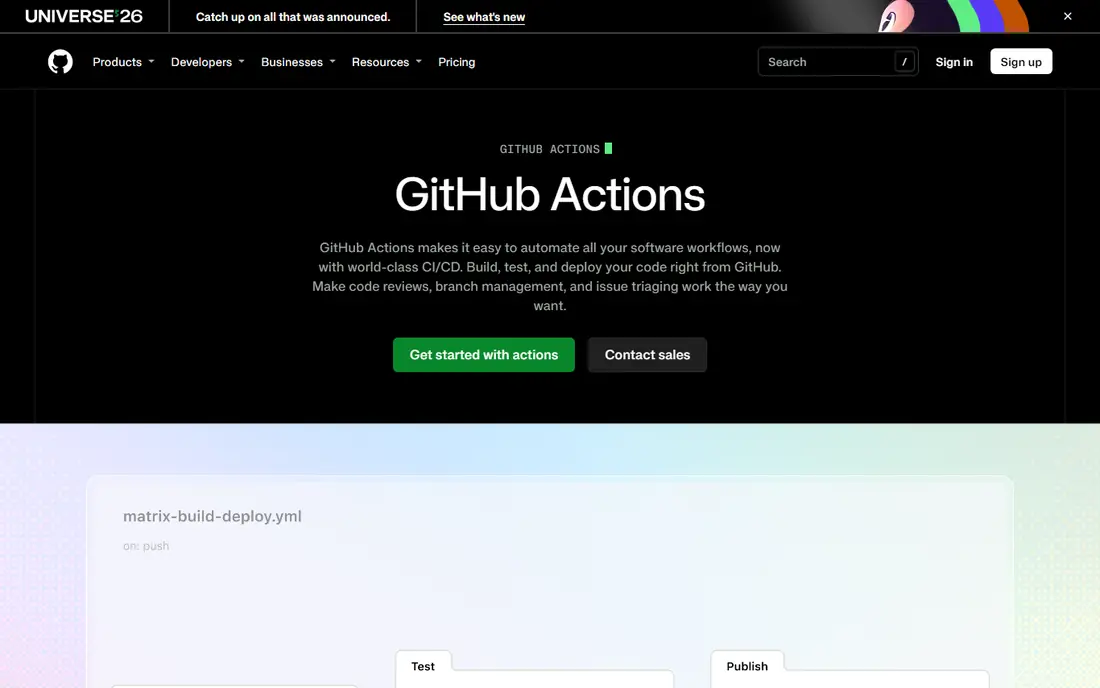
GitHub Actions is the easiest move for most teams leaving Jenkins, because the pipeline lives next to the code. Workflows trigger on pushes, pull requests, schedules, and many other events, and the marketplace offers ready-made actions for common build, test, and deploy steps. Public repositories get generous free usage, and private repositories get a monthly allowance of hosted minutes on the free plan.
The catch is that YAML debugging remains painful for large workflows, and costs rise with larger runners and macOS builds. Self-hosted runners help control compute costs and keep builds inside your network, but they add maintenance back into the picture. For a team already on GitHub, though, the setup effort is far lower than running a Jenkins controller and plugins.
- Built into GitHub with a large marketplace of actions
- Generous free minutes for private repos
- Self-hosted runners available
- Complex YAML workflows can be hard to debug
- Pricing by minutes and runner type needs careful tracking

GitLab CI/CD appeals to teams that want fewer tools, not just a new build server. Code, issues, merge requests, pipelines, security scans, and releases live in one platform, so a change can move from a branch to a deployment without handing off between systems. Pipelines are defined in YAML, with templates and reusable jobs that reduce copy-paste across projects.
The free tier covers many small teams, but the Premium tier, priced per user per month, is where larger teams get more CI minutes and advanced controls. Self-managed GitLab suits teams that need to run the whole platform inside their own network. If your team already uses GitLab for code, its CI is the natural replacement for Jenkins.
- Source control, CI, security scanning, and releases in one place
- YAML pipelines with reusable templates
- Self-managed option
- Paid Premium tier is priced per user
- Interface can feel large for small teams
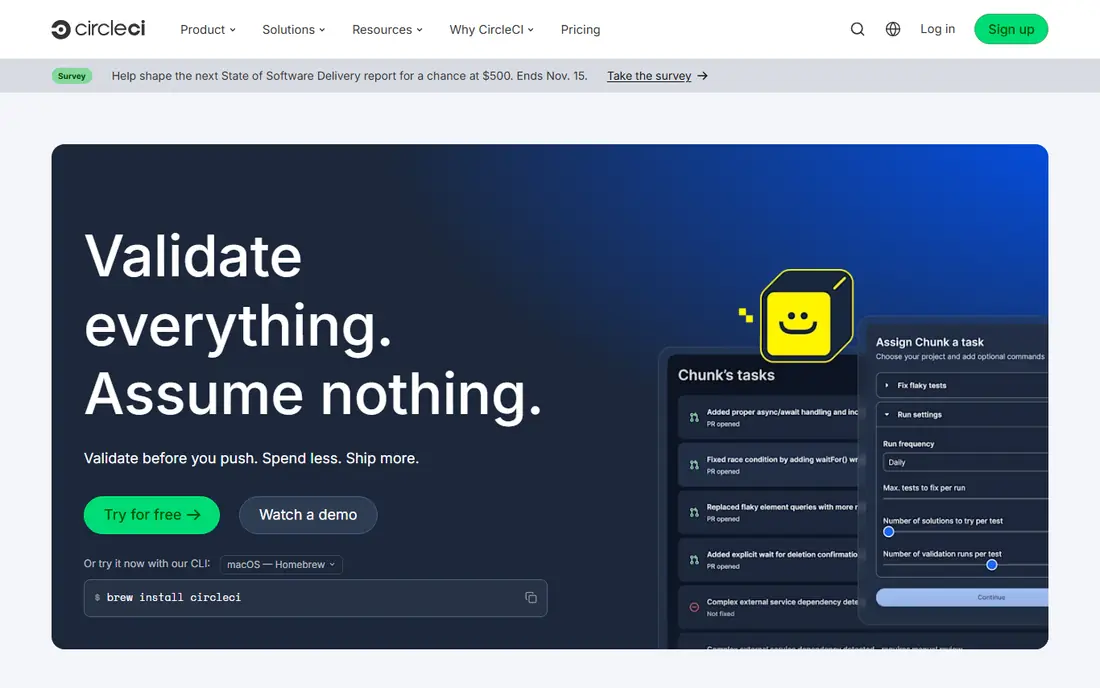
CircleCI is the pick when build speed is the main pain point. It splits tests across parallel jobs, caches dependencies well, and offers larger resource classes for heavy builds, which can cut waiting time for large test suites. Its free tier gives credits each month, and the Performance plan starts at a monthly price with a larger credit allowance.
Credit pricing is the honest drawback: different resource classes burn credits at different rates, so a bill depends on job types, not only on minutes. Open-source projects get a larger credit allowance, which helps public work. For private teams with slow builds, run a real workload on CircleCI before you commit, and compare the credit cost against a simpler minute-based price.
- Fast parallel builds with strong caching
- Flexible resource classes
- Debugging tools such as SSH into a failed job
- Credit pricing can be hard to predict
- MacOS builds use far more credits than Linux builds
TeamCity, from JetBrains, suits teams that want a mature on-premises or cloud build server with strong control over build chains. It tracks dependencies between builds, shows a clear history of what changed and why a build failed, and integrates well with JetBrains IDEs and with common version control systems. Teams that run complex enterprise builds often value that visibility over a simpler YAML-only tool.
The free tier covers a small number of build agents and configurations, which is enough to test the workflow. Paid pricing depends on the plan, agent count, and cloud versus server deployment, so check the vendor site for your team size. TeamCity takes more setup than GitHub Actions, but it gives an operations team a level of control that cloud-only tools do not.
- Strong build chain and dependency features
- Good support for Java and .NET
- On-premises and cloud options
- Pricing varies by plan and agent count
- Setup takes more effort than a simple cloud CI
Buildkite separates the control plane from the machines that run builds. The vendor hosts the dashboard and pipeline logic, while you run agents on your own servers, cloud instances, or Kubernetes cluster. That model suits teams with strict security rules, unusual hardware, or existing compute they want to use, since builds never need to leave your network.
The Personal plan is free with limits, and Pro is priced per active user per month with a set number of self-hosted agents included. Hosted agents and extra agents are metered separately, so total cost depends on your infrastructure as well as the subscription. Buildkite is a strong Jenkins replacement for teams that want control without running a full Jenkins controller.
- You run agents on your own machines or cloud
- Clear per-user pricing on paid plans
- Strong pipeline visualization
- You manage the build machines yourself
- Hosted compute is metered separately
Azure DevOps, including Azure Pipelines, suits teams already invested in Microsoft tools. Pipelines build and deploy to Azure and to other clouds, while Boards, Repos, and Test Plans cover planning and testing in the same suite. The free tier covers up to five users with a free parallel job, which is enough for a small team to start.
Pricing beyond the free tier is per user for the Basic plan, plus parallel jobs and storage billed by usage, so larger teams should model the full bill. The suite can feel large if you only need CI, and some teams prefer a smaller tool for that reason. For a Microsoft shop, though, the integration with Azure and with Visual Studio tooling is a real advantage.
- Free tier for up to five users
- Pipelines, boards, repos, and test plans in one suite
- Strong Azure integration
- Interface can feel broad for teams that only need CI
- Parallel job pricing adds up at scale
Semaphore suits teams that want cloud CI without paying per seat. Its cloud plans charge for machine usage rather than per user, which can suit teams with many occasional contributors and a smaller core of daily developers. It also offers a self-hosted Community Edition for teams that want to run the platform inside their own infrastructure.
The ecosystem is smaller than GitHub Actions, so you may write more custom steps for niche tools. Free credits are offered each month on cloud plans, and machine types affect the burn rate, so model a real workload before you switch. For a team that dislikes per-user pricing, Semaphore is worth a trial.
- Pay-as-you-go pricing with no per-user fee on cloud plans
- Self-hosted Community Edition available
- Fast autoscaling
- Smaller ecosystem than GitHub Actions
- Pricing by machine type needs modeling for large workloads
Bitbucket Pipelines is the natural replacement for teams whose code lives in Bitbucket and whose work is tracked in Jira. Pipelines are defined in YAML in the repository, builds run in containers, and deployment tracking links code changes to Jira issues. That traceability helps teams that need to show what shipped and when.
The free tier offers a limited number of build minutes per month, and paid plans are priced per user per month with more minutes included. Extra minutes are billed separately, so heavy builds can add cost. For an Atlassian team that wants CI without adding a separate platform, Bitbucket Pipelines keeps the workflow in one place.
- Built into Bitbucket Cloud
- Simple YAML pipelines
- Integrates with Jira for traceability
- Free build minutes are limited
- Smaller marketplace than GitHub Actions
Harness suits larger organizations that need delivery, governance, and cost controls in one platform, not only a build runner. Its modules cover CI, continuous delivery, GitOps, feature flags, and security testing, with policies and audit trails that matter in regulated settings. The free tier lets small teams try the core CI and CD features before talking to sales.
Enterprise pricing is not published as a simple per-user rate, so budgeting requires a vendor quote, and the breadth of modules takes time to learn. Harness is not the simplest Jenkins replacement for a tiny team, but for an enterprise team that needs to standardize delivery across many services, it is a serious option.
- Free tier for individuals and small teams
- CI, CD, GitOps, and security modules in one platform
- Strong governance controls
- Enterprise pricing is quote-based
- Platform breadth takes time to learn
How we picked these
We compared official pricing pages, documentation, and public comparisons, and we favored tools that are actively maintained in October 2026 and that can run a full build, test, and deploy pipeline. We included cloud, hybrid, and self-hosted models, since Jenkins users care about where builds run. We did not claim hands-on testing, and we left prices as See website where vendor pricing was quote-based or varied by machine type and team size.
How to plan a Jenkins migration
Start by listing what Jenkins actually does for you today: which plugins, shared libraries, agents, and secrets a replacement must cover. Teams often find that half their Jenkins setup exists to work around old plugins, and a simpler cloud tool can drop that complexity. Map each job to a pipeline in the new tool, and keep Jenkins running in parallel until the new pipelines pass the same tests.
Next, migrate one service or one team first, not the whole organization at once. Measure build time, failure rate, and monthly cost for that pilot, and compare them with Jenkins on the same workload. A phased move also gives developers time to learn the new YAML format and debugging tools without a company-wide cutover deadline.
Finally, plan for secrets, agents, and compliance before you switch. Check how the new tool stores secrets, where build logs go, and how you control access to production deployments. A tool that builds fast but cannot meet your audit or network rules will cost more in rework than a slower tool that fits those rules from day one.
Frequently asked questions
What is the best Jenkins alternative for a small team?
GitHub Actions is the best small-team pick if your code is on GitHub, since setup is minimal and the free tier covers many projects. Bitbucket Pipelines suits Atlassian teams, and Semaphore suits teams that want pay-as-you-go pricing.
What is the best Jenkins alternative for self-hosted builds?
Buildkite and GitLab self-managed are strong picks, since both let you run build agents or the whole platform on your own infrastructure. TeamCity also suits on-premises teams that want a mature build server.
Is GitHub Actions really free?
GitHub Actions has a free tier with monthly hosted minutes for private repositories, and public repositories get generous free usage. Paid plans and larger runners add cost, so check the pricing page for your runner types and usage.
How hard is it to move pipelines from Jenkins to another tool?
The effort depends on how much Groovy, shared library code, and plugin logic your Jenkins setup uses. Simple build and test jobs move quickly to YAML, while complex custom logic may need rewriting, so pilot one service first.
Do I still need Jenkins if I use a cloud CI tool?
Most teams do not, once the new tool covers their build, test, and deploy steps. Some teams keep Jenkins for a legacy job or an air-gapped system, but a phased migration usually lets you retire it service by service.
Sources
- https://github.com/features/actions
- https://about.gitlab.com
- https://circleci.com
- https://www.jetbrains.com/teamcity
- https://buildkite.com
- https://azure.microsoft.com/en-us/products/devops
- https://semaphore.io
- https://bitbucket.org/product/features/pipelines
- https://www.harness.io
- https://toolradar.com/blog/best-ci-cd-tools
See where you really rank - block by block
ProMapRanker scans Google Maps across a grid of your service area. Simple monthly plans from $19, white-label on every plan.
Start freeKeep reading
 best chat tool for website
Best Chat Tool for Website in 2026
Best chat tool for website owners compared, with live chat, AI agents, free plans, and pricing for small stores, SaaS teams, and support teams of all sizes.
Read → best birdwatching app
Best Birdwatching App in 2026
Best birdwatching app picks for 2026: nine free and paid apps for bird ID by sight and sound, checklists, hotspots, and finding birds near you for all birders.
Read → best bird identification app
Best Bird Identification Apps in 2026
Find the best bird identification app for photos, songs and calls. We compare 9 bird apps, including Merlin, BirdNET and Audubon, to help you choose today.
Read →