 ProMapRanker
Best Alternatives to Gigabyte in 2026

Key takeaways
- ASUS is our pick for most builders who want a wide range of boards, from budget to flagship, with mature BIOS software.
- MSI suits gamers who want strong mid-range boards with clear product tiers and good cooling.
- ASRock is the value pick when you want features for less, especially on AMD platforms.
- Supermicro suits servers and workstations where stability and long-term availability matter more than gaming features.
- Board quality varies by model, not just by brand, so compare the exact board, its power delivery, and its ports before you buy.
Quick comparison
| Pick | Great for | Pricing starts at | Free tier | |
|---|---|---|---|---|
 ASUS | Widest range and BIOS maturity | See website | No | Visit |
 MSI | Gaming and mid-range value | See website | No | Visit |
 ASRock | Budget and feature value | See website | No | Visit |
 Supermicro | Servers and workstations | See website | No | Visit |
 Sapphire | AMD-focused boards | See website | No | Visit |
 Colorful | Distinct looks and value | See website | No | Visit |
 Biostar | Budget and basic builds | See website | No | Visit |
 NZXT | Clean looks and simple builds | See website | No | Visit |
The best alternatives to gigabyte
Gigabyte, through its AORUS and standard lines, is a major motherboard brand, but many builders compare it against ASUS, MSI, and ASRock before choosing a board. Each brand covers different price points, and each has strengths in BIOS design, cooling, and connectivity. The brands below make motherboards that are sold in the US in 2026, and we compared official product lines and public specifications for each one.

ASUS sells motherboards under ROG, TUF Gaming, ProArt, and Prime lines, which together cover gaming, creator, workstation, and basic builds. That range is its main advantage: a builder can stay within one brand from a budget board to a flagship overclocking board, and the BIOS layout stays familiar across the range. ROG boards tend to lead on power delivery and connectivity, while TUF boards focus on durability and value, and Prime boards cover straightforward builds.
The catch is price and naming. Flagship ROG boards sit at the top of the market, and the many similar model names can make comparison harder than it should be. Check the exact chipset, memory support, and port layout for the board you plan to buy, rather than judging by the brand name alone. For most builders who want choice and a mature BIOS, ASUS is the safest starting point on this list.
- Broad product range
- Mature BIOS
- Strong flagship lines
- Premium boards can be costly
- Product names can be confusing
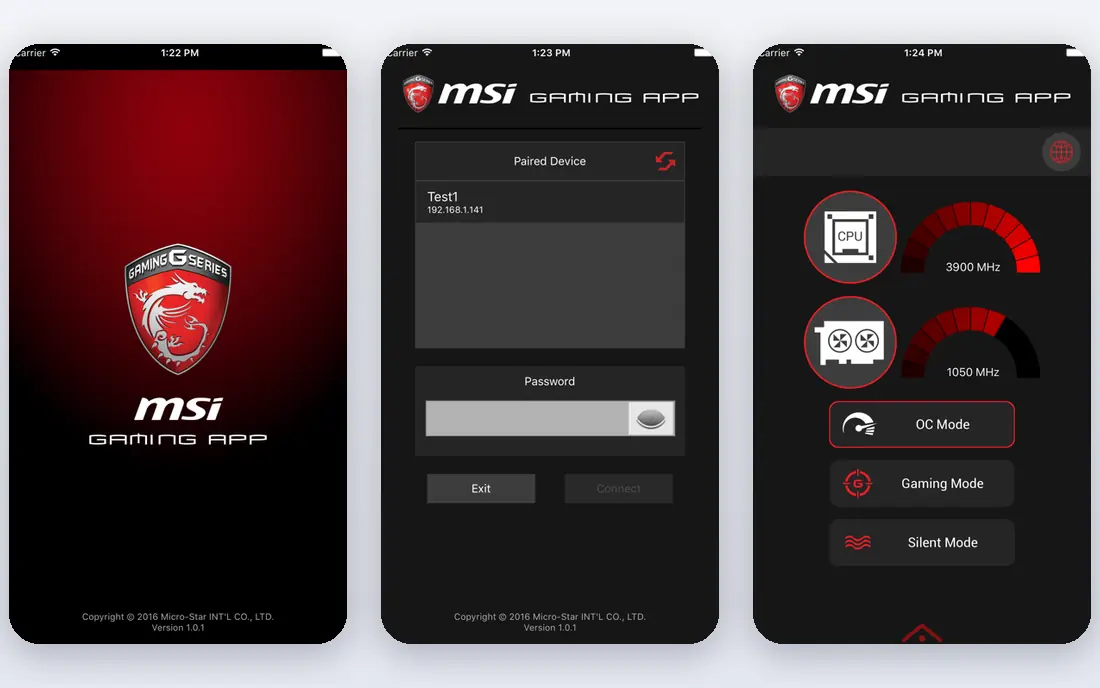
MSI organises its boards under MEG, MPG, and MAG lines, which roughly map to flagship, mid-range, and value gaming builds. That tiering helps a buyer find the right level without reading every specification first. Its Tomahawk and Mortar boards have earned a loyal following among mid-range builders, because they often pair solid power delivery with useful connectivity at a price below flagship boards.
The trade-off is that entry-level MSI boards vary more in power delivery and features, so a cheap board from the same brand is not automatically as strong as a mid-range one. Its companion software also draws mixed reviews, with some users preferring to set fan curves and lighting in the BIOS instead. For a gaming build in the middle of the price range, MSI is a strong, direct alternative to Gigabyte.
- Clear gaming tiers
- Strong mid-range boards
- Good cooling designs
- Entry boards vary in quality
- Software can feel heavy

ASRock built its name on value, offering boards that often include more ports, slots, or connectivity than rivals at the same price. Its Steel Legend, Taichi, and Phantom Gaming lines cover budget, mid-range, and enthusiast builds, with a particular strength on AMD platforms. A builder on a tight budget often finds an ASRock board that covers the essentials without cutting the features that matter for a future upgrade.
The honest catch is polish. BIOS design and software support can feel less refined than ASUS or MSI, and the flagship range is smaller. That matters less if you set the BIOS once and leave it alone, and more if you tweak settings often. For value-first builds, where every dollar saved can go to a better CPU or graphics card, ASRock is hard to ignore.
- Good value
- Feature-rich budget boards
- Strong AMD options
- BIOS can feel less polished
- Fewer flagship choices
Supermicro specialises in server and workstation boards, where stability, remote management, and long-term availability matter more than RGB lighting or overclocking headroom. Its boards are common in data centres, small business servers, and professional workstations that must run for years without drama. For a home server, a NAS build, or a workstation that earns its keep, that focus is an advantage.
The trade-off is clear: you will not find gaming-focused audio, lighting, or overclocking features on most Supermicro boards, and the designs look plain next to a gaming board. Prices also reflect server features, so a Supermicro board can cost more than a consumer board with a similar chipset. If your build is a server or a workstation first, Supermicro belongs at the top of the shortlist. If it is a gaming PC, look elsewhere on this list.
- Server-grade stability
- Long availability
- Workstation options
- Few gaming features
- Boards can look plain
Sapphire is best known for AMD graphics cards, and it has expanded into AMD motherboards with its Nitro and Pure lines. That AMD focus means its boards are designed around AMD chipsets and processors, with features that suit Ryzen builds. Designs tend to be clean and understated, which suits builders who want a tidy system without heavy gaming styling.
The limit is range and availability. Sapphire does not offer the same breadth of Intel and AMD boards as ASUS or MSI, and stock can vary by region and retailer. Check that the exact board you want is sold in your market and that its BIOS supports your processor out of the box. For an AMD build where you already trust Sapphire graphics cards, its boards are a natural, coherent alternative.
- AMD platform focus
- Clean designs
- Growing board range
- Smaller range than the big three
- Availability varies by region
Colorful is a large PC hardware brand in Asia that has grown its motherboard range, including iGame and Battle-Ax lines, with distinct designs and competitive prices. Its boards often stand out visually, with colour schemes and layouts that differ from the big three, which appeals to builders who want a themed system. Prices can also be attractive where the brand is well distributed.
The main catch for US buyers is availability and support. Stock, warranty terms, and local support can vary more than with ASUS, MSI, or ASRock, so check the seller and the warranty before you buy. BIOS updates and documentation may also lag the biggest brands in some markets. If you find a Colorful board from a reliable seller at a good price, it can be a strong value pick, but do that seller check first.
- Distinct designs
- Competitive prices
- IGame and Battle-Ax lines
- Availability varies outside Asia
- Support varies by region
Biostar focuses on budget and mainstream boards, which makes it a useful choice for basic office PCs, home systems, and builds where the board is not the star of the show. Its boards cover common Intel and AMD chipsets with the ports and slots most everyday builds need, at prices that leave more budget for the processor, memory, and storage. For a simple system, that is a sensible trade.
The limit is ambition: Biostar offers fewer high-end overclocking boards, fewer premium audio and networking features, and a smaller community for BIOS guides and troubleshooting. A builder who plans heavy overclocking or needs top-tier connectivity should look at ASUS, MSI, or ASRock instead. For a straightforward build on a tight budget, Biostar does the job without fuss.
- Low prices
- Simple boards
- Useful for basic systems
- Fewer premium features
- Smaller community
NZXT is known for cases and cooling, and its N series motherboards extend that clean, minimal design language to the board itself. A builder who wants a tidy, colour-matched system, especially inside an NZXT case, will appreciate how the board looks and how simple the layout feels. The BIOS is straightforward, which suits first-time builders who do not want to wade through dozens of advanced options.
The range is small, with fewer chipsets and form factors than the big brands, so you may not find an NZXT board for every processor or budget. Prices also reflect design and brand, not just raw specification. If the board you need exists in the NZXT range and the price fits, it is a tidy alternative. If not, the bigger brands give you more choices for the same chipset.
- Clean, minimal designs
- Simple BIOS
- Good case matching
- Small board range
- Fewer chipset choices
How we picked these
We compared official product lines for motherboard brands that sell boards in the US in October 2026, covering gaming, creator, workstation, server, and budget builds. We favoured brands with a current product range, public specifications, and a distinct position, rather than listing every small vendor with a single board. We did not claim hands-on testing of each board, and we wrote See website for starting prices because board prices vary by model, retailer, and chipset.
What to check before you buy a board
Start with the processor and the chipset, not the brand. Confirm socket compatibility, BIOS support for your exact processor, memory type and speed, and the number of M.2 slots and USB ports you actually need. A brand name does not guarantee that a specific board supports your parts, and a budget board from a premium brand can be weaker than a mid-range board from a value brand.
Check power delivery if you plan a high-end processor, and check cooling if your case has limited airflow. Read the board manual for fan headers, front panel USB support, and BIOS flashback, because those small details affect a build more than marketing features. Finally, compare the exact board across two or three retailers, and check warranty terms and BIOS update history. A board with recent BIOS updates is a good sign that the vendor still supports it.
Frequently asked questions
Is ASUS better than Gigabyte?
ASUS offers a wider range and a mature BIOS, while Gigabyte often competes on value and durability in its AORUS lines. Neither brand wins on every board, so compare the exact models at your price point, including power delivery, ports, and BIOS features. A mid-range ASUS board and a mid-range Gigabyte board can be very close in real use.
What is the best budget motherboard brand?
ASRock and Biostar are the usual value picks, with ASRock offering more features per dollar in many cases and Biostar covering basic builds at low prices. Check the exact board for memory support, M.2 slots, and power delivery, because budget boards cut different corners. A slightly higher-priced board with better power delivery can be worth it for a future processor upgrade.
Which brand is best for a server or workstation?
Supermicro is the strongest pick on this list for servers and workstations, because it focuses on stability, remote management, and long availability. ASUS also offers workstation boards under ProArt and related lines. For a gaming PC, the gaming brands on this list are a better fit than a server board.
Do I need a flagship motherboard for gaming?
No, most gaming builds do well on a mid-range board with solid power delivery, the right chipset, and the ports you need. Flagship boards add extra connectivity, stronger power stages, and overclocking headroom that many gamers never use. Spend the saving on a better graphics card or more storage unless you plan serious overclocking.
How important is BIOS quality?
BIOS quality matters for setup, fan control, memory tuning, and future processor support through updates. A clear BIOS with regular updates makes a build easier to live with, especially for first-time builders. Check recent BIOS release notes for the exact board you plan to buy, and look for BIOS flashback if you may need to update without a supported processor installed.
Sources
See where you really rank - block by block
ProMapRanker scans Google Maps across a grid of your service area. Simple monthly plans from $19, white-label on every plan.
Start freeKeep reading
 best chat tool for website
Best Chat Tool for Website in 2026
Best chat tool for website owners compared, with live chat, AI agents, free plans, and pricing for small stores, SaaS teams, and support teams of all sizes.
Read → best birdwatching app
Best Birdwatching App in 2026
Best birdwatching app picks for 2026: nine free and paid apps for bird ID by sight and sound, checklists, hotspots, and finding birds near you for all birders.
Read → best bird identification app
Best Bird Identification Apps in 2026
Find the best bird identification app for photos, songs and calls. We compare 9 bird apps, including Merlin, BirdNET and Audubon, to help you choose today.
Read →