 ProMapRanker
Alternatives to FreshBooks in 2026


Most US small businesses · Pricing starts at: $38 per month
Key takeaways
- QuickBooks Online is the closest full accounting replacement for most US small businesses, with the widest accountant and app support.
- Wave and Zoho Books are the strongest low-cost routes, with Wave free for core accounting and Zoho Books free below a revenue limit.
- Xero suits teams that want unlimited users and clean bank reconciliation without paying per seat.
- Kashoo and FreeAgent suit owners who want simple books, while Sage Accounting suits firms that need deeper inventory and reporting.
- Switching is easier if you export invoices, clients, and chart of accounts first, then run both systems for one month.
Quick comparison
| Pick | Great for | Pricing starts at | Free tier | |
|---|---|---|---|---|
| QuickBooks Online | Most US small businesses | $38 per month | Free trial | Visit |
 Xero | Growing teams and multi-currency | $25 per month | Free trial | Visit |
 Wave | Free core accounting | Free | Yes | Visit |
 Zoho Books | Value and Zoho users | $15 per month | Yes | Visit |
 Sage Accounting | Inventory and established firms | See website | Free trial | Visit |
 FreeAgent | Freelancers and small firms | $27 per month | Free trial | Visit |
 Kashoo | Simple books for non-accountants | $20 per month | Free trial | Visit |
 AccountEdge | Desktop-first small businesses | $20 per month | Free trial | Visit |
The best alternatives to FreshBooks
These are alternatives only, and none of the products below is the service named in the keyword. We focused on tools that handle invoicing, expenses, bank reconciliation, and reporting for small businesses, with a mix of free, simple, and full-featured options.
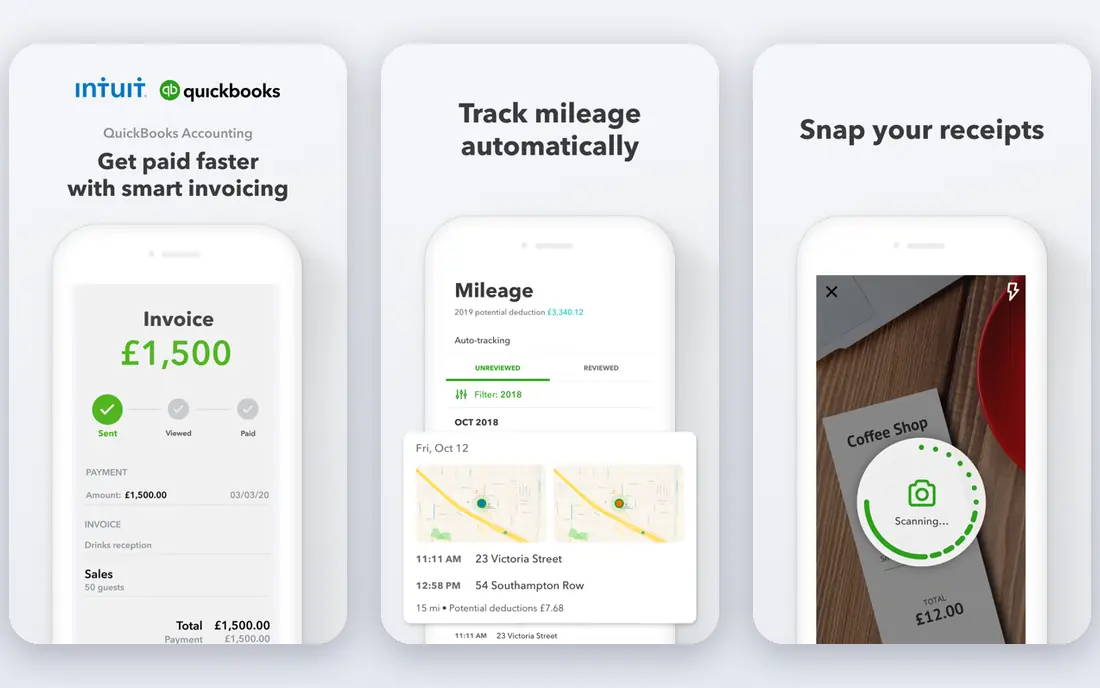
QuickBooks Online is the default answer for a reason. Most US accountants know it, most payroll and payment tools connect to it, and its bank reconciliation and reporting cover a business from first invoice to tax season. If you are leaving a simpler tool because your books have grown, this is the least risky move.
The cost is the honest catch. The entry plan is built for one user, and payroll, inventory depth, and multi-user access push the monthly bill up. Start with a clear list of what you actually need, and test the bank feed and invoicing flow with your real accounts before you commit.
- Widest US accountant support
- Strong bank feeds
- Payroll and inventory add-ons
- Entry plan limits users
- Price rises with higher tiers and add-ons
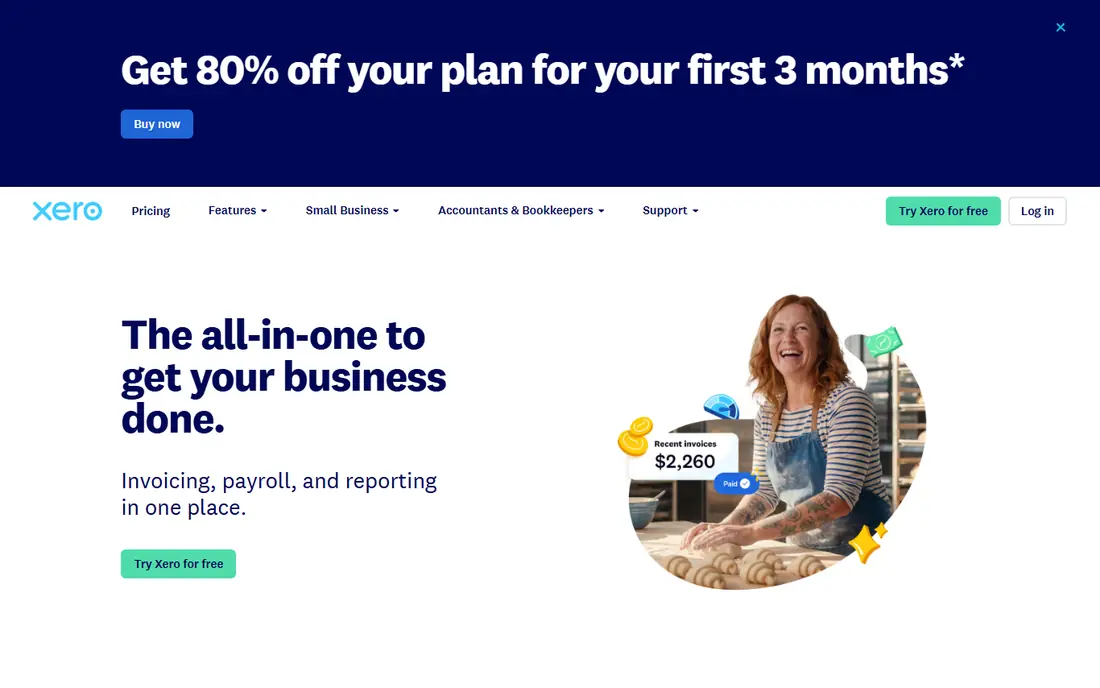
Xero is a strong pick when several people touch the books, because you do not pay per seat in the same way as some rivals. Its bank reconciliation is clean, its invoicing is polished, and multi-currency support helps businesses that bill abroad. Accountants outside the US know it well, and its US presence keeps growing.
Watch the entry plan limits. The lowest tier caps monthly invoices and bills, so a busy business may need a higher tier sooner than expected. US payroll is handled through partners such as Gusto, which is fine, but it is one more connection to manage.
- Unlimited users on plans
- Multi-currency on all tiers
- Clean reconciliation
- US payroll needs a partner app
- Entry plan caps invoices and bills
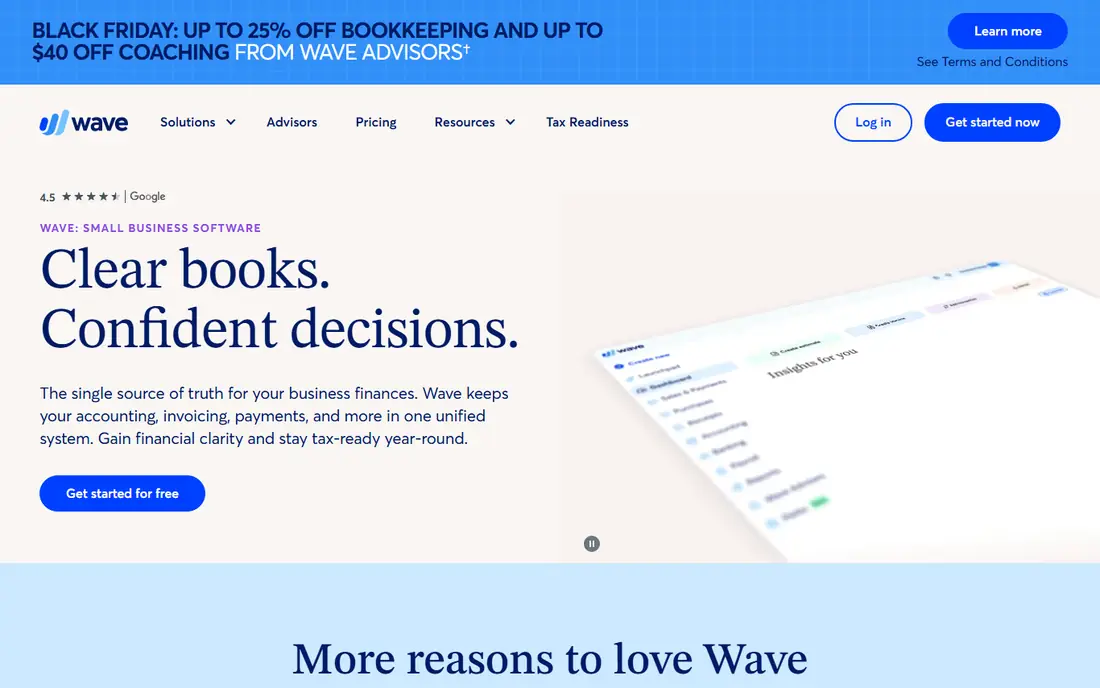
Wave is the best free starting point for a solo owner or very small business. Core accounting, invoicing, estimates, and expense tracking cost nothing, and the setup is simple enough to finish in an evening. If your main need is sending clean invoices and keeping books tidy, Wave covers it without a monthly bill.
The limit is depth. Automatic bank imports sit in the paid Pro plan, and Wave is not built for complex inventory or multi-entity reporting. Treat it as a genuine free tool for simple books, not as a cheap clone of a full suite, and upgrade or move on when bank automation becomes essential.
- Free core accounting and invoicing
- Simple setup
- Good for solo owners
- Bank imports need the paid plan
- Fewer advanced features than full accounting suites
Zoho Books gives you a lot of accounting for the money, and it is free for businesses with annual revenue under $50,000. Invoicing, expenses, projects, and reporting are all solid, and it connects well to other Zoho apps for CRM, inventory, and mail. For a bootstrapped business, that value is hard to beat.
The trade-off is ecosystem. If your accountant or your other tools expect QuickBooks, Zoho will need more setup and explanation. US payroll support is also thinner than QuickBooks payroll. If you already use Zoho, or you want full accounting at a low price, it is an easy recommendation.
- Free below $50,000 revenue
- Strong features for the price
- Zoho app connections
- Fewer third-party integrations than QuickBooks
- US payroll is limited
Sage Accounting suits businesses that have outgrown simple invoicing and need stronger inventory, job costing, or reporting. It has a long history with small and mid-sized firms, and its payroll and compliance features fit established operations. If your books include stock, projects, or multiple locations, Sage deserves a look.
The downside is complexity and pricing variation. Plans and prices differ by region, so we list the starting price as See website and advise checking the US page for your plan. The interface also feels heavier than Wave or Kashoo. Choose Sage when depth matters more than simplicity.
- Strong inventory and reporting
- Long track record
- Payroll options
- Pricing varies by country and plan
- Learning curve is steeper than simple tools
FreeAgent is built for freelancers and small firms that want books without accounting jargon. Its dashboard shows cash flow clearly, bank reconciliation is largely automated, and time tracking and project views help service businesses bill accurately. The interface is one of the friendliest in this list.
Its roots are in the UK, so US tax and payroll depth is not its strongest area, and report customization can feel limited. For a US freelancer who invoices and tracks time, it still works well, but check the tax features you need before switching, and confirm your accountant can work with it.
- Easy dashboard
- Automated bank reconciliation
- Time tracking and projects
- US-focused features are thinner
- Customization is limited
Kashoo markets itself as simple accounting, and for a first-time owner that claim holds up. Invoicing, expenses, and bank reconciliation are easy to find, and the learning curve is short. If accounting software has always felt intimidating, Kashoo lowers the barrier without forcing you back to a spreadsheet.
The cost of that simplicity is range. Integrations are few, and advanced reporting is limited compared with QuickBooks or Xero. If you need deep inventory, complex payroll, or many app connections, Kashoo will feel tight. For simple service books, it is a calm and capable choice.
- Very simple interface
- Invoicing and bank feeds
- Good for first-time owners
- Few integrations
- Limited advanced reporting
AccountEdge suits owners who prefer desktop software and local control over a cloud-only tool. It covers invoicing, expenses, payroll, and reporting for small businesses, and its one-time purchase history appeals to owners who dislike endless subscriptions. For a single-user shop, it can be a steady workhorse.
The limits are modern expectations. Cloud access and mobile use are weaker than cloud-native rivals, and multi-user collaboration is not its strength. If you work from one computer and value local data, AccountEdge fits. If your team needs to work from anywhere, pick a cloud tool instead.
- Local data control
- Invoicing and payroll features
- One-user simplicity
- Cloud access is limited
- Single-user focus
- Smaller app ecosystem
How we picked these
We compared official pricing pages, feature lists, and independent 2026 price checks, and we kept only tools that handle real small business accounting or invoicing. We excluded the service named in the keyword itself, as required, and we favored a mix of free, simple, and full-featured options. Where pricing varied by region or promotion, we used the regular list price or wrote See website.
How to choose the right replacement
Start with who does the books. A solo owner needs simplicity and low cost, a growing team needs multi-user access, and a business with an accountant needs a tool that accountant already uses. Ask your accountant first, because their familiarity will save more time than any single feature.
Check the features that force an upgrade
Entry plans often cap users, invoices, or bank connections, and those caps are what push you to a higher tier. List your monthly invoice count, your bank accounts, your payroll needs, and your inventory needs before you compare prices. A cheap plan that caps invoices at 20 a month is not cheap if you send 60.
Plan the switch in one month
Export clients, invoices, products, and your chart of accounts from your old tool, then import them into the new one and run both systems in parallel for one billing cycle. Reconcile the bank in the new tool, send a test invoice, and check tax reports before you cancel the old plan. That parallel month catches most migration errors while you can still fix them.
Frequently asked questions
What is the best free alternative to FreshBooks?
Wave is the best free option for core accounting and invoicing, and Zoho Books is free for businesses with revenue under $50,000. Both cover invoicing and expenses, but paid tools add deeper bank automation and reporting.
Which alternative is closest to FreshBooks for freelancers?
FreeAgent and Kashoo are closest in simplicity, with clean invoicing and time-friendly workflows. QuickBooks Online is closer if you need full accounting, payroll, and wide accountant support.
Do these alternatives handle US taxes?
QuickBooks Online has the strongest US tax support, including sales tax and 1099 handling. Xero, Zoho Books, and Wave cover basic tax reporting, but check your state and payroll needs before switching.
Can I import my data from FreshBooks?
Most tools in this list support imports of clients, invoices, and chart of accounts data, often with a CSV import or a guided setup. Export everything first, keep a backup, and test the import with a small batch before moving the full history.
Is Wave really free?
Wave core accounting, invoicing, and receipt scanning are free, while automatic bank imports and some payment features sit in paid plans. That free core is genuine for simple books, but factor in the paid plan if bank automation matters to you.
Sources
- https://quickbooks.intuit.com
- https://www.xero.com
- https://www.waveapps.com
- https://www.zoho.com/books
- https://www.sage.com
- https://www.freeagent.com
- https://www.kashoo.com
- https://www.accountedge.com
- https://www.spotsaas.com/blog/best-quickbooks-alternatives-2026
- https://gatpsolutions.com/blog/bookkeeping-software-for-small-business/
See where you really rank - block by block
ProMapRanker scans Google Maps across a grid of your service area. Simple monthly plans from $19, white-label on every plan.
Start freeKeep reading
 twitch alternatives
Twitch Alternatives in 2026
Explore the best Twitch alternatives in 2026 for live streaming, with free platforms, monetisation options, audiences, chat tools, and tips for new streamers.
Read → firebase alternatives
Best Firebase Alternatives in 2026
Looking for Firebase alternatives? We compare 9 backend platforms for auth, databases, realtime, storage, functions, self-hosting, and pricing for your app.
Read → companies with best work life balance
Companies With Best Work Life Balance in 2026
See companies with best work life balance in 2026, ranked by employee ratings, with flexible work options, benefits, and what to check before applying.
Read →