 ProMapRanker
Alternatives to CSS Animations in 2026

Key takeaways
- CSS handles simple fades and hovers well, but JavaScript tools take over when you need timelines, scroll-linked motion, or physics.
- GSAP is the most capable all-around choice, with timelines, scroll triggers, and plugins that cover most professional animation work.
- Motion is the easiest path for React teams, while Anime.js suits small projects that need a light, simple library.
- Lottie and Rive suit animations designed by a designer and played back in an app, rather than motion written directly in code.
- Most of these tools are free and open source, so the real cost is learning time and bundle size, not a license fee.
Quick comparison
| Pick | Great for | Pricing starts at | Free tier | |
|---|---|---|---|---|
 GSAP | Professional web animation | Free | Yes | Visit |
 Motion | React UI animation | Free | Yes | Visit |
 Anime.js | Lightweight creative animation | Free | Yes | Visit |
 Lottie | Designer-made vector playback | Free | Yes | Visit |
 Rive | Interactive real-time animation | Free | Yes | Visit |
 Three.js | 3D web scenes | Free | Yes | Visit |
 Spline | No-code 3D design | Free | Yes | Visit |
 Webflow | Visual site animation | $14 per month | Yes | Visit |
 React Spring | Physics-based React motion | Free | Yes | Visit |
 Tumult Hype | Visual HTML5 animation | See website | Free trial | Visit |
The best alternatives to CSS animations
These tools replace or extend plain CSS motion with code control, timelines, interactivity, or 3D rendering. None of them requires CSS keyframes as the main method, though several can work alongside CSS where it makes sense.
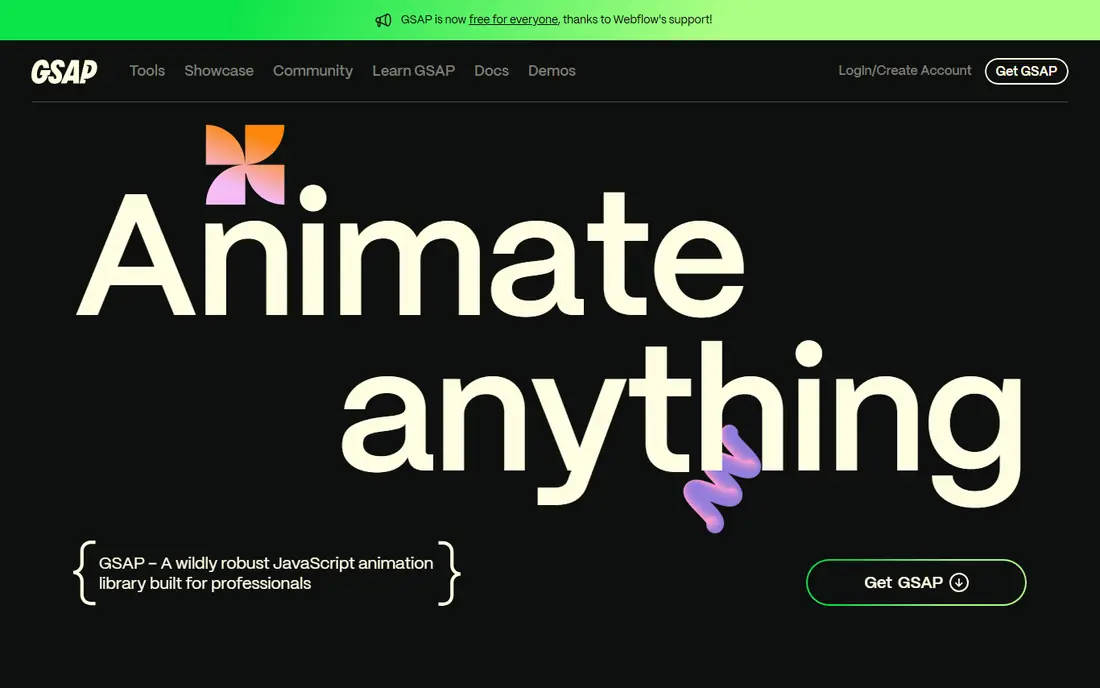
GSAP, the GreenSock Animation Platform, is the most complete JavaScript animation tool on this list. It animates any numeric property, chains motion into timelines, links animation to scroll position with ScrollTrigger, and handles text splitting, morphing shapes, and flip transitions through plugins. Since version 3.13, all plugins have been free, which removed the old paywall concern.
The cost is learning time. GSAP rewards developers who invest in timelines and plugin docs, but a developer who only needs a fade may find it more tool than the job needs. For marketing sites, product tours, and scroll-driven stories, it remains the safest professional pick.
- Timelines, ScrollTrigger, and a deep plugin set
- Works with any framework
- Free including all plugins
- Larger learning curve than CSS
- Bundle size grows with plugins
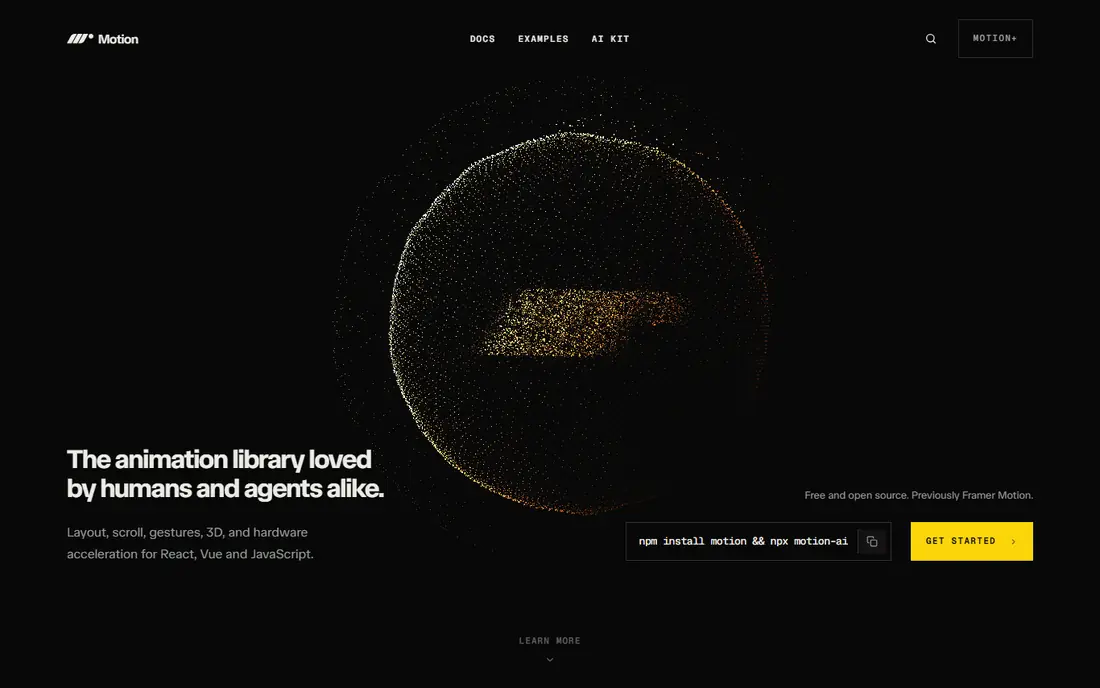
Motion, formerly known as Framer Motion, is the natural choice for React developers who want animation that reads like component code. It handles enter and exit animations, layout shifts when lists reorder, drag gestures, and scroll-linked motion with a small, readable API. Because it is built for React, it fits naturally into modern front-end codebases.
Its limits show on large scroll-driven marketing pieces, where GSAP timelines and ScrollTrigger give finer control. Motion also assumes a React project, so teams on other frameworks should look at GSAP or Anime.js instead. For interface animation inside React, Motion is hard to beat for clarity.
- Declarative React API
- Layout and gesture animation built in
- Open source
- React-focused
- Less suited to complex scroll choreography than GSAP
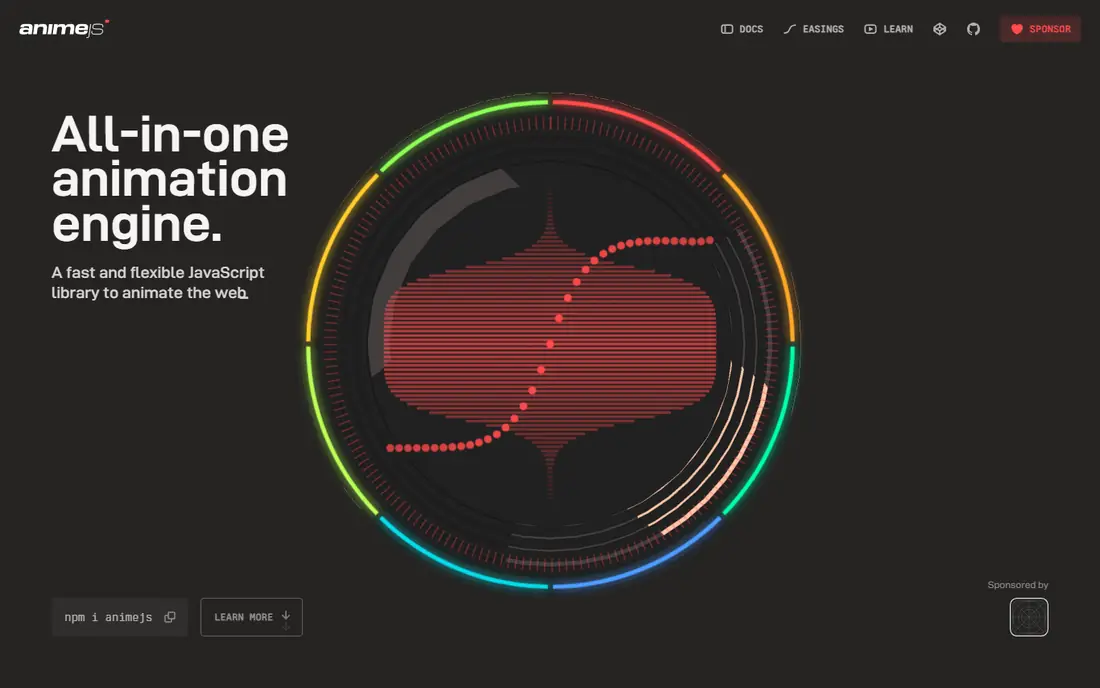
Anime.js is a small JavaScript library for tweens, timelines, SVG animation, and staggered effects. Its API is short and readable, which makes it a good first JavaScript animation library for developers moving beyond CSS. A few lines can animate a set of cards, morph an SVG path, or sequence a hero section without a large framework.
It does not include a scroll engine like ScrollTrigger, so scroll-linked work needs extra code or another library. It also lacks the plugin depth of GSAP for text effects and complex choreography. For clean, creative UI motion on a modest budget of code, Anime.js is an excellent middle ground.
- Small and simple API
- Handles DOM, SVG, and object properties
- Good stagger and timeline tools
- No built-in scroll engine
- Less depth than GSAP for large sequences
Lottie takes a different approach from code libraries: a designer builds an animation in After Effects, exports it as JSON, and the Lottie player renders it on web, iOS, or Android. That workflow suits loading animations, icons, illustrations, and onboarding graphics that need designer polish. The LottieFiles library also offers many ready-made animations to start from.
Lottie is a player, not an animation engine, so it cannot easily respond to live data or complex user input the way Rive or GSAP can. Very detailed animations can also become large files. Use Lottie when the motion is designed in advance and should look identical everywhere.
- Plays After Effects animations as lightweight JSON
- Huge shared animation library
- Works on web and mobile
- Playback only, not a coding tool
- Complex animations can be heavy
- Authoring needs After Effects
Rive is built for interactive animation that responds to user input in real time. Designers build characters, icons, and UI elements in the Rive editor, define states such as idle, hover, and pressed, and connect them with a state machine. Developers then trigger those states from code, so a button, mascot, or game character can react instantly.
That power requires learning the Rive editor and its state machine model, which is more work than dropping in a Lottie file. The community is also smaller, so examples and tutorials are fewer. For interactive elements that must respond to live input, Rive is the strongest designer-led option here.
- State machines for interactive animation
- Real-time rendering
- Free tier for getting started
- Needs the Rive editor workflow
- Smaller community than Lottie
Three.js renders 3D scenes in the browser with WebGL, and it is the standard choice for product viewers, configurators, data visualizations in 3D, and immersive web experiences. It handles geometry, materials, lighting, cameras, and animation loops, and its documentation and examples cover most common 3D tasks. Many award-winning sites pair Three.js for rendering with GSAP for camera and object motion.
It is not a UI animation library. A team that only needs button transitions should not adopt Three.js, since the bundle size and learning curve are far larger than the problem. When the goal is real 3D in the browser, though, no simpler tool on this list can replace it.
- Full 3D rendering in the browser
- Huge ecosystem and examples
- Open source
- Steep learning curve
- Large bundle
- Overkill for simple UI motion
Spline gives designers a visual way to build 3D scenes without writing WebGL code. Users drag shapes, materials, and lights into a browser editor, add interactions and animations, and embed the result on a website. That workflow suits hero sections, product showcases, and playful 3D illustrations that a designer wants to ship without a developer.
Code-based 3D still wins for data-driven scenes, custom shaders, and complex performance tuning, where Three.js is the better tool. Spline paid plans also gate some export and collaboration features, so check the current pricing before building a client project around it. For designer-led 3D, it is the fastest path from idea to a live page.
- Visual 3D editor in the browser
- Easy web embeds
- Free tier for learning
- Less control than code-based 3D
- Advanced export and team features need paid plans
Webflow lets designers build scroll animations, page transitions, hover effects, and timed interactions visually, without writing JavaScript. Its interactions panel covers triggers such as scroll position, mouse movement, and element visibility, and the result publishes as a real website. Teams that already build marketing sites in Webflow get animation as part of the same workflow.
The trade-off is platform lock-in. Webflow animations live inside Webflow sites, so they do not transfer to a separate codebase. Paid site plans start at $14 per month on the annual plan, and the free starter option covers design work without a custom domain. For visual site builders, it is the most direct CSS alternative.
- Visual interactions builder
- No code needed for most site motion
- Publishes real websites
- Tied to the Webflow platform
- Site plans add cost beyond design use
React Spring animates with spring physics rather than fixed durations, which gives motion a natural, slightly bouncy feel that suits lists, modals, and page transitions. It is built for React, integrates with hooks, and handles interpolated values cleanly. Developers who want motion that feels physical rather than mechanical often prefer springs to simple easing curves.
Spring values need tuning, and a poorly chosen spring can feel loose or slow. React Spring is also React-only, so teams outside React should use Motion for a similar declarative style or GSAP for framework-free work. Inside React, it remains a respected specialist choice.
- Spring physics feel natural
- Works well for lists and layout shifts
- Open source
- React only
- Spring tuning takes practice
Tumult Hype is a Mac app for building HTML5 animations on a visual timeline, much like a video editor for the web. Designers can create banners, interactive infographics, presentations, and animated scenes, then export them as standard HTML, CSS, and JavaScript that runs anywhere. That export model suits ad banners and embedded widgets especially well.
It runs on macOS only, and pricing is a purchase rather than a free library, so we list it as See website with a trial available. The community is smaller than the GSAP or Motion communities, so troubleshooting help is thinner. For visual designers on a Mac who want timeline control without code, Hype fills a gap no code library covers as comfortably.
- Visual timeline editor
- Exports standard HTML5
- No coding needed for most work
- Mac only
- One-time purchase cost
- Smaller community than code libraries
How we picked these
We compared official documentation, pricing pages, and public feature lists for animation control, framework fit, and active maintenance in October 2026. We favored tools that are actively developed, documented, and usable without CSS keyframes as the main method. We excluded CSS itself from the list, since the topic asks for alternatives to it, and we included both code libraries and visual tools so designers and developers can both find a fit. We did not run performance benchmarks for this article.
How to choose among these tools
Start with your stack. React teams should shortlist Motion or React Spring first, while framework-free sites should shortlist GSAP or Anime.js. If a designer owns the motion, Lottie, Rive, Spline, or Webflow may fit better than a code library. If the goal is 3D, the choice narrows to Three.js for code or Spline for visual work. Picking by stack first avoids adopting a tool your team must fight to integrate.
Performance and motion habits
Animate transform and opacity properties where possible, since they avoid layout recalculation and keep motion smooth. Keep bundle size in mind: a small library such as Anime.js suits a simple site, while a large 3D scene justifies Three.js. Respect users who prefer reduced motion by providing a reduced-motion option, and keep animation purposeful rather than decorative on every element. Motion should guide attention, not compete with content.
Mixing tools without confusion
It is normal to use two tools together, such as GSAP for scroll choreography and Lottie for a loading icon, or Three.js for a scene and GSAP for camera moves. Keep one tool in charge of each element so two libraries do not fight over the same property. Document which tool owns which animation in your project notes, since future developers will thank you when they need to change a transition.
Frequently asked questions
What is the best alternative to CSS animations?
GSAP is the best all-around alternative because it covers timelines, scroll-linked motion, and a deep plugin set in one free library. Motion is better inside React projects, and Anime.js is better for small projects that need a light library. The best choice depends on your framework and the complexity of the motion.
Are GSAP and other animation libraries free?
Yes, GSAP is free including all of its plugins, and Motion, Anime.js, Three.js, Lottie, and React Spring are free and open source. Rive and Spline offer free tiers with paid plans for advanced features, and Webflow and Tumult Hype are paid tools with free or trial options. Check the current pricing page before planning a commercial project.
Should I still use CSS animations at all?
Yes, CSS remains the right tool for simple hovers, fades, and basic transitions that need no JavaScript. The tools on this list earn their place when you need sequencing, scroll linking, physics, interactivity, or 3D rendering that CSS handles poorly. Many projects use CSS for simple motion and a library for the rest.
What is the difference between Lottie and Rive?
Lottie plays back animations designed in After Effects as JSON files, so the motion is fixed in advance. Rive uses a state machine, so an animation can change in real time in response to user input, such as a character reacting to a press or hover. Choose Lottie for fixed playback and Rive for interactive, state-driven animation.
Which tool is best for scroll animations?
GSAP with ScrollTrigger is the strongest choice for scroll-driven animation, since it links timelines directly to scroll position with precise control. Motion also offers scroll-linked motion inside React, and Webflow offers visual scroll interactions for sites built on its platform. For simple scroll reveals, a small library or even CSS may be enough.
Do animation libraries slow down a website?
Any animation can slow a site if it animates layout-heavy properties or loads a large bundle for a small effect. Animating transforms and opacity, keeping the bundle matched to the job, and testing on a mid-range phone will catch most problems. Choose the smallest tool that covers your motion needs, and measure performance before launch.
Sources
See where you really rank - block by block
ProMapRanker scans Google Maps across a grid of your service area. Simple monthly plans from $19, white-label on every plan.
Start freeKeep reading
 best chat tool for website
Best Chat Tool for Website in 2026
Best chat tool for website owners compared, with live chat, AI agents, free plans, and pricing for small stores, SaaS teams, and support teams of all sizes.
Read → best birdwatching app
Best Birdwatching App in 2026
Best birdwatching app picks for 2026: nine free and paid apps for bird ID by sight and sound, checklists, hotspots, and finding birds near you for all birders.
Read → best bird identification app
Best Bird Identification Apps in 2026
Find the best bird identification app for photos, songs and calls. We compare 9 bird apps, including Merlin, BirdNET and Audubon, to help you choose today.
Read →