 ProMapRanker
Alternatives to ChatGPT Enterprise in 2026


Long documents and coding · Pricing starts at: $20 per month
Key takeaways
- Claude Enterprise is the closest direct rival for long documents, analysis and coding, with a seat price plus usage billing to watch.
- Gemini Enterprise suits Google Workspace teams, while Microsoft 365 Copilot suits Microsoft 365 teams, because each works inside the suite you already use.
- Perplexity Enterprise Pro is the best pick when cited, current research matters more than drafting.
- Glean solves a different problem: finding answers across your own company tools, rather than chatting with a general model.
- None of these tools should hold sensitive data without checking data training, retention, admin controls and compliance terms first.
Quick comparison
| Pick | Great for | Pricing starts at | Free tier | |
|---|---|---|---|---|
| Claude Enterprise | Long documents and coding | $20 per month | No | Visit |
 Gemini Enterprise | Google Workspace teams | $21 per month | No | Visit |
 Microsoft 365 Copilot | Microsoft 365 teams | $30 per month | No | Visit |
 Perplexity Enterprise Pro | Cited research | $40 per month | No | Visit |
 Glean | Search across company tools | See website | No | Visit |
 Jasper | Marketing content teams | $49 per month | Free trial | Visit |
 Notion AI | Docs and knowledge work | $10 per month | No | Visit |
 Writer | Enterprise writing and governance | See website | Free trial | Visit |
 Grok Business | X and real-time data users | See website | No | Visit |
The best alternatives to ChatGPT Enterprise
We compared these tools on business controls, suite integration, research quality, writing and coding help, and price. ChatGPT Enterprise itself is not listed here, because this article covers alternatives to it. Prices are per user per month unless noted, and enterprise pricing often needs a sales quote for large teams.

Claude Enterprise is the most direct alternative for teams that use ChatGPT Enterprise for analysis and writing. It handles long documents well, keeps context across large files, and its coding tools suit developers working on multi-step tasks. Project workspaces let teams share knowledge and search past work, which helps for research-heavy roles.
The pricing needs care. Published comparisons list Claude Enterprise at $20 per seat per month on annual billing, plus usage at API rates, with a minimum seat count. Heavy users can therefore pay far more than the seat price suggests. Model your expected usage before signing, and compare the total with a flat per-seat rival.
- Strong long document analysis
- Useful coding help
- Project workspaces and admin controls
- Seat price plus API usage can raise the bill
- Minimum seat counts apply on enterprise plans
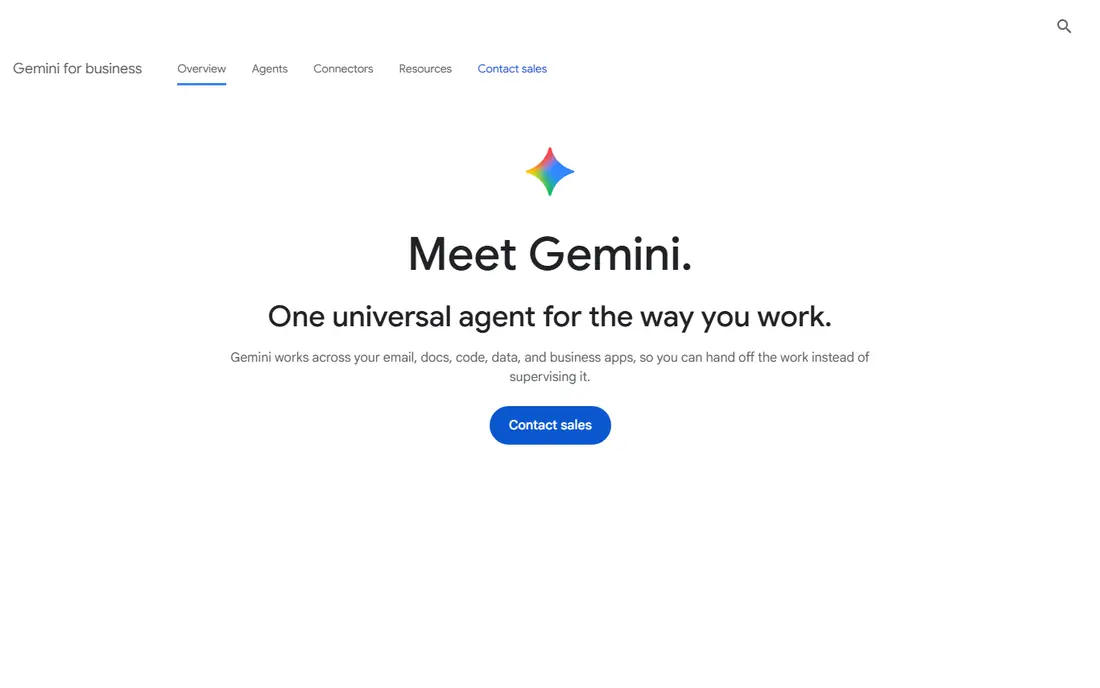
Gemini Enterprise is the natural pick for a Google Workspace company. It drafts in Docs, summarises in Gmail, analyses in Sheets and searches Drive, without moving work to a separate chat tool. Published comparisons list a Business tier at $21 per seat per month and a Standard tier at $30, with higher tiers by quote.
Teams outside Google Workspace get less benefit, because much of the value sits in those integrations. If your company runs on Google tools, Gemini Enterprise is often the simplest and cheapest enterprise AI to adopt, because staff already know where to find it.
- Works inside Gmail, Docs, Sheets and Drive
- Strong photorealism and multimodal help
- Fixed per-seat pricing in published comparisons
- Best value needs Google Workspace
- Agent and developer features add complexity
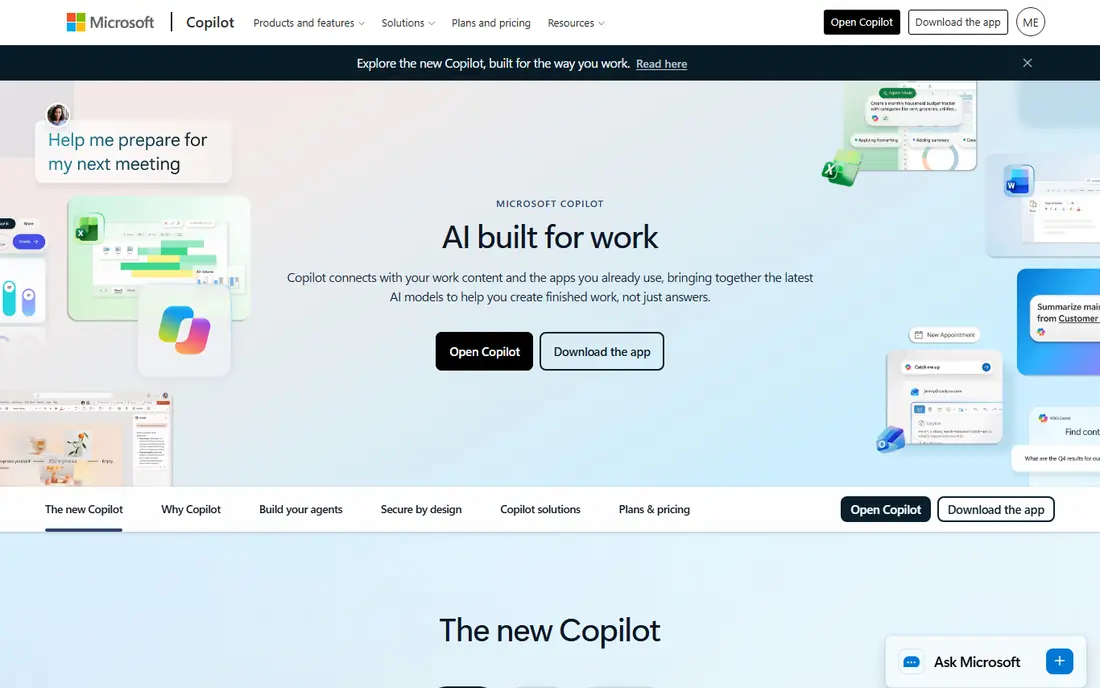
Microsoft 365 Copilot is the enterprise AI for Microsoft shops. It drafts emails from Outlook context, builds PowerPoint decks, analyses Excel data in plain words, and summarises Teams meetings, all inside the tenant your IT team already manages. That tenant control, with Microsoft Graph access and Purview controls, is why regulated firms often choose it.
The $30 per user per month price is an add-on to a qualifying Microsoft 365 licence, so the total cost is higher than the headline. If your team lives outside Microsoft apps, a general assistant like Claude or Gemini will be more flexible. Inside Microsoft 365, Copilot is hard to beat for day-to-day productivity.
- Deep Word, Excel, Outlook, Teams and SharePoint integration
- Strong admin and compliance controls
- Agent building with Copilot Studio
- Price sits on top of a Microsoft 365 licence
- Less useful outside Microsoft tools
Perplexity Enterprise Pro suits teams that need answers they can check. It searches the web, cites sources inline, and handles multi-step research questions better than a model working from training data alone. Analysts, journalists, lawyers and market researchers will value that traceability.
It is not a full replacement for a general assistant. Drafting, coding and document editing are thinner than Claude or Copilot, so many teams pair Perplexity for research with another tool for production work. If research accuracy is your main reason for leaving ChatGPT Enterprise, start here.
- Cited answers with sources
- Strong current web research
- Enterprise controls on Pro plans
- Weaker for long-form drafting and coding than general assistants
- Price is high per seat
Glean answers a question many general assistants cannot: what does our own company know? It connects to tools such as Google Workspace, Microsoft 365, Slack, Jira and Salesforce, then returns answers drawn from internal documents, with permissions respected. That makes it valuable for onboarding, support and engineering teams drowning in scattered docs.
It is priced by quote and needs connector setup, so it suits larger firms more than small teams. Think of Glean as enterprise search with AI answers, not as a direct chat replacement, and pair it with a general assistant for drafting and coding.
- Searches across many company apps
- Personalised answers from internal knowledge
- Enterprise permissions respected
- Priced by quote
- Setup needs connector work
- Not a general chat replacement
Jasper focuses on marketing teams that produce a lot of content in a consistent brand voice. It offers templates for ads, blogs, social posts and emails, brand voice controls, and collaboration features for review and approval. Published comparisons list pricing from $49 per user per month.
General knowledge work, coding and research are not its strengths, so it works best as a specialist alongside a general assistant, not as a sole replacement. If your ChatGPT Enterprise use is mostly marketing copy, Jasper may actually fit better than a general tool.
- Brand voice and marketing templates
- Campaign and content workflows
- Team collaboration
- Price is high for general use
- Less suited to coding or technical analysis
Notion AI is the low cost, low friction option for teams already using Notion. It summarises pages, drafts docs, answers questions from your workspace, and helps organise projects, all without leaving the tool where notes already live. At $10 per user per month in published comparisons, it is far cheaper than a full enterprise assistant.
Its scope is narrower. It will not match Claude for coding, Perplexity for cited web research, or Copilot for Microsoft integration. If your team documents work in Notion and mainly needs writing and summarising help, Notion AI is a smart, cheap alternative.
- AI inside docs, wikis and projects
- Low add-on price
- Easy for non-technical teams
- Needs Notion as your docs system
- Weaker for coding and external research
Writer targets enterprises that need controlled, on-brand writing at scale. It offers style guides, terminology controls, and review workflows, alongside AI drafting and editing. That governance matters for regulated industries, large support teams and companies with strict brand rules.
Pricing is by quote for enterprise plans, so small teams should expect a sales conversation rather than a simple signup. If your main need is safe, consistent business writing rather than coding or research, Writer deserves a place on the shortlist.
- Strong writing governance and brand controls
- Enterprise security focus
- Content workflows
- Priced by quote for enterprise use
- Narrower general assistant range
Grok Business, from xAI, suits teams that need current, social-aware answers and already work around X data. It offers real-time information and a conversational assistant, with business and enterprise tiers that add admin controls. Published comparisons note that xAI now directs business buyers to sales rather than publishing a seat price.
That sales-led pricing and newer enterprise track record mean larger firms should pilot it carefully and check compliance terms. For teams focused on news, trends and public conversation, Grok offers a different data angle from the other tools here.
- Real-time data access
- Useful for social and news aware work
- Business controls on higher tiers
- Pricing is sales led for business
- Enterprise features vary by tier
- Newer in enterprise market
How we picked these
We compared official product pages and published 2026 enterprise comparisons, keeping only tools that still operate, offer business or enterprise plans with admin controls, and serve as a plausible replacement for at least one major ChatGPT Enterprise use: drafting, analysis, coding, research or internal search. We left out consumer-only chatbots and tools with no business plan. We did not claim hands-on enterprise testing; our judgement rests on published features, pricing and reviewer patterns. Enterprise prices change by seat count and contract, so get a written quote before budgeting.
How to choose an alternative
Start with your suite. A Google Workspace firm will usually get the fastest adoption from Gemini Enterprise, and a Microsoft 365 firm from Copilot, because staff do not need to learn a new home for AI. Switching suites to chase a model is rarely worth it for general productivity work.
Next, separate research from production. If your team needs cited, current answers, Perplexity or Glean should lead the pilot. If it needs drafting, analysis and coding, Claude should lead. Run a two-week pilot on real work, not demo prompts, and measure time saved, error rates and how often staff still need to check outputs.
Finally, check governance before price. Confirm whether business data trains models, how long prompts are retained, which admins control access, and whether compliance terms cover your industry. A cheaper tool that fails a security review is not cheaper once IT blocks it.
Frequently asked questions
What are ChatGPT Enterprise alternatives?
The main alternatives are Claude Enterprise, Gemini Enterprise, Microsoft 365 Copilot, Perplexity Enterprise Pro and Glean, plus specialists such as Jasper, Notion AI, Writer and Grok Business. The best pick depends on whether you use Google Workspace or Microsoft 365, and whether you need research, drafting, coding or internal search.
What is the best alternative to ChatGPT Enterprise for coding?
Claude Enterprise is a strong pick for coding and long document analysis, with project workspaces and coding tools. Microsoft 365 Copilot also helps developers inside Microsoft tools, but Claude is the more general coding alternative for most teams.
Is Gemini Enterprise cheaper than ChatGPT Enterprise?
Published comparisons list Gemini Enterprise Business at $21 per seat per month and Standard at $30, while ChatGPT Enterprise is priced by custom quote. Gemini may be cheaper for many teams, but the total depends on seat count, contract terms and which Workspace plan you already hold.
Can I use more than one enterprise AI tool?
Yes, many large firms do. A common pattern is Copilot or Gemini for daily productivity, Claude for analysis and coding, and Perplexity or Glean for research and internal search. Set clear rules for which tool holds which data, so governance stays simple.
Do enterprise AI tools train on my company data?
Most enterprise plans state that business data is not used for training by default, but terms differ by vendor and plan. Check the data policy, retention terms and admin controls in writing before you upload sensitive documents, and ask for a data processing agreement where needed.
How do I migrate from ChatGPT Enterprise?
Start by listing your real use cases, custom instructions and integrations, then pilot the replacement on one team for two weeks. Move prompts and templates in small batches, retrain staff on the new interface, and keep the old tool running until the new one passes security and accuracy checks.
Sources
- https://www.anthropic.com
- https://cloud.google.com/gemini-enterprise
- https://www.microsoft.com/en-us/microsoft-365/copilot
- https://www.perplexity.ai
- https://www.glean.com
- https://www.jasper.ai
- https://www.notion.so
- https://writer.com
- https://x.ai
- https://www.gradientm.com/blog/understanding-the-differences-between-chatgpt-gemini-claude-perplexity-and-copilot/
- https://tech-insider.org/chatgpt-vs-claude-vs-gemini-enterprise-2026/
See where you really rank - block by block
ProMapRanker scans Google Maps across a grid of your service area. Simple monthly plans from $19, white-label on every plan.
Start freeKeep reading
 twitch alternatives
Twitch Alternatives in 2026
Explore the best Twitch alternatives in 2026 for live streaming, with free platforms, monetisation options, audiences, chat tools, and tips for new streamers.
Read → firebase alternatives
Best Firebase Alternatives in 2026
Looking for Firebase alternatives? We compare 9 backend platforms for auth, databases, realtime, storage, functions, self-hosting, and pricing for your app.
Read → companies with best work life balance
Companies With Best Work Life Balance in 2026
See companies with best work life balance in 2026, ranked by employee ratings, with flexible work options, benefits, and what to check before applying.
Read →