 ProMapRanker
ADP Alternatives in 2026: 9 Tools Compared


Small teams wanting simple payroll · Pricing starts at: $49 per month plus $6 per employee
Key takeaways
- This guide lists alternatives only, so ADP itself is not listed as a pick, even though it is the tool readers are comparing against.
- Gusto is the clearest small-team replacement, while Rippling and Paychex Flex suit larger or more complex teams.
- Published payroll pricing usually means a base fee plus a per-employee fee, so model the total at your headcount, not only the base.
- Several strong alternatives use custom pricing, so a sales quote is part of the comparison, not a reason to skip them.
- Payroll mistakes carry tax and compliance risk, so check tax filing, benefits support and support hours before you switch.
Quick comparison
| Pick | Great for | Pricing starts at | Free tier | |
|---|---|---|---|---|
| Gusto | Small teams wanting simple payroll | $49 per month plus $6 per employee | No | Visit |
 Rippling | Unified HR, payroll and IT | $8 per user per month | No | Visit |
 Paychex Flex | Established mid-sized teams | $39 per month plus $5 per employee | No | Visit |
 Paylocity | Mid-market employee experience | See website | No | Visit |
 BambooHR | Core HR with payroll add-on | See website | Free trial | Visit |
 OnPay | Simple one-plan payroll | $49 per month plus $6 per employee | No | Visit |
 Square Payroll | Teams already using Square | $35 per month plus $6 per employee | No | Visit |
 QuickBooks Payroll | QuickBooks accounting users | $50 per month plus $7 per employee | No | Visit |
 Deel | Global hiring and contractors | See website | No | Visit |
The best ADP alternatives
Teams leave ADP for many reasons: opaque pricing, a dated interface, slow support, or a need for a simpler tool at a smaller size. The alternatives below cover payroll, HR, benefits and, in some cases, global hiring, and we compared official pricing pages, feature pages and public documentation to place each one. ADP itself is not listed here, so every pick is a genuine replacement. This is general information, not financial or legal advice, and payroll tax rules vary by state and worker type, so confirm filing and compliance coverage for your situation before you switch.
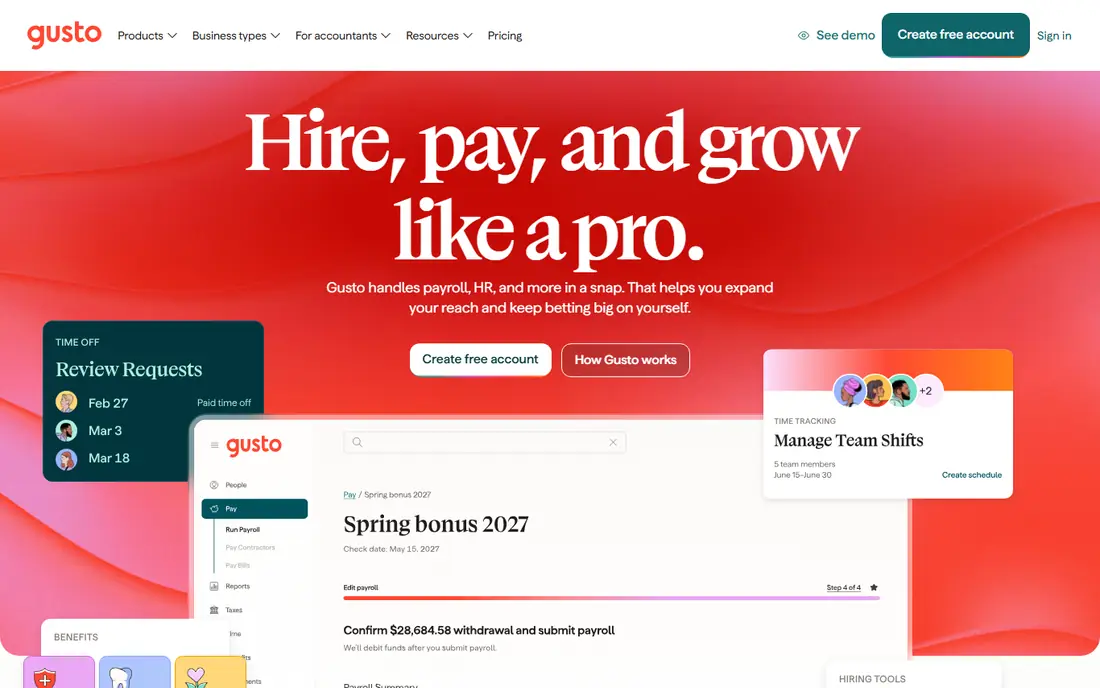
Gusto is the most straightforward ADP replacement for a small team. Its Simple plan pricing is published clearly, payroll runs are easy to set up, and benefits, onboarding and time tracking can be added without a complex implementation. For a startup or small business with a handful of employees in one or a few states, Gusto removes much of the friction that makes payroll feel like a chore.
The limit is scale and complexity. Larger companies with complex compliance, global payroll or deep HR analytics will outgrow Gusto or need its higher tiers, where costs rise. A small team that values clear pricing and a modern interface will usually prefer Gusto. A mid-market company with complex needs should compare Rippling, Paychex Flex and Paylocity as well.
- Clear published pricing
- Simple payroll and benefits setup
- Good for startups and small teams
- Advanced HR and multi-state features need higher tiers
- Less suited to very large enterprises
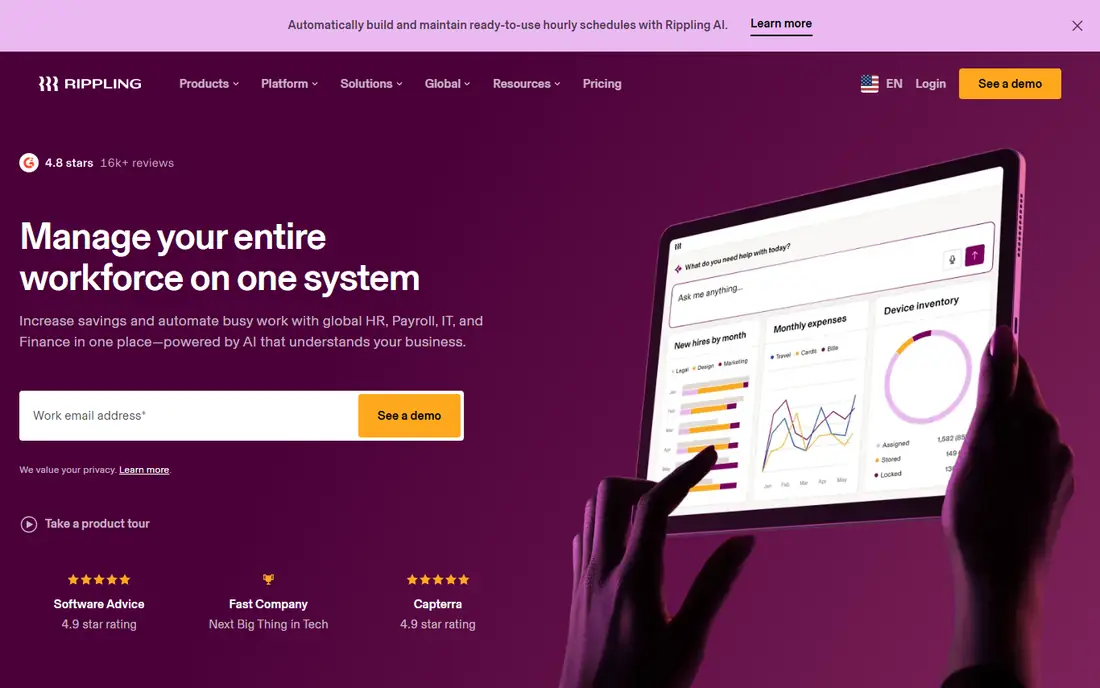
Rippling suits a growing company that wants HR, payroll, benefits and IT device management in one system, with workflows that trigger onboarding steps automatically. Hiring a new employee can set up payroll, benefits, app access and device shipping from one flow, which saves time as headcount grows. That unified approach is its main edge over a payroll-only tool.
The cost model needs care. Rippling charges per user plus modules, so the total depends on which products you enable, and a team that adds many modules will see a higher bill than the starting price suggests. Implementation also takes more planning than Gusto or OnPay. Choose Rippling when unified HR and IT automation will actually be used daily, not when you only need basic payroll.
- One system for HR, payroll, benefits and IT
- Strong automation and workflows
- Good for scaling tech teams
- Per-module pricing can grow quickly
- Implementation needs more planning than a simple payroll tool
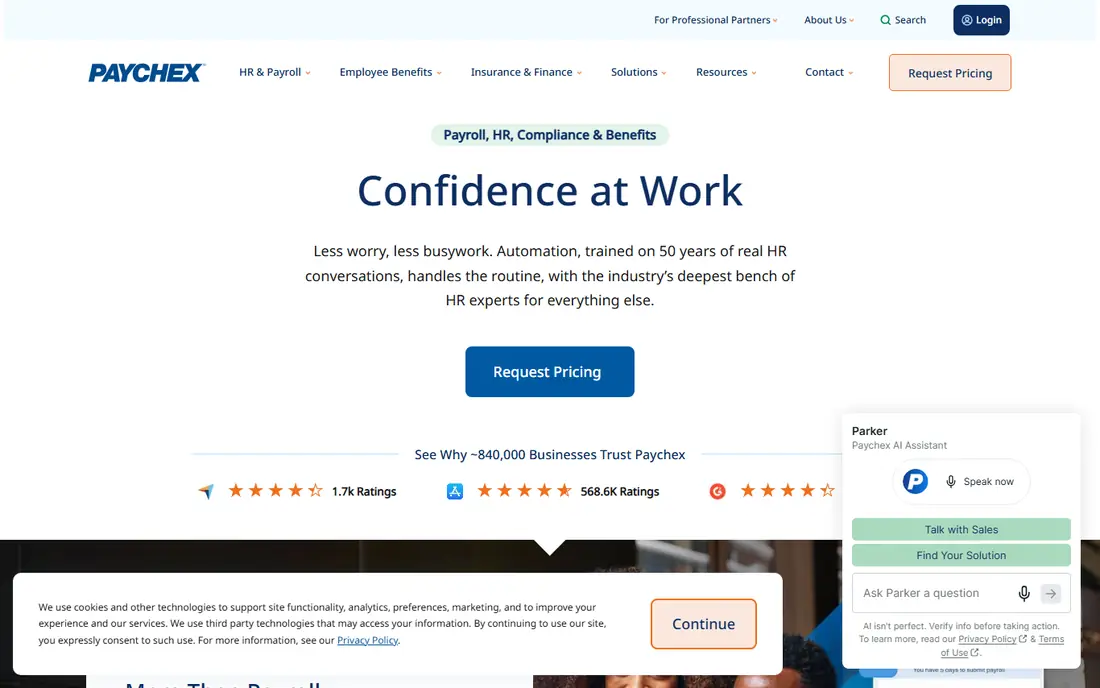
Paychex Flex is a strong replacement for established small and mid-sized businesses that prioritize compliance and support over a modern interface. Its payroll, HR, benefits and insurance services cover a wide range of needs, and dedicated specialists help with complex pay rules and multi-state issues. For regulated industries and shift-based workforces, that support depth matters.
The trade-off is pricing transparency and user experience. Some Paychex Flex plans need a sales quote to confirm the full price, and the interface is less sleek than newer rivals. A team that wants a simple self-service tool may prefer Gusto. A team that wants a long-established provider with human support for compliance will find Paychex Flex reassuring.
- Long track record in payroll and HR
- Strong compliance support
- Dedicated specialists on many plans
- Pricing can require a sales conversation for full plans
- Interface feels less modern than Gusto or Rippling
Paylocity targets mid-market companies that want a modern employee experience alongside payroll and HR. Self-service tools, mobile access and talent features help employees manage their own information, which reduces HR admin as a company grows. Its payroll and HR breadth makes it a credible step up from a small-team tool when headcount and complexity increase.
Custom pricing is the main hurdle for comparison, because you need a quote to model the total cost. Implementation also takes planning, especially for benefits and time tracking. A mid-sized company that values employee experience and is ready for a fuller HR platform should shortlist Paylocity. A very small team will usually find Gusto or OnPay simpler and cheaper.
- Modern employee experience and self-service
- Strong HR, payroll and talent tools
- Good for mid-market growth
- Custom pricing means no quick public starting price
- Implementation can be involved
BambooHR is primarily a core HR platform, with employee records, time-off tracking, onboarding and reporting at its center. Payroll is available as an add-on, which makes BambooHR a good replacement for a team that leaves ADP mainly for HR reasons and wants payroll in the same place. Its clean interface suits small and mid-sized teams that need people data organized well.
The limit is that payroll is not the main product, so a team whose main pain is payroll complexity may prefer a payroll-first tool such as Gusto or Paychex Flex. Pricing also varies by plan and add-on, so get a quote that includes payroll, not only core HR. Choose BambooHR when HR organization is the priority and payroll is a useful addition.
- Clean core HR records, time off and onboarding
- Payroll available as an add-on
- Good reporting for small teams
- Payroll is an add-on rather than the core product
- Pricing is not fully public for all plans
OnPay offers a simple, one-plan approach to payroll that appeals to small businesses tired of tier confusion. Its published price covers payroll essentials, with optional add-ons for HR, time tracking and benefits support. That clarity makes budgeting easy, and the tool covers many industries without forcing a team into a large enterprise platform.
Advanced HR features are thinner than in Rippling, Paylocity or BambooHR, and add-ons increase the total for teams that need them. For a small business that mainly needs reliable payroll, tax filing and simple HR, OnPay is a strong, low-friction replacement. For a company that needs deep talent and performance tools, a fuller HR platform will fit better.
- One clear plan for payroll
- Simple pricing
- Good for small businesses in many industries
- Fewer advanced HR features than Rippling or Paylocity
- Add-ons for HR and time tracking cost extra
Square Payroll suits businesses already using Square for payments, point of sale or scheduling, because payroll can sit alongside the tools they already use. Its low base fee makes it attractive for very small teams, and it handles hourly workers, tips and simple payroll runs well. For a cafe, salon, shop or small service business on Square, that integration saves duplicate data entry.
Outside the Square ecosystem, Square Payroll offers less HR depth than Gusto, Rippling or Paylocity, and larger companies will likely need a fuller platform. A Square user with a small team will get good value here. A non-Square user should compare Gusto and OnPay first, since they offer similar simplicity without a Square dependency.
- Low base fee
- Integrates with Square point of sale and payments
- Simple for hourly and small teams
- Less HR depth than full HR platforms
- Best value mainly for Square users
QuickBooks Payroll, now part of QuickBooks Workforce in some listings, suits businesses that already run accounting in QuickBooks Online. Payroll costs sync into the books automatically, which reduces manual journal entries and makes month-end close easier. Accountants familiar with QuickBooks will also find the workflow easier to review.
The catch is total cost. A business must model QuickBooks accounting plus payroll together, not only the payroll fee, and a non-QuickBooks user gains little from this integration. For a QuickBooks shop, QuickBooks Payroll is a natural ADP replacement. For a business using different accounting software, Gusto, OnPay or Rippling will usually integrate well enough without forcing an accounting switch.
- Payroll inside QuickBooks accounting
- Automatic sync of payroll costs
- Familiar for accountants
- Best value only for QuickBooks users
- Payroll plus accounting cost must be modeled together
Deel is a different kind of ADP replacement, aimed at teams hiring contractors or employees in other countries. It handles global payroll, contractor payments and employer-of-record services, where Deel acts as the legal employer in a country where the client has no entity. That global coverage is valuable for remote-first companies with a distributed team.
For a purely US domestic team, Deel is overkill and more expensive than Gusto or OnPay. Its value appears only when international hiring is a real need. A team with a mix of US employees and international contractors should compare Deel with Rippling, which also offers global payroll, and check which countries and worker types each covers.
- Global payroll and contractor payments
- Employer-of-record services for hiring abroad
- Compliance support in many countries
- Global pricing is higher than US-only payroll
- Overkill for a purely domestic small team
How we picked these
We compared official pricing pages, feature pages and public documentation for payroll and HR tools that can replace ADP for small and mid-sized teams, and we kept only tools still offered in October 2026. We favored clear payroll and tax filing coverage, HR breadth, support quality and pricing transparency, and we mixed US-only payroll tools with global options. We did not claim hands-on testing, and we did not list ADP itself. This is general information, not financial or legal advice. Prices change, so get a written quote that includes base fees, per-employee fees and add-ons before you switch.
What to check before you buy
First, model the total cost at your headcount. Add the base fee, the per-employee fee, benefits administration, time tracking and any HR add-ons, then compare that total across vendors. A low base fee can hide a high per-employee fee, and a custom quote can hide add-ons that appear later. Ask each vendor for a written quote with every fee listed.
Next, check tax filing and compliance coverage for your states and worker types. Confirm federal and state tax filing, new-hire reporting, year-end forms and contractor forms are included, and ask who pays penalties if the vendor makes a filing error. Multi-state employers should confirm each state is covered, because a tool that works in one state may not cover another without an add-on.
Finally, run a parallel payroll before you cancel the old system. Process one or two pay runs in the new tool alongside the old one, check net pay, deductions and tax amounts, and confirm benefits and time-off balances transfer correctly. A parallel run catches setup errors before they affect employees, and it gives your team time to learn the new workflow.
Frequently asked questions
What is the best ADP alternative for a small business?
Gusto is the best starting point for most small businesses, because of its clear published pricing, simple payroll setup and benefits tools. OnPay and Square Payroll are close alternatives for very small teams, with Square Payroll best for Square users. Compare all three at your headcount before deciding.
Is Rippling better than ADP for a growing company?
Rippling can be better for a growing tech company that wants HR, payroll, benefits and IT in one system with automation. It is more complex and can cost more as modules are added, so it suits companies that will actually use that breadth. A company that only needs payroll may find Gusto or Paychex Flex simpler.
How much do ADP alternatives cost per employee?
Published US payroll prices in this list range from about $5 to $7 per employee per month on top of a base fee, plus higher tiers for advanced HR. Custom-priced tools such as Paylocity and Deel need a quote to compare fairly. Always model base plus per-employee fees at your headcount.
Can I switch payroll providers mid-year?
Yes, but it needs care with year-to-date pay, tax filings and benefits balances. Most providers help with mid-year migration, and a parallel run helps catch errors. Ask the new vendor exactly what year-to-date data it imports and what you must provide, and do not cancel the old system until the first new pay runs are confirmed correct.
Do these alternatives handle contractors as well as employees?
Most tools in this list handle both employees and contractors, though contractor-only plans and fees vary. Gusto offers a contractor-only plan, and Deel specializes in global contractors. Check contractor payment, tax form and compliance coverage for your worker mix before you choose.
What should I ask about support before switching payroll providers?
Ask about support hours, response times, whether you get a dedicated specialist, and who handles tax filing errors. Payroll problems are time-sensitive, so a vendor with limited support hours or slow escalation can create real risk. Confirm support coverage in writing, especially for tax season and year-end filings.
Sources
See where you really rank - block by block
ProMapRanker scans Google Maps across a grid of your service area. Simple monthly plans from $19, white-label on every plan.
Start freeKeep reading
 best chat tool for website
Best Chat Tool for Website in 2026
Best chat tool for website owners compared, with live chat, AI agents, free plans, and pricing for small stores, SaaS teams, and support teams of all sizes.
Read → best birdwatching app
Best Birdwatching App in 2026
Best birdwatching app picks for 2026: nine free and paid apps for bird ID by sight and sound, checklists, hotspots, and finding birds near you for all birders.
Read → best bird identification app
Best Bird Identification Apps in 2026
Find the best bird identification app for photos, songs and calls. We compare 9 bird apps, including Merlin, BirdNET and Audubon, to help you choose today.
Read →