 ProMapRanker
Best Zoom Alternatives for Webinars in 2026


Browser-based marketing webinars · Pricing starts at: $3.00 per attendee
Key takeaways
- Livestorm and Zoho-style browser rooms lower the barrier for attendees, while sales-focused tools such as WebinarJam are built around offers and follow-up.
- GoTo Webinar and Webex suit larger or more formal programs, but their best value often sits in higher tiers or quoted plans.
- Audience caps, session length and host limits matter more than headline features, so check those numbers before you commit.
- A free plan or trial is a useful test, but it rarely shows how the platform behaves with a full live audience.
Quick comparison
| Pick | Great for | Pricing starts at | Free tier | |
|---|---|---|---|---|
| Livestorm | Browser-based marketing webinars | $3.00 per attendee | Yes | Visit |
 WebinarJam | Live sales webinars | $39 per month | No | Visit |
 GoTo Webinar | Recurring training programs | $59 per month | Free trial | Visit |
 ClickMeeting | Paid and automated webinars | See website | Free trial | Visit |
 Demio | Simple, modern webinar rooms | See website | Free trial | Visit |
 Microsoft Teams | Teams already on Microsoft 365 | $14 per user per month | No | Visit |
 Google Meet | Google Workspace teams | $7 per user per month | Yes | Visit |
 Webex Webinars | Large enterprise webinars | See website | No | Visit |
The best zoom alternatives for webinars
We compared webinar platforms that can run registration, live presentation, audience interaction and replay without relying on Zoom. The list below covers marketing, sales, training and enterprise use, so the right choice depends on audience size and how much follow-up matters to you.
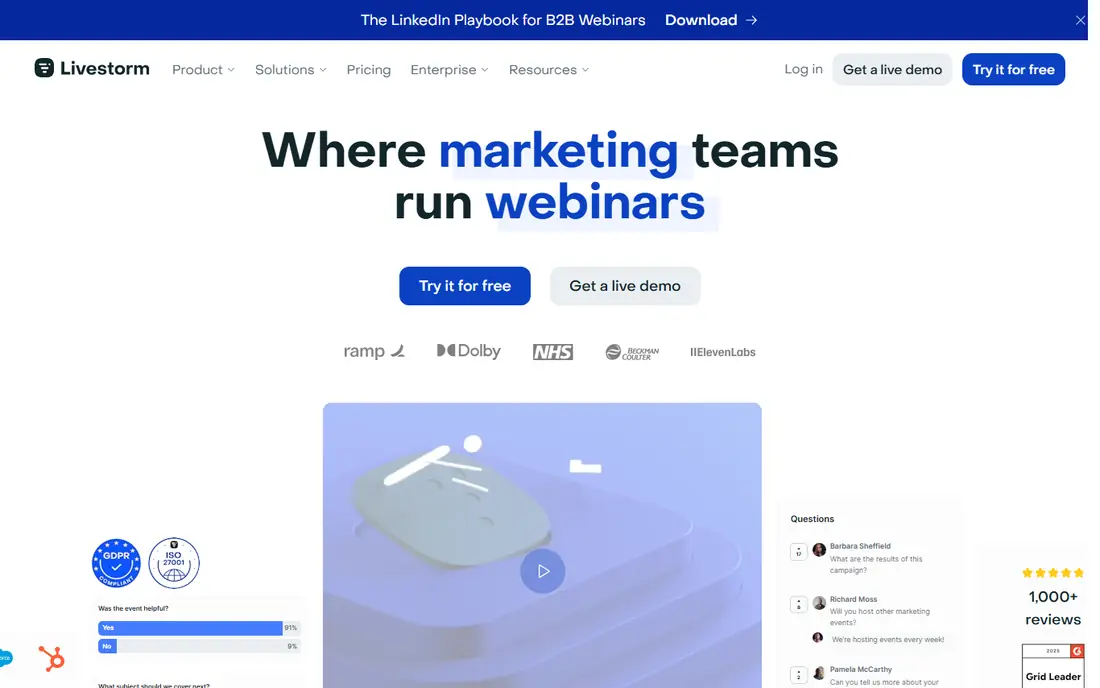
Livestorm runs in the browser, which removes one common reason people fail to join a live session. Hosts can build registration pages, send reminders, run polls and question sessions, and share calls to action during the event. That combination makes it a strong fit for marketing teams that run webinars as a regular source of leads.
The trade-off is the credit model. You pay for attendees who join, rather than for a fixed room size, so a popular session can cost more than a quiet one. Teams should also check whether automated webinars, breakout rooms and the CRM connection they need are included in the plan they choose. For most marketing use, the entry pack is a clear way to test the format before moving to a larger plan.
- No download for attendees
- Built-in registration and reminders
- CRM connections on higher plans
- Pricing is tied to attendee credits
- Automated webinars are limited on the entry plan
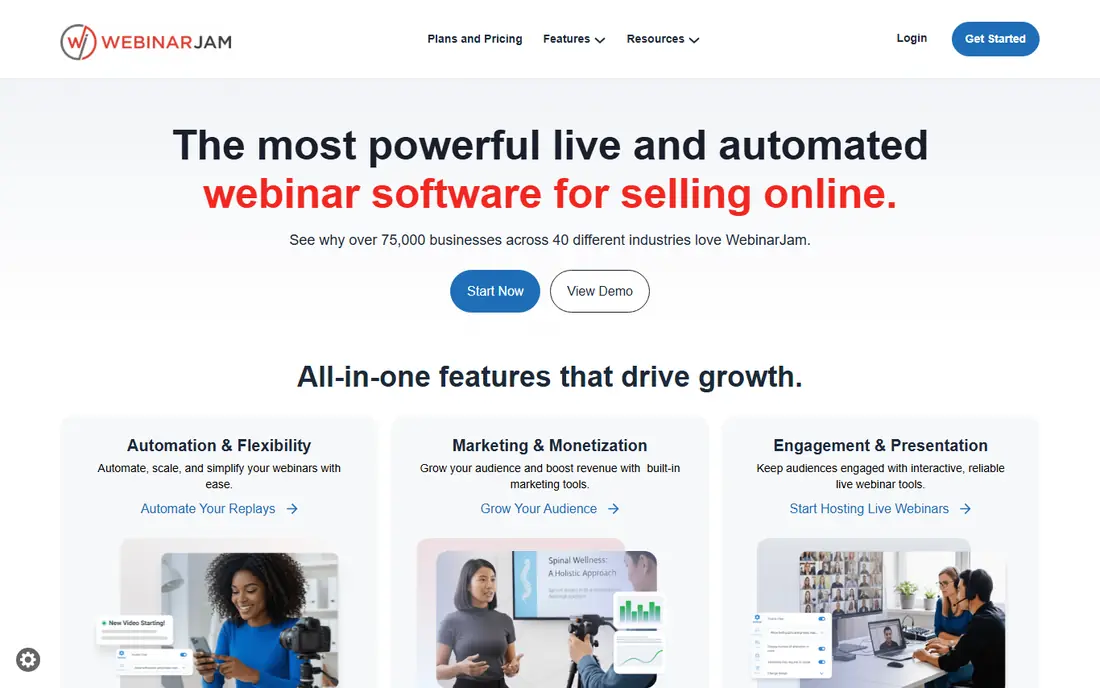
WebinarJam is aimed squarely at coaches, course sellers and small businesses that sell during a live event. It includes registration pages, live offers, scarcity timers and audience interaction in one room, so a presenter does not need a separate funnel tool for a basic launch. That focus is the reason it still appeals to sellers even though its interface looks busier than newer rivals.
Buyers should read the plan limits closely. Attendee caps, session length and host numbers change across plans, and the entry plan is best for smaller rooms. Automated or evergreen webinars are handled by a companion product rather than WebinarJam itself, so teams that need both live and replay-based funnels should budget for that split.
- Built-in offers and sales tools
- Registration pages included
- Live chat and polls
- No free plan
- Automated webinars need its companion product
- Session limits vary by plan
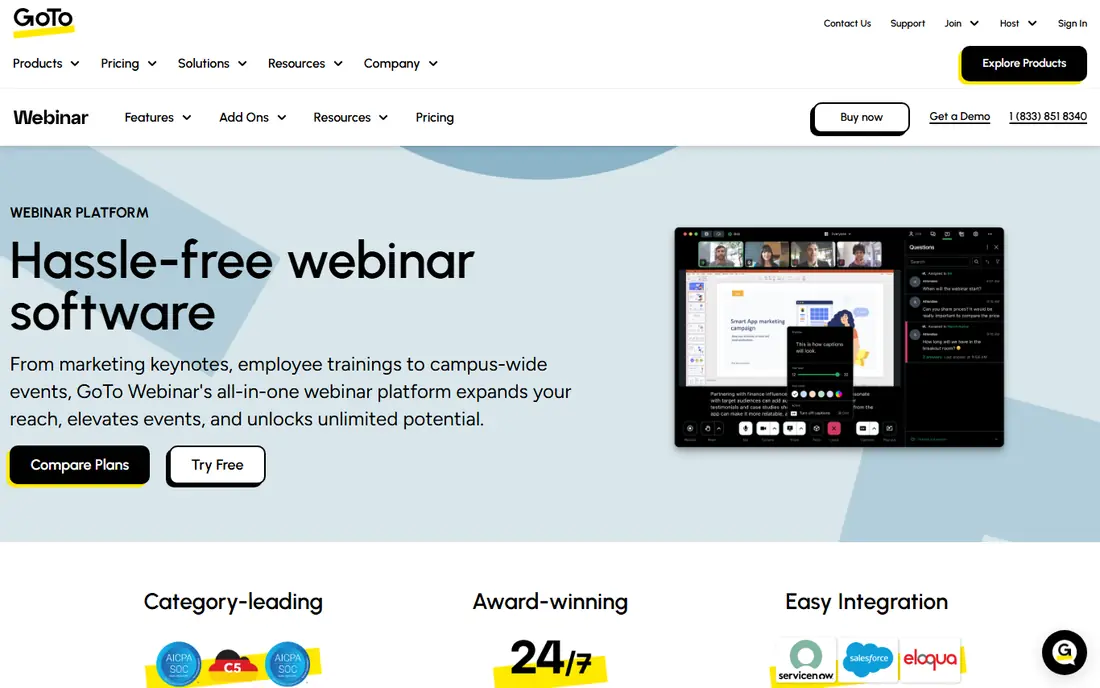
GoTo Webinar suits organizations that run the same training or briefing on a regular schedule. It handles registration, reminders, polls, questions, handouts and post-event reporting in a familiar workflow. For compliance training, product updates and internal briefings, that steadiness can matter more than a flashy stage design.
The main drawback is feel. The experience is functional rather than playful, and presenters who want heavy branding or a highly produced show may prefer a marketing-led tool. Audience size also drives price, so a team that grows from a few hundred to a few thousand attendees should confirm the cost of the next tier before building a program around the entry plan.
- Long track record for large sessions
- Polls, surveys and handouts
- Detailed reporting
- Interface feels more corporate than modern rivals
- Higher tiers needed for larger audiences
ClickMeeting covers a wide middle ground between simple meeting tools and enterprise event suites. Trainers can run live sessions, charge for access, automate replays and use a whiteboard or breakout rooms for smaller group work. That range makes it useful for educators and consultants who sell seats as well as run free lead events.
Because pricing is tied to audience size, the same feature set can cost quite different amounts for a 25-person class and a 500-person launch. Check the attendee limit, recording storage and automation rules on the plan you are considering. For small teaching businesses, the entry tiers are often enough, while larger programs will need a custom quote.
- Paid webinar and automation options
- Whiteboard and breakout rooms
- Translation and recording tools
- Pricing varies by audience size
- Some advanced features sit on higher plans
Demio is a good pick when ease of use matters more than a long feature list. Attendees join from a browser, presenters get a tidy room with polls, handouts and offers, and automated events can run a recorded session on a schedule. Marketing teams that want to launch quickly without a long setup phase often find this balance appealing.
The catch is scale. Entry plans suit modest audiences, and growing teams may need to move up sooner than they expect. Pricing also needs a closer look on the vendor site, since plans and limits have changed over time. Try the trial with a real audience, not just a test call, to see how registration, reminders and replay behave together.
- Clean, no-download room
- Automated and live events
- Integrations with common marketing tools
- Smaller entry audiences than some rivals
- Pricing is not as transparent on the public site
Microsoft Teams makes sense if your organization already lives in Microsoft 365. Webinars and town halls sit alongside meetings, chat and file sharing, so staff do not need another login or another tool to learn. Admin controls, attendance reports and recording options fit well with larger companies that already manage users through Microsoft.
It is not a dedicated sales webinar tool. You will not find the same built-in offer timers and funnel features as WebinarJam, and some webinar capacity depends on the exact Microsoft 365 plan you hold. For internal briefings, customer training and company-wide updates, though, Teams is often the lowest-friction choice.
- Familiar to Microsoft 365 users
- Webinars, town halls and meetings in one place
- Strong admin controls
- Webinar features depend on the Microsoft 365 plan
- Less sales-focused than dedicated webinar tools
Google Meet is the plain, dependable option for teams that already use Gmail, Calendar and Drive. Scheduling is straightforward, attendees join from a browser, and recordings can be stored in Drive on paid plans. For internal training, small customer sessions and team briefings, that simplicity is a real strength.
Its limits show up at scale. The free version and the entry paid plan support far fewer participants than a dedicated webinar platform, and marketing features such as branded registration pages and lead scoring are thin. If your webinars are mainly about reaching a large external audience and capturing leads, a dedicated tool will serve you better.
- Simple browser joining
- Included with Google Workspace
- Polls and Q and A on paid plans
- Webinar capacity varies sharply by plan
- Fewer marketing features than dedicated platforms
Webex Webinars is built for organizations where security, compliance and scale come first. It supports large audiences, breakout-style interaction, registration and reporting, with event formats that go beyond a single live room. Companies in regulated fields often value its admin controls and its long history in enterprise meetings.
Small teams may find it more than they need. Pricing is not always published in a simple starter figure, and the setup and admin work suit an IT-led rollout better than a solo presenter. If you run occasional small webinars, a simpler platform will be cheaper and faster. If you run large, formal programs, Webex is worth a quoted comparison.
- Strong security and compliance options
- Very large event capacity on higher tiers
- Webinar and event formats
- Pricing is quote-led for many plans
- Setup can feel heavy for small teams
How we picked these
We compared official pricing pages, feature pages and plan limits for webinar platforms that offer registration, live presentation and audience interaction as core functions. We left Zoom itself out because this article covers alternatives to it, and we favored tools that are actively sold and supported in 2026. Where a price depended on audience size, billing term or a quoted plan, we wrote See website rather than guessing a figure.
What to check before you choose a webinar platform
Start with audience reality, not the feature list. Write down your typical live attendance, your largest expected session, how many hosts you need and whether sessions must run longer than an hour. Those four numbers will rule out several tools at once, and they explain why a cheap plan can turn expensive when a launch goes well.
Next, test the attendee journey from end to end. Register with a personal email, join from a phone and a laptop, try the chat and poll tools, and watch the replay link you receive afterwards. A platform that looks polished in a demo can still lose people at registration or replay, and those are the moments that decide whether a webinar turns into a lead or a sale.
Finally, check follow-up and reporting before you pay. Confirm that attendance, poll answers and questions can reach your email tool or CRM without manual exports, and that recordings, captions and handouts are easy to find later. A webinar platform earns its keep after the live session ends, when reminders, replays and sales follow-up do the quiet work.
Frequently asked questions
What are the best alternatives to Zoom for webinars?
Livestorm, WebinarJam, GoTo Webinar and ClickMeeting are strong starting points, with Microsoft Teams and Google Meet fitting teams already on those suites. The best choice depends on audience size, whether you sell during the session, and how much marketing automation you need.
Are there free alternatives to Zoom webinars?
Yes, Livestorm and Google Meet both offer free options, although both limit audience size, session length or features. A free plan is useful for testing the format, but most regular webinar programs will need a paid plan for larger rooms and full reporting.
Which Zoom webinar alternative is best for sales?
WebinarJam is built for live sales, with offers, timers and registration pages in the room. Livestorm and Demio also support calls to action and follow-up, but WebinarJam keeps the sales workflow closest to the live presentation itself.
Can I run automated webinars without Zoom?
Yes. ClickMeeting and Demio support automated or scheduled replay events, and Livestorm offers automation on higher plans. If evergreen webinars are central to your funnel, confirm automation is included in the exact plan you buy, since it is often gated.
Do these alternatives to Zoom webinars work in a browser?
Livestorm, Demio, Google Meet and ClickMeeting are designed for browser joining, which helps attendance. Some enterprise tools still work best with a desktop app for hosts, even when attendees can join from a browser, so test both roles before launch day.
Sources
See where you really rank - block by block
ProMapRanker scans Google Maps across a grid of your service area. Simple monthly plans from $19, white-label on every plan.
Start freeKeep reading
 tipalti alternatives
Best Tipalti Alternatives in 2026
Compare the best tipalti alternatives for accounts payable, global payouts and bill pay, with pricing and free plans for small teams in 2026 for US teams.
Read → mixpanel alternatives
Best Mixpanel Alternatives in 2026
Compare the best mixpanel alternatives for product analytics, funnels and retention, with free tiers and current pricing for growing teams in 2026 for US teams.
Read → i hope this email finds you well alternatives
I Hope This Email Finds You Well Alternatives in 2026
Find i hope this email finds you well alternatives with email writing tools that craft warmer, professional openers for any inbox in 2026 for US writers.
Read →