 ProMapRanker
I Hope This Email Finds You Well Alternatives in 2026

Key takeaways
- The best replacement for a tired opener is a specific one, and every tool below helps you write it faster.
- Grammarly and Wordtune are the strongest picks for rewriting a single opening line in the right tone.
- QuillBot suits writers who want several paraphrase options for the same opener before choosing one.
- ProWritingAid and LanguageTool help when clarity and correctness matter as much as warmth.
- Jasper, Rytr and Hemingway Editor Plus suit teams that draft many outreach emails and need a consistent voice.
Quick comparison
| Pick | Great for | Pricing starts at | Free tier | |
|---|---|---|---|---|
 Grammarly | Tone-aware rewrites as you type | $12 per month | Yes | Visit |
 Wordtune | Sentence-level opener rewrites | $9.99 per month | Yes | Visit |
 QuillBot | Multiple paraphrase options for one opener | $8.33 per month | Yes | Visit |
 ProWritingAid | Deep editing of full email drafts | $10 per month | Yes | Visit |
 LanguageTool | Multilingual grammar and style checks | See website | Yes | Visit |
 Jasper | Drafting outreach emails at scale | See website | Free trial | Visit |
 Rytr | Budget email drafting | $7.50 per month | Yes | Visit |
 Hemingway Editor Plus | Clear, direct opening lines | $8.33 per month | Yes | Visit |
The best i hope this email finds you well alternatives
This article treats the phrase plainly as an email opening problem. "I hope this email finds you well" is polite but overused, and it says nothing about why you are writing. The tools below are email writing assistants that help you craft professional openers instead, with notes on which alternative openers each one supports best.
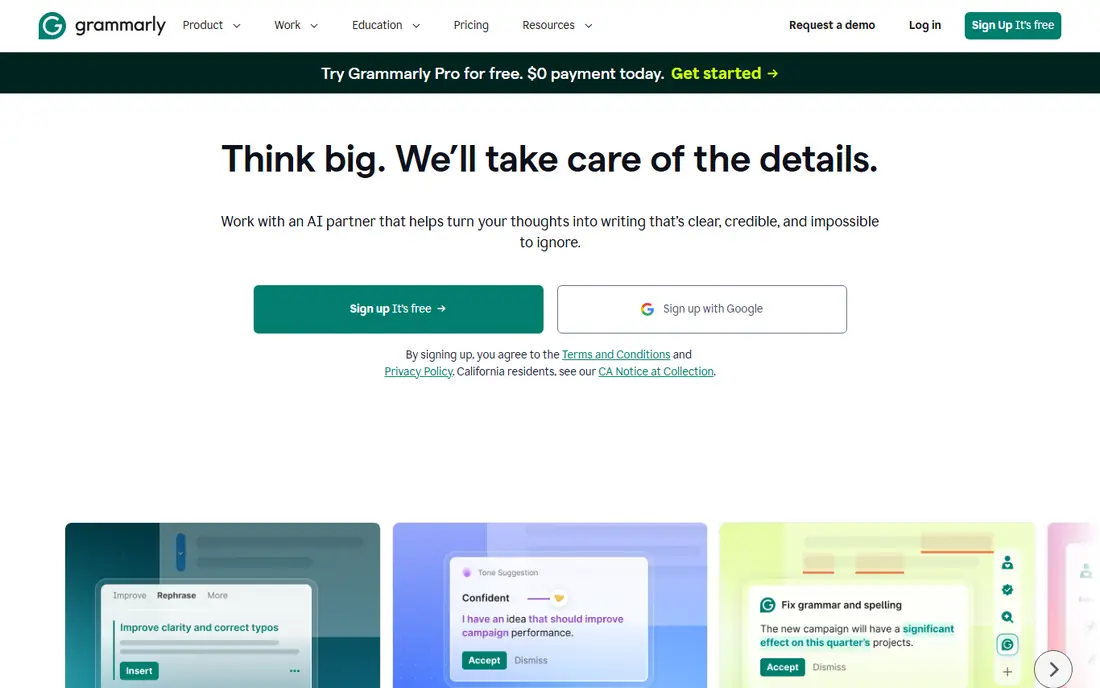
Grammarly is the easiest tool for fixing an opener in place. Paste or type a draft, and its tone and rewrite suggestions can turn a generic greeting into something specific, such as "Good morning, Sarah. Following up on your pricing question from Tuesday." or "Thanks for the quick reply yesterday. I have the updated timeline ready." The free plan covers grammar and basic tone, while Pro, at $12 per month billed annually, adds full-sentence rewrites and deeper tone changes.
The limit is that Grammarly polishes what you wrote rather than planning the email for you. If you have no idea how to open, you still need a brief or a prompt of your own. For everyday inbox writing, though, its habit of catching flat openers as you type makes it our pick for most people.
- Works in Gmail and other email apps
- Tone detection and full-sentence rewrites
- Free plan covers basic checks
- Pro features need a paid plan
- Monthly billing is higher than the annual rate
Wordtune is built for the exact moment this article addresses: you have a sentence and it does not sound right. Highlight "I hope this email finds you well" and Wordtune offers alternatives at different formality levels, such as "I hope your week is off to a good start." for a warm note, "I wanted to follow up on our conversation." for a direct opener, or "Good to connect again after last week's call." when there is real history to reference. The free tier includes a daily rewrite allowance, and paid plans start at $9.99 per month for unlimited use.
Wordtune works best on lines you already drafted. It will not plan a cold outreach sequence or manage follow-ups, so pair it with your email app's templates when you send similar messages often.
- Several rewrite options per sentence
- Formal and casual tone choices
- Free tier with daily rewrites
- Focused on sentences, not whole-email structure
- Free tier limits daily rewrites
QuillBot gives you a menu of rewrites instead of one suggestion. Feed it a flat opener and it can return a formal version ("I trust this message reaches you at a convenient time."), a fluent version ("I hope you are having a good week so far.") and a shorter version ("Quick note on the proposal we discussed."). Premium costs $8.33 per month billed annually and lifts the free plan's word and mode limits.
The range is both the strength and the risk. With many options, it is easy to pick a version that sounds polished but still says nothing specific. Use QuillBot to generate choices, then pick the one that names the reason for writing, such as a meeting, a document or a deadline.
- Several paraphrase modes
- Tone and formality controls
- Grammar checker included
- Free plan limits words per paraphrase
- Formal mode can sound stiff if overused
ProWritingAid suits writers who draft longer professional emails and want the whole message checked, not just the first line. Its reports flag repetition, vague phrasing and readability problems, which helps an opener like "I hope this email finds you well" stand out as filler. It supports formal alternatives well, such as "Thank you for sharing the brief. I have reviewed it and have two questions." or "Following our meeting on Thursday, here is the summary you asked for." Premium costs $10 per month billed annually, with a lifetime option also available.
The tool is heavier than a quick rewriter, and its depth can feel like overkill for a two-line reply. Use it when the email carries weight, such as a proposal, a complaint or a negotiation, and a lighter tool for routine replies.
- Detailed style and readability reports
- Works in email and documents
- Lifetime plan available
- English only
- Reports suit longer drafts more than one-line openers
LanguageTool is the right pick when your emails cross languages. It checks grammar, spelling and style in more than 30 languages, so a professional opener can be checked in English and in the recipient's language with the same tool. For English openers it supports clean formal options such as "Thank you for your time yesterday." and "I am writing about the contract we discussed." without pushing you toward overused stock phrases.
Its rewriting features are lighter than Wordtune or QuillBot, so it works best as a checker paired with your own opener ideas. The free plan handles everyday email well, and premium plans add longer checks and more style suggestions. Confirm current premium pricing on the vendor site before buying, since plans and rates change.
- Checks more than 30 languages
- Free plan covers everyday writing
- Browser and app integrations
- Rewriting is less developed than dedicated paraphrasers
- Premium pricing varies by plan
Jasper is the choice when the problem is volume, not one line. Give it a brief, such as the recipient, the offer and the call to action, and it drafts a full outreach email with an opener tied to that brief, for example "I saw your team's announcement about the new store opening, and I wanted to share an idea for launch week." That specificity is exactly what "I hope this email finds you well" lacks. Templates cover cold outreach, follow-ups and introductions, and brand voice settings keep tone consistent across a team.
Jasper is priced for teams and content work, with a free trial rather than a permanent free plan. Solo writers who only need occasional rewrites will get better value from Grammarly or Wordtune, but a sales or marketing team sending many similar emails will benefit from Jasper's drafting speed.
- Generates full email drafts from a brief
- Brand voice controls
- Templates for outreach and follow-ups
- No permanent free plan
- Pricing is quote-led on higher tiers
Rytr offers a budget route to better openers. Its email templates and tone settings can produce formal alternatives such as "I am reaching out about the project timeline." and friendly ones such as "Great speaking with you last week. Here is the follow-up I promised." The free plan covers light monthly use, and the Unlimited plan costs $7.50 per month billed annually, which is among the lowest paid prices on this list.
Output quality varies, and important emails still need a human edit before sending. Rytr is best for first drafts and routine outreach, where speed matters more than polish, and where you are willing to rewrite the opener yourself when the draft falls flat.
- Low annual price
- Email templates and tone choices
- Free plan for light use
- Output needs editing for important messages
- Smaller feature set than Jasper
Hemingway Editor Plus takes the opposite approach to most tools here: instead of generating a fancier opener, it pushes you toward a shorter, clearer one. Paste an email and it highlights dense sentences and passive constructions, which often reveals that a stock greeting is doing no work at all. A clearer replacement might be "Here is the quote you asked for." or "Two updates on the delivery schedule." Paid plans start at $8.33 per month billed annually, and the basic web editor is free.
It is not a grammar checker in the Grammarly sense, and it will not invent a personalised opener for you. Use Hemingway when your emails tend to run long and formal, and you want the opening line to state the point plainly.
- Highlights hard sentences and passive voice
- Free web editor
- AI fixes on paid plans
- No grammar checking as deep as Grammarly
- Style focus suits short emails best
How we picked these
We compared official pricing pages and feature pages for each tool, and we kept only tools that can actually help with email openers: rewriting, paraphrasing, tone control, drafting or clarity editing. A general chatbot with no email workflow did not make the list on its own, and every tool here has a real homepage, a free plan or trial, and a current product in October 2026. We also checked that each tool supports at least one credible alternative opener style, from formal to direct to warm, rather than only fixing grammar.
How to choose a better opener
Match the opener to the relationship. For a first contact, reference something specific: a post, an event, a referral or a shared problem. For a follow-up, name the last touchpoint and the next step. For a formal message to a senior contact, a short courteous line plus the purpose works better than a warm cliché. Keep the opener to one sentence, then state the reason for writing in the next sentence. Readers decide in seconds whether to keep reading, and a specific opener earns that attention.
Test a few options before settling on one style. Rewrite the same email opening in three tools, read each version aloud and pick the one that sounds like you on a good day. Save the winners as templates in your email app, with placeholders for the name, the last meeting and the purpose, so you are not starting from a blank page or a stock phrase again.
Frequently asked questions
What are good alternatives to I hope this email finds you well?
Good alternatives name the reason for writing. Try "Following up on our call yesterday.", "Thank you for sending the report.", "I am writing about the proposal we discussed." or "Good to connect again after the conference." Each one tells the reader why the email exists, which the stock phrase does not.
What is a formal alternative to I hope this email finds you well?
Formal options include "I trust this message reaches you at a convenient time." and "Thank you for your time earlier this week." For senior contacts, pair a short courteous line with the purpose in the next sentence, such as "I am writing to confirm the meeting on Friday." That reads as respectful without sounding copied.
How can I replace I hope this email finds you well in a follow-up email?
Reference the last contact. Use "Following up on my note from Tuesday.", "As promised, here is the update on the project." or "Thanks for your reply. I have the figures you asked for." A follow-up opener works best when it reminds the reader what came before and what happens next.
Which tool is best for rewriting email openers?
Wordtune is the best tool for rewriting a single opener, since it returns several tone options for one sentence. Grammarly is the best all-round choice because it works as you type in your email app, while QuillBot is best when you want many paraphrase options to compare.
Is it rude to stop using I hope this email finds you well?
No. The phrase is polite, but it is overused and adds no information. Replacing it with a specific, courteous opener is not rude, and most recipients prefer an email that states its purpose quickly. Warmth comes from relevance and tone, not from a stock greeting.
Sources
See where you really rank - block by block
ProMapRanker scans Google Maps across a grid of your service area. Simple monthly plans from $19, white-label on every plan.
Start freeKeep reading
 zoom alternatives for webinars
Best Zoom Alternatives for Webinars in 2026
Discover zoom alternatives for webinars in 2026, from browser-based rooms to sales-focused platforms, with pricing, audience limits and honest trade-offs.
Read → tipalti alternatives
Best Tipalti Alternatives in 2026
Compare the best tipalti alternatives for accounts payable, global payouts and bill pay, with pricing and free plans for small teams in 2026 for US teams.
Read → mixpanel alternatives
Best Mixpanel Alternatives in 2026
Compare the best mixpanel alternatives for product analytics, funnels and retention, with free tiers and current pricing for growing teams in 2026 for US teams.
Read →