 ProMapRanker
Top Zoom AI Companion Alternatives for 2026, With Prices

Live transcription and action items · Pricing starts at: $8.33 per user a month
Direct answer
Our first pick is Otter.ai, best for live transcription and action items. Listed starting prices: Otter.ai from $8.33 per user a month, Slack from $4.38 per user per month and Microsoft Teams Premium from $4.00 per user a month. Look at Slack for AI-assisted teamwork and workflow automation, and at Microsoft Teams Premium for Microsoft-centered teams wanting smarter meetings. The full list of 5 tools follows, with prices and free plan facts.
Short on time? The summary and table above give the quick view of 5 tools for Zoom AI Companion, and the profiles that follow give the detail behind each entry.
Key takeaways
- Otter.ai is the opening pick, best for live transcription and action items.
- Microsoft Teams Premium has the lowest monthly starting price in this list: $4.00 per user per month.
- A free plan is available from 4 of the 5 tools: Otter.ai, Slack, Fireflies.ai, Cisco Webex.
- One limit worth knowing about Microsoft Teams Premium: most useful only inside the Microsoft ecosystem.
- Cisco Webex suits AI collaboration with devices and support.
Quick comparison
| Pick | Great for | Pricing starts at | Free tier | |
|---|---|---|---|---|
| Otter.ai | Live transcription and action items | $8.33 per user a month | Yes | Visit |
 Slack | AI-assisted teamwork and workflow automation | $4.38 per user per month | Yes | Visit |
 Microsoft Teams Premium | Microsoft-centered teams wanting smarter meetings | $4.00 per user a month | Free trial | Visit |
 Fireflies.ai | Cross-platform AI meeting notes | $10 per seat a month, billed yearly | Yes | Visit |
 Cisco Webex | AI collaboration with devices and support | See website | Yes | Visit |
Zoom AI Companion profiles
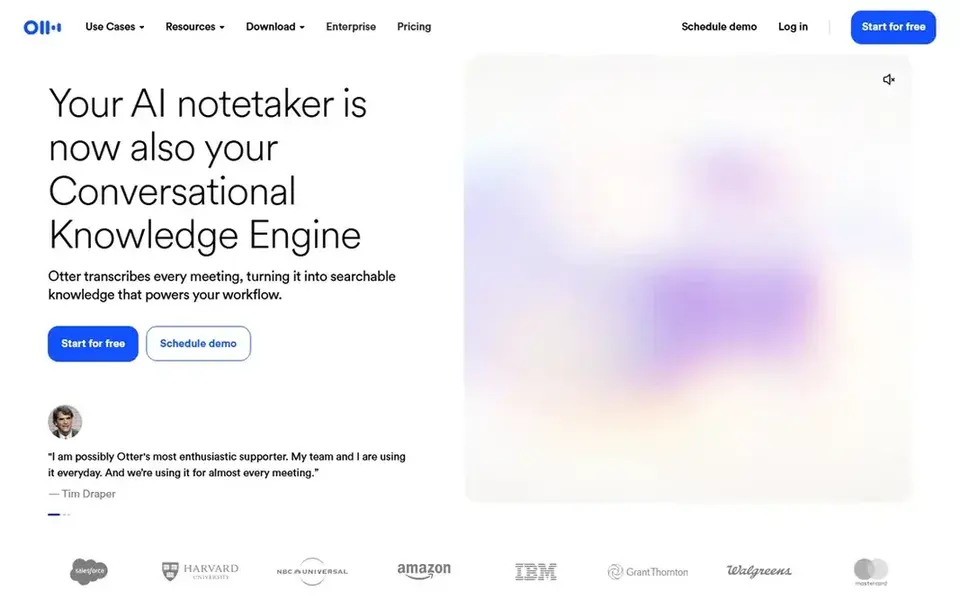
Otter.ai is built with live transcription and action items in mind. Review how summaries manage your accents and terminology before standardizing on any notetaker.
Limits to weigh: Needs steady meeting audio.
For everyday use, people who join plenty of calls and need quick written recaps tend to get the most from it. Teams needing those functions should pair it with their existing collaboration stack or choose a broader system. Otter.ai cost at the entry level: $8.33 per user per month. Otter.ai has a free plan.
- Automatic summaries and insights
- Live transcription during meetings
- Narrower scope than a collaboration suite
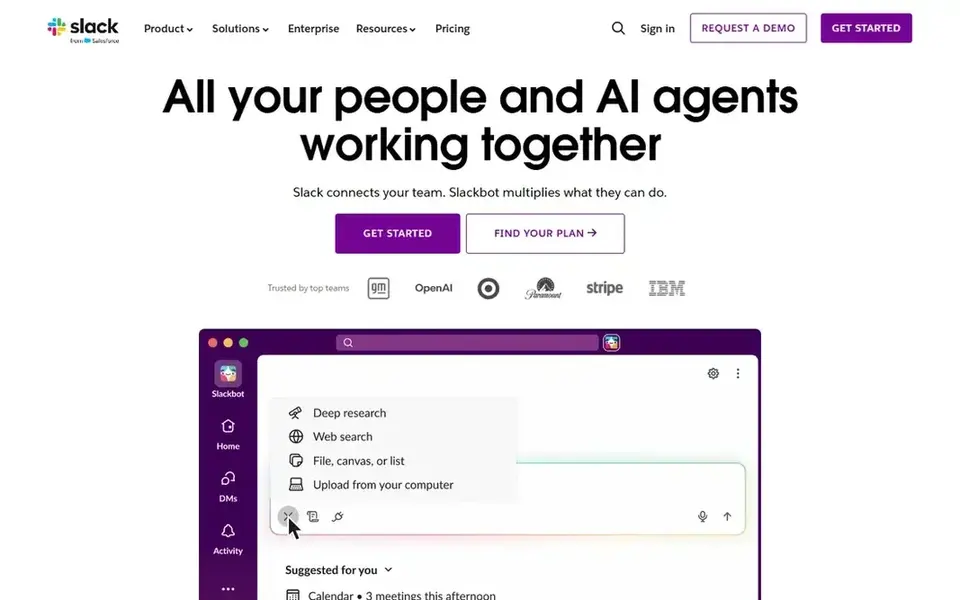
Slack was built for AI-assisted teamwork and workflow automation. Slack describes itself as an AI work system for managing projects, automating workflows, and connecting teams securely.
Slack is not a meeting transcription product on its own, so meeting summaries generally come from connected integrations. Also, choose Slack when the priority is continuing collaboration and workflow automation around meetings. Slack starts at: $4.38 per user per month. A free plan is available with Slack.
Honest limits: Not a dedicated meeting notetaker.
- Automation and secure team connection
- Capable fit for channel-based collaboration
- Meeting intelligence depends on connected apps
Microsoft Teams Premium
Great for: Microsoft-centered teams wanting smarter meetings
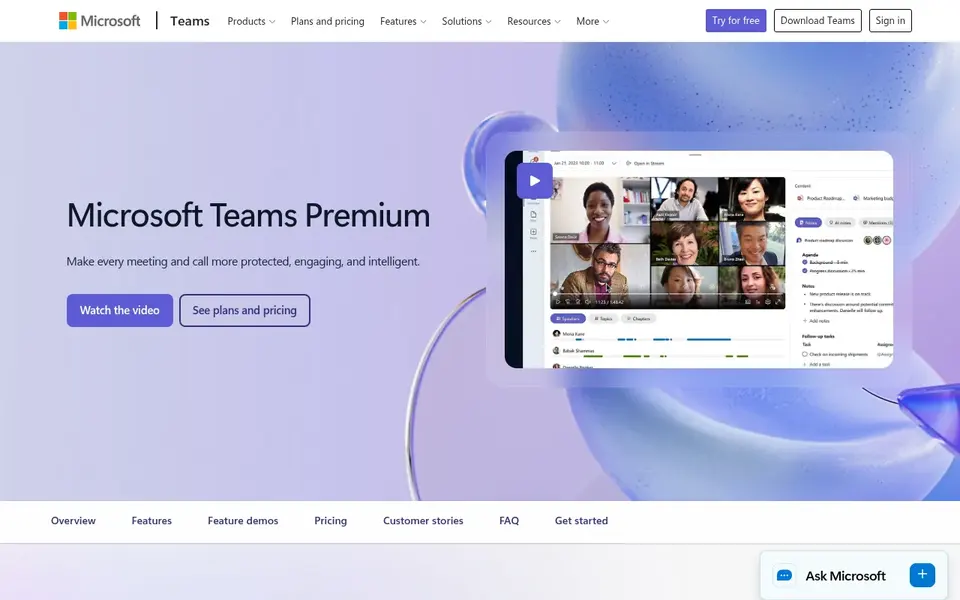
Microsoft Teams Premium targets Microsoft-centered teams wanting smarter meetings. Teams that run most conversations inside Teams will find the tight integration the central draw. Its value depends heavily on how much of your work already happens in Teams, and mixed environments with Zoom or Google Meet may see less benefit.
Upsides: Contains meeting protection choices; Brings smarter.
As for the details, if your meetings live largely outside Microsoft, a dedicated notetaker may be more straightforward. Administration also sits with Microsoft tooling, which some IT teams prefer and others find rigid. Starting cost for Microsoft Teams Premium: $4.00 per user per month. Free plan details: Free trial.
The main drawbacks: Less appealing for Zoom-first organizations.
- Suits existing Microsoft 365 workflows
- Personalized meeting features
- Most handy only inside the Microsoft ecosystem
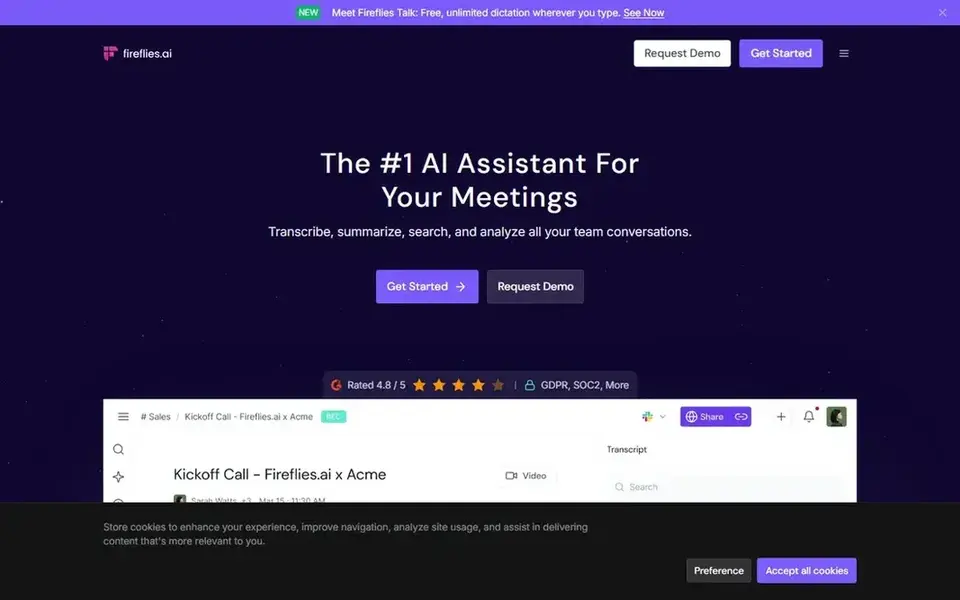
In short, Fireflies.ai is for cross-platform AI meeting notes. Fireflies is meeting-centric, so it will not replace a full collaboration suite for projects or messaging.
The main drawbacks: Centred on meetings instead of broader workflows.
Worth adding: accuracy also relies on recording quality and clear speakers. Fireflies.ai starts at: $10 per seat per month, billed annually. Fireflies.ai has a free plan.
- Works across Zoom, Meet, Teams, Webex
- Transcribes and summarizes meetings
- Summary quality relies on audio clarity

Where Cisco Webex fits: AI collaboration with devices and support. Cisco Webex presents itself as an AI-powered collaboration product spanning meetings, customer experience, devices, and system options.
Limits to weigh: Best value for Cisco-aligned organizations.
In practice, the breadth of the Webex portfolio means buyers have to define scope carefully before comparing it with a focused notetaker. Smaller teams may find the product bigger than their needs. This comparison lists no price for Cisco Webex; ask the vendor. Free access exists with Cisco Webex.
- Customer experience tools alongside meetings
- AI-powered collaboration across meetings
- Wide portfolio can feel complicated to evaluate
Selection criteria
The comparison looks at four things: starting price, free access, how well the feature set matches Zoom AI Companion, and the main limit of each tool. Where a price is missing, the vendor does not list one publicly or ties it to a quote. Always confirm before budgeting. Position on the page reflects fit for a typical buyer first, with price clarity and free access breaking ties. Treat it as a guide, not a ruling.
A buyer's checklist
- Confirm the entry price on the vendor page. For Cisco Webex that means a quote rather than a fixed price.
- Read the fine print on the free plans from Otter.ai, Slack, Fireflies.ai and Cisco Webex; seat, project and feature caps differ.
- Take the trial from Microsoft Teams Premium and push a live task through it before you pay.
- Read the limits listed for Otter.ai first: narrower scope than a collaboration suite.
- Check whether Cisco Webex bills monthly or annually, and what cancelling early costs.
- Total up the real monthly cost of Otter.ai, including add-ons, extra users and usage-based fees.
Frequently asked questions
Which options for Zoom AI Companion have a free plan?
On this list, Otter.ai, Slack, Fireflies.ai and Cisco Webex include a free plan. Caps on seats, usage or features are common, so test the free plan against your real workload. One other tool offers a trial instead.
Can I try these tools before paying?
Often, yes. Otter.ai, Slack, Fireflies.ai and Cisco Webex have a free plan and Microsoft Teams Premium offers a free trial. Use your own data and a real task during the test, and check what the free tier or trial limits before you rely on it.
Do collaboration suites replace a dedicated notetaker?
Suites like Microsoft Teams Premium, Cisco Webex, and Slack add AI assistance to broader collaboration, but meeting notes may rely on connected apps. A dedicated notetaker like Fireflies.ai or Otter.ai typically goes deeper on transcripts and summaries.
Do these tools publish their prices?
Not all of them. Cisco Webex publishes no starting price, so expect a quote request for it. The rest, Otter.ai included, show a starting price, though seats and billing terms still change the final cost.
How are the tools for Zoom AI Companion ordered?
Otter.ai sits first and Cisco Webex last because the order follows typical fit for Zoom AI Companion, then price clarity and free access. It is a judgement call, so read each profile for fit and limits.
Sources
See where you really rank - block by block
ProMapRanker scans Google Maps across a grid of your service area. Simple monthly plans from $19, white-label on every plan.
Start freeBrowse all guides
← Best Open House Scheduling Software for Real Estate Agents (2026)AI IT Agents Software for Remote Teams: Best Picks of 2026 →
 best emerging ai software for remote teams
2026 Guide to the Best Emerging AI Software for Remote Teams
5 products for the best emerging AI software for remote teams, ranked by fit, with starting costs and free tiers. Each pick lists its main limit. Facts only.
Read → best ai meeting management software
Best AI Meeting Management Software in 2026
5 products for the best AI meeting management software, ranked by fit, with starting costs and free tiers. Caveats come with every verdict. Updated for 2026.
Read → best ai knowledge base software for support teams
Best AI Knowledge Base Software for Support Teams in 2026
5 best AI knowledge base software for support teams, with entry costs, free tiers and the buyer each one serves. Each profile ends with a plain caveat. No hype.
Read → best iwms software
Best IWMS Software in 2026
Compare the best iwms software for space, leases, maintenance and sustainability, with honest notes on implementation, scale, rollout and total pricing.
Read → teamviewer alternatives
Best TeamViewer Alternatives in 2026
We compared the best teamviewer alternatives for remote access and support, from Splashtop and AnyDesk to Chrome Remote Desktop, on price and security.
Read → best equipment maintenance software
Best Equipment Maintenance Software in 2026
Compare the best equipment maintenance software for 2026, with current pricing, free plans, mobile work orders, and preventive maintenance tools for busy teams.
Read →More in Project Management & Productivity · All guides A to Z by date · Latest guides