 ProMapRanker
Top Zoho Mail Alternatives for 2026, With Prices


Hosted enterprise email service · Pricing starts at: $5.40 per user per month
Direct answer
If you need hosted enterprise email service, Microsoft Exchange Online is the first tool to look at here. Listed starting prices: Microsoft Exchange Online from $5.40 per user per month and IceWarp from $1.50 per user a month. If your case is different, Zimbra suits open standards and data sovereignty and Google Workspace suits email plus integrated productivity suite. The full list of 5 tools follows, with prices and free plan facts.
This ProMapRanker guide covers 5 options for Zoho Mail. Each profile lists a starting price, free plan details, strengths and drawbacks, so you can drop poor fits quickly.
Key takeaways
- Top of the list is Microsoft Exchange Online, which targets hosted enterprise email service.
- What to know about Microsoft 365 first: feature depth can complicate setup.
- Just one of the 5 tools, IceWarp, has a free plan.
- Starting prices begin at $1.50 per user per month with IceWarp.
Quick comparison
| Pick | Great for | Pricing starts at | Free tier | |
|---|---|---|---|---|
| Microsoft Exchange Online | Hosted enterprise email service | $5.40 per user per month | Free trial | Visit |
 Zimbra | Open standards and data sovereignty | See website | Not stated | Visit |
 Google Workspace | Email plus integrated productivity suite | See website | Not stated | Visit |
 Microsoft 365 | Familiar productivity apps with cloud email | See website | Free trial | Visit |
 IceWarp | On-prem, cloud or hybrid collaboration | $1.50 per user a month | Yes | Visit |
Zoho Mail profiles
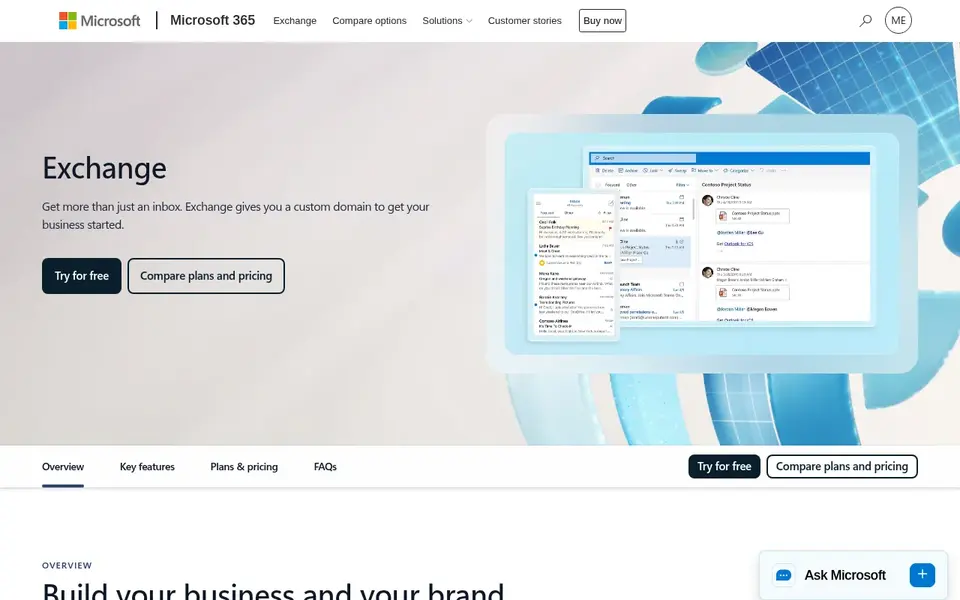
For hosted enterprise email service, Microsoft Exchange Online is a natural candidate. If you want mail and documents in one subscription, the broader suite is the more practical pick.
Where it is weaker: Best fit within Microsoft environments.
The starting price for Microsoft Exchange Online: $5.40 per user per month. Trial and free access: Free trial.
- Enterprise email focus
- Hosted or own-server choices
- Email-centric instead of full suite
Zimbra is a good fit for open standards and data sovereignty. It fits organizations with regulatory, residency or interoperability concerns that want more control than a standard consumer-style mailbox gives you.
Pricing for Zimbra is not stated here, so ask the vendor for current figures. Trial and free access: Not stated.
What to check first: Integration work can be involved.
- Plugs into proprietary business systems
- Positioned around open standards
- Deployment planning matters
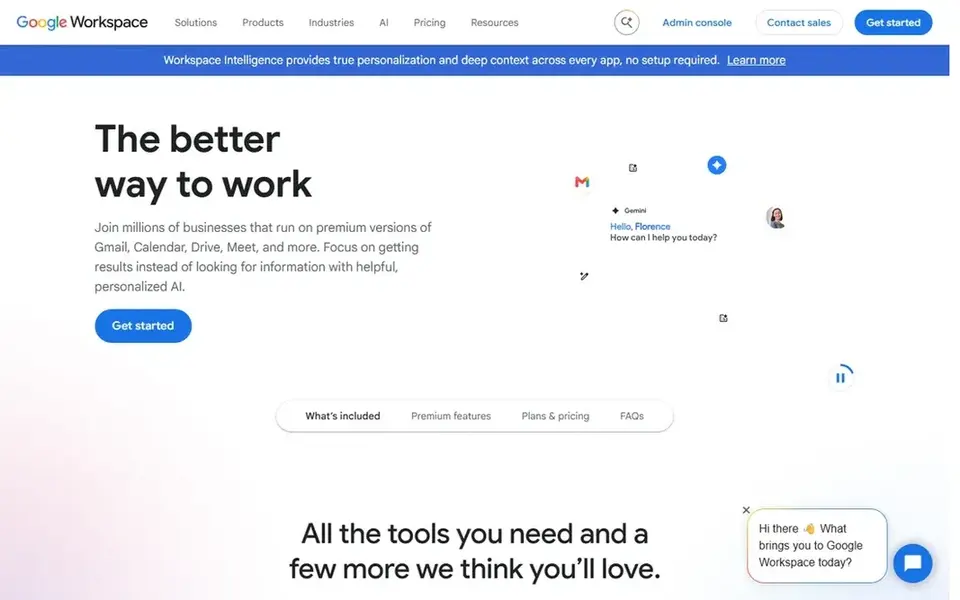
For email plus integrated productivity suite, Google Workspace is a natural candidate. Google Workspace is a suite of secure online productivity and collaboration tools that comes with business email alongside documents, calendars and meetings.
Worth adding: since Workspace is a wide suite, teams that only need a mailbox may find it heavier than required, and administrators should review how settings are organized across services. This comparison lists no price for Google Workspace; ask the vendor. Trial and free access: Not stated.
Trade-offs to know: Settings spread across plenty of services.
- Email bundled with documents and meetings
- Familiar interface for plenty of teams
- Full suite may exceed email-only needs
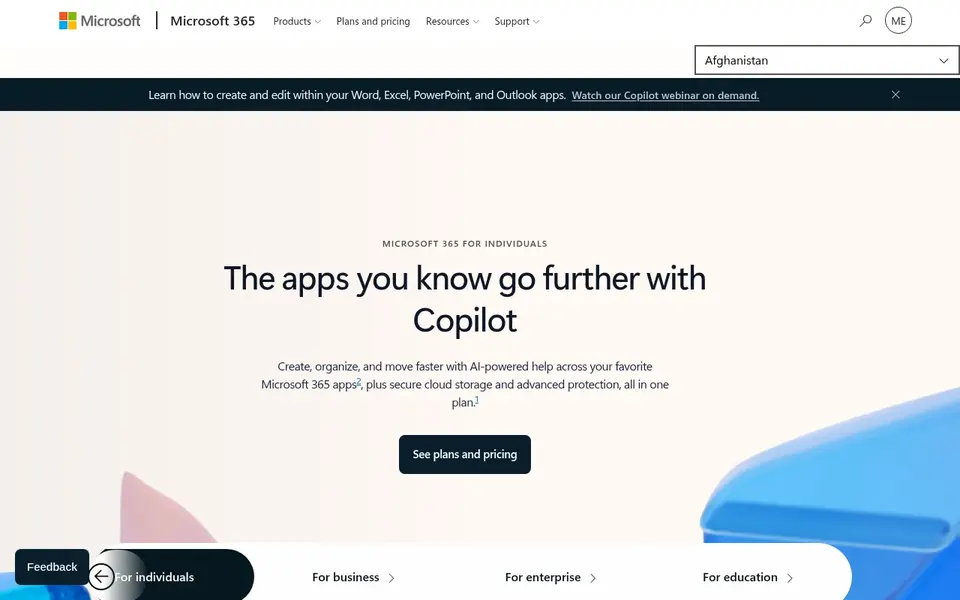
Pick Microsoft 365 if this describes you: familiar productivity apps with cloud email. The breadth of the suite means configuration choices can be complicated, and teams outside the Microsoft ecosystem may find the fit less natural.
Points against: Suited to Microsoft-centric workflows.
If your priority is a straightforward mailbox with minimal surrounding tooling, a lighter product may be simpler to administer. Check the vendor site for Microsoft 365 pricing; none is listed in this comparison. As for free access: Free trial.
- Email alongside widely used productivity apps
- Cloud services with security focus
- Feature depth can complicate setup
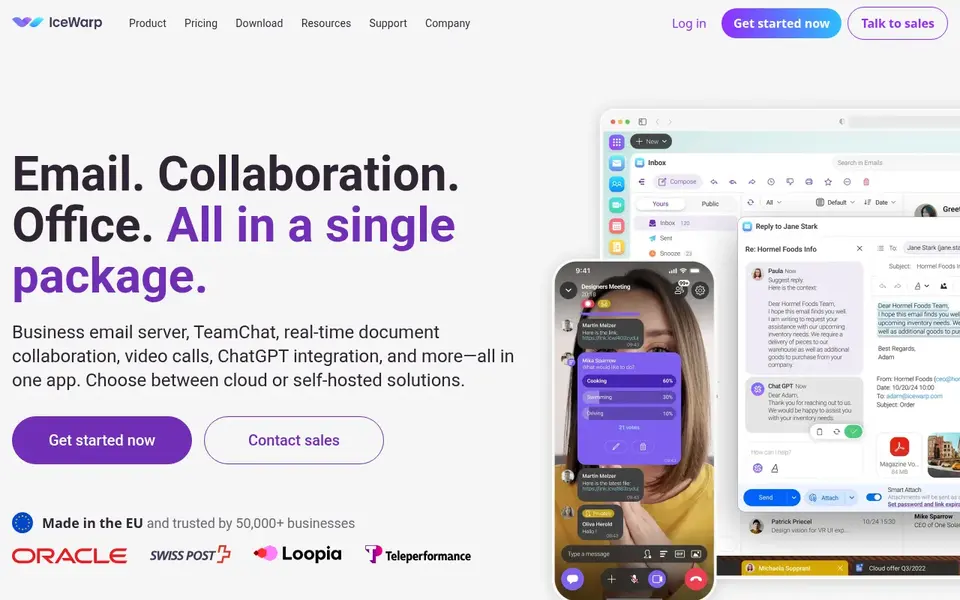
IceWarp works best for on-prem, cloud or hybrid collaboration. It supports cloud, on-premises or hybrid deployment, which makes it relevant for organizations with hosting preferences or internal infrastructure requirements beyond a standard cloud mailbox.
Running a combined suite means more configuration surface than a single-purpose mail service, and on-premises choices shift more operational work to your team. On cost, IceWarp starts like this: $1.50 per user per month. IceWarp offers a free plan.
What to check first: Wide feature set needs planning.
- European-made positioning
- On-prem or hybrid deployment
- Deployment choice brings setup decisions
Pre-purchase checklist
- Ask Zimbra, Google Workspace and Microsoft 365 for a written quote, since no starting price is shown.
- Look at the free plan from IceWarp closely: its caps decide whether it is usable for real work.
- Run a trial of Microsoft Exchange Online and Microsoft 365 with real work before paying for a year; your own workflow is the best test.
- Before choosing Microsoft Exchange Online, weigh its main limit: email-centric instead of full suite.
- Look at the renewal terms for Microsoft Exchange Online: auto-renewal, notice periods and price changes can matter more than the first-year price.
- Test the integrations you rely on with Microsoft 365 before committing; some connectors sit on upper tiers.
Frequently asked questions
What is the cheapest option for Zoho Mail in this list?
On published monthly entry prices, IceWarp is the lowest here at $1.50 per user per month. Entry price is only part of the cost, because seats, add-ons and billing terms can change the total. For the full picture, the cards above cover all 5 entries of this zoho mail alternatives list, including price, free plan and limits.
Which alternatives suit data sovereignty requirements?
Zimbra is positioned around open standards and data sovereignty, and IceWarp provides cloud, on-premises or hybrid deployment with European-made positioning. Both warrant a closer look if residency or infrastructure control is a priority, though exact choices should be confirmed with each vendor.
Can I try these tools before paying?
Often, yes. IceWarp has a free plan and Microsoft Exchange Online and Microsoft 365 offer a free trial. Use your own data and a real task during the test, and check what the free tier or trial limits before you rely on it.
Is Microsoft Exchange Online the right pick for everyone comparing Zoho Mail?
No single tool suits every team. Microsoft Exchange Online comes first because it fits hosted enterprise email service, while Zimbra suits open standards and data sovereignty and Google Workspace suits email plus integrated productivity suite. Match the tool to your own size, budget and workflow before deciding.
Which options for Zoho Mail have a free plan?
IceWarp is the only tool in this list with a free plan. Free plans usually cap users, projects or features, so check the limits on the vendor page. Several others offer a trial instead.
What is the primary difference between Google Workspace and Microsoft 365?
Google Workspace centers on Google's online tools, whereas Microsoft 365 centers on Microsoft applications and cloud services. In practice, choose based on which toolset your team already uses.
Sources
See where you really rank - block by block
ProMapRanker scans Google Maps across a grid of your service area. Simple monthly plans from $19, white-label on every plan.
Start freeBrowse all guides
← Email Verify Download: 5 Options Compared in 2026Best Cart Abandonment Email Tools for Shopify (2026) →
 best transactional email software for startups
Comparing 5 Transactional Email Software for Startups in 2026
Compare 5 best transactional email software for startups, with prices, free plans and who each fits. Each tool gets a one-line verdict. Pick by budget.
Read → best subscriber management software tools
2026 Guide to the Best Subscriber Management Software Tools
6 products for the best subscriber management software tools, ranked by fit, with starting costs and free tiers. Short verdicts, no fluff. Pick with confidence.
Read → best event email builder software
Event Email Builder Software: Best Picks of 2026
Searching for the best event email builder software? Here are 6 options with prices and free plans. Fit, price and catches for every tool. See which fits.
Read → outlook alternatives
Best Outlook Alternatives in 2026
Looking for Outlook alternatives? We compare 10 email services and apps, including Gmail, Proton Mail, Fastmail and Thunderbird, on price and privacy.
Read → best email newsletter software
Best Email Newsletter Software in 2026
Compare the best email newsletter software for creators and small businesses, with current pricing, free plans, monetization options, and honest trade-offs.
Read → best email marketing software for beginners
7 Strong Email Marketing Software for Beginners in 2026
Best email marketing software for beginners: 7 contenders ranked by fit, with entry costs and free tiers. Each tool is judged on the same checks. No filler.
Read →More in Email Marketing · All guides A to Z by date · Latest guides