 ProMapRanker
Best Outlook Alternatives in 2026

Key takeaways
- Gmail is the easiest switch for most people, thanks to strong search, calendar links and broad app support.
- Proton Mail leads here for encrypted mail, with a free tier and paid custom domain plans.
- Thunderbird and Apple Mail are the best no-cost clients if you already have an email account.
- Fastmail and Zoho Mail offer the best value for a custom domain address without a full office suite.
Quick comparison
| Pick | Great for | Pricing starts at | Free tier | |
|---|---|---|---|---|
 Gmail | most people switching from Outlook | Free | Yes | Visit |
 Proton Mail | privacy-first email | Free | Yes | Visit |
 Fastmail | custom domains without a suite | $5 per user per month | Free trial (30 days) | Visit |
 Zoho Mail | budget custom domain mail | Free | Yes | Visit |
 Thunderbird | free desktop power users | Free | Yes | Visit |
 Apple Mail | Apple device owners | Free | Yes | Visit |
 Spark | smart inbox and small teams | Free | Yes | Visit |
 Canary Mail | privacy with AI help | Free | Yes | Visit |
 eM Client | Outlook-style desktop mail | Free | Yes | Visit |
 Mailbird | simple unified desktop inbox | Free | Yes | Visit |
The best Outlook Alternatives
Outlook does mail, calendar and contacts well, but it is not the only solid choice, and it is not the cheapest route to a custom domain or a calmer inbox. Some people want stronger privacy, some want a free client for an existing account, and some want a simpler app that works the same on phone and desktop. The ten options below cover services that host your mail and clients that read mail you already own.
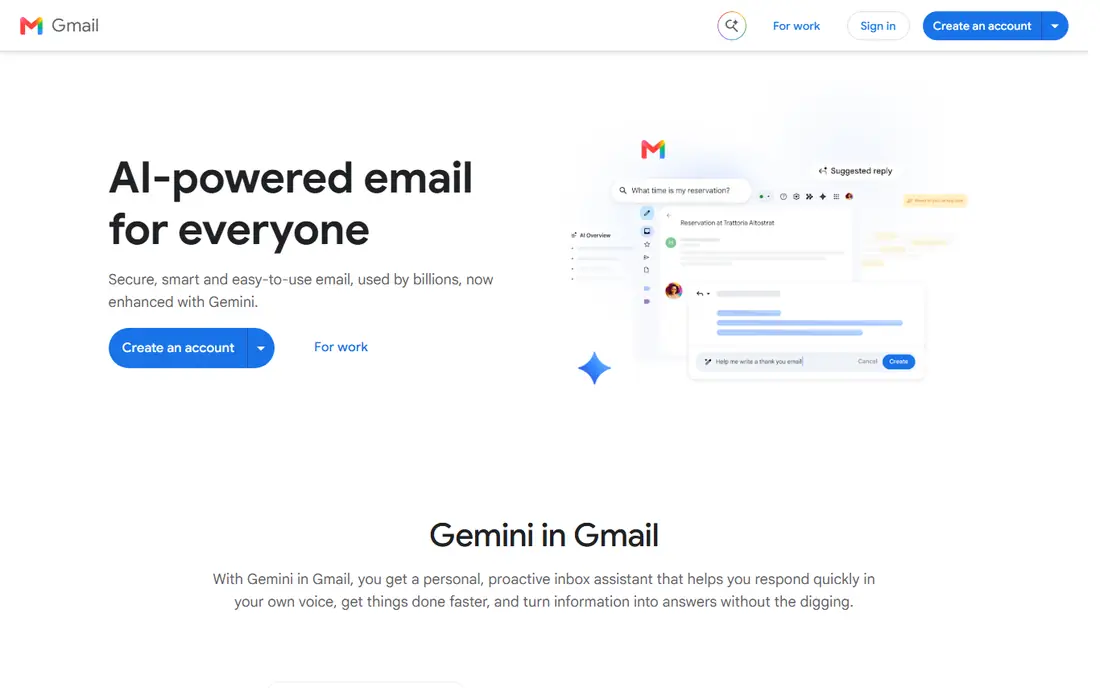
Gmail is the default answer for a reason: search finds old messages fast, spam filtering is strong, and the mobile apps are polished. Calendar invites, Drive attachments and contact sync work together without add-ons, and almost every third-party app supports a Google account. For personal mail and many small businesses, that breadth is hard to beat.
The trade-off is the Google account itself. Free Gmail shows ads and its privacy terms suit people who accept Google data practices, while business users need Google Workspace for a custom domain and admin controls. There is also no official Gmail desktop app, so desktop users rely on the web or a separate client. If those points matter, Proton Mail or Fastmail may fit better.
- Strong search and spam filtering
- Tight Google Calendar and Drive links
- Excellent mobile apps
- Ads and data use in the free consumer version concern some users
- No desktop app from Google
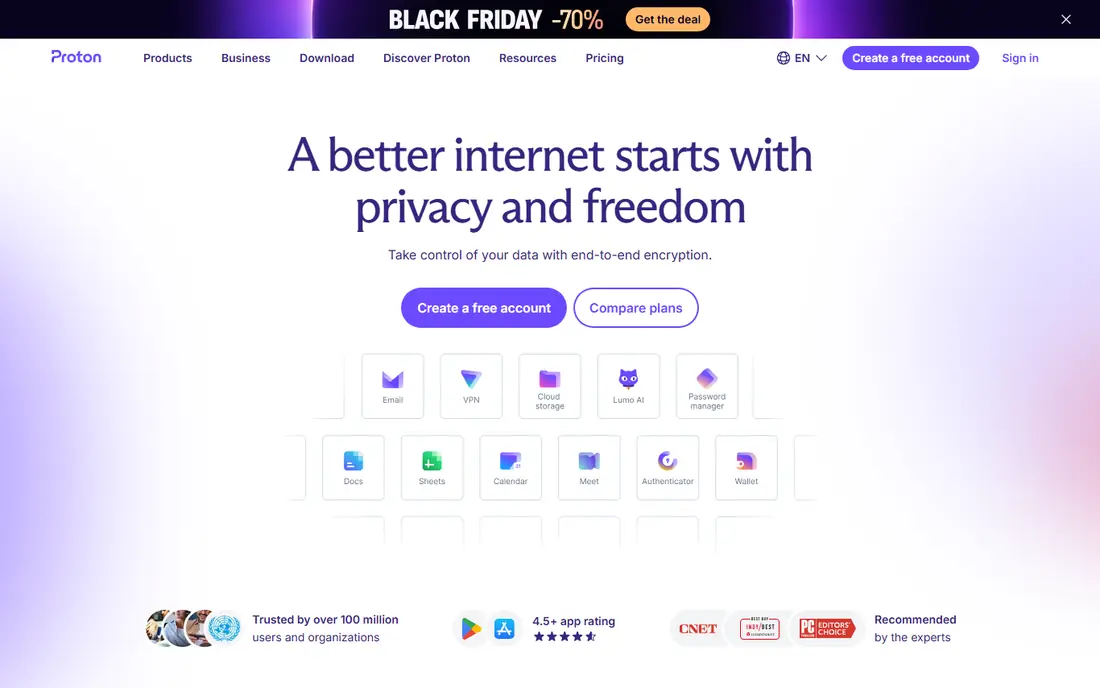
Proton Mail is built for people who want encryption and a clear privacy stance first, and a normal inbox second. Messages between Proton Mail users are end-to-end encrypted, and the service is based in Switzerland. The free plan covers basic mail, while paid plans add custom domains, more storage and access to Proton Calendar and Drive.
The catch is compatibility. Full desktop app access through IMAP uses the Proton Mail Bridge on paid plans, which adds a step that Gmail users never see. Encrypted mail to outside providers also depends on the recipient, so not every message gets the same protection. If privacy is your top priority, those steps are worth it. If ease matters more, Gmail will feel simpler.
- End-to-end encryption between Proton Mail users
- Swiss base
- Calendar and drive tools in the wider Proton suite
- Desktop IMAP access needs the Bridge app
- Custom domain and larger storage need paid plans
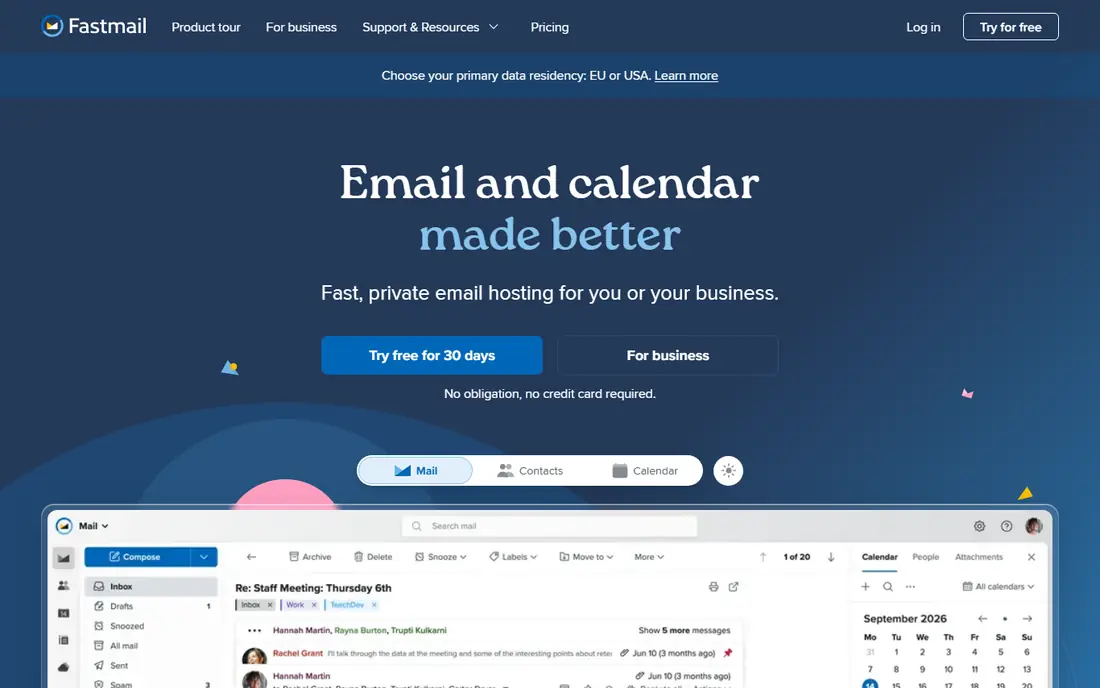
Fastmail is the pick for people who want email done well and nothing else. Webmail is fast, search is sharp, and paid plans support custom domains with generous alias options. There is no ad tracking, and support for IMAP, JMAP and standard protocols means you can use almost any app you like.
The price is per user, so a small team pays for every seat, and there is no document suite bundled in. The entry paid plan is also the realistic starting point for a custom domain, since the basic tier does not include one. For a single owner or a small team that values a clean inbox over bundled apps, Fastmail is excellent value.
- Fast webmail and mobile apps
- Unlimited aliases on paid plans
- No ad tracking
- Strong standards support
- No free plan for custom domains
- No office suite included
Zoho Mail is the budget leader for a professional address on your own domain. The free plan covers a small team, and the paid Lite plan starts at a very low per-user price. Streams lets teams comment on messages and share context, and the wider Zoho suite covers documents, CRM and accounting if you want one vendor.
The free plan has real limits: it is web only, with no IMAP or POP access for outside apps, so phone and desktop app users will need a paid plan. The interface also packs in more options than Fastmail or Gmail, which can slow down new users. If cost matters most and webmail is acceptable, Zoho Mail is hard to beat.
- Free plan for up to five users on a domain
- Low paid entry price
- Streams team collaboration
- Broad Zoho app links
- Free plan is web only and lacks IMAP
- Interface can feel busy next to Gmail or Fastmail
Thunderbird is a free desktop client for people who already have email accounts and want full control. It handles many accounts in one unified inbox, supports folders, filters and offline reading, and add-ons extend it to calendars, tasks and encryption. Being open source also means no subscription and no vendor lock-in for the app itself.
The look is more functional than fashionable, and first setup asks more questions than Gmail or Apple Mail. Calendar support comes through add-ons rather than a single built-in suite, and the Android app is still catching up to the desktop version. For desktop users who value control and cost over polish, Thunderbird remains a strong free choice.
- Free and open source
- Unified inbox for many accounts
- Add-ons for calendar and encryption
- Runs on Windows, Mac and Linux
- Interface looks dated next to modern apps
- Setup needs more care for new users
- Mobile app is still maturing
Apple Mail is the simplest switch for anyone already using an iPhone, iPad or Mac, because it is already installed and ready to add accounts. It handles iCloud, Gmail, Outlook and standard IMAP accounts in one inbox, and it respects system privacy controls such as Mail Privacy Protection. For everyday mail, it is fast and uncluttered.
The limits show up for power users. Rules, templates and search are simpler than Thunderbird or eM Client, and the best experience stays inside Apple hardware. Windows and Android users get no Apple Mail app at all. If you live in the Apple world and want mail to just work, it is an easy pick. If you need deep mail rules, look elsewhere.
- Built into Apple devices at no extra cost
- Clean design
- Strong privacy controls on device
- Works with iCloud, Gmail and Outlook accounts
- Apple devices only for the full experience
- Fewer power features than Thunderbird or eM Client
- Rules and search are basic
Spark sorts mail into Personal, Notifications and Newsletters so the inbox you see first is the one that needs action. That sorting helps Outlook users who feel buried in alerts, and the built-in calendar keeps scheduling close to the message that started it. Small teams can share drafts, comment privately and assign mail on paid plans.
The free plan covers the core smart inbox well, but team tools and AI features sit behind Plus and Pro pricing. Spark is also a cross-platform app rather than a fully native app on every system, which some Mac users notice. For a solo user who wants a calmer inbox, the free tier is a genuine alternative. For teams, check the per-user cost.
- Smart Inbox sorting
- Shared drafts and team comments on paid plans
- Calendar built in
- Same app on desktop and mobile
- Advanced team features need paid plans
- Some users prefer a native app feel over its cross-platform build
Canary Mail tries to give existing accounts a privacy upgrade without forcing a new address. It supports Gmail, Outlook, iCloud, Exchange and standard IMAP accounts in one inbox, and adds encryption options and phishing detection. Paid plans add AI writing, summaries, read receipts and more devices.
Pricing is yearly or lifetime, with no monthly option, which suits buyers who know they will stay but not testers who want a short trial. AI features are useful but still maturing, and shared team inboxes need a separate Canary product. For an individual who wants encryption and AI help across accounts they already own, Canary is a strong fit.
- Encryption options including PGP
- AI writing and summaries on paid plans
- Unified inbox across many providers
- Phishing checks
- Paid plans are yearly or lifetime only
- AI features are still maturing
- No team inbox in the main app
eM Client is the closest desktop feel to Outlook in this list, with mail, calendar, contacts and tasks in a single window. That layout suits people who miss Outlook structure but want a different vendor or a lower cost. PGP encryption is available, offline access works well, and the free plan covers two personal accounts.
The free plan limit matters: two accounts for personal use only, so multi-account users and businesses will need a paid licence. The interface packs in many options, which can feel dense at first. If you want one desktop window for mail and calendar and you use one or two accounts, the free plan is a practical Outlook replacement.
- Mail, calendar, contacts and tasks in one window
- PGP encryption
- Free plan for two personal accounts
- Good offline support
- Free plan caps at two accounts for personal use
- Business use needs a paid licence
- Interface can feel dense
Mailbird keeps desktop mail simple: one unified inbox, fast search and integrations with common apps, without the full suite weight of Outlook. It works on Windows and Mac, and the free plan lets you test the core inbox before paying. For users who mainly want a calm place to read and reply, that focus is welcome.
The free plan is narrow, covering one account on one device, and Microsoft 365 or Exchange accounts need Premium. There is also no Linux or web version, so your mail lives in the desktop app. Check the current Premium price on the vendor site, since promotions change it. For a single-account desktop user, Mailbird is an easy, low-friction switch.
- Unified inbox for many accounts
- Clean Windows and Mac apps
- App integrations
- Optional AI drafting through connected tools
- Free plan covers one account on one device
- Microsoft 365 and Exchange need Premium
- No Linux or web version
How we picked these
We compared official pricing pages, feature lists, app store listings and privacy policies for each product, and we checked that each product exists and fits the topic in October 2026. We favoured products with a usable free tier or a clear trial, honest pricing, and features that match the main use case, rather than the longest feature list. Where a price could not be verified from a current vendor page, we wrote See website instead of guessing.
We also weighed the honest drawbacks. A tool can be excellent for one user and wrong for another, so each write-up names who it fits and where it falls short. We did not claim hands-on testing we did not do, and we did not invent ratings, user counts or awards. Prices change, so check the vendor site before you buy.
How to choose an Outlook alternative
First decide if you need a new email service or just a new app. A service such as Gmail, Proton Mail, Fastmail or Zoho Mail gives you an address, storage and spam filtering. A client such as Thunderbird, Apple Mail, Spark or eM Client reads mail from accounts you already have, which is cheaper but means you still need a provider somewhere.
Check calendar and contact handling before you move. Outlook users often miss shared calendars, meeting invites and contact sync more than they miss the inbox itself. Test a calendar invite, a recurring event and a contact edit in the new tool during the trial, and confirm it works with the people you email most.
If you use a custom domain, confirm DNS setup, aliases and catch-all handling. Budget providers differ on how many aliases you get and whether IMAP is included on the free or entry plan. A low monthly price loses its appeal if you must upgrade just to use your own domain in a phone app.
Frequently asked questions
What is the best alternative to Outlook?
Gmail is the best all-round alternative for most people, because search, spam filtering, calendar and mobile apps work well together and most contacts already use Google services. Proton Mail is the better pick when privacy matters most, and Thunderbird is the better pick when you want a free desktop client for accounts you already own.
Is there a free alternative to Outlook?
Yes. Gmail, Proton Mail, Zoho Mail, Thunderbird and Apple Mail all offer free tiers or free use, though limits differ. Free plans may cap storage, block custom domains or limit IMAP access, so check the plan details if you need your own domain or desktop app access.
Can I keep my email address when switching from Outlook?
You can keep using an Outlook address in another app, since clients such as Thunderbird, Spark and eM Client can read Outlook mail through standard account setup. If you want a new address on your own domain, set up the new provider first, test sending and receiving, and then update your important accounts before closing anything.
Which Outlook alternative is best for privacy?
Proton Mail leads this list for privacy, with end-to-end encryption between Proton Mail users and a Swiss base. Canary Mail adds encryption options for existing accounts, while Fastmail offers a no-ad-tracking stance without full end-to-end encryption. Read each privacy policy if encryption for every message is a must-have.
Do Outlook alternatives work with calendars?
Most do, but the depth varies. Gmail links tightly to Google Calendar, Apple Mail links to Apple Calendar, and eM Client and Spark include calendar views. If shared team calendars and meeting room booking are central to your work, test those exact features, since a good inbox does not guarantee a good shared calendar.
Sources
See where you really rank - block by block
ProMapRanker scans Google Maps across a grid of your service area. Simple monthly plans from $19, white-label on every plan.
Start freeKeep reading
 zoho inventory alternatives
6 Alternatives to Zoho Inventory, Compared on Price and Fit
Zoho Inventory alternatives: 6 tools compared on price, free plans and fit. Katana leads the list for manufacturers. Fit and flaws are laid out for each entry.
Read → zoho crm alternatives
Best Zoho CRM Alternatives (2026)
Need Zoho CRM alternatives? We compare 7 tools on cost, free access and who each suits. Every pick gets a straight assessment. Built for quick decisions.
Read → zelle alternatives
Best Zelle Alternatives in 2026
Compare the best Zelle alternatives for sending money to friends, paying sellers and moving funds abroad, with honest notes on fees, speed and safety in 2026.
Read →