 ProMapRanker
Best Zeely Alternatives in 2026

Key takeaways
- Zeely combines ad creation with Meta campaign launch, so most replacements cover only part of that workflow.
- Creatify and HeyGen lead for video and avatar ads, while AdCreative.ai leads for static ad testing.
- Credit limits matter more than monthly price, since a plan can run out well before the month ends.
- Canva and Adobe Express suit teams that need editable designs more than AI-generated ad volume.
Quick comparison
| Pick | Great for | Pricing starts at | Free tier | |
|---|---|---|---|---|
 Creatify | URL to video ads with avatars | $39 per month | Yes | Visit |
 AdCreative.ai | Static ad creatives and testing | $39 per month | Free trial | Visit |
 HeyGen | Talking avatar videos | $29 per month | Yes | Visit |
 Predis.ai | Social creatives and scheduling | $32 per month | Yes | Visit |
 Canva | Editable ad designs for beginners | Free | Yes | Visit |
 Adobe Express | Design-led ad workflows | Free | Yes | Visit |
 InVideo AI | Prompt to video for small teams | $25 per month | Yes | Visit |
 Topview | Short-form social ads for ecommerce | $16 per month | Yes | Visit |
The best zeely alternatives
Zeely is an AI ad platform that turns a product link into image and video ads and can launch campaigns on Meta. The tools below are AI ad creative tools that cover different parts of that workflow, from video generation to static design and social scheduling. None of them is Zeely itself, and each one fits a different kind of ad team.
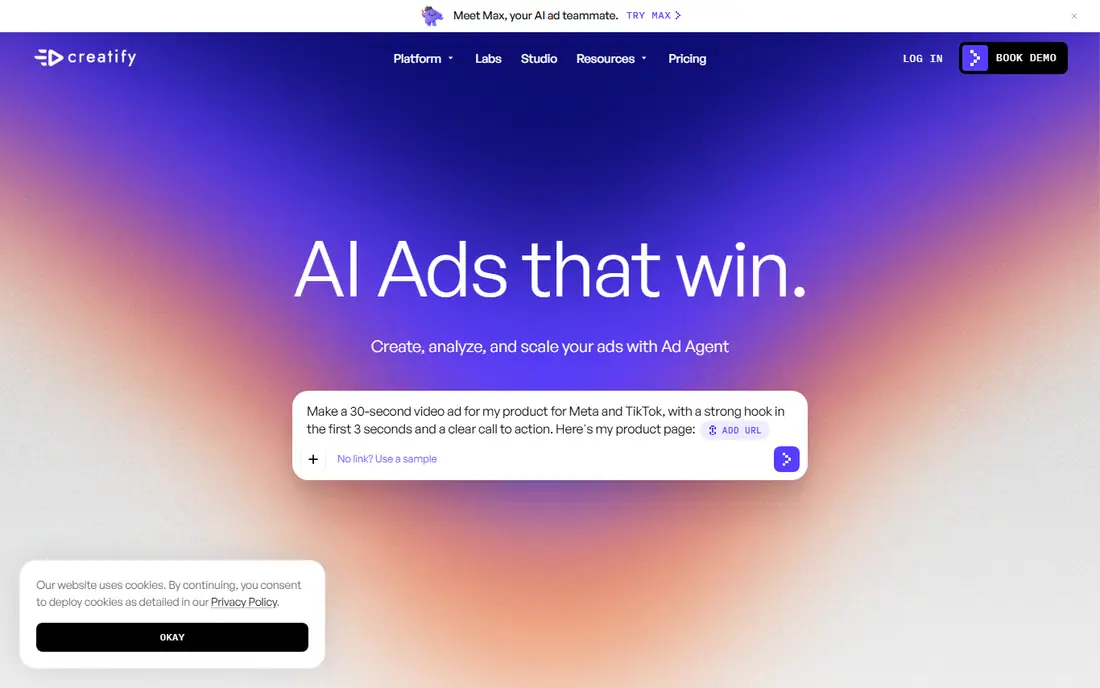
Creatify is the closest video-first replacement for a team that wants to move from a product page to a finished short-form ad without filming. Paste a URL, pick an avatar and script direction, and the tool builds a video that suits TikTok, Reels, and Shorts. That speed matters for ecommerce teams that need many variants for testing.
The limit is credits. Paid plans start at $39 per month, but the credit allowance decides how many usable videos a team actually gets, and a busy week can use that allowance fast. Teams should test the free plan with a real product, count how many credits one finished ad uses, and then choose a plan based on that number rather than the headline price.
- Turns a product URL into a video ad quickly
- AI avatars and voices included
- Free plan for testing
- Credit limits can bind on higher plans
- Static design tools are weaker than video tools
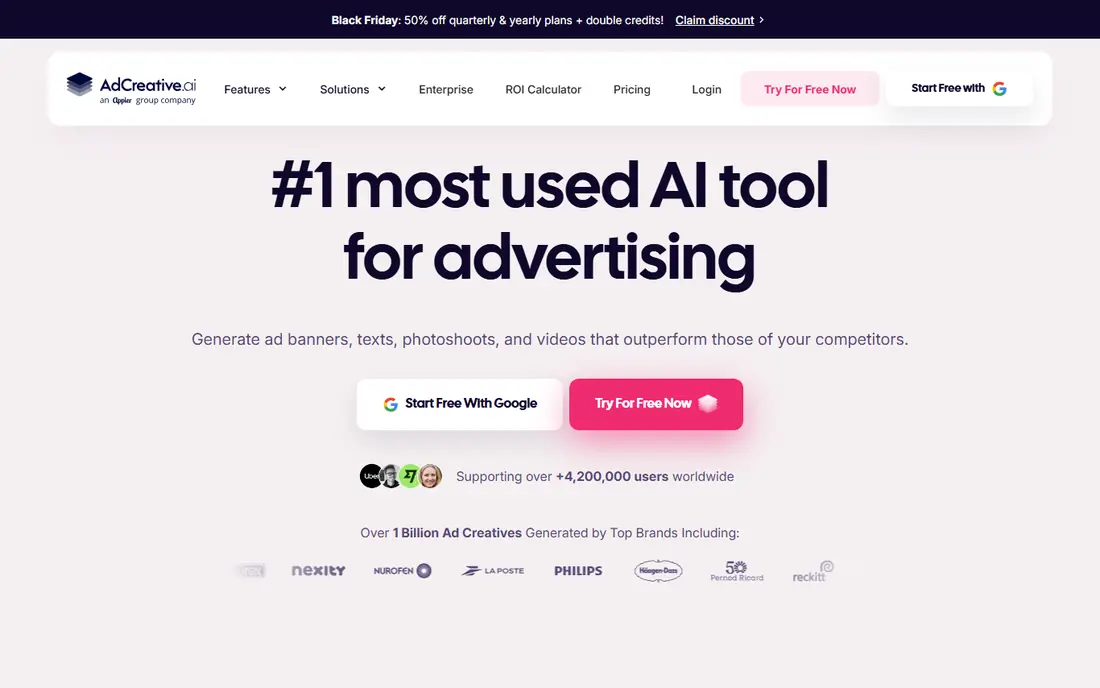
AdCreative.ai suits teams that run many static ads and need fresh variants for testing. It generates image ads in common social and display formats, adds copy, and scores creatives to help a team pick which variants to test first. That scoring is a starting filter, not a sales guarantee, but it helps a small team avoid testing obviously weak variants.
Video is the weak point. Full video features sit behind a much higher plan, so a team that needs video ads as its main format should pair AdCreative.ai with a video tool or choose Creatify instead. Billing and credit clarity have also drawn complaints, so read the current credit terms on the pricing page before subscribing.
- Fast static creative generation across formats
- Creative scoring to filter variants
- Brand kit support
- Video sits behind a higher plan
- Credit cuts in 2026 raised effective costs for some users
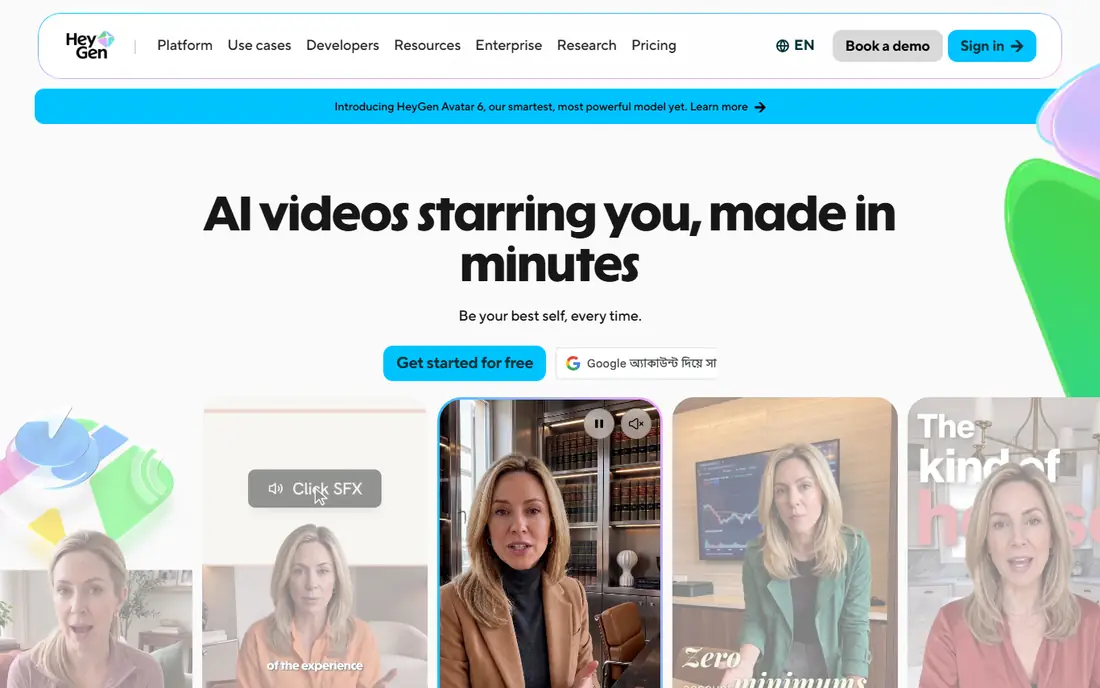
HeyGen is the pick for avatar-led video, where a presenter speaks to camera without a shoot. Its avatars and lip sync cover many languages, which helps a business selling in more than one market. The free plan allows a few watermarked videos per month, which is enough to judge avatar quality on a real script.
The catch is script quality. An avatar cannot fix a weak hook or a vague offer, and generic avatar ads are easy for viewers to skip. Teams should write a tight script, test one avatar against a real product clip, and use HeyGen where a presenter adds trust, rather than using avatars for every ad by default.
- High-quality avatars
- Lip sync in many languages
- Free plan with a few videos per month
- Avatar ads can feel generic without strong scripting
- Higher plans needed for longer videos
Predis.ai fits a small team that needs social content and ads from one tool, with scheduling built in. It generates images, carousels, videos, captions, and hashtags, which covers the daily posting workload as well as paid creative. That breadth helps a solo marketer who cannot afford separate design, video, and scheduling tools.
The limit is depth on the ad side. Predis.ai does not replace a full ad platform that launches and manages Meta campaigns, so a team that wants that closed loop will still need Ads Manager or another launch tool. As a creative and scheduling tool, though, it offers good value for its price.
- Images, carousels, videos, and captions in one tool
- Social scheduling included
- Free entry tier
- More social content tool than full ad workflow
- No direct Meta campaign launch like Zeely
Canva is the easiest starting point for a team that needs editable ad designs without learning a design tool. Templates cover social, display, and video formats, and the free tier is generous enough for a small business to produce real ads. Paid plans add brand kits, background removal, and more AI features for teams that need consistency.
Canva is not an ad testing platform. It cannot predict which creative will perform, and it does not push creatives to ad accounts or manage campaigns. A team that uses Canva should still test variants in Ads Manager and track results there, rather than expecting Canva itself to judge performance.
- Generous free tier
- Huge template library
- Easy editing and brand kit on paid plans
- Lighter on ad testing depth
- No performance prediction or campaign launch
Adobe Express suits a team that already works with Adobe assets and wants polished, on-brand ads. Its design tools, templates, and stock assets produce cleaner layouts than a pure AI generator, and the free plan covers basic work. Export options suit teams that publish across Google, TikTok, LinkedIn, and Amazon.
The trade-off is workflow. Adobe Express is a design tool first, not an ad testing tool, so it does not generate large batches of variants for performance testing in the way AdCreative.ai does. A design-led team that values control over volume will like it, while a performance team that needs dozens of variants per week should look elsewhere.
- Strong design tools with Adobe assets
- Free plan for basic work
- Good export options
- Not built for ad testing first
- AI ad generation is less central than in Creatify or AdCreative.ai
InVideo AI fits a team that starts from an idea rather than from footage. Type a topic or prompt, and the tool builds a video with script, voice, and stock clips, which a small team can then edit. That approach works well for explainers, product introductions, and short social videos where filming is not practical.
The output still needs human review. Stock clips can feel generic, voice and pacing may not match a brand, and export limits vary by plan. Teams should budget editing time for every video, and test the free plan with a real brief before paying, since prompt quality decides much of the result.
- Turns a text prompt into a finished video
- Stock media included
- Free plan for testing
- Outputs need editing for brand fit
- Credit and export limits vary by plan
Topview is a budget option for ecommerce teams that live on TikTok and Reels. Its templates follow short-form trends, and its entry price on annual billing undercuts several rivals, which helps a small store testing paid social for the first time. The free plan lets a team check template fit before paying.
The limit is range. Topview is built for short social ads, not for longer brand films or complex explainers, and avatar quality depends on the plan. A store that needs only short product ads will get good value, while a team with broader video needs should pair it with a more general editor.
- Low entry price on annual billing
- Social-native templates
- Trending ad formats for TikTok and Reels
- Less suited to long-form or brand film work
- Avatar quality varies by plan
How we picked these
We compared official pricing pages, feature pages, and public reviews for AI ad creative tools that were operating in October 2026. We kept only tools with a real, current product and a published or clearly stated price, and we wrote See website where pricing was not clear enough to quote. Where a price differed across sources, we used the figure from the most recent vendor or comparison check and noted credit limits as a key factor.
We also weighed workflow coverage, not just generation quality. Zeely covers creation plus campaign launch, so no single replacement covers everything, and the honest comparison is to show which part each tool covers well. That is why this list mixes video, static, design, and social tools rather than eight near-identical generators.
How to choose an AI ad tool without wasting credits
Start with the format that actually drives your sales. If short video drives results, a video tool should come first, even if a static tool is cheaper. If static image ads drive results, a static generator with testing features will beat a video tool that produces clips you never run. Match the tool to the format, not to the feature list.
Next, measure cost per usable ad, not cost per month. Generate ten ads on a trial or free plan, count how many you would actually run, and divide the monthly price by that usable count. A cheap plan that wastes credits on unusable output costs more than a pricier plan with a higher usable rate. Also check whether credits expire, whether exports carry a watermark, and whether commercial use is included.
Finally, keep a human in the loop for claims and compliance. AI tools can invent product benefits, misstate prices, or use phrasing that breaks platform ad rules. Check every claim against the product page, confirm pricing and offer terms, and review the ad on a phone before launch, since most paid social viewing happens there.
Frequently asked questions
Can one tool fully replace Zeely?
No single tool in this list fully replaces Zeely, because Zeely combines creation with Meta campaign launch in one platform. Most teams will pair a creative tool such as Creatify or AdCreative.ai with Meta Ads Manager for launch and reporting. That split is workable, and it often gives more control over budgets and audiences.
What is the cheapest Zeely alternative for a small store?
Topview has the lowest entry price in this list on annual billing, and Canva and Adobe Express offer free plans for design work. The cheapest usable option depends on format, since a free design tool cannot replace a video generator. Test the free tier on a real product before paying for any plan.
Do AI ad tools own the ads they generate?
Ownership and commercial use terms vary by vendor and plan, so read the terms page for the tool you choose. Most paid plans allow commercial use of generated ads, while free plans may limit use or add watermarks. If ownership matters for a client or a brand, confirm it in writing before running a large campaign.
Will AI-generated ads perform as well as filmed ads?
They can, for short product ads with a clear offer, but filmed or real product footage often wins for trust and detail. The safest approach is to test AI ads against a real product clip on the same audience and budget, then scale the winner. Creative quality, hook, and offer matter more than whether the ad was filmed or generated.
How many credits does one ad use?
It varies by tool, format, and length, and vendors change credit costs without much notice. Creatify, AdCreative.ai, HeyGen, and InVideo AI all use credit or allowance systems, so generate a real ad on a trial and note the cost before subscribing. A plan that looks cheap can run out fast if each ad uses many credits.
Do these tools launch ads on Meta automatically?
Most tools in this list do not launch Meta campaigns directly. Zeely is unusual in combining creation with launch, while Creatify, AdCreative.ai, HeyGen, and others focus on creative generation and export. Export the finished creative and launch it through Meta Ads Manager, where you control budget, audience, and placement.
Sources
See where you really rank - block by block
ProMapRanker scans Google Maps across a grid of your service area. Simple monthly plans from $19, white-label on every plan.
Start freeKeep reading
 zoro.to alternatives
Best Zoro.to Alternatives in 2026
We compare the best zoro.to alternatives in 2026, listing only legal licensed anime streaming services, from Crunchyroll to free options for fans today.
Read → zip alternatives
Best Zip Alternatives in 2026
We compare the best zip alternatives for buy now, pay later in 2026, covering pay-in-4 plans, fees, spending limits, and credit reporting options today.
Read → yesware alternatives
Best Yesware Alternatives in 2026
Compare the best yesware alternatives for sales email tracking, templates, and sequences, with current pricing and honest tradeoffs for small sales teams.
Read →