 ProMapRanker
Best Workona Alternatives in 2026


Visual link collections and shared spaces · Pricing starts at: $4.50 per member per month
Key takeaways
- Workona itself does not appear in this list, because this article lists alternatives to Workona only.
- Session Buddy and OneTab are free and suit a solo user who wants to save and restore sessions without a subscription.
- Toby suits a visual thinker who organizes links into boards, while Tablerone suits a user who wants simple tab grouping in Chrome and Edge.
- Check browser support first, because several tools work only in Chrome and Edge, while others support Firefox or many browsers.
Quick comparison
| Pick | Great for | Pricing starts at | Free tier | |
|---|---|---|---|---|
| Toby | Visual link collections and shared spaces | $4.50 per member per month | Yes | Visit |
 Session Buddy | Saving and restoring browser sessions | Free | Yes | Visit |
 OneTab | Clearing tab clutter in one click | Free | Yes | Visit |
 Tablerone | Simple tab grouping and saving | Free | Yes | Visit |
 SupaSidebar | Tab workspaces across many browsers | See website | Yes | Visit |
 Sift | Fast local tab search and window layout | See website | Yes | Visit |
 Tabs Outliner | Outlining hundreds of open tabs | $15 once | Yes | Visit |
 Tab Stash | Saving tabs with Firefox Sync support | Free | Yes | Visit |
The best Workona alternatives
Workona organizes browser tabs into cloud workspaces by project, with shared spaces, documents, and notes attached to each workspace. The tools below cover the same core job in different ways: saving sessions, grouping tabs, searching open tabs, or building visual collections. Our pick for most solo users is Session Buddy, because it is free, local, and strong at saving and restoring whole windows.
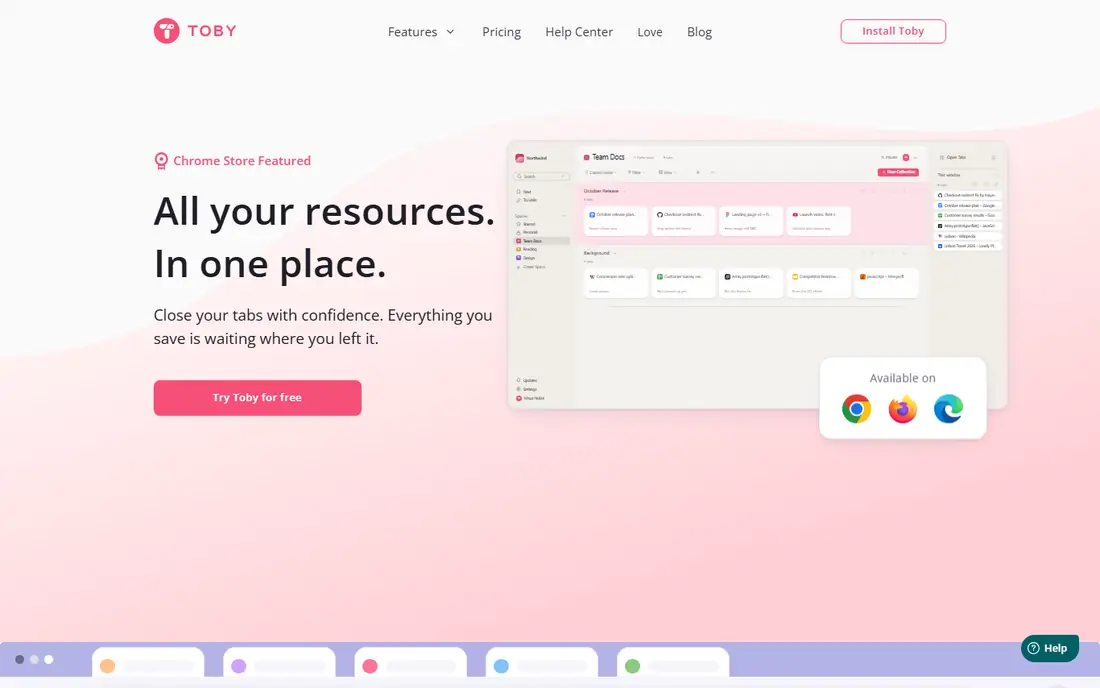
Toby fits a visual thinker who prefers boards over lists. Links sit on cards that can be dragged into collections, and a new tab page shows those collections at a glance. Teams can share spaces, which makes Toby useful for a shared research set or onboarding links.
The catch is the free cap. The free plan limits collections to 60 tabs, and the paid plan costs $4.50 per member per month for unlimited collections and session saving. A user with hundreds of saved tabs should check the paid tier before committing.
- Visual boards replace long link lists
- Shared spaces for team collections
- Session saving on paid plans
- Free plan caps collections at 60 tabs
- Chrome and Edge focus limits Firefox and Safari users
Session Buddy fits a researcher or writer who opens many windows and needs to restore them later. Sessions save automatically in local storage, and a user can search saved tabs, restore a single window, or recover a closed session after a crash. Local storage also appeals to a user who prefers data to stay on the device.
The trade-off is browser scope and sync. Session Buddy works in Chrome and Edge, not Firefox or Safari, and cloud collections are rolling out separately from the free local tool. For a Chrome user who wants free, dependable session saving, it is the strongest pick here.
- Fully free core tool for session saving
- Automatic local backups of windows
- Search across saved sessions
- Chrome and Edge only
- Cloud sync is a separate paid rollout
- Native tab group saving remains limited
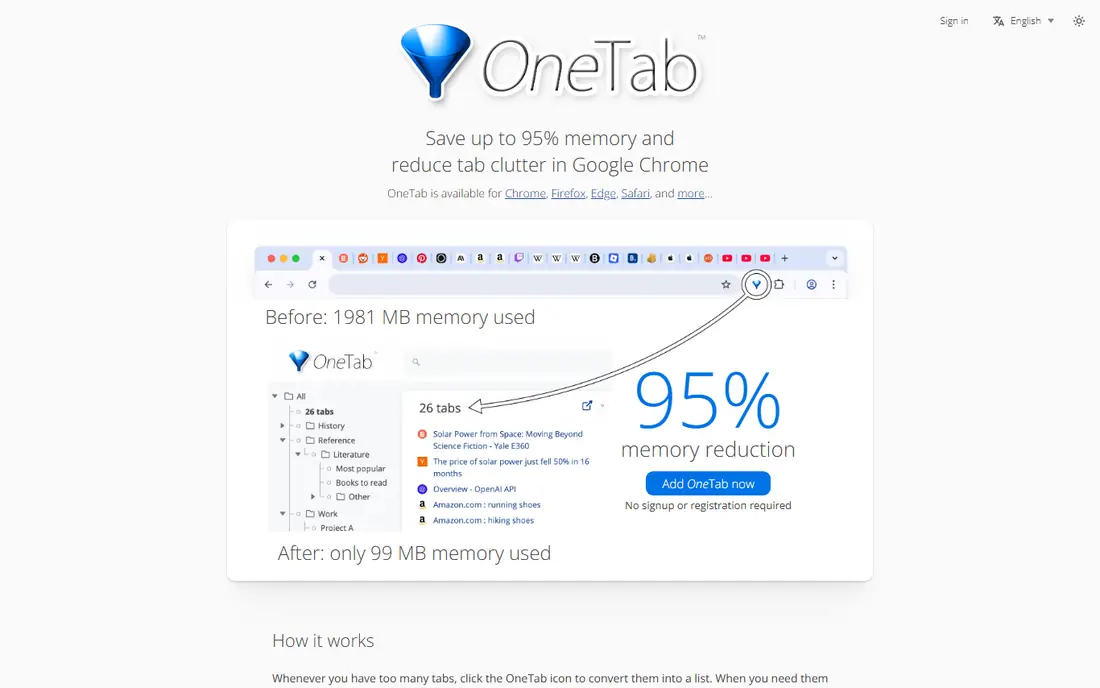
OneTab fits a user whose main problem is tab clutter right now. One click turns every open tab into a saved list, freeing memory and clearing the tab strip, and tabs can be restored one by one or all at once. There is no workspace setup, no account requirement for basic use, and no learning curve.
The limit is organization. Saved tabs sit in plain lists with no tags, no search across old lists in the free tool, and no workspace structure. For quick cleanup, OneTab is unmatched, and for long-term project organization, pair it with a tool like Toby or Session Buddy.
- One click collapses all open tabs into a list
- Frees browser memory quickly
- Simple interface with no setup
- Lists lack tags and visual organization
- Restoring a full window layout is limited
- Interface feels dated
Tablerone fits a user who wants Workona-style grouping without a subscription or a heavy workspace system. Tabs group by project, sessions save automatically, and the interface stays close to the browser itself. For a solo user who works in Chrome or Edge, it covers the daily grouping job well.
The catch is scope. Tablerone lacks team sharing depth and document integrations, and it does not support Firefox or Safari. A team that needs shared workspaces should look at Toby or SupaSidebar instead.
- Simple tab grouping with overnight auto-save
- Clean interface for Chrome and Edge
- Free core tool
- Chrome and Edge only
- Fewer collaboration features than Workona
- Smaller user community
SupaSidebar fits a user who works across several browsers, for example Safari for personal browsing and Chrome for work. Instead of living inside one browser, it manages spaces at the operating system level and works with many browsers at once. Live tabs stay searchable, and spaces sync through iCloud.
The trade-off is price and maturity. Only three spaces are free, and the paid plan is needed for unlimited spaces, while the product is newer than Session Buddy or Toby. For a multi-browser workflow, the cross-browser design is a genuine advantage that no single-browser extension matches.
- Works across many browsers from one app
- Always-on live tabs with fuzzy search
- ICloud sync for saved spaces
- Paid plan needed beyond three free spaces
- Newer product with a smaller track record
- Setup differs from a browser extension
Sift fits a user who keeps hundreds of tabs open and needs to land on the right one fast. A keyboard shortcut opens a search overlay across every window, with filters, per-tab names and colors, and saved layout snapshots. Local tab features work without an account, which suits a privacy-minded user.
The catch is the workspace model. Sift is a tab finder and window organizer first, not a shared workspace platform, so teams that curate shared tab sets will find Workona-style sharing stronger elsewhere. For speed and local search, Sift is a strong alternative.
- Fast local search across all open windows
- No account needed for local features
- Saved layout snapshots for window recovery
- Workspace sharing is thinner than Workona
- Newer product with less documentation
- Mac focus in early versions
Tabs Outliner fits a tab hoarder who thinks in outlines. Open windows, tab groups, and individual tabs appear in a tree that can be rearranged, annotated, and saved, and closed tabs stay in the outline for later recovery. The Pro version costs $15 once, with Drive backup included, which avoids a monthly subscription.
The trade-off is learning curve and browser scope. The interface is dense at first, and the tool works in Chrome only. For a Chrome user with hundreds of tabs who wants an outline view, it is the most structured option here.
- Tree outline of windows, groups, and tabs
- Notes and annotations on saved tabs
- One-time Pro price with no subscription
- Chrome only
- Interface takes time to learn
- No cloud sync in the free tool
Tab Stash fits a Firefox user who wants a free, simple way to stash tabs for later. Tabs save into named groups, search finds a stashed tab quickly, and Firefox Sync carries saved tabs across devices for Firefox users. There is no subscription and no account beyond Firefox itself.
The limit is browser scope. Tab Stash is Firefox only, so Chrome and Edge users should choose Session Buddy or Tablerone instead. For a Firefox-only workflow, it is a clean, free replacement for Workona grouping.
- Fully free tool for saving tabs
- Search across saved tabs
- Sync through Firefox Sync for Firefox users
- Firefox only
- No Chrome or Edge version
- Organization is list-based rather than visual
How we picked these
We compared official extension pages, developer sites, and documentation for tab managers that cover Workona core work: grouping tabs by project, saving sessions, searching saved tabs, or building shared collections. We favored tools actively maintained in 2026 with clear browser support and pricing, and we excluded tools that only block distracting sites or only change the new tab page with no saving feature.
How to choose a tab manager for a real workflow
Start by naming the actual problem: clutter, lost sessions, slow searching, or shared research. A clutter problem needs OneTab, a lost session problem needs Session Buddy, a search problem needs Sift, and a shared research problem needs Toby. Installing every tool at once creates a second mess, so pick one primary tool and one backup habit, such as a weekly export.
Browser support and data ownership
Check browser support before installing, because several strong tools work only in Chrome and Edge. Also check where saved tabs live: local storage keeps data on a device, while cloud sync moves it to a vendor server and needs an account. A user who switches browsers or devices should favor a tool with export or sync that matches their setup.
Frequently asked questions
Is Workona itself in this list?
No. This article lists alternatives to Workona only, so Workona does not appear as a product here. The tools above cover tab workspaces, session saving, and tab organization from other developers.
Which Workona alternative is completely free?
Session Buddy, OneTab, Tablerone, and Tab Stash are free for their core features. Toby, SupaSidebar, and Sift offer free tiers with limits, and Tabs Outliner offers a free tool with a $15 one-time Pro upgrade.
Which alternative works in Firefox?
Tab Stash is built for Firefox, and SupaSidebar works across many browsers including Firefox. Session Buddy, Tablerone, and Tabs Outliner focus on Chrome and Edge, so Firefox users should start with Tab Stash or SupaSidebar.
Do I need a paid plan for tab workspaces?
Not always. Free tools cover grouping and session saving for a solo user, while paid plans add unlimited spaces, shared collections, or cloud sync. Start free, and upgrade only when a limit actually blocks daily work.
What happens to saved tabs if I uninstall an extension?
Saved tabs stored locally may be lost when an extension is removed, unless the tool offers export or cloud sync. Export important sessions before uninstalling, and favor a tool with sync or export for long-term research sets.
Sources
See where you really rank - block by block
ProMapRanker scans Google Maps across a grid of your service area. Simple monthly plans from $19, white-label on every plan.
Start freeKeep reading
 zoro.to alternatives
Best Zoro.to Alternatives in 2026
We compare the best zoro.to alternatives in 2026, listing only legal licensed anime streaming services, from Crunchyroll to free options for fans today.
Read → zip alternatives
Best Zip Alternatives in 2026
We compare the best zip alternatives for buy now, pay later in 2026, covering pay-in-4 plans, fees, spending limits, and credit reporting options today.
Read → yesware alternatives
Best Yesware Alternatives in 2026
Compare the best yesware alternatives for sales email tracking, templates, and sequences, with current pricing and honest tradeoffs for small sales teams.
Read →