 ProMapRanker
Workfront Alternatives in 2026


Clean, structured team coordination · Pricing starts at: $10.99 per user per month
Key takeaways
- Asana and monday.com are the easiest Workfront alternatives for teams that need fast adoption and clear task ownership.
- Wrike and Smartsheet fit larger, more structured operations with resource planning, proofing, or spreadsheet-style control.
- ClickUp offers the most features per dollar, but it needs setup time to avoid feeling crowded.
- Price per user is only part of the cost, since seat minimums, automation limits, and add-ons change the monthly bill.
Quick comparison
| Pick | Great for | Pricing starts at | Free tier | |
|---|---|---|---|---|
| Asana | Clean, structured team coordination | $10.99 per user per month | Yes | Visit |
 monday.com | Visual boards and fast onboarding | $9 per seat per month | Yes | Visit |
 ClickUp | All-in-one workspace on a budget | $7 per user per month | Yes | Visit |
 Smartsheet | Spreadsheet-style project operations | $9 per user per month | Free trial | Visit |
 Wrike | Enterprise resource and proofing work | $10 per user per month | Yes | Visit |
 Jira | Software and IT delivery teams | $7.91 per user per month | Yes | Visit |
 Notion | Docs, wikis, and projects in one place | $10 per seat per month | Yes | Visit |
 Teamwork.com | Client work and billable time | $9.99 per user per month | Free trial | Visit |
The best workfront alternatives
Workfront, now Adobe Workfront, is built for enterprise work management, with structured workflows, approvals, and portfolio reporting. Many teams leave it because it feels heavy, costly, or slow to change. The alternatives below cover lighter task tools, visual boards, spreadsheet-style operations, and enterprise-grade planning, so a team can match the tool to its real workload.

Asana is a strong first alternative for a team that wants structure without enterprise weight. Tasks, projects, goals, and portfolios fit together in a clear way, and the workflow builder helps repeatable processes run the same way each time. Paid plans add AI features such as smart status updates and summaries, which can save time on reporting.
The limit is depth in resource planning and time tracking. Those features exist, but the strongest versions sit in higher tiers. We would pick Asana for cross-functional teams running campaigns, launches, and repeatable processes, and we would check the Advanced plan if resource planning becomes central.
- Clear tasks, projects, goals, and portfolios
- Workflow builder and AI summaries on paid plans
- Easy guest access for outside collaborators
- Time tracking starts on higher plans
- Resource planning is lighter than Wrike
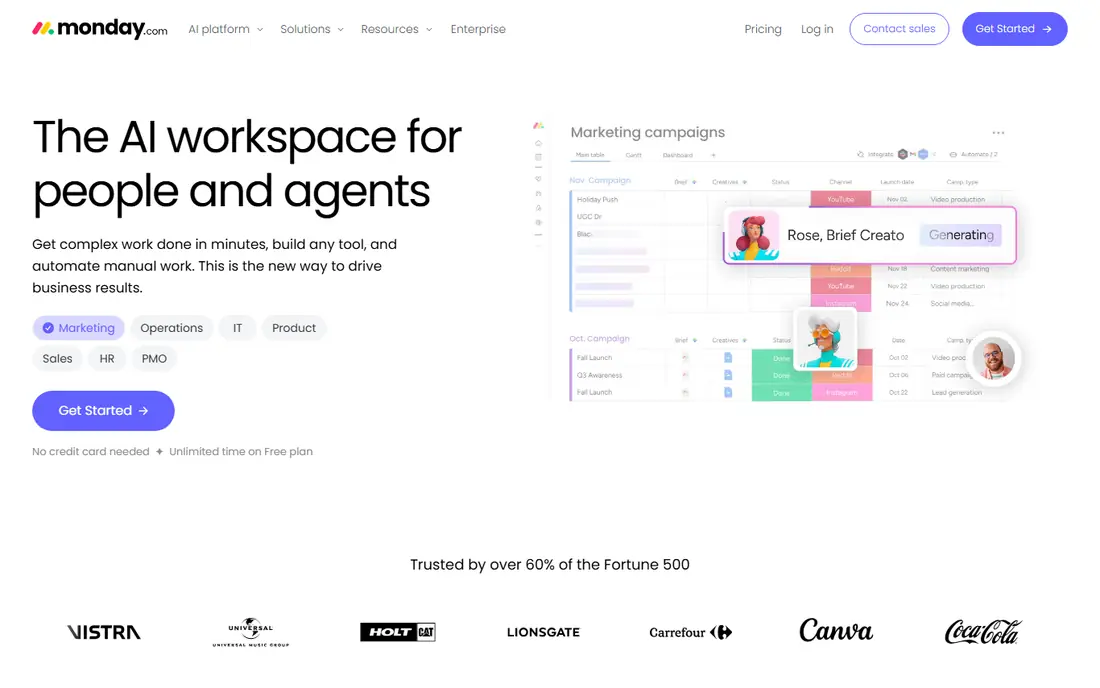
monday.com works well when adoption is the main risk. Boards are visual, status columns are easy to scan, and most team members can start updating work without training. Dashboards, automations, and AI agents help managers see progress without chasing updates in chat.
Cost needs care. Paid plans start at 9 dollars per seat per month on annual billing, with a three-seat minimum, and automation limits can push a busy team to a higher tier. We would recommend monday.com for teams that value a visual, low-friction start, and we would price automations and guests before committing.
- Colorful boards that are easy to read
- Many column types, dashboards, and automations
- Fast onboarding for non-technical teams
- Three-seat minimum on paid plans
- Automation caps can raise costs on higher use
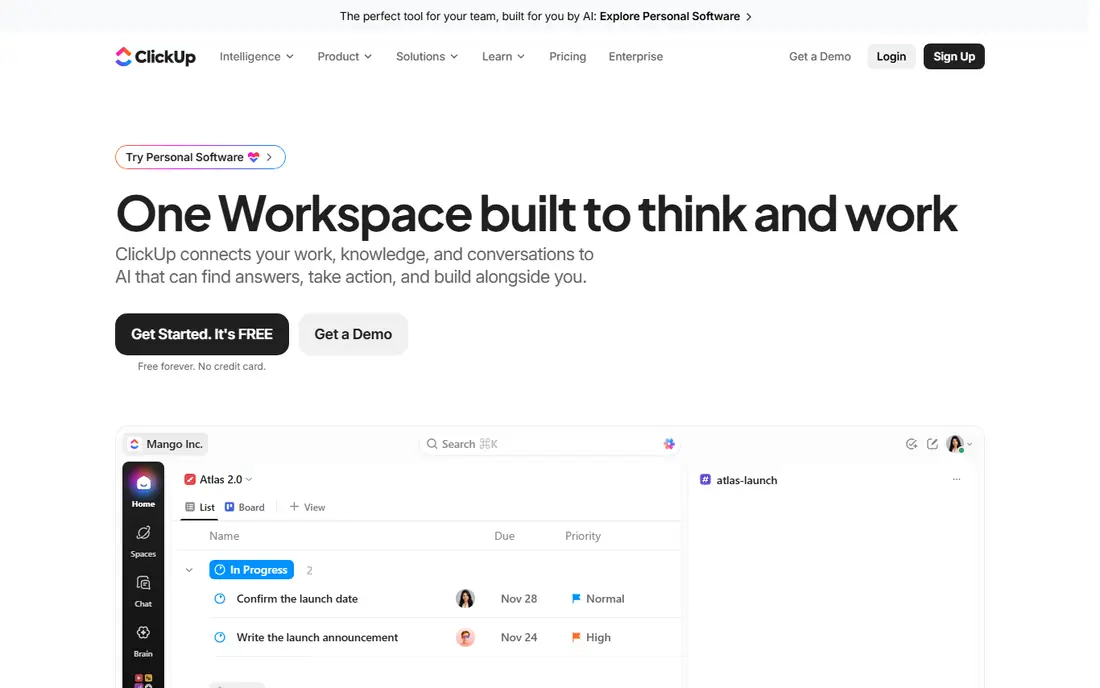
ClickUp is the value pick for teams that want to replace several tools at once. Tasks, docs, whiteboards, goals, dashboards, and time tracking live in one workspace, and the free plan covers unlimited members for basic use. Paid plans start at 7 dollars per user per month on annual billing, which is lower than most rivals here.
That breadth is also the risk. Without clear standards for views, statuses, and folders, a workspace can grow messy fast. We would pick ClickUp for a team willing to invest a few days in setup and governance, and we would keep the structure simple at first, adding features only when a real need appears.
- Tasks, docs, goals, dashboards, and time tracking in one place
- Free plan with unlimited members
- Low paid starting price
- Feature depth can feel crowded
- Setup and admin time are needed to keep it tidy
Smartsheet suits operations teams that already think in rows and columns. The grid view makes schedules, budgets, and task lists easy to scan, while card, Gantt, and calendar views cover other work styles. For programs with many projects, Control Center and resource management add structure without forcing a totally new way of working.
Pricing starts at 9 dollars per user per month on annual billing for the Pro plan, with a 30-day trial rather than a free plan. Advanced features, connectors, and capacity planning can require higher tiers or add-ons. We would shortlist Smartsheet when the team lives in spreadsheets and wants control, not when it wants a simple task board.
- Grid-first view that spreadsheet users already understand
- Control Center and resource tools for larger programs
- Strong reporting and dashboards
- No permanent free plan, only a trial
- Advanced portfolio and capacity features can require add-ons
Wrike is the closest enterprise alternative to Workfront on this list. Workload charts, resource views, proofing, and approvals support creative and cross-department work at scale. It also offers AI assistance for summaries and task creation on suitable plans, which can help large teams stay current.
Small teams may find the setup heavy, and the most useful depth is not in the entry plan. Paid plans start at 10 dollars per user per month on annual billing, with a free plan for small teams to test the basics. We would pick Wrike for a PMO, agency, or enterprise team that needs resource planning and proofing, not for a team that only needs a task list.
- Workload charts and resource views
- Proofing and approvals for creative work
- Strong portfolio and reporting tools
- Setup can be heavy for small teams
- Full depth sits in higher Business and Enterprise tiers
Jira is the natural pick for software and IT teams moving from Workfront. Scrum boards, Kanban boards, sprints, backlogs, and roadmaps are core strengths, and the free plan for up to 10 users makes it cheap to start. Paid plans start at 7.91 dollars per user per month on annual billing for the Standard plan.
Non-technical teams may find configuration and terminology less friendly than Asana or monday.com. Marketing workflows, approvals, and creative proofing need extra setup or apps. We would recommend Jira when delivery is software-led and agile planning matters, and a lighter tool when the work is mainly marketing tasks.
- Strong Scrum, Kanban, and agile planning
- Free for up to 10 users
- Deep Atlassian ecosystem with Confluence
- Configuration can feel complex for non-technical teams
- Marketing and creative workflows need extra setup
Notion fits knowledge-centered teams that want documents and projects together. Briefs, specs, wikis, and task databases can live in one place, so a team spends less time switching tools. The Plus plan starts at 10 dollars per seat per month on annual billing, with a free plan for individuals and small teams.
It is not a full enterprise project control system. Resource planning, proofing, and portfolio governance are lighter than in Wrike or Workfront. We would pick Notion when docs and collaboration matter as much as tasks, and we would pair it with a stricter process for deadlines if the team runs many parallel projects.
- Docs, wikis, databases, and tasks in one workspace
- Flexible pages for briefs, specs, and plans
- Free plan for individuals and small teams
- Project controls are lighter than Wrike or Smartsheet
- Large databases need care to stay fast and tidy
Teamwork.com is built for agencies and services teams that bill clients. Time tracking, retainers, expenses, client access, and profitability reports are central, not add-ons. That focus helps a services team see which projects make money and which ones drain time.
Internal teams without billable work will get less value from those features. Paid plans start at 9.99 dollars per user per month, with a free trial to test the workflow. We would pick Teamwork.com when client billing and profitability are core to the business, and a general task tool when they are not.
- Time tracking, retainers, and profitability reporting
- Client users and invoicing built in
- Clear project templates for services teams
- Less useful for internal teams without billable work
- Some advanced reporting sits in higher tiers
How we picked these
We compared official pricing pages, feature pages, and public documentation for each tool, and we included only live products in October 2026. We favored tools that cover the main Workfront jobs: task and project tracking, approvals, timelines, reporting, and portfolio views. We also mixed light, visual, spreadsheet-style, and enterprise options, so teams of different sizes can find a realistic match.
We did not claim hands-on testing that did not happen. We compared published prices, free plan limits, and feature scope from vendor pages, and we wrote See website nowhere in this article because the core starting prices were published. Where a feature sits in a higher tier, we said so rather than implying it is in every plan.
How to choose a Workfront alternative
Start with who does the work and how it is approved. A creative team needs proofing and approvals. A services team needs time and billing. A software team needs sprints. The right tool follows the workflow, not the other way around.
Test with a real project
Run one real project end to end in a trial, including intake, assignment, approval, and reporting. That test reveals whether the tool fits daily habits. A demo alone hides setup effort, permission quirks, and reporting limits.
Price the full team, not just editors
Check seat minimums, guest rules, viewer access, and automation limits. A low per-user price can grow fast when every stakeholder needs a paid seat or when automations hit a cap. Ask for a quote for the full team size before deciding on price alone.
Plan the migration
Export Workfront projects, templates, and custom fields before switching, and map them to the new tool. Keep old reports available during the transition. A short pilot with one team, followed by a wider rollout, usually beats a sudden switch for the whole company.
Frequently asked questions
What is the best Workfront alternative for most teams?
Asana is a strong default for most teams, thanks to clear structure, goals, portfolios, and easy adoption. monday.com is a close second for visual teams that want fast onboarding. Teams with heavy resource planning should look at Wrike, and spreadsheet-led teams should look at Smartsheet.
Is there a free Workfront alternative?
Yes, several tools here offer free plans, including Asana, monday.com for up to two seats, ClickUp, Wrike, Jira for up to 10 users, and Notion. Free plans have limits on features, storage, or team size, so check the plan details before relying on a free tier for a whole team.
Which Workfront alternative is best for creative teams?
Wrike stands out for creative teams because of proofing, approvals, and workload views. Asana and monday.com also work well for creative projects, especially when the team values simple task tracking and visual boards. The best fit depends on whether proofing or speed matters more.
Which Workfront alternative is best for agencies?
Teamwork.com is built for agencies, with time tracking, retainers, client access, and profitability reporting. ClickUp and Asana can also work for agencies, but they need more setup to match Teamwork.com billing and client features.
Can I migrate from Workfront to Asana or monday.com?
Yes, both tools support imports and integrations that help with migration, but a full move still needs planning. Map projects, templates, custom fields, and approval steps before importing. Run a pilot project first to catch gaps in reporting or permissions.
How much do Workfront alternatives cost?
Starting prices in this guide range from 7 dollars per user per month for ClickUp to 10.99 dollars per user per month for Asana, on annual billing, with seat minimums and tier limits that affect the total. Enterprise features, extra users, and add-ons can raise the bill, so price the full team and the features you actually need.
Sources
See where you really rank - block by block
ProMapRanker scans Google Maps across a grid of your service area. Simple monthly plans from $19, white-label on every plan.
Start freeKeep reading
 zoho inventory alternatives
6 Alternatives to Zoho Inventory, Compared on Price and Fit
Zoho Inventory alternatives: 6 tools compared on price, free plans and fit. Katana leads the list for manufacturers. Fit and flaws are laid out for each entry.
Read → zoho crm alternatives
Best Zoho CRM Alternatives (2026)
Need Zoho CRM alternatives? We compare 7 tools on cost, free access and who each suits. Every pick gets a straight assessment. Built for quick decisions.
Read → zelle alternatives
Best Zelle Alternatives in 2026
Compare the best Zelle alternatives for sending money to friends, paying sellers and moving funds abroad, with honest notes on fees, speed and safety in 2026.
Read →