 ProMapRanker
Workato Alternatives in 2026

Key takeaways
- Zapier and Make suit small and mid-size teams that want fast, no-code automation without an enterprise contract.
- n8n suits technical teams that want self-hosting and code options, while Power Automate suits teams already inside Microsoft 365.
- Boomi, MuleSoft, Celigo, Jitterbit, SnapLogic, and Tray.ai suit larger integration programs with governance, hybrid systems, or ERP depth.
- Pricing models differ by tasks, credits, executions, endpoints, and quotes, so compare cost at your real workflow volume.
- A lower subscription price does not prove feature parity, so map your current workflows, connectors, and security needs before switching.
Quick comparison
| Pick | Great for | Pricing starts at | Free tier | |
|---|---|---|---|---|
 Zapier | No-code app automation | $19.99 per month | Yes | Visit |
 Make | Visual multi-step automation | $9 per month | Yes | Visit |
 n8n | Self-hostable technical workflows | €20 per month | Yes | Visit |
 Microsoft Power Automate | Microsoft 365 automation | $15 per user per month | Yes | Visit |
 Boomi | Hybrid enterprise integration | $99 per month | No | Visit |
 MuleSoft Anypoint Platform | API-led enterprise integration | See website | No | Visit |
 Celigo | NetSuite and ecommerce integration | See website | No | Visit |
 Tray.ai | Enterprise automation and agents | See website | No | Visit |
 Jitterbit | Hybrid integration and APIs | See website | No | Visit |
 SnapLogic | AI-assisted data and app pipelines | See website | No | Visit |
The best Workato alternatives
The tools below are alternatives only, covering simple workflow automation, developer-led automation, and enterprise integration platforms. We compared connector coverage, pricing models, deployment options, and governance features, using official pricing pages and public integration guides.
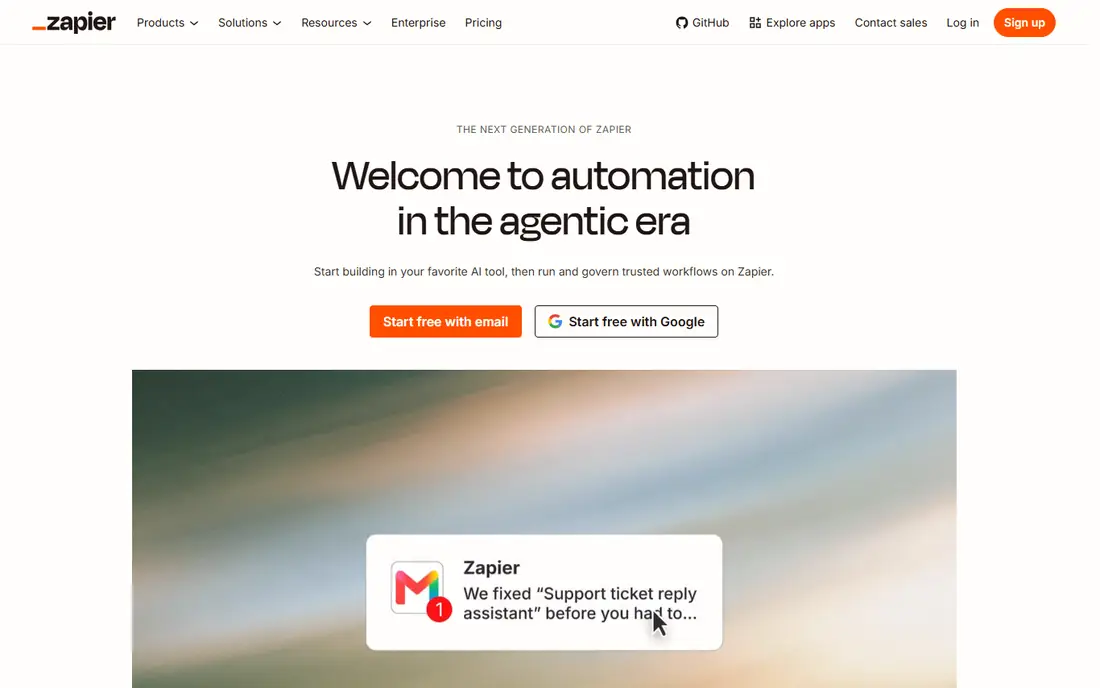
Zapier is the easiest switch for teams that mainly automate simple app-to-app tasks. You pick a trigger in one app, add actions in others, and the automation runs without code. The large catalog means most common SaaS tools connect quickly, and a free plan covers small volumes.
Task pricing is the limit. Each step can count as a task, so multi-step workflows at high volume can cost more than expected. Complex branching and data transforms also need care. For straightforward automation at modest volume, Zapier is a strong and fast alternative.
- Very large app catalog
- Simple trigger-and-action setup
- Free plan for small use
- Task-based pricing can grow fast
- Complex logic needs many steps
- Enterprise governance needs higher tiers

Make suits teams that want visual, multi-step workflows at a lower price. Its scenario builder shows each step, branch, and data mapping on a canvas, which helps teams build logic that would take many separate steps elsewhere. The entry price and free plan make it easy to test.
Beginners may need more time to learn the builder than Zapier's simpler flow. Credit use also needs monitoring as scenarios grow. For teams that want richer logic without an enterprise contract, Make offers strong value.
- Visual scenario builder
- Low entry price
- Strong multi-step logic and data tools
- Learning curve is higher than Zapier for beginners
- Credit use needs tracking
- Smaller app catalog than Zapier
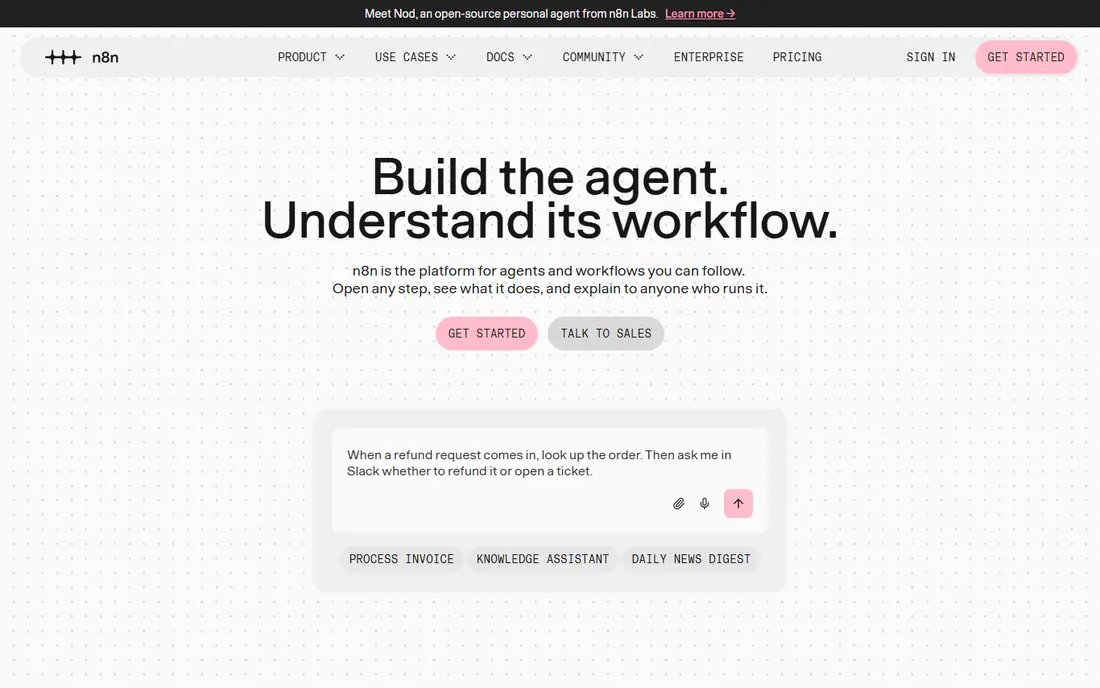
n8n suits technical teams that want control over hosting and logic. You can self-host the tool, use code when a visual step is not enough, and build AI agent workflows with its agent nodes. HTTP support also lets teams connect APIs that lack a ready-made connector.
That control brings maintenance work, especially for self-hosted setups that need updates, backups, and monitoring. Non-technical teams may find Zapier or Make faster to run. For developer-led teams, n8n is a flexible and cost-aware alternative.
- Self-hosted option with source-available code
- Code nodes for JavaScript and Python
- AI agent nodes and broad HTTP support
- Needs technical skill to run well
- Self-hosting adds maintenance work
- Cloud pricing is in euros for many buyers
Power Automate is the natural pick inside Microsoft 365. Flows connect Outlook, SharePoint, Teams, Excel, and Dynamics with little setup, and desktop flows handle repetitive tasks on Windows. Some basic flows are included with Microsoft 365 plans, which lowers the entry cost for existing customers.
Outside Microsoft 365, the case weakens, and premium connectors sit on paid plans. Admin setup also matters for governance at scale. For Microsoft-centered teams, Power Automate is the most direct alternative to consider.
- Deep Microsoft 365 and Teams links
- Desktop flows for repetitive desktop tasks
- Included options with some Microsoft plans
- Less compelling outside Microsoft 365
- Premium connectors need paid plans
- Governance needs admin setup
Boomi suits enterprises that need both cloud and on-premises integration. Its visual builder, lightweight runtimes, and data tools cover app integration, data movement, and API management in one platform. A pay-as-you-go entry tier lets teams start smaller than a full enterprise contract in some cases.
Usage costs still need careful modeling, and larger programs need integration skill. Teams that only need simple SaaS automation will find Boomi heavier than Zapier or Make. For hybrid enterprise integration, Boomi is a leading alternative.
- Visual integration builder
- Hybrid cloud and on-premises runtimes
- Data and API tools in one platform
- Pay-as-you-go costs need modeling
- Enterprise depth needs setup
- Free plan is not offered for ongoing use
MuleSoft Anypoint Platform suits large enterprises that treat APIs as products. Its API-led approach, management tools, and DataWeave language handle complex transforms and governed API programs. Salesforce-heavy organizations also benefit from the shared ownership and ecosystem fit.
Cost and skill are the barriers. Pricing is quote-based, and effective use needs developers who know API design. Small teams should not choose MuleSoft for simple workflows. For large API programs, it remains a top enterprise alternative.
- API-led design and management
- Strong for Salesforce-heavy estates
- DataWeave transforms for complex data
- Pricing is quote-based and high
- Needs skilled developers
- Smaller teams will find it more platform than they need
Celigo suits mid-market teams that center on NetSuite, Salesforce, or ecommerce systems. Prebuilt flows shorten implementation for common ERP and commerce links, such as order, inventory, and customer sync. Flat-rate endpoint pricing also makes budgeting clearer than pure usage models for some buyers.
Pricing is quote-based, and the trial window is limited, so request a quote early and test a real flow. Teams without an ERP center may prefer a broader platform. For NetSuite and ecommerce integration, Celigo is a focused and practical alternative.
- Prebuilt flows for NetSuite and ecommerce
- Flat-rate endpoint pricing model
- Error handling and monitoring tools
- Pricing is quote-based
- Trial is time-limited
- Less general than Boomi or MuleSoft for non-ERP programs
Tray.ai suits growth-stage and enterprise teams that want low-code automation plus AI agent workflows. Its builder handles branching, data mapping, and multi-step logic, while agent tools help teams automate tasks that need model-driven steps. Multi-workspace controls support larger teams with separate groups.
Pricing is quote-based, and access often runs through sales, which slows a quick test. Simple workflow teams will also find it heavier than Zapier or Make. For enterprise automation with AI agents in scope, Tray.ai is a strong alternative.
- Low-code builder for complex workflows
- AI agent tools
- Multi-workspace controls for larger teams
- Pricing is quote-based
- Needs sales contact for a trial in many cases
- Smaller teams may not need its depth
Jitterbit suits mid-market and enterprise teams with hybrid systems, APIs, and ERP links. It supports cloud and on-premises deployment, publishes APIs, and handles data transforms with scripts where needed. That mix helps teams with older systems beside modern SaaS apps.
Pricing is quote-based, and setup needs technical skill, so it is not a quick no-code switch. Teams with only cloud SaaS workflows may prefer Make or Zapier. For hybrid integration with API and EDI needs, Jitterbit is a credible alternative.
- Hybrid cloud and on-premises support
- API publishing tools
- EDI and ERP experience for mid-market teams
- Pricing is quote-based
- Interface and setup need technical skill
- Smaller SaaS-only teams may find it heavy
SnapLogic suits teams that need data pipelines as well as app integration. Its visual builder, called Snaps, covers data movement, transforms, and app links, while AI assistance helps draft pipelines faster. That breadth helps data teams and integration teams share one platform.
Enterprise pricing and setup make it a poor fit for simple task automation. Teams that only connect a few SaaS apps should start with Zapier, Make, or Power Automate. For AI-assisted data and app pipelines at scale, SnapLogic is a strong alternative.
- Visual pipeline builder for data and apps
- AI-assisted pipeline creation
- Broad connector and data tools
- Pricing is quote-based
- Enterprise focus raises total cost
- Simple workflow teams may not need its data depth
How we picked these
We compared automation style, connector depth, deployment options, pricing models, and governance features, and we favored tools with clear use as integration or automation replacements. We did not claim hands-on testing. Our notes rest on official pricing pages and public integration guides checked in 2026. Where pricing was quote-based, we wrote See website rather than guessing.
How to choose an alternative without losing workflows
Start by listing your current workflows, connectors, triggers, and data volumes. Mark which workflows are simple SaaS tasks, which need complex logic, and which touch on-premises systems or ERP data. Simple tasks point to Zapier, Make, or Power Automate. Complex or hybrid programs point to Boomi, MuleSoft, Celigo, Jitterbit, SnapLogic, or Tray.ai. Technical teams with hosting freedom should also test n8n.
Compare cost at real volume
Task, credit, execution, and endpoint pricing all punish different patterns. A workflow with many steps costs more on task pricing, while a workflow with large data volumes costs more on usage pricing. Run one month of real volume through each finalist's pricing model before you sign.
Test security and governance early
Check single sign-on, role controls, audit logs, data residency, and connector approval before migration. Enterprise buyers should also test error handling, retry behavior, and monitoring, because a failed integration can block orders or customer data. A clean demo does not prove production reliability.
Frequently asked questions
What is the best alternative to Workato for a small team?
Zapier or Make are the best small-team picks here. Zapier is simplest for app-to-app tasks, while Make offers richer visual logic at a lower entry price. Both offer free plans, so test a real workflow before paying.
What is the best alternative to Workato for developers?
n8n suits developers who want self-hosting, code nodes, and API control. MuleSoft suits API-led enterprise teams with developer resources. Pick n8n for workflow control and lower cost, and MuleSoft for governed API programs at scale.
What is the best alternative to Workato for NetSuite users?
Celigo is a strong NetSuite pick, thanks to prebuilt ERP and ecommerce flows. Boomi and Jitterbit also handle ERP integration well, especially for hybrid or larger programs. Test order and inventory flows, not just contact sync, before choosing.
What is the best alternative to Workato inside Microsoft 365?
Microsoft Power Automate is the natural pick, because it connects Outlook, SharePoint, Teams, and Dynamics with little setup. Some basic flows are included with Microsoft 365 plans, while premium connectors need a paid plan.
Can I migrate workflows without rebuilding everything?
You will need to rebuild most workflows, because builders, connectors, and pricing models differ. Export workflow logic, field mappings, and error rules first, then rebuild one workflow at a time in the new tool. Run old and new systems in parallel for critical flows until the new ones prove stable.
Do these alternatives charge per workflow or per task?
It varies. Zapier charges mainly per task, Make charges per credit, n8n charges per execution on cloud plans, and enterprise tools often use quotes or endpoint models. Compare cost at your real step count and volume, not at the headline plan price.
Sources
- https://www.zapier.com
- https://www.make.com
- https://www.n8n.io
- https://www.microsoft.com/power-platform/products/power-automate/
- https://www.boomi.com
- https://www.mulesoft.com
- https://www.jitterbit.com
- https://www.snaplogic.com
- https://www.tray.ai
- https://www.celigo.com
- https://www.integrate.io/blog/api-integration-tools/
- https://albato.com/blog/publications/best-ipaas-alternative-workato-albato
See where you really rank - block by block
ProMapRanker scans Google Maps across a grid of your service area. Simple monthly plans from $19, white-label on every plan.
Start freeKeep reading
 zoho inventory alternatives
6 Alternatives to Zoho Inventory, Compared on Price and Fit
Zoho Inventory alternatives: 6 tools compared on price, free plans and fit. Katana leads the list for manufacturers. Fit and flaws are laid out for each entry.
Read → zoho crm alternatives
Best Zoho CRM Alternatives (2026)
Need Zoho CRM alternatives? We compare 7 tools on cost, free access and who each suits. Every pick gets a straight assessment. Built for quick decisions.
Read → zelle alternatives
Best Zelle Alternatives in 2026
Compare the best Zelle alternatives for sending money to friends, paying sellers and moving funds abroad, with honest notes on fees, speed and safety in 2026.
Read →