 ProMapRanker
Wispr Flow Alternatives Compared

Key takeaways
- VoiceInk sits first on this list: pay-once local dictation on Mac.
- VoiceInk, Willow Voice, Aqua Voice, Superwhisper, Apple Dictation: these are the 5 tools out of 7 that offer a free plan.
- Voicy fits Dictation on Mac, Windows, and Linux.
- Aqua Voice comes with a trade-off: cloud processing, so no offline mode.
- For the cheapest start, look at Aqua Voice: $8 per month.
Direct answer
VoiceInk leads the list, best for pay-once local dictation on Mac. Willow Voice fits straightforward cross-platform dictation; Aqua Voice fits quick dictation with technical terms. The full list of 7 tools follows, with prices and free plan facts.
Quick comparison
| Pick | Great for | Pricing starts at | Free tier | |
|---|---|---|---|---|
 VoiceInk | Pay-once local dictation on Mac | $29 one-time | Yes | Visit |
 Willow Voice | Straightforward cross-platform dictation | Free | Yes | Visit |
 Aqua Voice | Quick dictation with technical terms | $8 a month | Yes | Visit |
 Superwhisper | Local dictation with custom modes | $8.49 a month | Yes | Visit |
 Apple Dictation | Free built-in dictation on Apple devices | Free | Yes | Visit |
 Dragon Professional | Windows dictation with voice training | $699 one-time | No | Visit |
 Voicy | Dictation on Mac, Windows, and Linux | $8.49 a month | Free trial | Visit |
The full Wispr Flow list
If you are comparing Wispr Flow, this page covers 7 tools in one place: what each is best for, what it costs to start, whether it has a free plan, and the main limit to know about.
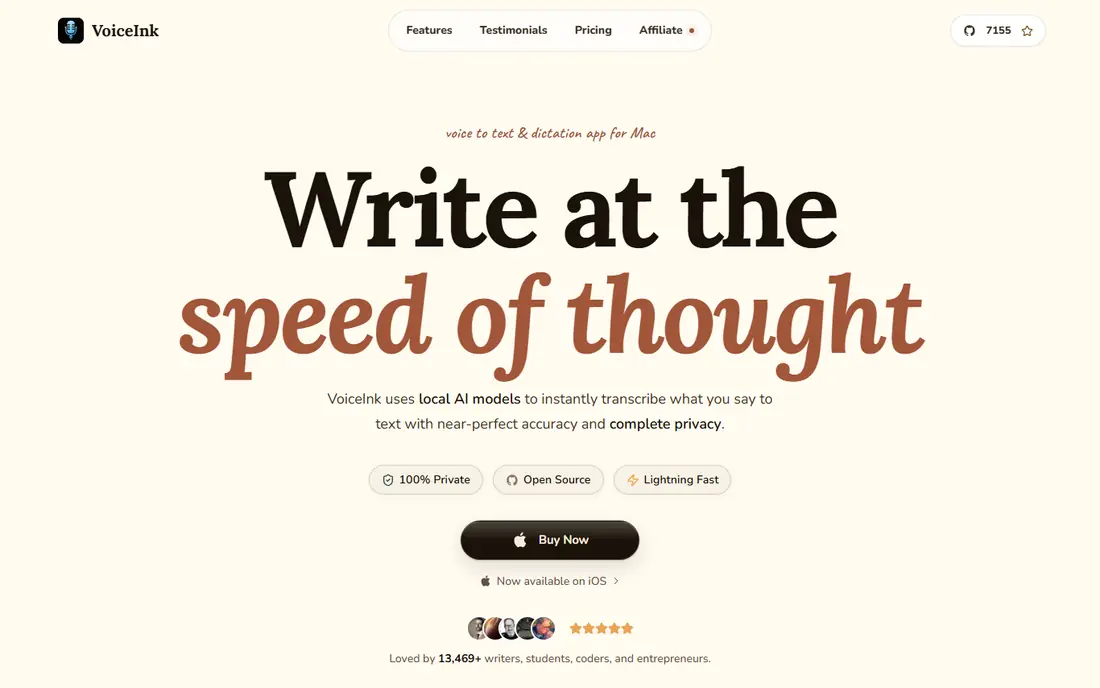
VoiceInk is a good fit for pay-once local dictation on Mac. You can also build the open source version yourself at no cost if you are comfortable with that route.
The main drawbacks: No team admin layer.
In practice, the limits are plain. From a buyer's view, premium levels are one-time purchases at $29 for one Mac, $49 for two, and $69 for three, with lifetime updates stated on the vendor site. Entry price for VoiceInk: $29 one-time. A free plan is available with VoiceInk.
- Local transcription on Apple Silicon
- Open source code available to build yourself
- Mac only, with no Windows version
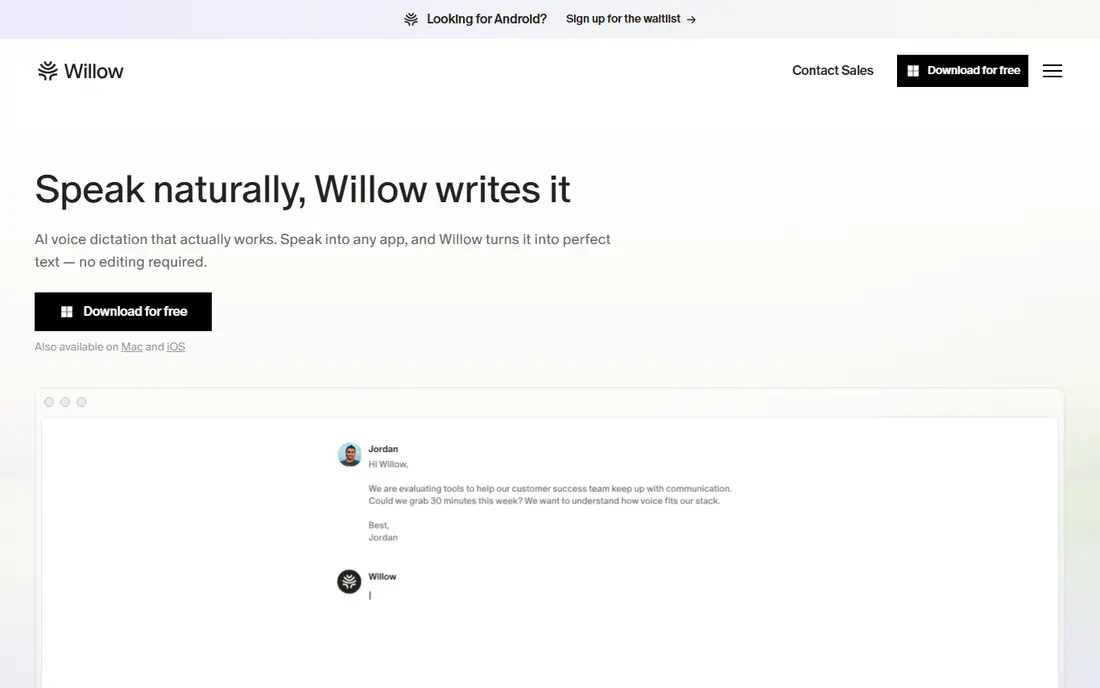
Willow Voice works best for straightforward cross-platform dictation. Willow Voice is the choice I would point to first for someone who wants dictation to just work. Premium Individual access costs $12 a month billed yearly, with a Team plan at $10 per user a month billed yearly.
Honest limits: Team controls are less deep than enterprise tools.
As for the details, the trade-off is that heavy customization and offline depth are not its central selling point. More specifically, Willow also provides a writing assistant layer and shared dictionaries on team plans, which helps a small team keep product names and terms consistent. Starting cost for Willow Voice: Free. Willow Voice includes a free tier.
- Mac, Windows
- Free plan with no word cap and no card required
- Pro features sit behind a premium plan
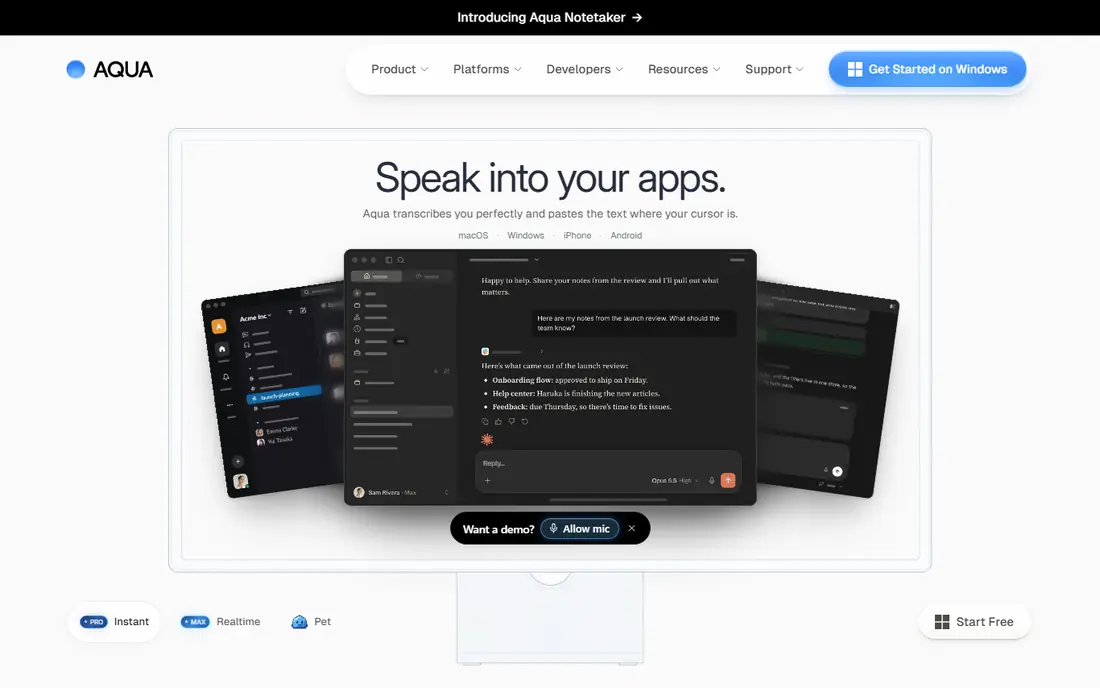
Aqua Voice serves quick dictation with technical terms. Aqua Voice wins on feel. It displays text as you speak and lets you edit it live, instead of waiting for a finished block to appear.
Points against: Free allowance is restricted.
Its premium plan costs $8 a month billed yearly and comes with unlimited words, custom instructions. An expanded dictionary of specialist terms, which fits developers, lawyers, and medical writers who repeat the same hard words all day. On top of that, Aqua Voice processes speech in the cloud. So it needs internet access and it is not the pick for an air-gapped machine. Aqua Voice cost at the entry level: $8 per month. A free plan is available with Aqua Voice.
- Mac, Windows
- IOS support
- Cloud processing, so no offline mode
Choose Superwhisper for local dictation with custom modes. Superwhisper is the closest like-for-like swap I found for Wispr Flow, with one large difference. That matters if you work with private notes, client details, or a weak connection.
The main drawbacks: Setup takes longer than an entry-level dictation tool.
It also supports more than 100 languages, file transcription, and modes that shape the same spoken words into a formal email, a short message, or a technical prompt. From a buyer's view, the price is simpler to live with than Wispr Flow Pro. Beyond that, Pro costs $8.49 a month, $84.99 a year, or $249.99 once for lifetime access, based on the vendor pricing page I checked. Superwhisper cost at the entry level: $8.49 per month. Free access exists with Superwhisper.
- Runs on device with optional cloud models
- Custom AI modes for email, messages, code
- Best offline results need a capable machine
Apple Dictation works best for free built-in dictation on Apple devices. Apple Dictation is the free baseline every Mac and iPhone owner already has. Worth adding: on Apple Silicon Macs, entry-level dictation can run on device.
Downsides: Formatting and cleanup are entry-level.
You do not have to install anything or build a new account. There are no custom modes that turn speech into a refined email, no shared dictionaries for a team, and no file transcription workflow. For short notes, messages, and fast replies, it is commonly enough, and it costs nothing additional. In daily use, Formatting is entry-level, and accuracy on specialist terms will lag behind a tool with a custom dictionary. Still, if you dictate seldom or you are testing whether voice typing suits your day, start here before you pay for anything. Apple Dictation starts at: Free. Apple Dictation has a free plan.
- Already installed on Mac and iPhone
- No additional account or fee
- No custom AI modes or shared team dictionaries
Dragon Professional is designed for Windows dictation with voice training. You will spend time training it and tuning vocabulary before it feels natural. In practice, if you dictate long documents on Windows every day, that depth can pay off.
As for the details, Dragon Professional is the old guard in this group, and it still has a place. It costs about $699 once for the desktop version, which sounds steep until you compare it with years of monthly fees for a cloud tool. In daily use, the desktop product is Windows only, Mac users lost a native path years ago, and setup is not a five-minute job. The starting price for Dragon Professional: $699 one-time. Dragon Professional has no permanent free option.
Honest limits: Windows only for the desktop product.
- Deep voice training and custom vocabulary
- Solid fit for legal and medical wording on Windows
- High one-time price
Voicy was built for Dictation on Mac, Windows, and Linux. Voicy is not the best choice if your primary job is turning long recorded meetings into transcripts, since live dictation is its core strength. Pricing sits at $8.49 a month, $82 a year, or $260 once for lifetime access, based on pages I checked.
That lifetime choice is handy if you dislike subscriptions but still want a maintained product. In daily use, Voicy is a practical middle ground between a built-in tool and a specialist app. It does not ask you to train a voice profile first, which is a relief if you have tried older dictation software that needed long setup sessions. Voicy starts at: $8.49 per month. Trial and free access: Free trial.
What to check first: premium after the free trial for full use.
- Offline dictation on desktop apps
- No voice training needed
- File transcription is not its primary focus
What to expect to pay for Wispr Flow
Start with your product, then your privacy needs, then your budget. For everyday use, read the refund and cancellation terms too, particularly for lifetime deals from small developers, where future updates rely on that team staying in business. Worth adding: Finally, confirm whether you need team features like shared dictionaries, admin controls, or a signed agreement for health data, since those features commonly sit on higher plans.
What went into this list
Selection started from tools commonly considered for Wispr Flow, then narrowed to 7 that have clear pricing information or a clear quote process. Treat prices as a snapshot: vendors change plans often, so check the vendor site for the figure that applies today. The ranking is editorial: typical fit first, then clear pricing, then free access. If your needs are unusual, read the profiles rather than relying on position.
Before you commit
- Check the vendor page for the current price: Aqua Voice starts at $8 per month here, and seats or billing terms can move it.
- Read the fine print on the free plans from VoiceInk, Willow Voice, Aqua Voice and others; seat, project and feature caps differ.
- Take the trial from Voicy and push a live task through it before you pay.
- Read the limits listed for VoiceInk first: Mac only, with no Windows version.
- The entry price of Superwhisper is only the starting point; model the full cost with seats and extras.
- Test the integrations you rely on with Voicy before committing; some connectors sit on upper tiers.
Frequently asked questions
Do these tools publish their prices?
Yes. Every tool from VoiceInk to Voicy shows a starting price, though seats, add-ons and billing terms still change the final cost.
Can I try these tools before paying?
Often, yes. VoiceInk, Willow Voice, Aqua Voice and others have a free plan and Voicy offers a free trial. Use your own data and a real task during the test, and check what the free tier or trial limits before you rely on it.
Is VoiceInk the right pick for everyone comparing Wispr Flow?
No single tool suits every team. VoiceInk comes first because it fits pay-once local dictation on Mac, while Willow Voice suits simple cross-platform dictation and Aqua Voice suits fast dictation with technical terms. Match the tool to your own size, budget and workflow before deciding.
What is the cheapest option for Wispr Flow in this list?
On published monthly entry prices, Aqua Voice is the lowest here at $8 per month. Entry price is only part of the cost, because seats, add-ons and billing terms can change the total.
Sources
See where you really rank - block by block
ProMapRanker scans Google Maps across a grid of your service area. Simple monthly plans from $19, white-label on every plan.
Start freeKeep reading
 zoho inventory alternatives
6 Alternatives to Zoho Inventory, Compared on Price and Fit
Zoho Inventory alternatives: 6 tools compared on price, free plans and fit. Katana leads the list for manufacturers. Fit and flaws are laid out for each entry.
Read → zoho crm alternatives
Best Zoho CRM Alternatives (2026)
Need Zoho CRM alternatives? We compare 7 tools on cost, free access and who each suits. Every pick gets a straight assessment. Built for quick decisions.
Read → zelle alternatives
Best Zelle Alternatives in 2026
Compare the best Zelle alternatives for sending money to friends, paying sellers and moving funds abroad, with honest notes on fees, speed and safety in 2026.
Read →