 ProMapRanker
Best WiseStamp Alternatives in 2026

Key takeaways
- Exclaimer is our pick for larger teams that need central control across Microsoft 365 and Google Workspace, while CodeTwo suits Microsoft-only teams.
- Newoldstamp and BulkSignature offer strong value for small and mid-size teams that want banner campaigns without enterprise complexity.
- MySignature, Gimmio, and HubSpot suit individuals and very small teams that mainly need a clean signature fast.
- Check platform fit first, because a great signature tool for Gmail may be a poor fit for an Outlook-only company.
Quick comparison
| Pick | Great for | Pricing starts at | Free tier | |
|---|---|---|---|---|
 Exclaimer | Central control for large teams | See website | Free trial | Visit |
 CodeTwo | Microsoft 365 signature management | See website | Free trial | Visit |
 Newoldstamp | Banner campaigns for small teams | See website | Free trial | Visit |
 BulkSignature | Low-cost team management | See website | Free trial | Visit |
 Letsignit | Marketing campaigns and business cards | $2 per user per month | Free trial | Visit |
 MySignature | Simple signatures for individuals | See website | Yes | Visit |
 Gimmio | Design-led signatures for agencies | See website | No | Visit |
 HubSpot Email Signature Generator | Free one-off signatures | Free | Yes | Visit |
 Signitic | Free start for small teams | Free | Yes | Visit |
The best WiseStamp alternatives
WiseStamp is known for email signatures with banner campaigns, so the tools below cover the same core job in different ways. Some are full management platforms with central admin control, while others are simple generators for one person. We compared official pricing pages, platform support, and campaign features for each option.
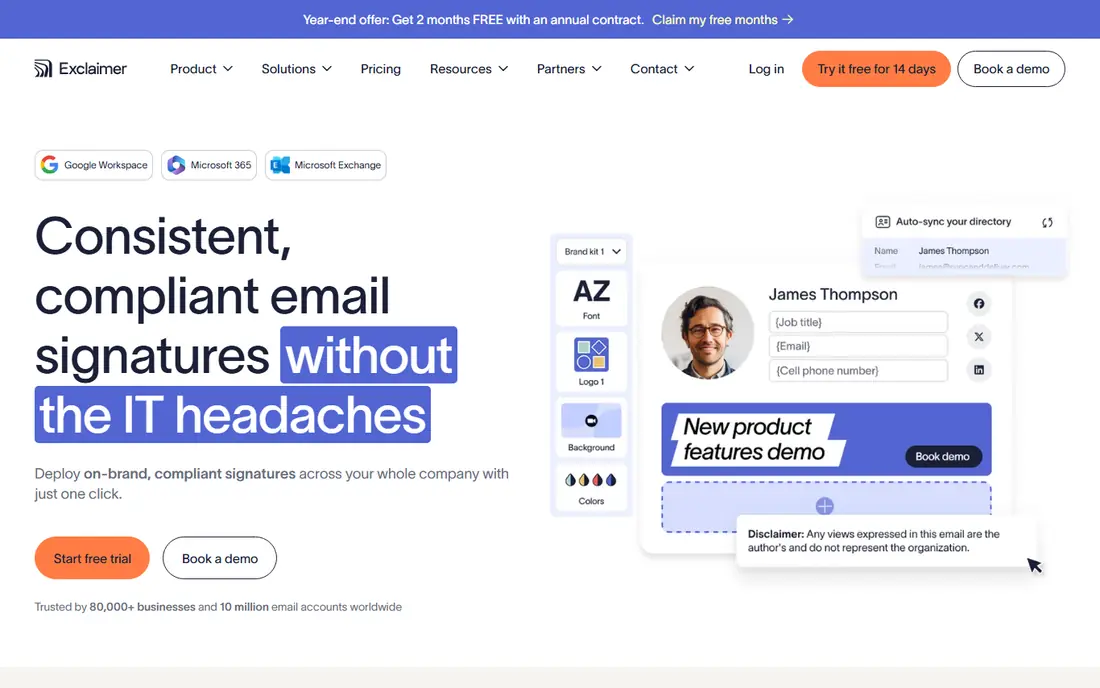
Exclaimer is the safest choice for a larger company that needs every employee signature to match, with no manual copying. Admins design templates centrally, apply them by department or role, and run banner campaigns from one dashboard. That control matters when branding, legal disclaimers, and contact details must stay correct across hundreds of mailboxes.
The trade-off is effort. A small team may find the admin setup heavier than needed, and the best price depends on seat count and plan. If your company already uses both Microsoft 365 and Google Workspace, or plans to grow, that extra setup pays off quickly.
- Central management for Microsoft 365 and Google Workspace
- Campaign scheduling
- Strong compliance controls
- More setup than a simple generator
- Pricing varies by tier and seat count
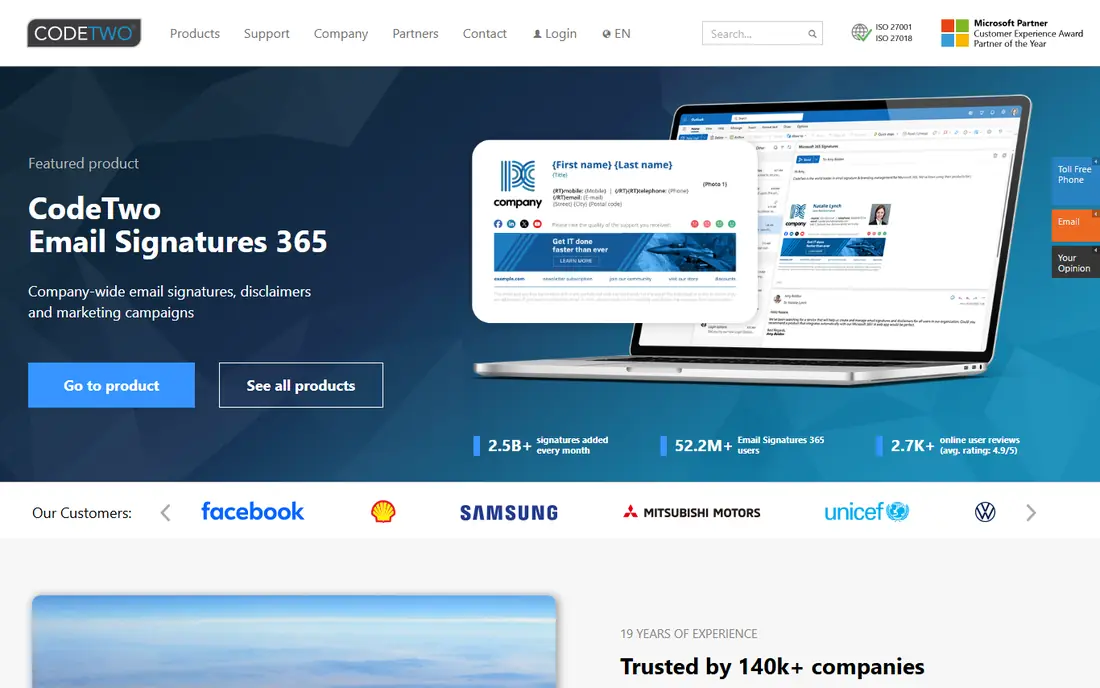
CodeTwo is built for companies that run entirely on Microsoft 365. Its server-side approach means signatures appear correctly even when someone sends mail from a phone or a mail app that would otherwise strip a local signature. Admins can use rules to show different signatures for internal and external mail, which is handy for legal text.
The limit is clear: if part of your team uses Google Workspace, CodeTwo will not cover them. That makes it a poor fit for mixed environments, even though it is excellent inside its home platform. Microsoft-only teams should put it near the top of the shortlist.
- Deep Microsoft 365 and Outlook fit
- Server-side signatures on all devices
- Reliable delivery
- No Google Workspace support
- Less useful for mixed-platform companies
Newoldstamp hits a sweet spot for small businesses that want signatures to do marketing work. Templates are easy to build, banners can promote events or content, and click data shows which campaigns earn attention. Setup is far quicker than an enterprise platform, and support for both major mail platforms covers most small teams.
Governance is lighter here than at Exclaimer or CodeTwo, so a company with strict approval workflows may want more control. Pricing is also per signature, which can grow if staff hold several roles or brands. For a marketing-led small team, those limits are usually acceptable.
- Easy template builder
- Banner campaigns with click tracking
- Works with Google Workspace and Microsoft 365
- Lighter IT governance than enterprise platforms
- Per-signature pricing can add up
BulkSignature focuses on centralized team signature management at a lower price point than many enterprise tools. Directory sync keeps names and job titles current, admins control templates, and banner campaigns turn routine mail into a measurable channel. That combination suits mid-size teams that want control without an enterprise contract.
It is not the best pick for one person who just needs a single signature, since the product is built around teams. Brand recognition is also lower than Exclaimer, so buyers should use the trial to test template design and mail client rendering. On value alone, it deserves a place on most shortlists.
- Directory sync and admin control
- Banner campaigns
- Competitive per-user pricing
- Less well known than larger rivals
- Not designed for solo personal signatures
Letsignit goes beyond a signature by adding campaign management and digital business cards, which suits marketing teams that treat email as a channel. Admins can schedule campaigns, target groups, and keep branding consistent, while staff get a shareable card alongside their signature. The flat per-user starting price also makes budgeting simple.
Higher-tier governance features, such as single sign-on, sit on enterprise plans, so larger IT teams should check plan details carefully. The trial process can also feel less self-serve than rivals. For a marketing-led team, the campaign tools are the reason to choose it.
- Campaign management plus digital business cards
- Supports Microsoft 365 and Google Workspace
- Clear per-user price
- Some advanced governance sits on higher tiers
- Trial may need a request or demo
MySignature is a good fit for freelancers and very small teams that want a tidy signature in minutes. The builder is visual, templates look clean, and you can copy the result into common mail clients without a long setup. A free plan makes it easy to test the design before paying for extra templates or features.
It is not a central management platform, so a company that needs enforced templates, directory sync, or campaign reporting should look elsewhere. That is a fair trade for the simplicity on offer. Use it when one person, or a handful of people, each manage their own signature.
- Fast, design-first builder
- Free plan available
- Works with Gmail, Outlook, and Apple Mail
- Limited central admin control
- Team features are basic compared with platforms
Gimmio appeals to people who care about how a signature looks, including agencies that build signatures for clients. Templates are polished, customization is flexible, and the builder suits designers who want control over spacing, fonts, and social icons. That design focus sets it apart from plainer generators.
The absence of a free plan means you pay to test it properly, and large companies may miss the directory and governance controls of a full platform. For an agency or a design-conscious small team, the visual quality can justify the cost. Larger IT-led buyers should compare it with Exclaimer first.
- Strong template design
- Useful for agencies managing client signatures
- Supports major mail clients
- No free plan
- Less central admin depth than enterprise tools
HubSpot offers a free signature generator that suits anyone who needs one good signature today. You fill in your details, pick a template, and copy the result into your mail client. There is no subscription to manage and no admin dashboard to learn, which is exactly the point for an individual user.
The limits are equally clear. There is no central control, no campaign scheduling, and no click tracking, so it cannot replace a team platform. If you later need those features, you will move to a tool such as Newoldstamp or Exclaimer. For a single signature, though, it is hard to beat on price and speed.
- Free and fast
- No account needed for a basic signature
- Clean, simple templates
- No team management or campaigns
- Limited customization
Signitic stands out because it offers a free plan, which lets a small team start with central templates at no cost. Paid plans add campaigns and deeper controls, so a growing team can upgrade without rebuilding every signature. Support for both Google Workspace and Microsoft 365 covers the most common setups.
Larger teams will outgrow the free plan quickly, and the vendor is smaller than the enterprise leaders here. That matters less for a team of ten than for a company of a thousand. If budget is tight and you want central control from day one, Signitic is a sensible starting point.
- Free plan for small teams
- Central templates for Google Workspace and Microsoft 365
- Campaign options on paid plans
- Paid features needed for larger teams
- Smaller vendor than Exclaimer
How we picked these
We compared official pricing pages, platform support, and feature descriptions for signature tools that are live in October 2026, and we kept a mix of enterprise platforms, mid-size team tools, and free generators. We checked if each tool supports Microsoft 365, Google Workspace, or both, since that decides fit for most buyers. We did not claim hands-on testing, and we used See website where a vendor does not publish a simple self-serve starting price.
How to choose the right signature tool
Match the platform first
Confirm your mail platform before comparing templates. CodeTwo suits Microsoft 365 only, while Exclaimer, Newoldstamp, BulkSignature, and Signitic cover both major platforms. A tool that cannot apply signatures server-side may fail on mobile mail, so test sending from a phone as well as a desktop client.
Decide if signatures are marketing
If banners and campaigns matter, shortlist Newoldstamp, Letsignit, BulkSignature, and Exclaimer, and compare their reporting. If you only need consistent contact details, a simpler tool such as MySignature or Signitic may be enough. Paying for campaign features you never use is the most common waste here.
Test rendering in real clients
Build one template, then send test mail to Gmail, Outlook, Apple Mail, and a phone. Check images, links, spacing, and disclaimers in each client before rolling out to the whole team. A signature that looks perfect in the builder can still break in a single client, and that is where complaints start.
Frequently asked questions
What is the best WiseStamp alternative for a small business?
Newoldstamp is a strong default for a small, marketing-led team, because it combines easy templates with banner campaigns and click data. BulkSignature is worth testing too if central control and lower per-user cost matter more. Both support Google Workspace and Microsoft 365.
Can I get a good email signature for free?
Yes, for a single signature, HubSpot offers a free generator with clean templates, and MySignature and Signitic offer free plans. Free options do not include central team management or campaign reporting, so a team that needs those features will need a paid plan.
Do these tools work with both Gmail and Outlook?
Most do, including Exclaimer, Newoldstamp, BulkSignature, Letsignit, and Signitic. CodeTwo is the main exception, since it is built for Microsoft 365 only. Always confirm your exact setup, including mobile mail, during a trial.
Will my signature look the same on a phone?
Server-side tools such as Exclaimer and CodeTwo apply signatures on the server, so they appear consistently even from mobile apps. Client-side signatures copied into a mail app can vary by device. Test from a phone before you commit to a client-side approach.
How much should a team pay per user?
Prices in this guide range from free for small plans to a few dollars per user per month for team platforms, with enterprise tiers quoted by seat count. The cheapest option is not always the best value, because central control and campaign reporting can save admin time. Compare total cost at your actual headcount, not just the headline rate.
Sources
See where you really rank - block by block
ProMapRanker scans Google Maps across a grid of your service area. Simple monthly plans from $19, white-label on every plan.
Start freeKeep reading
 zoro.to alternatives
Best Zoro.to Alternatives in 2026
We compare the best zoro.to alternatives in 2026, listing only legal licensed anime streaming services, from Crunchyroll to free options for fans today.
Read → zip alternatives
Best Zip Alternatives in 2026
We compare the best zip alternatives for buy now, pay later in 2026, covering pay-in-4 plans, fees, spending limits, and credit reporting options today.
Read → yesware alternatives
Best Yesware Alternatives in 2026
Compare the best yesware alternatives for sales email tracking, templates, and sequences, with current pricing and honest tradeoffs for small sales teams.
Read →