 ProMapRanker
Who Offers the Best Data Observability Services in 2026


Enterprise data reliability · Pricing starts at: See website
Key takeaways
- Monte Carlo, Acceldata, and Bigeye are the broadest enterprise options for teams that need monitoring, lineage, and alerts across many data sources.
- Soda, Elementary, and Metaplane fit teams that want monitoring close to their dbt or warehouse workflow, with lower setup effort.
- Most enterprise pricing is quoted rather than published, so budget planning needs a sales conversation and a clear count of tables and monitors.
- Open-source tools such as Elementary can cut license cost, but they add engineering time for setup, upkeep, and alert tuning.
- The best test is a trial on your own messy data, not a demo on clean sample tables.
Quick comparison
| Pick | Great for | Pricing starts at | Free tier | |
|---|---|---|---|---|
| Monte Carlo | Enterprise data reliability | See website | No | Visit |
 Bigeye | Custom data quality monitoring | See website | No | Visit |
 Acceldata | Multi-layer infrastructure monitoring | See website | No | Visit |
 Soda | Data contracts and code checks | $750 per month | Yes | Visit |
 Metaplane | Fast dbt and warehouse monitoring | See website | Yes | Visit |
 Sifflet | End-to-end lineage and monitoring | See website | No | Visit |
 Anomalo | AI anomaly detection | See website | No | Visit |
 Datafold | Data diffing in pull requests | See website | No | Visit |
 Elementary | dbt-native testing and alerts | Free | Yes | Visit |
The best data observability services
Data observability tools watch pipelines for freshness, volume, schema change, and distribution shifts, then alert an owner before a broken dashboard reaches users. The services below cover full platforms, code-first checks, and dbt-native monitoring, so the right choice depends on your stack size and how much engineering time you can spare.
Monte Carlo is the default shortlist entry for large data teams, and the reason is coverage. It connects to warehouses, lakes, BI tools, and pipelines, learns normal patterns for tables, and alerts owners when freshness, volume, or schema behavior shifts. Lineage helps a team trace a broken dashboard back to the table or job that changed, which shortens incident calls.
The main drawback is cost transparency. Pricing is quoted based on monitors, data volume, and other factors, so a small team cannot simply compare a price page against a rival. Get a quote tied to your actual table count, and ask what counts as a monitor, because that definition drives the bill.
- Automated monitors across warehouses and lakes
- End-to-end lineage
- Incident triage tools
- Pricing is quoted, not published
- Can be costly for smaller teams
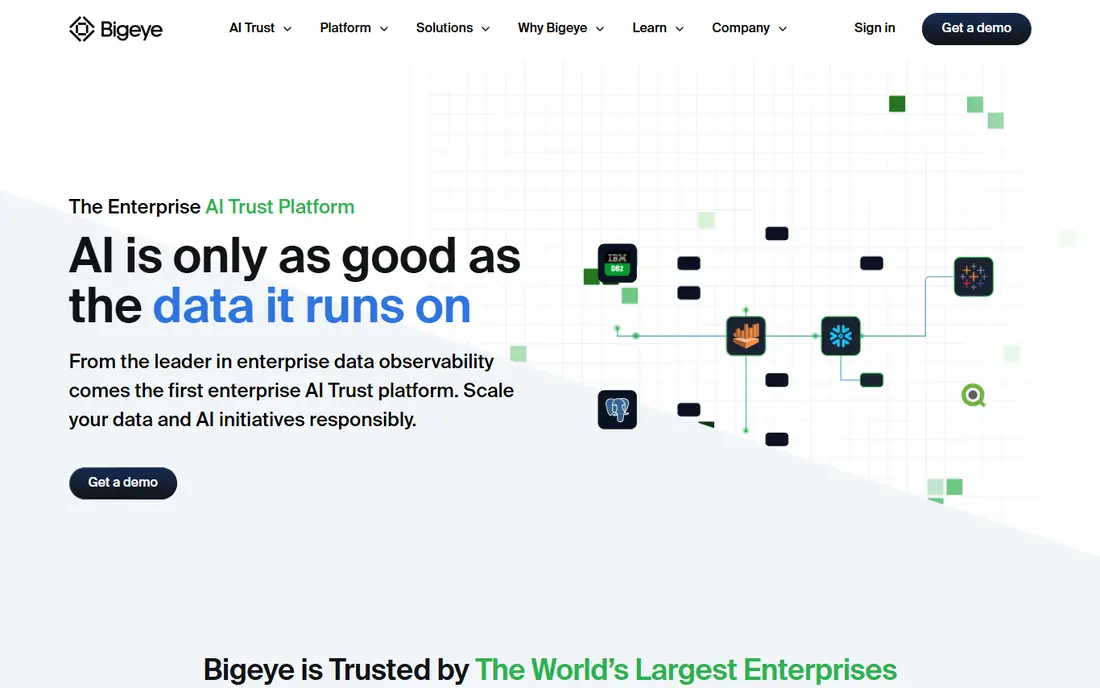
Bigeye suits teams that want control over what counts as a problem. You can define monitors, thresholds, and rules for specific tables, rather than relying only on learned baselines, and lineage views show how data flows into downstream reports. That control helps when business rules matter as much as statistical shifts, such as a revenue table that must never contain a negative value.
That control also means tuning work. A team that turns on every monitor at once will get noisy alerts, so start with critical tables, set owners for each alert, and review false positives in the first month. Pricing is quoted, so ask for a scope based on your source count and monitor count.
- Customizable monitors and thresholds
- Lineage views
- Broad source coverage
- Pricing is quoted
- Setup needs data team time to tune well

Acceldata stands out when the problem is not just a bad table, but a slow pipeline, a failing job, or a compute bottleneck that feeds that table. It watches infrastructure, pipelines, and data quality in one place, which helps platform teams that own both the pipes and the data. Policy and access controls also matter for regulated firms that need audit trails.
The trade is complexity. A broad platform takes longer to deploy than a narrow dbt monitor, and smaller teams may not need the infrastructure layer at all. Pricing is quoted, so it fits best when you already have an enterprise budget and a platform team to run it.
- Monitors compute, pipelines, and data quality together
- Multi-cloud support
- Policy controls
- Enterprise scope can be complex to deploy
- Pricing is quoted
Soda is a good fit for teams that like to write data quality rules as code and keep them in version control. SodaCL lets engineers define checks for freshness, completeness, and validity, and Soda Cloud gives a shared view of results, alerts, and history. Data contracts add a useful layer: producers agree on what a dataset should look like, and consumers get a warning when it breaks that agreement.
The free open-source core keeps the entry cost low, but the paid Cloud Team plan is listed at $750 per month in recent comparisons, which is a real step up for a small team. Soda works best when your team already writes tests and wants those checks to live beside pipeline code, rather than in a separate dashboard alone.
- Code-first checks with SodaCL
- Free open-source core
- Data contracts for producers and consumers
- Paid Cloud pricing starts high for small teams
- Learning SodaCL takes time
Metaplane is known for fast setup, especially for teams that already use dbt and a modern warehouse. It monitors freshness, volume, and schema, maps lineage from sources to dashboards, and can plug into GitHub workflows so data issues surface near code changes. That speed matters when a team wants value in days, not after a long implementation project.
One note for buyers is that Metaplane is now part of Datadog, so teams already using Datadog may benefit, while others should confirm how the product is sold and supported going forward. A free plan is offered for smaller use, with paid pricing quoted for larger estates.
- Quick setup for warehouses and dbt
- Lineage and anomaly alerts
- GitHub workflow support
- Now part of Datadog, so roadmap may shift
- Enterprise pricing is quoted
Sifflet covers the full journey from source to dashboard, with lineage, anomaly detection, and quality rules in one platform. That breadth helps teams that need to answer a simple question fast: which upstream change broke this report, and who owns the fix. It also suits firms that want one tool for both monitoring and governance-style lineage, rather than two separate products.
Pricing is enterprise and quoted, so it is best evaluated by larger teams with many sources. Smaller teams should test whether they will use the full lineage and rule set, or whether a narrower tool would give the same alerts for less money and less setup.
- Full lineage across sources
- Anomaly detection
- Data quality rules
- Enterprise pricing
- May be more than a small team needs
Anomalo focuses on finding anomalies without asking a team to write a rule for every column. It learns expected patterns and flags shifts that a human would miss, then offers root-cause hints to speed up triage. That approach works well for large tables where manual thresholds would be guesswork, and for teams that want monitoring to improve as data changes.
The limit is scope. Anomalo is strong on detection, but teams that also need data contracts, CI checks, or full governance may need a second tool beside it. Pricing is quoted, so pair a trial with a clear success test, such as catching a known past incident, before you commit.
- Unsupervised anomaly detection
- Root-cause hints
- No need to write every rule by hand
- Narrower focus than full platforms
- Pricing is quoted
Datafold solves a specific pain: a dbt change that looks fine in code but changes row counts, values, or distributions in production. It diffs data between branches and shows the impact in a pull request, so reviewers can stop a breaking change before it merges. That CI-style check pairs well with a production monitor, because it catches problems at a different stage.
Because it is a point solution, it does not replace freshness, volume, and schema monitoring in production. Teams should buy it for the pull-request workflow, and keep a separate monitor for live pipelines, unless their existing platform already covers diffing.
- Shows data changes in pull requests
- Helps catch breaking changes before merge
- CI integration
- Point solution, not a full observability platform
- Pricing is quoted
Elementary is the practical open-source pick for dbt teams. It adds anomaly detection and test results inside the dbt workflow, and sends alerts to Slack, so data issues appear where engineers already work. Because it is open source, there is no license fee, and the setup stays close to code that a dbt team already maintains.
The catch is scope and upkeep. It is strongest inside dbt, and teams with data outside dbt will still have blind spots. Engineering time for setup, tuning, and maintenance is the real cost, so budget a few hours a week for it, and compare that time against a paid platform that handles upkeep for you.
- Open-source and dbt-native
- Anomaly tests inside dbt
- Alerts in Slack
- Limited outside dbt workflows
- Needs engineering upkeep
How we picked these
We compared vendor pages, product documentation, and recent 2026 comparisons of data observability tools, and we kept only services that monitor live data or data changes in a pipeline, not general BI or catalog tools alone. We favored tools with lineage, anomaly detection, or code-first checks, and we noted where pricing is quoted rather than published, because that gap matters for budgeting. Open-source options were included only where they are actively maintained and widely used by data teams.
How to choose for your stack
Start by mapping where your data lives and where it breaks. If most incidents come from a warehouse and dbt, a dbt-native tool such as Elementary or Metaplane may give fast value. If incidents span lakes, streaming sources, and BI tools, a broad platform such as Monte Carlo, Bigeye, or Acceldata is a better fit, even at a higher price.
Next, decide who owns alerts. A tool without a named owner per table will create noise that everyone ignores, so assign owners during setup, route alerts to the channel that owner actually reads, and review alert volume weekly in the first month. Also test the tool on a past incident: feed it a known bad load or schema change and see whether it flags it, how fast, and whether the lineage points to the right source.
Finally, get pricing in writing for your real scope. Count tables, monitors, and sources before a sales call, ask what triggers extra charges, and compare total cost over a year, including engineering time for open-source tools. A cheap license with high upkeep can cost more than a quoted platform that your team actually uses.
Frequently asked questions
Who offers the best data observability tools?
There is no single winner for every team. Monte Carlo, Bigeye, and Acceldata lead for broad enterprise estates, while Soda, Metaplane, and Elementary lead for dbt-centered teams that want code-first or fast setup.
What is the difference between data observability and data quality?
Observability watches pipeline health, such as freshness, volume, schema, and distribution shifts. Data quality checks the data itself against rules for accuracy, completeness, and validity. Most teams need both, and many tools on this list cover parts of each.
How much do data observability services cost?
It varies widely. Open-source tools are free apart from engineering time, Soda Cloud Team is listed at $750 per month in recent comparisons, and most enterprise platforms are quoted, often at tens of thousands per year depending on monitors and volume.
Do I need data observability if I already use dbt tests?
dbt tests catch problems you predicted and wrote a rule for. Observability adds learned baselines and lineage, so it can catch issues you did not predict, such as a partial load that still passes every written test, or a change outside dbt.
Can open-source tools replace a paid platform?
For many small and mid-size dbt teams, yes, at least for core monitoring. They fall short when data spans many platforms, when you need cross-system lineage, or when no one has time to maintain the setup and tune alerts.
How long does setup take?
It depends on scope. DbT-native tools can show value in days, while broad enterprise platforms can take weeks to connect sources, set owners, and tune alerts. Start with critical tables and expand, rather than connecting everything at once.
Sources
See where you really rank - block by block
ProMapRanker scans Google Maps across a grid of your service area. Simple monthly plans from $19, white-label on every plan.
Start freeKeep reading
 zscaler alternatives
Best Zscaler Alternatives in 2026
Looking for zscaler alternatives? We compare 9 SASE and zero trust platforms on architecture, data protection, pricing, and fit for your network and team.
Read → zapier alternatives free
Best Zapier Alternatives Free in 2026
Nine automation tools for zapier alternatives free in 2026, all with genuinely free tiers, plus free plan limits, starting prices and upgrade paths explained.
Read → which platform is best for online reputation
Which Platform Is Best for Online Reputation in 2026
Wondering which platform is best for online reputation? We compare 8 review, listing, and response tools for small and multi-location businesses and agencies.
Read →