 ProMapRanker
Who Offers the Best Background Removal Service in 2026

Key takeaways
- Canva is the natural successor for remove.bg users, since remove.bg background removal is moving to Canva and the standalone site closes on 1 December 2026.
- Adobe Express and Canva suit design work after the cutout, while PhotoRoom and Pixelcut suit product photos and listings.
- Free tiers are useful for single images, but high-resolution exports and batch work usually need a paid plan.
- For tricky hair, fur, and fine edges, a manual editor such as Photoshop still beats a one-click automatic tool.
Quick comparison
| Pick | Great for | Pricing starts at | Free tier | |
|---|---|---|---|---|
 Canva | Cutouts inside designs | $15 per month | Yes | Visit |
 Adobe Express | Free cutouts with design tools | $9.99 per month | Yes | Visit |
 PhotoRoom | Product photos and listings | $7.50 per month | Yes | Visit |
 Pixelcut | Mobile product editing | $10 per month | Yes | Visit |
 Slazzer | Developers and automation | $11 per month | Yes | Visit |
 Fotor | Batch edits and marketing design | $8.99 per month | Yes | Visit |
 Pixlr | Browser photo editing | $2.49 per month | Yes | Visit |
 Adobe Photoshop | Precise manual cutouts | $22.99 per month | Free trial | Visit |
The best background removal services
We compared official feature pages, pricing pages, app store listings, privacy policies, and public reviews for background removal services operating in October 2026. A note on remove.bg: its standalone website will no longer be available from 1 December 2026 at 9:00 am CET, and its background removal is moving to Canva, with self-serve API users pointed to Leonardo.Ai. Because of that closure, we do not list remove.bg as a long-term buy here, and we list Canva first as its successor for website users.
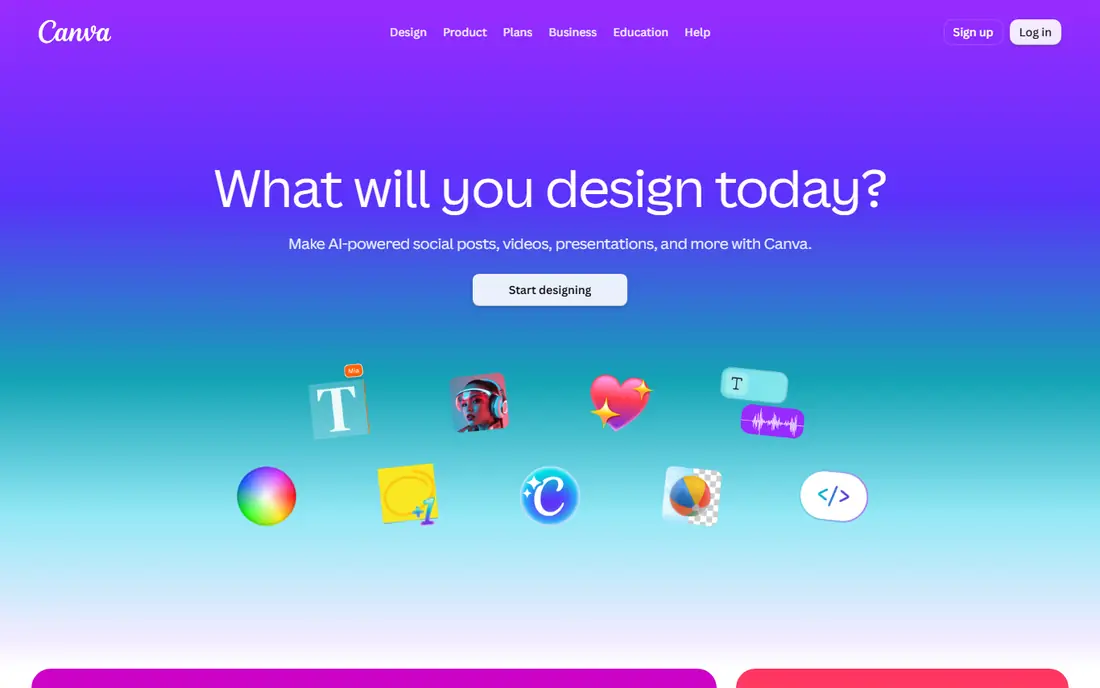
Canva is the first pick here for a practical reason as well as a quality reason, since remove.bg background removal is moving into Canva and the standalone remove.bg website closes on 1 December 2026. Users who previously cut out images on remove.bg can continue a similar workflow inside Canva, with cutouts that closely match the old tool, and then place the result straight into a template. That continuity matters for anyone with an established workflow.
The honest catch is plan access, since Canva help pages describe Background Remover as included with paid plans, and free accounts face limits on downloads and batch use. Single cutouts on a free account have been reported to work in some cases, but buyers should not rely on free access for regular work. For design-led users who already use Canva, the Pro plan gives the shortest path from cutout to finished graphic.
- Background Remover inside a full design editor
- Templates for listings, ads, and social posts
- Successor to remove.bg for website users
- Background Remover needs a paid plan in most cases
- Batch and folder limits apply

Adobe Express appeals to buyers who want a free route to a clean cutout without paying first. In public tests in 2026, the free background remover produced a full-size transparent PNG with no watermark, using an Adobe account, and the result could then be used in templates or exported for other editors. That makes it a strong free starting point for social graphics, school projects, and occasional listing images.
Adobe's own pages do not fully agree on plan access, with some pages listing removal among premium features even though the tool has worked on free accounts, so buyers should test with their own account before relying on it. The free workflow also handles one photo at a time, which slows batch work. For single images and light design use, Adobe Express remains one of the best free options on this list.
- Background removal available on a free Adobe account in many cases
- Transparent PNG downloads
- Templates included
- Adobe pages differ on whether removal is a premium feature
- One image at a time in the free workflow
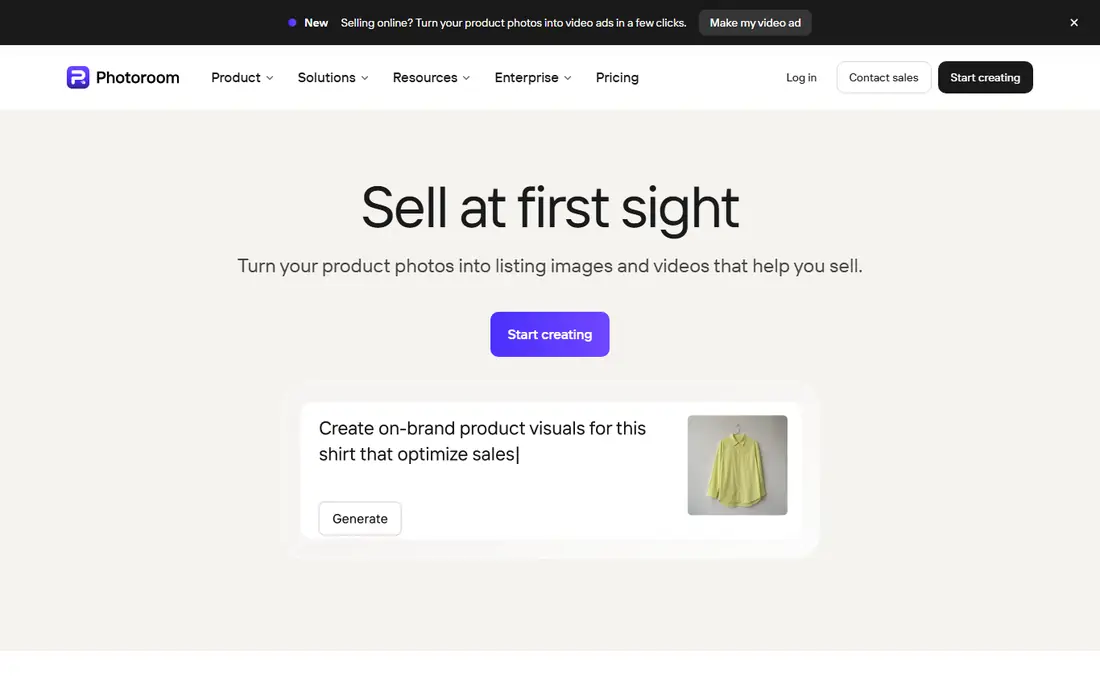
PhotoRoom is built for online sellers who need many product photos cut out, staged, and exported at listing size without opening a full editor for each image. Batch processing, AI backgrounds, shadows, and consistent sizing are the core strengths, and the workflow is designed around marketplace listings rather than one-off art projects. A free plan lets a seller test the quality on real product photos before paying.
High-resolution exports and full batch capacity need a paid plan, with Pro pricing starting at a low monthly rate on annual billing and higher tiers for larger volumes. Sellers with only a few images a month may manage on the free plan, while a store with weekly new listings will need Pro. For product photography at scale, PhotoRoom gives the most seller-focused workflow here.
- Batch editing and product backgrounds
- Listing-ready exports
- Free plan for testing
- High-resolution exports need a paid plan
- Advanced staging tools sit on higher tiers
Pixelcut suits creators and sellers who edit mainly on a phone, with fast product editing, background removal, and background replacement in mobile apps. Batch removal with consistent sizing and padding helps a seller keep listings uniform, and the tool also offers upscaling, templates, and AI backgrounds in the same app. That mobile-first design makes it easy to shoot, cut out, and list a product without moving to a computer.
The free version is limited, and Pro, starting at $10 per month, gives access to the fuller export and batch features most sellers need. Desktop users who want deep masking control will still prefer Photoshop, since Pixelcut prioritises speed over fine edge editing. For mobile sellers and creators who need quick, consistent product images, Pixelcut is a strong choice.
- Strong mobile apps for iOS and Android
- Batch removal with consistent sizing
- Background replacement included
- Pro plan needed for full exports
- Desktop workflow is less deep than Photoshop
Slazzer is the automation pick, with an API, desktop apps, and a Photoshop extension that share the same credits, which suits teams that process images through a pipeline rather than one by one. Starting plans include a set of monthly credits, and the per-image cost falls toward a few cents at higher volumes, which matters for catalogues with thousands of images. Free credits and unlimited previews let a developer test edge quality before buying.
Design is not the focus here, since Slazzer offers fewer templates and staging tools than PhotoRoom or Canva, and the interface is plain compared with design-led rivals. For a team that needs reliable automatic cutouts inside an existing workflow, that plainness is a fair trade. For a solo creator who wants a finished graphic, a design editor will feel more complete.
- API and Photoshop extension
- Desktop apps
- Per-image cost falls at volume
- Design templates are thinner than Canva or PhotoRoom
- Interface is utilitarian
Fotor combines background removal with a broader photo editor and design templates, which suits marketers who cut out images and then build ads, banners, and social posts in the same place. Batch removal for up to 50 images on paid plans helps a team clear a product set quickly, and the editor includes filters, enhancement, and layout tools. A free basic tier lets a new user test the remover before paying.
Pro, at $8.99 per month on annual billing, gives access to the fuller batch and export quality most regular users need, while free use is best for occasional single images. The wide tool range can feel busy at first, since photo editing, design, and AI tools share one dashboard. For marketing teams that want one account for cutouts and finished creative, Fotor is a practical middle ground.
- Batch removal for up to 50 images
- Photo editing and templates in one account
- Free basic use
- Best batch and high-resolution features need Pro
- Interface covers many tools
Pixlr is the low-cost browser editor on this list, with an AI cutout tool inside a fuller photo editor that runs entirely in the browser. That matters for users on a shared computer or a Chromebook, where installing desktop software is not an option. After the background is removed, layers, adjustments, and export options are available in the same tab, which keeps a simple edit from becoming a multi-app job.
The free plan is ad-supported and has limits that are less clearly published than those of PhotoRoom or Slazzer, so a buyer should test a typical job before relying on it. Paid plans start very low, which makes Pixlr an easy upgrade when free limits start to bite. For occasional edits, students, and browser-only users, Pixlr offers the cheapest route to a capable editor.
- Very low entry price
- Full browser editor after the cutout
- No install needed
- Free plan is ad-supported
- AI cutout limits and batch rules are less clear than rivals
Adobe Photoshop remains the answer when an automatic tool gets an edge wrong, especially for hair, fur, glass, and fine product details. Select Subject and Remove Background give a fast automatic start, and Refine Edge plus layer masks let an editor correct the result by hand without damaging the original pixels. For print work, composites, and client work where edge quality is judged closely, that control is worth the price.
Cost and learning time are the honest limits, since Photoshop is a subscription app with a deep toolset, and a casual user will be faster with Canva, Adobe Express, or PhotoRoom for simple cutouts. The seven-day free trial is enough to test whether manual refinement matters for your images. When it does, no one-click tool on this list matches Photoshop for difficult edges.
- Best control for hair, fur, and complex edges
- Layer masks keep edits non-destructive
- Industry standard output
- Subscription price is high for occasional cutouts
- Learning curve is steep
How we picked these
We compared official feature pages and pricing pages, app store listings, privacy policies, and public reviews, and we kept only services operating in October 2026. We excluded remove.bg as a long-term standalone buy because its own pages state the standalone website will no longer be available from 1 December 2026, with removal moving to Canva. We favoured tools with clear free or trial access, honest export limits, and a real use case, whether design, product listings, automation, or manual precision.
How to choose by your workflow
Start with what happens after the cutout. If the image goes into a design, Canva or Adobe Express keeps the workflow in one place, while PhotoRoom or Pixelcut suit a listing that needs a clean background and consistent size. If images arrive by the hundred, Slazzer or PhotoRoom batch tools matter more than templates, and an API may be the right choice for a catalogue pipeline. If only a few tricky images matter, Photoshop manual refinement is worth the extra time.
Check export rules before you commit, including resolution, watermark, and commercial use, since free previews are often too small for a listing or a print. Upload only images you have the right to edit, and avoid uploading sensitive or unpublished work to a browser tool when an offline editor would do the job. Test each finalist on your hardest image, not your easiest one, because edge quality on hair and fine detail is where these tools truly differ.
Frequently asked questions
Is remove.bg still available?
The standalone remove.bg website will no longer be available from 1 December 2026 at 9:00 am CET, according to remove.bg own pages, and background removal is moving to Canva. Self-serve API users are pointed to Leonardo.Ai, while existing enterprise API contracts are not affected. If you use remove.bg regularly, plan your switch before that date and check any unused credits.
What is the best free background remover?
For single images, Adobe Express and Canva free access can produce usable transparent PNGs, while PhotoRoom and Pixelcut free plans suit testing product photos. Free tiers usually limit resolution, batch size, or commercial use, so check the terms for your planned use before relying on a free plan for a store.
Can automatic tools handle hair and fur well?
They handle simple portraits and product shots well, but fine hair, fur, and translucent edges still challenge automatic tools. For those images, use Photoshop manual refinement, or a tool with a manual edge editor, and start from the highest-resolution original you have. A low-resolution source will always limit edge quality.
Do I need a paid plan for batch removal?
In most cases, yes. Real batch processing, high-resolution exports, and API use sit behind paid plans on PhotoRoom, Pixelcut, Slazzer, and Fotor. Free plans are best for testing and for occasional single images, while a store with regular new listings should budget for a Pro plan.
Is it safe to upload private photos to these tools?
Browser tools upload your image to the provider server, so check the privacy policy for retention and use before uploading sensitive or unpublished work. For private images, prefer an offline editor such as Photoshop or a desktop app, and delete uploads from the provider account when the job is done.
Sources
- https://www.canva.com
- https://www.adobe.com/express/
- https://www.photoroom.com
- https://www.pixelcut.ai
- https://www.slazzer.com
- https://www.fotor.com
- https://pixlr.com
- https://www.adobe.com/products/photoshop.html
- https://www.backgroundless.io/blog/remove-bg-shutting-down
- https://convertfileplus.com/best-ai-background-removers/
See where you really rank - block by block
ProMapRanker scans Google Maps across a grid of your service area. Simple monthly plans from $19, white-label on every plan.
Start freeKeep reading
 worlds best local seo company
8 Worlds Best Local SEO Companies for Map Pack Growth in 2026
Compare the worlds best local seo company options for Google Business Profile work, citations, reviews, and multi-location rankings and reporting in 2026.
Read → world's best web hosting company
World's Best Web Hosting Company in 2026
Searching for the world's best web hosting company? We compared 10 hosts on price, renewal rates, speed, and support to help you choose well today in 2026.
Read → who's got the best nanny tax services
Who's Got the Best Nanny Tax Services in 2026
We answer who's got the best nanny tax services, comparing full filing, back taxes, software, and pricing so families can handle nanny taxes correctly.
Read →