 ProMapRanker
Which Service Is Best for Translating PDF in 2026

Key takeaways
- The best PDF service keeps your layout, tables and images close to the original, not only the words.
- DeepL suits European language pairs and polished business documents, while Google Translate suits rare languages and quick reading.
- Free plans limit document count, size and characters, so check limits before uploading a long PDF.
- For legal, medical or contract PDFs, machine translation alone is not enough: get a human review before you rely on it.
Quick comparison
| Pick | Great for | Pricing starts at | Free tier | |
|---|---|---|---|---|
 DeepL | Polished business and European language PDFs | Free | Yes | Visit |
 Google Translate | Rare languages and quick PDF reading | Free | Yes | Visit |
 Microsoft Translator | Office and business documents | Free | Yes | Visit |
 Smartling | Business translation with human review | See website | No | Visit |
 Translated | Professional document translation | See website | No | Visit |
 Gengo | Human translation for important PDFs | See website | No | Visit |
 DocTranslator | Simple online PDF translation | Free | Yes | Visit |
 GroupDocs Translation | Online document translation | Free | Yes | Visit |
 Pairaphrase | Secure business document translation | See website | Free trial | Visit |
The best service for translating pdf
We compared services that accept a PDF upload and return a translated PDF, not only text boxes, and favored layout preservation, language range and clear limits.
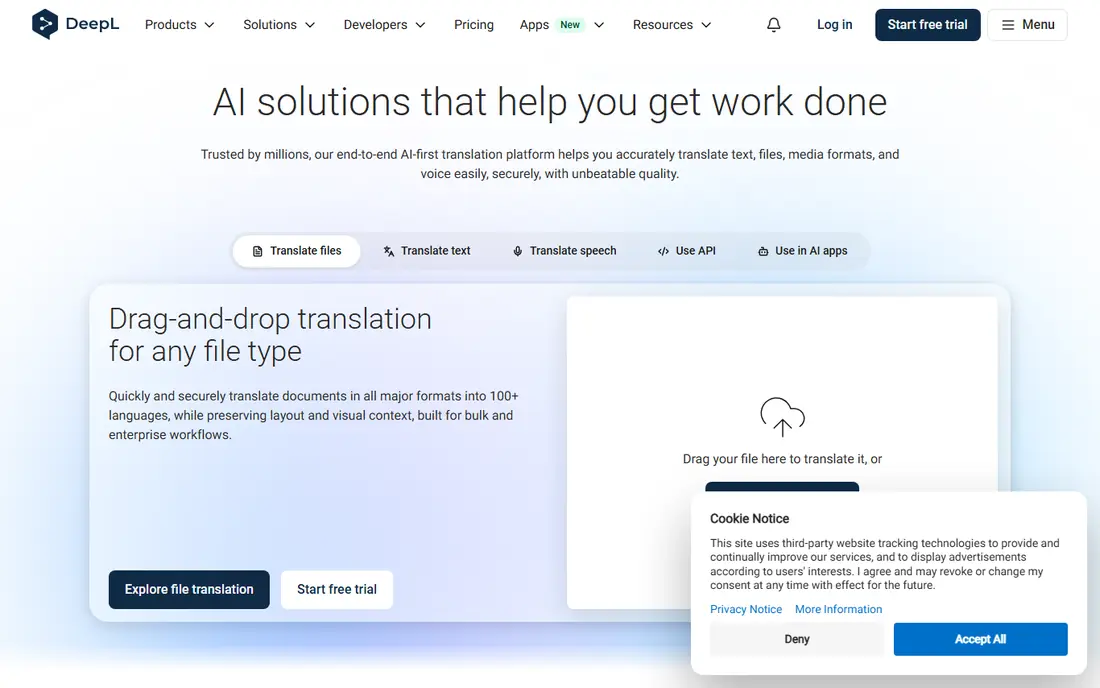
DeepL is our pick for most PDF translation, especially for business documents in European languages. Its document translation keeps much of the original layout, including headings and tables, and its wording often reads more naturally than a basic machine translation. For a report, proposal or manual that a client will read, that polish matters.
The limits are language range and free plan size. DeepL supports fewer languages than Google Translate, and its free plan allows only a limited number of documents per month, with size limits. Paid plans, starting near $8.74 per user per month in recent comparisons, raise those limits and add glossary and editing tools. For European pairs, DeepL is still the first service to try.
- Strong quality for European languages
- Keeps PDF layout well
- Clear document limits on paid plans
- Fewer languages than Google Translate
- Free plan limits document count and size
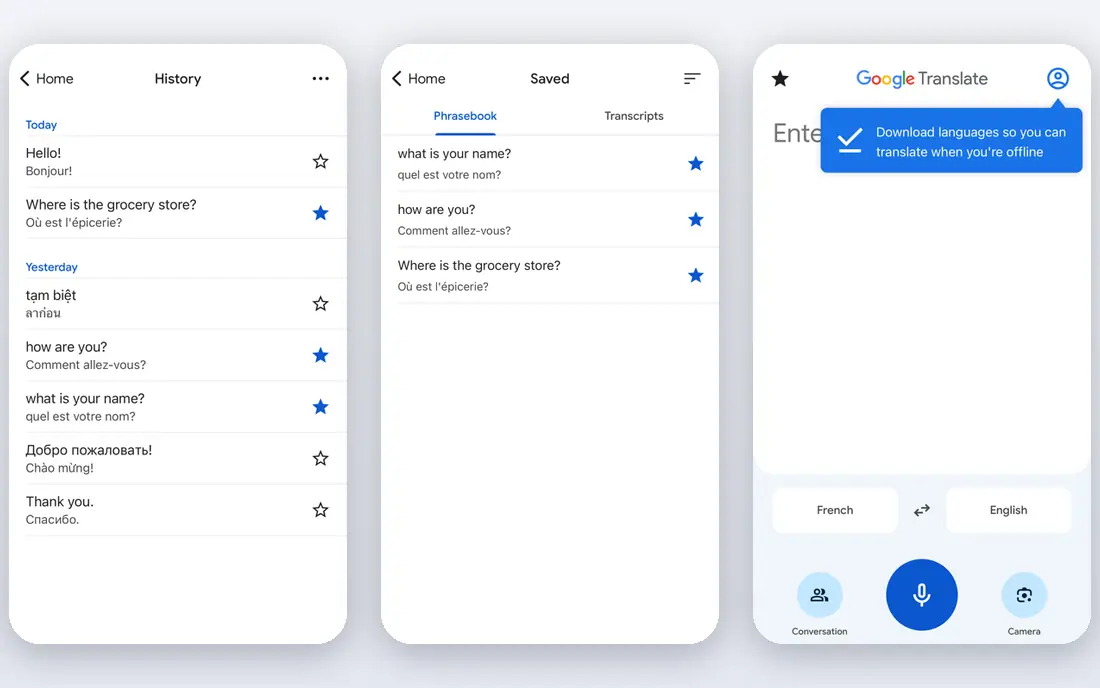
Google Translate suits quick reading and rare languages, where DeepL may not offer the pair you need. Its document translation accepts a PDF upload and returns a translated version, and its language range, covering more than 240 languages in recent counts, is far wider than any rival here. For understanding a foreign PDF, it is fast and free.
The catch is layout and polish. Complex PDFs with tables, images and tight formatting can shift, and quality varies by language pair, with European pairs often stronger than rare pairs. For a polished client document, DeepL or a human service may be better. For quick comprehension, Google Translate is hard to beat.
- Very wide language range
- Free for personal use
- Fast for reading a PDF in another language
- Layout can shift on complex PDFs
- Quality varies by language pair
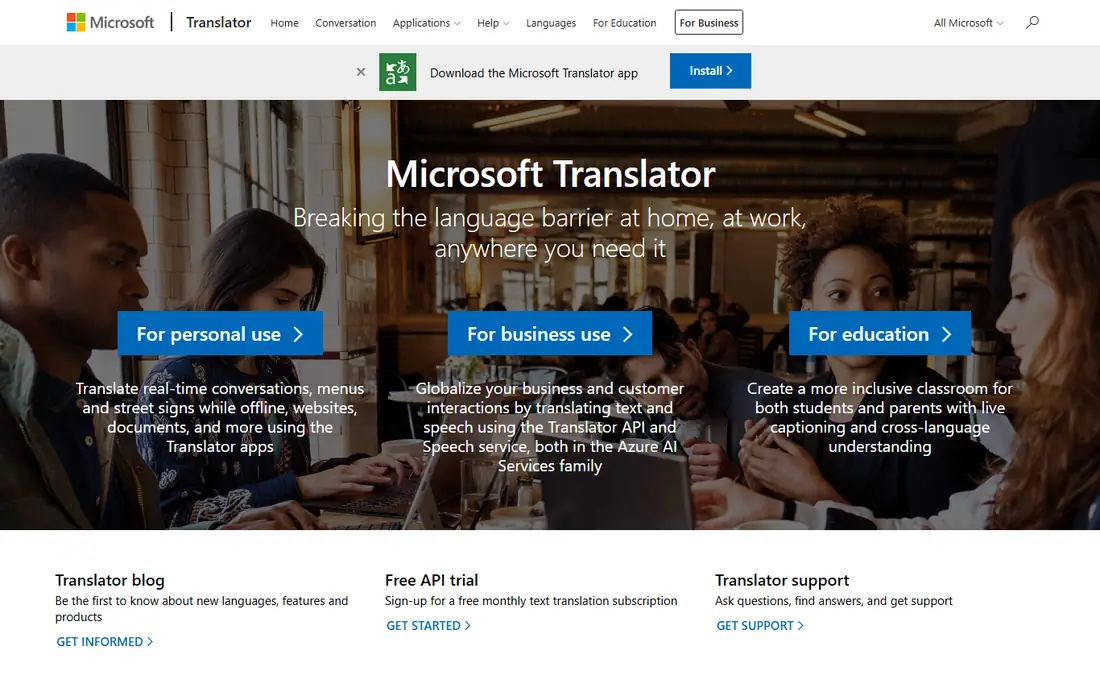
Microsoft Translator suits business users who already work in Word, Excel and Teams. Its document translation can handle Office files and PDFs, and its language range is wide. For a company that already uses Microsoft 365, it fits the existing workflow without a new vendor.
PDF layout handling varies, especially for scanned PDFs or complex tables, so test it with your own file before relying on it. Its free web tool also has limits, and larger business use may need a paid Azure plan. For a Microsoft shop, it is a practical second option after DeepL and Google Translate.
- Strong Microsoft Office links
- Wide language range
- Document translation for business users
- PDF layout handling varies by file
- Best value sits inside Microsoft 365
Smartling suits a business that translates many documents and needs quality control, not only a quick machine output. It combines machine translation engines, including Google and DeepL, with human review, workflow tools and quality checks. That mix helps a company that must publish translated PDFs for customers in several languages.
Pricing is quote-only, and the platform is built for teams, not for a single PDF. A casual user should use DeepL or Google Translate instead. For a business with ongoing translation needs, Smartling offers control and review that a free tool cannot match.
- Machine translation plus human review
- Business workflow and quality checks
- Suits large document sets
- Pricing is quote-only
- More than a casual user needs
Translated suits a PDF that must be accurate, such as a contract, manual or marketing document for publication. It uses human translators, with machine help where suitable, and it offers quality review before delivery. That human step catches errors that machine translation can miss, especially in legal or technical wording.
The trade-off is time and cost. Human translation takes longer than a machine upload, and pricing depends on language, length and subject, so you need a quote. For a document that will be signed, published or used for safety, that cost is justified. For quick reading, a machine service is faster and cheaper.
- Human translators for professional documents
- Clear per-word pricing on request
- Quality review
- Slower than machine translation
- Pricing depends on language and length
Gengo suits a business or individual who needs a human translation of an important PDF, without hiring a full agency. You upload a document, choose a language and turnaround, and a human translator handles it. That model works well for a contract, certificate or business letter where accuracy matters more than speed.
Pricing varies by language pair and speed, so get a quote for your exact file. Turnaround is also slower than DeepL or Google Translate, since a human must read and translate the whole document. For a one-off important PDF, Gengo is a practical middle option between a free machine tool and a large agency.
- Human translators in many languages
- Clear ordering for documents
- Suitable for business PDFs
- Pricing varies by language and turnaround
- Slower than machine tools
DocTranslator suits a user who wants a simple online tool for a quick PDF translation without signing up. You upload a PDF, choose a language, and download the translated version. Its workflow is direct, and its language range covers many common pairs.
The catch is quality and layout. As a free online tool, it may not preserve complex tables and images as well as DeepL, and its translation quality varies by language. It is best for reading and informal use, not for a polished client document. For a simple, free first try, though, it is easy to use.
- Simple upload and translate workflow
- No account needed for basic use
- Supports many languages
- Layout and quality vary by file
- Free use has limits
GroupDocs Translation suits a user who needs an online document translator for PDF and other formats without installing software. Its cloud tool accepts uploads and returns translated documents, which helps for occasional use across file types. For a user who translates different formats, not only PDFs, that breadth helps.
Free use has limits on size and count, and layout handling varies, especially for scanned PDFs, which need text recognition before translation. Test it with your own file, and check whether your PDF is text-based or scanned, since scanned PDFs need extra steps. For occasional online use, it is a useful option.
- Online document translation without install
- Supports PDF and other formats
- Free trial use
- Free use has limits
- Layout handling varies by PDF type
Pairaphrase suits a business that needs secure document translation with glossary and translation memory tools. It handles files in bulk, keeps terminology consistent across documents, and is built for companies that translate regularly. That consistency helps a firm that publishes manuals, policies or product documents in several languages.
Pricing is quote-based, and the platform is built for business teams, not for a single free PDF. A casual user should start with DeepL or Google Translate. For a company that values security, terminology control and repeat document work, Pairaphrase is worth a demo.
- Business document translation with security focus
- File translation for companies
- Glossary and memory tools
- Pricing is quote-based
- More than a casual user needs
How we picked these
We compared official service pages and recent translation comparisons, and kept only services that accept PDF uploads and return a translated document or a clear human translation workflow. We favored layout preservation, language range, clear limits and security, and we avoided text-only translators with no document handling. Where pricing was quote-only, we wrote See website.
What to check before you buy
Start with your own PDF, not a sample. Upload a real file with your tables, images and headings, then check whether the layout survives, whether numbers and names stay correct, and whether the wording reads naturally in the target language. A service that works well on a simple letter may fail on a complex report, so test the hardest file you actually use.
Next, check limits and privacy. Ask how many documents, characters and megabytes are included, whether scanned PDFs are supported, and how your files are stored. For a confidential PDF, check whether the service deletes files after translation and whether it uses your data for training. A business should prefer a service with clear privacy terms, even if it costs more.
Finally, decide when human review is needed. Machine translation is fine for reading and informal use, but legal, medical, safety and contract PDFs need human review before they are signed or published. Budget for that review, and keep the original PDF alongside the translation, so a reader can check any unclear passage against the source.
Frequently asked questions
Which service is best for translating PDF files?
DeepL is our pick for most PDF translation, especially for European languages and polished business documents. Google Translate is best for rare languages and quick reading. For a legal or contract PDF, a human service such as Translated or Gengo is safer than machine translation alone.
What is the best service for translating PDF documents for free?
Google Translate and DeepL both offer free PDF translation with limits, and DocTranslator offers a simple free online option. Google Translate suits rare languages, DeepL suits European pairs, and DocTranslator suits a quick informal try. Check free limits on document count and size before uploading a long file.
Does DeepL translate PDF files and keep the layout?
Yes, DeepL document translation is designed to keep much of the original PDF layout, including headings and tables, though complex files can still shift. Its free plan limits document count and size, while paid plans raise those limits. Always check the translated PDF before sending it to a client.
Can Google Translate translate a PDF?
Yes, Google Translate document translation accepts a PDF upload and returns a translated version, free for personal use. Its language range is very wide, which helps for rare pairs. Layout can shift on complex PDFs, so check tables and images in the result.
Is machine translation safe for legal PDF documents?
Machine translation alone is not safe for legal, medical or contract PDFs that will be signed or relied on, since errors can change meaning. Use a human translator or a human review step for those documents, and keep the original alongside the translation. For reading and informal use, machine translation is usually fine.
How do I translate a scanned PDF?
A scanned PDF is an image, not text, so it needs text recognition before translation. Some services handle scanned files, while others need you to run OCR first. Check whether your service supports scanned PDFs, and test it with your own scan, since handwriting and low-quality scans can cause errors.
Sources
See where you really rank - block by block
ProMapRanker scans Google Maps across a grid of your service area. Simple monthly plans from $19, white-label on every plan.
Start freeKeep reading
 outreach alternatives
Outreach Alternatives in 2026
Compare outreach alternatives for 2026, from Salesloft and Apollo to HubSpot and Lemlist, with pricing, channels, features, limits, and honest trade-offs.
Read → best web conference tools
Best Web Conference Tools in 2026
Compare the best web conference tools for meetings, webinars and team calls, with current pricing, free plans and honest limits for each option here today.
Read → best voice cloning tools
Best Voice Cloning Tools in 2026
Compare the best voice cloning tools in 2026, from ElevenLabs and Descript to Resemble and Cartesia, with consent rules, pricing, licenses, and limits.
Read →