 ProMapRanker
Which Intranet Platform Is Best for Remote Teams in 2026

Key takeaways
- Simpplr and LumApps lead for a modern intranet home page, while Staffbase and Workvivo lead for reaching staff who rarely open email.
- Microsoft SharePoint suits teams already paying for Microsoft 365, since it comes with tools they already own.
- Blink and Happeo suit smaller and mid sized remote teams that want a fast start without enterprise procurement.
- Most enterprise intranet pricing is quote based, so compare total cost per licensed employee, not just the feature list.
Quick comparison
| Pick | Great for | Pricing starts at | Free tier | |
|---|---|---|---|---|
 Simpplr | Modern employee intranet | See website | No | Visit |
 Staffbase | Frontline and remote reach | See website | No | Visit |
 LumApps | Unified employee hub | See website | No | Visit |
 Workvivo | Community and engagement | See website | No | Visit |
 Microsoft SharePoint | Microsoft 365 teams | See website | No | Visit |
 Happeo | Google Workspace intranet | See website | Free trial | Visit |
 Unily | Design led enterprise intranet | See website | No | Visit |
 Blink | Mobile first frontline teams | See website | Free trial | Visit |
 Haiilo | Employee communications hub | See website | No | Visit |
The best intranet platforms for remote teams
A remote team intranet must do three jobs at once: share news people actually read, hold documents people can find, and give distributed staff a sense of belonging. The best intranet platforms for remote teams differ mainly in which of those jobs they do best, and in how much setup they need.

Simpplr is our pick for companies that want the intranet itself to be the destination. Its design feels closer to a consumer app than a file store, which helps remote staff check news and resources without hunting through folders. AI assisted search and content analytics help communications teams see what staff actually read.
The trade off is procurement. Pricing is quote based and depends on headcount and modules, so a small team cannot estimate cost from the site alone. For mid sized and large remote teams, the polished experience justifies a sales conversation. For very small teams, a simpler tool will be faster.
- Clean intranet design
- AI assisted search
- Strong analytics on content reach
- Quote based pricing
- Implementation takes planning for large orgs
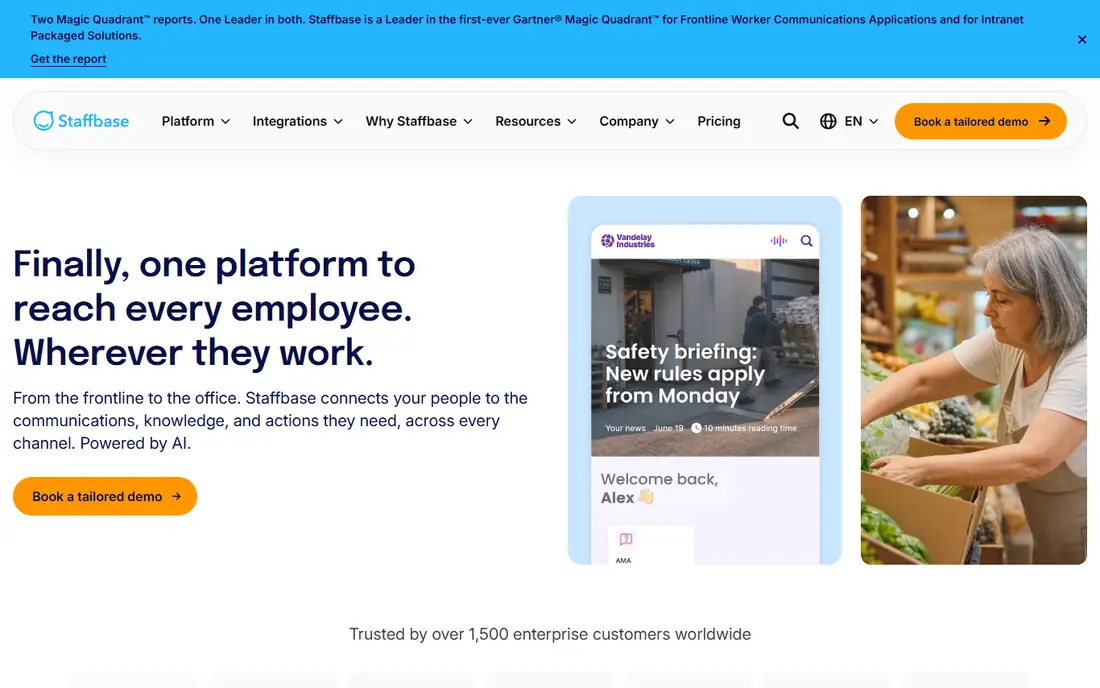
Staffbase suits employers with a mix of office, remote, and frontline staff. Its branded app reaches workers who never open a company inbox, while its intranet and email tools serve office staff from the same system. Audience targeting and read tracking help communications teams prove a message reached the right group.
That breadth comes with a longer rollout. Large deployments need planning, content migration, and training, so teams that need an intranet live in two weeks should look elsewhere. For large employers with hard to reach staff, Staffbase remains one of the strongest options.
- Reaches staff without company email
- Branded employee app
- Email, app, and signage in one system
- Quote based pricing
- Rollout can take months for large orgs
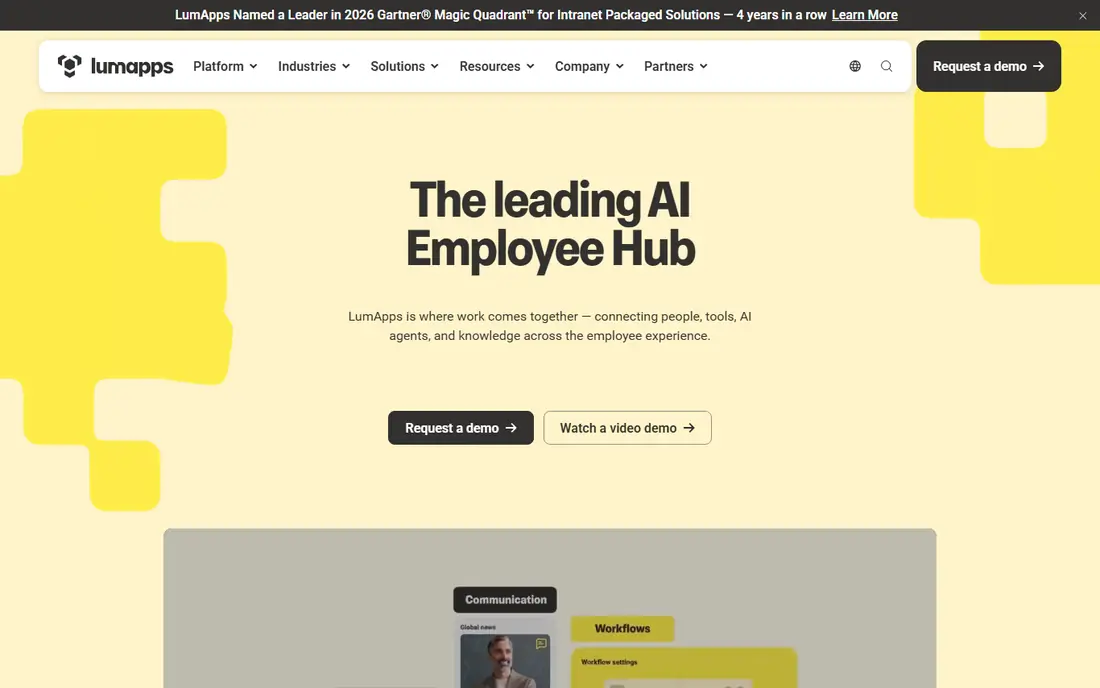
LumApps suits companies that want one hub for news, documents, and work tools, regardless of whether they run on Google or Microsoft. Its connectors bring other apps into the hub, so remote staff spend less time switching tools. Mobile access also helps staff who work away from a desk.
Small teams may find the full platform more than they need, and pricing requires a quote. For mid sized and large remote teams that already use Google Workspace or Microsoft 365, LumApps gives a coherent home base without forcing a switch of office suite.
- Works with Google Workspace and Microsoft 365
- Mobile friendly hub
- Many connectors to work tools
- Quote based pricing
- Feature depth can overwhelm small teams
Workvivo suits remote teams that miss the social side of an office. Its feed, recognition, and community spaces help distributed staff see what colleagues are doing and celebrate wins. That social layer matters when remote work starts to feel isolated.
It is less strong as a strict document management system. Teams that need deep file governance should pair Workvivo with SharePoint or Google Drive, or choose a more document led intranet. For culture and engagement first, Workvivo is a strong pick.
- Social feed that builds community
- Strong mobile experience
- Engagement tools for remote culture
- Quote based pricing
- Less suited as a pure document store
SharePoint is the practical pick for teams already paying for Microsoft 365. It offers document libraries, team sites, news pages, and permissions controls that many intranets charge extra for, and it fits naturally with Teams and OneDrive. For a team already in the Microsoft world, the marginal cost is low.
The catch is polish. Out of the box SharePoint sites can feel plain, and a modern look needs design work or a partner. Teams that want a ready made, consumer style intranet may prefer Simpplr or LumApps. Teams that value governance and cost control will find SharePoint hard to beat.
- Included in many Microsoft 365 plans
- Deep document management
- Strong permissions and governance
- Design and setup need effort to feel modern
- Best with Microsoft 365 commitment
Happeo suits Google Workspace teams that want an intranet without leaving their familiar tools. Channels organize news by team or topic, pages hold key resources, and staff can create content without IT help. That low friction helps remote teams keep the intranet current.
Microsoft centered teams will get less value, since Happeo is designed around Google. Pricing also moves to quotes as headcount grows, so larger teams should request a full quote early. For Google shops, Happeo is one of the cleanest intranet starts.
- Built around Google Workspace
- Channels and announcements
- Easy content creation
- Quote based plans for larger orgs
- Less depth for Microsoft centered teams
Unily suits large companies that want a highly designed digital workplace, not just a template intranet. Its design tools let communications teams build branded hubs, campaigns, and employee journeys that look intentional. Enterprise scale and integration support back that ambition.
Small and mid sized teams will find the price and timeline too heavy. Unily pays off when brand, design, and a complex workforce justify a tailored build. For a standard intranet, Simpplr or SharePoint will be faster and cheaper.
- Strong design control
- Enterprise scale
- Works with Microsoft 365 and other tools
- Enterprise pricing and timeline
- Overkill for small teams
Blink suits teams that need to reach mobile and frontline staff quickly, with clear published pricing. Its app puts news, messages, and resources on a phone, which helps staff who do not sit at a desk. Setup is faster than enterprise platforms, and pricing transparency makes budgeting easier.
It is not a full replacement for a large enterprise intranet with deep document governance. Teams that need that depth should look at SharePoint, Simpplr, or Unily. For remote and frontline teams that value speed and mobile reach, Blink is a practical pick.
- Published per user pricing tiers
- Mobile first app
- Fast setup for frontline teams
- Less depth as a full enterprise intranet
- Smaller feature set than Simpplr or Unily
Haiilo suits communications teams that run news across intranet, app, and email from one hub. Its integration list is broad, and its advocacy tools help staff share approved company content externally. That breadth helps remote teams stay aligned across channels.
Pricing is quote based, and getting value from the full hub needs a communications team willing to plan content and channels. Teams that only need a simple news page will find Haiilo more than they need. Teams that run a real internal communications program will use its depth.
- Many integrations
- Intranet, app, and advocacy tools
- Good for multichannel communications
- Quote based pricing
- Setup needs communications team time
How we picked these
We compared official product pages, pricing models, and use cases for the best intranet platforms for remote teams and the best intranet platform for remote teams in current vendor and review sources. We favored platforms that exist and work in October 2026, serve distributed staff, and cover distinct needs, from frontline reach to Microsoft 365 value. We did not claim hands on testing. Our judgment rests on published features, pricing transparency, and fit for remote work.
How to choose for a remote team
Start with who must be reached, not with features. A team of desk based remote workers needs a different intranet than a team split between home offices, warehouses, and stores. List the groups, their devices, and whether they have company email, then shortlist platforms that reach all of them.
Compare cost per licensed employee
Enterprise quotes vary by headcount, modules, and support, so ask each vendor for a total annual cost for the same licensed headcount. Divide by that headcount to compare fairly. Also ask what counts as a licensed user, since frontline pricing rules differ between vendors.
Pilot with real content
Run a short pilot with real news, key documents, and one team channel. Measure how many staff open the hub, whether they find documents, and what questions they ask. A pilot with real content reveals search and navigation problems that a demo will hide.
Frequently asked questions
Which intranet platform is best for remote teams?
Simpplr leads for a modern intranet home page, Staffbase leads for reaching staff without email, and SharePoint leads for Microsoft 365 teams on value. The best choice depends on team size, devices, and existing office tools.
Is SharePoint a good intranet for remote teams?
Yes, for Microsoft 365 teams. SharePoint offers document management, team sites, news, and permissions at low marginal cost. It needs design effort to feel modern, but its governance and integration value are strong.
How much does an intranet platform cost?
Most enterprise intranet platforms use quote based pricing tied to headcount and modules. Blink publishes per user tiers, while Simpplr, Staffbase, LumApps, and others require a quote. Request total annual cost for the same headcount to compare fairly.
Do remote teams need a mobile intranet app?
Yes, when staff work away from a desk or on phones. Staffbase, Workvivo, and Blink offer strong mobile apps, while SharePoint and LumApps also support mobile access. Mobile reach matters most for frontline and field staff.
Can a small remote team use an intranet?
Yes. Happeo and Blink suit smaller teams with faster setup, and SharePoint suits small Microsoft 365 teams. Start with news, key documents, and one directory, then add channels as the team grows.
What is the difference between an intranet and a chat tool?
An intranet holds durable news, documents, and resources that staff can find later. Chat tools handle fast, temporary conversation. Remote teams need both, and many intranets now link to Teams, Slack, or Google Chat.
Sources
See where you really rank - block by block
ProMapRanker scans Google Maps across a grid of your service area. Simple monthly plans from $19, white-label on every plan.
Start freeKeep reading
 zscaler alternatives
Best Zscaler Alternatives in 2026
Looking for zscaler alternatives? We compare 9 SASE and zero trust platforms on architecture, data protection, pricing, and fit for your network and team.
Read → zapier alternatives free
Best Zapier Alternatives Free in 2026
Nine automation tools for zapier alternatives free in 2026, all with genuinely free tiers, plus free plan limits, starting prices and upgrade paths explained.
Read → which platform is best for online reputation
Which Platform Is Best for Online Reputation in 2026
Wondering which platform is best for online reputation? We compare 8 review, listing, and response tools for small and multi-location businesses and agencies.
Read →