 ProMapRanker
Which Frontend Cloud Platform Is Best for Devs in 2026

Key takeaways
- Vercel is our pick for Next.js work, while Cloudflare Pages is the value pick for high-traffic static sites.
- Netlify still suits framework-agnostic teams, but its credit billing needs tracking from month one.
- Render and Railway cover full-stack projects better than static-only hosts, with different price shapes.
- Free plans differ sharply: personal-use limits, sleeping services, and trial credit are not the same thing.
Quick comparison
| Pick | Great for | Pricing starts at | Free tier | |
|---|---|---|---|---|
 Vercel | Next.js and React developers | $20 per month per user | Yes | Visit |
 Netlify | Framework-agnostic frontend teams | $9 per month | Yes | Visit |
 Cloudflare Pages | High-traffic static sites on a budget | $5 per month | Yes | Visit |
 Render | Full-stack projects with services and databases | $7 per month per service | Yes | Visit |
 Railway | Fast full-stack deploys with databases | $5 per month | Free trial | Visit |
 Fly.io | Container apps close to users | See website | No | Visit |
 Firebase Hosting | Google ecosystem apps and static sites | Pay as you go | Yes | Visit |
 AWS Amplify | Teams already on AWS | Pay as you go | No | Visit |
 GitHub Pages | Docs, portfolios and simple static sites | Free | Yes | Visit |
The best frontend cloud platforms for devs
We compared official feature pages, pricing pages, app store listings where relevant, public reviews, and docs for nine platforms that developers actually use in 2026. Our focus was deploy workflow, framework support, preview quality, pricing shape, and honest limits.
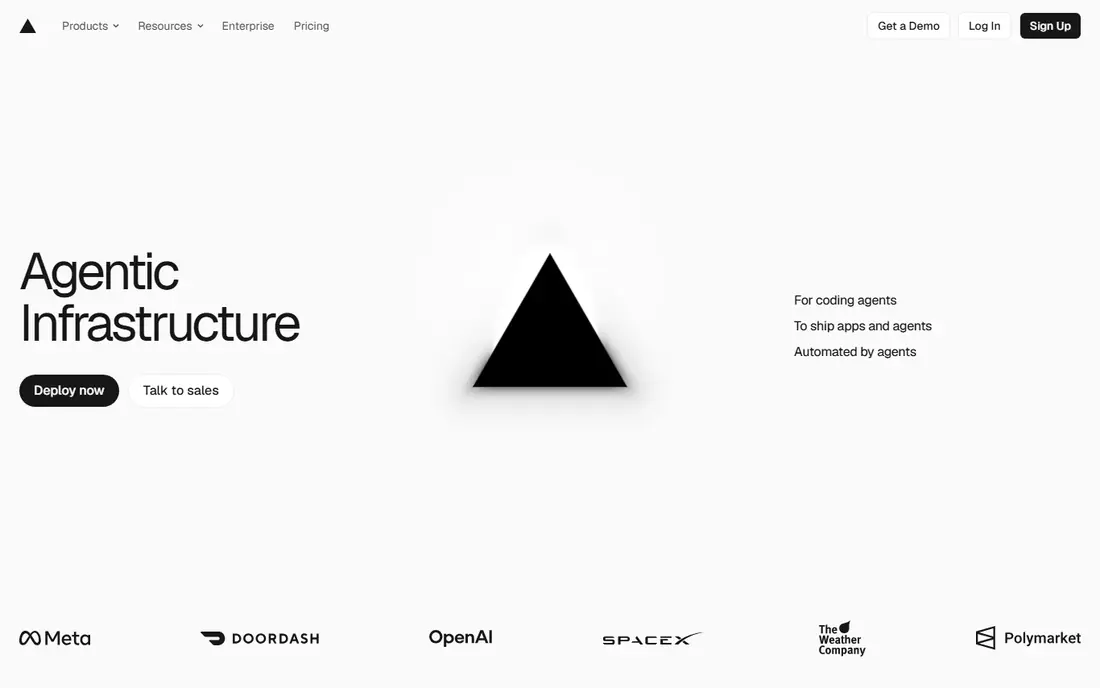
For developers building with Next.js, Vercel feels like the shortest path from a Git push to a live site. It detects the framework, builds it, and gives every pull request its own preview link. That preview habit changes code review, because reviewers can click through the real change instead of guessing from a diff.
The catch is price shape. The Hobby plan is for personal, non-commercial use, so a commercial project moves to Pro at $20 per user per month, with usage on top. Teams should set spend controls early and check how image handling and serverless calls count toward the bill before traffic grows.
- Fast Next.js deploys
- Preview for every pull request
- Global edge network
- Per-seat pricing grows with teams
- Usage can add cost on busy sites

Netlify earns its place with a long record of turning a repository into a hosted site with little setup. It works across frameworks, offers branch previews, and adds forms and identity features that suit marketing sites and small apps. The plugin range also helps teams add checks without building their own pipeline.
Billing changed to credits, so the free plan gives 300 credits per month and paid plans add more. A production deploy, bandwidth, and function use all draw from the same pool on lower plans. That model is workable, but teams that deploy often should track credit use in the first month rather than assume the old flat limits still apply.
- Mature deploy previews
- Forms and identity without a backend
- Wide plugin range
- Credit-based billing needs careful tracking
- Free bandwidth is now modest
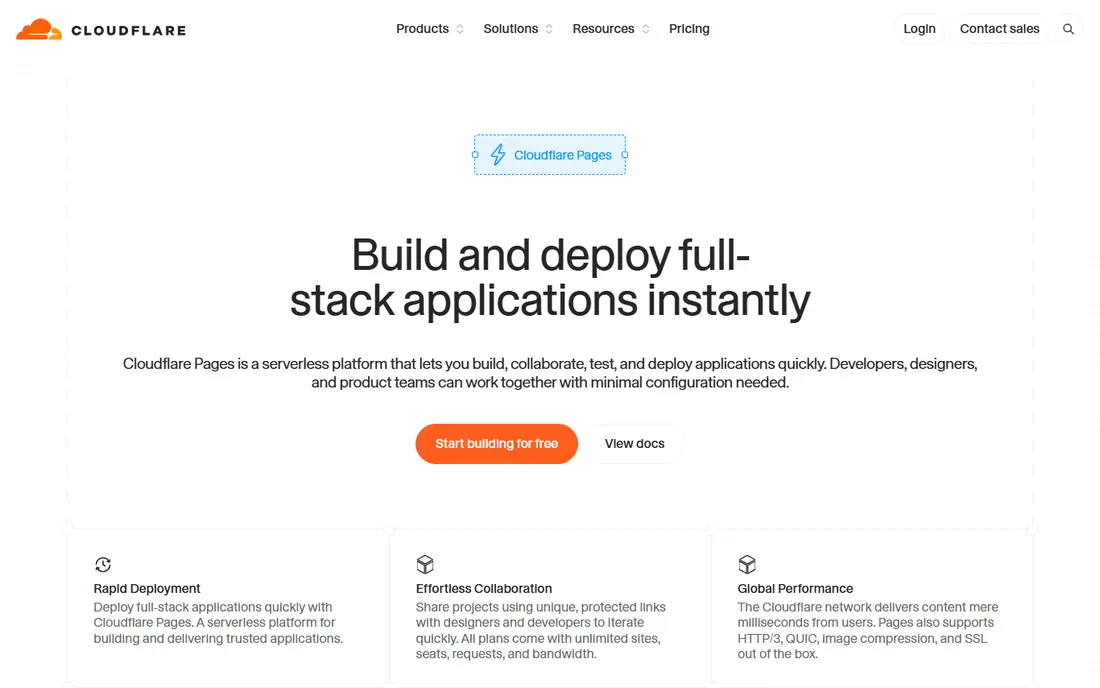
Cloudflare Pages stands out when traffic is high and the budget is low. Static requests and bandwidth are generous on the free plan, and a site can use many custom domains without a large bill. For a portfolio, docs site, or marketing site, that combination is hard to beat.
The trade-off is compute. Pages Functions run on Workers, with a short CPU limit per request on the free plan, so heavy server work belongs elsewhere. Developers should also check that any Node-specific package they rely on runs in the Workers runtime. When the code fits, the value is strong; when it does not, the migration cost appears early.
- Unlimited static bandwidth on the free plan
- Many custom domains
- Fast global delivery
- Worker limits suit light compute only
- Some Node packages need rework
Render suits developers who want a frontend plus a real backend without juggling several vendors. Static sites, web services, background workers, and managed Postgres can live in one dashboard with a clear price per service. That clarity helps when a project grows from a demo into a small production app.
Free web services spin down after 15 minutes idle and take time to wake, so they suit demos rather than live users. Paid services start at $7 per month, and each database or worker adds its own charge. The total stays predictable, but a project with several moving parts should be priced as a stack, not as a single service.
- Static sites plus web services, workers and Postgres in one place
- Clear per-service pricing
- Free web services sleep after idle time
- Costs rise with each added service
Railway wins on speed for developers who want an app and a database running the same day. It detects common project types, provisions Postgres or Redis in a few clicks, and deploys from Git with little config. For prototypes and internal tools, that low friction matters more than a long feature list.
New users get trial credit rather than a lasting free tier, and the Hobby plan starts at $5 per month plus usage. Usage billing rewards efficient projects and punishes forgotten services, so teams should shut down staging environments they no longer need. With that habit, Railway is a pleasant place to build.
- Quick project setup
- One-click databases
- Usage-based billing
- No lasting free tier for new users
- Usage bills need monitoring
Fly.io is the pick when an app needs to run as a container in many regions, with persistent connections or long-running work. It places machines near users, supports Docker-based deploys, and handles cases that static hosts and short-lived functions handle poorly. Developers who know containers will feel at home.
The learning curve is steeper than a static host, and there is no general free allowance for new users. Pricing is usage-based, so a small machine can stay cheap while a larger fleet grows quickly. Fly.io rewards teams that want control; it is less suited to someone who only needs a static page online.
- Multi-region containers
- Good for persistent processes and WebSockets
- No general free tier
- Setup takes more learning than static hosts
Firebase Hosting fits teams already using Google services or building with Firebase Auth, Firestore, or Cloud Functions. Hosting itself is fast and global, custom domains and SSL are simple, and the Spark plan gives a free starting point. A static frontend with Firebase behind it can stay in one console.
The Blaze plan is pay as you go at Google Cloud rates, so costs follow actual use rather than a flat fee. That is fair for variable traffic but harder to forecast than a fixed plan. Developers should also plan which Firebase service handles each backend job, since hosting alone does not run a full server.
- Fast global hosting
- Simple custom domains
- Pairs with Firebase services
- Blaze plan billing follows Google Cloud rates
- Backend work needs other Firebase tools
AWS Amplify makes sense when the rest of the project already lives on AWS. It hosts frontends, connects to AWS backend services, and supports preview environments for pull requests. For a team with AWS accounts, roles, and policies in place, that integration saves separate vendor work.
Amplify bills for build minutes, storage, and transfer, so a busy site needs usage checks rather than a single monthly figure. The AWS console also asks more of a newcomer than a focused frontend host. Teams new to AWS may prefer a simpler host; teams settled on AWS will get more value here.
- Deep AWS integration
- Hosting plus backend building blocks
- Preview environments
- Pricing is usage-based and can surprise
- Console has a learning curve
GitHub Pages remains the simplest honest choice for a static site that already lives in GitHub. Docs, portfolios, and project pages publish straight from a repository, with custom domains and HTTPS included at no cost. There is almost nothing to configure and nothing to pay.
The limit is scope. Pages serves static files only, so forms, logins, and server logic need another service. Build tooling is also narrower than a full frontend platform. When a project is truly static, Pages is enough; when it needs dynamic behavior, pair it with an API host instead of forcing Pages to do more.
- Free static hosting
- Direct GitHub integration
- Custom domains and HTTPS
- Static only
- No server functions or backend
- Build options are limited
How we picked these
We compared official pricing and feature pages, documentation, and public reviews for each platform. We did not claim hands-on testing. We checked whether each service is live in October 2026, what its free tier really allows, and where costs grow as teams and traffic grow. Framework fit and preview workflow mattered as much as headline price.
What to check before you choose
Start with your framework and your backend need. A Next.js team gets the most from Vercel, while a static site with heavy traffic often fits Cloudflare Pages better. A project with a database, workers, or persistent connections should be judged as a stack, so compare Render, Railway, and Fly.io on total monthly cost, not on one service price.
Previews, rollbacks and domains
Ask how pull request previews work, how fast you can roll back a bad deploy, and how custom domains and SSL are handled. These daily workflow details matter more than a small price gap. Also check build limits, function limits, and whether a free plan pauses or sleeps your project.
Budget with usage in mind
Read the pricing page for the exact unit that is billed, whether that is seats, credits, machines, or transfer. Set alerts on day one, test a staging deploy, and watch the first full month before you commit a production launch to a usage-based plan. A platform that is cheap for a demo can still grow costly under real traffic.
Frequently asked questions
Do I need a paid plan for a commercial site?
In most cases, yes. Vercel Hobby is for personal, non-commercial use, and other free plans carry limits that suit demos and personal projects. A commercial site should budget for at least the entry paid plan and check what usage is included.
Which platform is cheapest for a static site?
Cloudflare Pages and GitHub Pages are the cheapest credible options for truly static sites, with GitHub Pages free and Cloudflare Pages offering generous static bandwidth. The right choice depends on whether you need functions, forms, or a backend alongside the static files.
What is a preview deployment?
A preview deployment is a live, temporary copy of your site built from a pull request or branch. It lets reviewers test a change in a browser before it reaches production, which catches layout and integration problems earlier than a code diff alone.
Can I move my site later?
Yes, in most cases, because frontend code in Git can be rebuilt on another host. The work lies in moving domains, DNS, redirects, environment variables, and any backend or database tied to the old platform, so keep those parts documented from the start.
Should a full-stack app use a frontend host?
A frontend host can serve the interface while an API or database runs elsewhere, and some platforms host both parts. Judge the whole stack together, including database cost, background jobs, and persistent connections, rather than picking the frontend host alone.
Sources
See where you really rank - block by block
ProMapRanker scans Google Maps across a grid of your service area. Simple monthly plans from $19, white-label on every plan.
Start freeKeep reading
 worlds best local seo company
8 Worlds Best Local SEO Companies for Map Pack Growth in 2026
Compare the worlds best local seo company options for Google Business Profile work, citations, reviews, and multi-location rankings and reporting in 2026.
Read → world's best web hosting company
World's Best Web Hosting Company in 2026
Searching for the world's best web hosting company? We compared 10 hosts on price, renewal rates, speed, and support to help you choose well today in 2026.
Read → who's got the best nanny tax services
Who's Got the Best Nanny Tax Services in 2026
We answer who's got the best nanny tax services, comparing full filing, back taxes, software, and pricing so families can handle nanny taxes correctly.
Read →