 ProMapRanker
Which E-Signature App Is Best for Legal Documents in 2026

Key takeaways
- DocuSign suits firms whose clients already expect it, while Adobe Acrobat Sign suits teams already using Acrobat and PDF workflows.
- Dropbox Sign, SignNow, Zoho Sign and BoldSign offer lower entry prices for small firms that send a steady volume of contracts.
- An audit trail, signer identity checks and a completed-document certificate matter more than brand alone for legal files.
- This article is general information only, not legal advice. Enforceability and compliance vary by jurisdiction and document type.
Quick comparison
| Pick | Great for | Pricing starts at | Free tier | |
|---|---|---|---|---|
 DocuSign | Clients who expect a known brand | See website | Free trial | Visit |
 Adobe Acrobat Sign | PDF-heavy legal workflows | See website | Free trial | Visit |
 Dropbox Sign | Simple signing for small firms | See website | Free trial | Visit |
 PandaDoc | Proposals and contracts in one flow | See website | Yes | Visit |
 SignNow | Low-cost signing at volume | See website | Free trial | Visit |
 Zoho Sign | Low-cost signing for Zoho users | See website | Yes | Visit |
 BoldSign | Simple low-cost signing | See website | Yes | Visit |
 Signeasy | Mobile-friendly signing | See website | Free trial | Visit |
 Jotform Sign | Form-led agreements | See website | Yes | Visit |
The best e-signature apps for legal documents
We compared audit trails, templates, signer verification, integrations and pricing. These nine cover solo practices, small firms and larger teams that handle contracts, agreements and client forms.
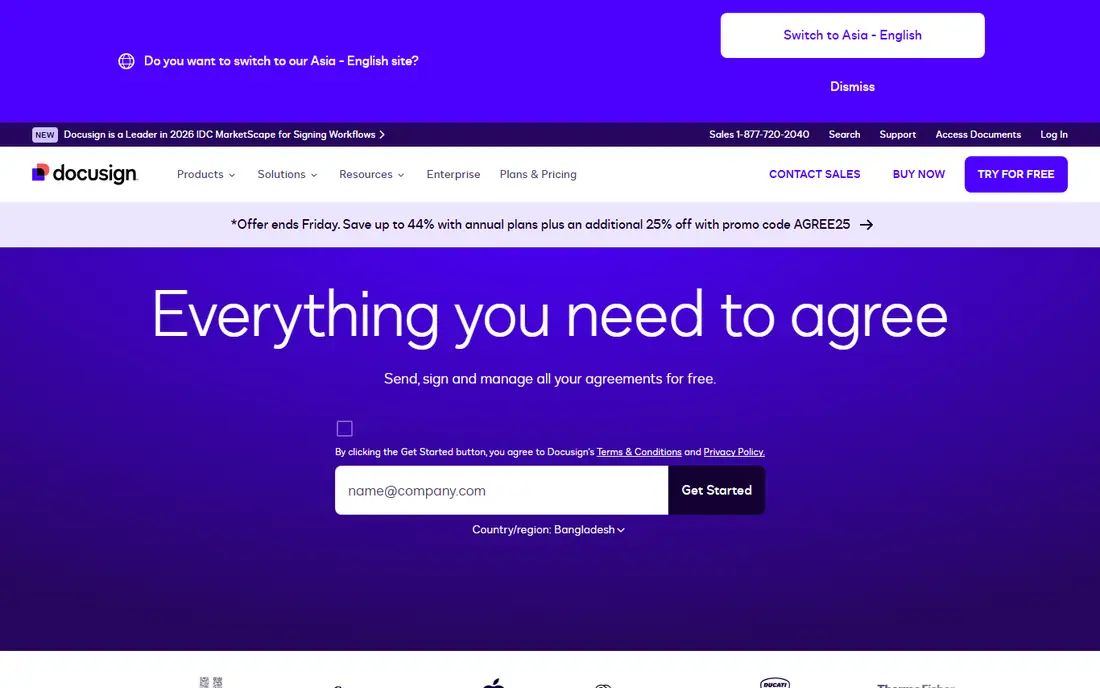
DocuSign is the safe choice when recognition matters. Clients, banks and counterparties have usually seen a DocuSign envelope before, so they are less likely to question the link or the process. Templates, bulk send, reminders and integrations with common business tools help a firm that sends contracts every week. The audit trail and certificate of completion record who signed, when and from which device context the platform captured.
Cost is the main drawback. Lower plans limit the number of envelopes, and the realistic plan for an active firm costs more than SignNow or Zoho Sign. DocuSign is still worth it when clients mandate the brand or when a matter involves many counterparties. For a solo practice with modest volume, compare the total yearly cost before you assume the best-known option is the best value.
- Widely recognised by clients and counterparties
- Strong templates, reminders and integrations
- Detailed audit trail and certificate of completion
- Higher price than several rivals at comparable tiers
- Envelope limits on lower plans
- Setup can feel heavy for occasional use
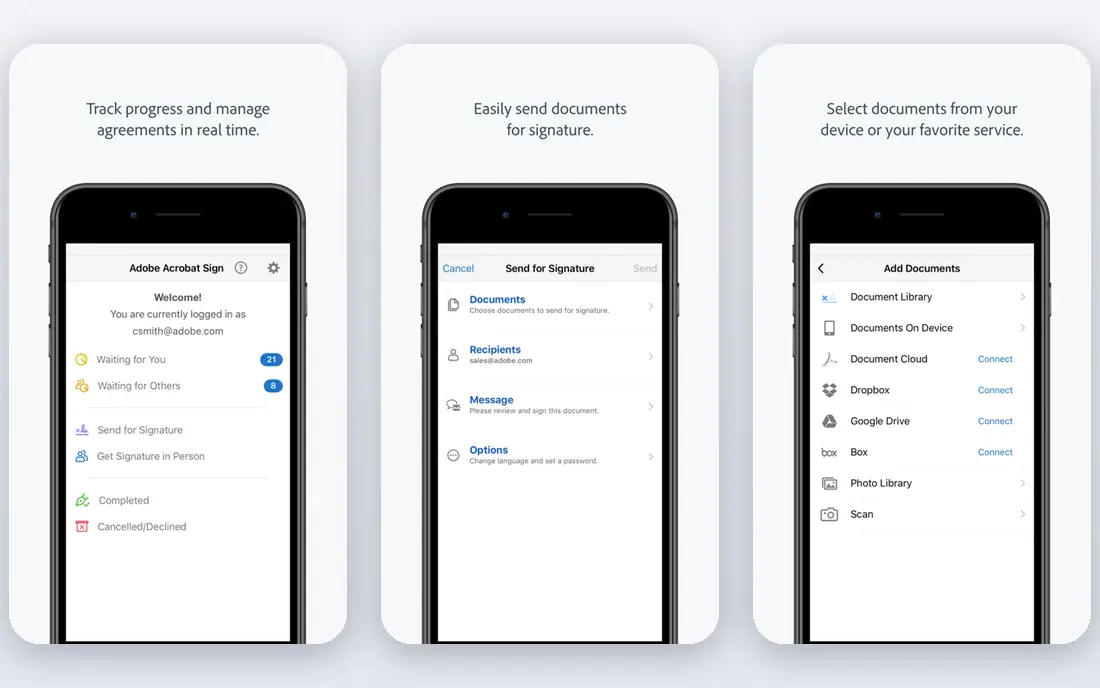
Adobe Acrobat Sign suits firms that live inside PDFs. You can prepare a contract in Acrobat, add signature and form fields, route it for signing, and store the completed PDF in the same workflow. Integrations with Microsoft tools help firms that already use Office and Teams. Conditional fields let a form show different sections based on earlier answers, which helps for intake forms and multi-part agreements.
The interface for tracking many envelopes is not as direct as DocuSign or Dropbox Sign for some users, and the value depends on whether you already pay for Acrobat. If you already use Acrobat Pro, Acrobat Sign can be a low extra cost. If you do not, compare it with a dedicated signing tool before you buy a full PDF suite for signing alone.
- Strong PDF editing and form handling
- Microsoft and Adobe integrations
- Conditional fields for complex forms
- Tracking interface is less simple than some rivals
- Standalone price adds up if you do not already use Acrobat
- Learning curve for advanced routing
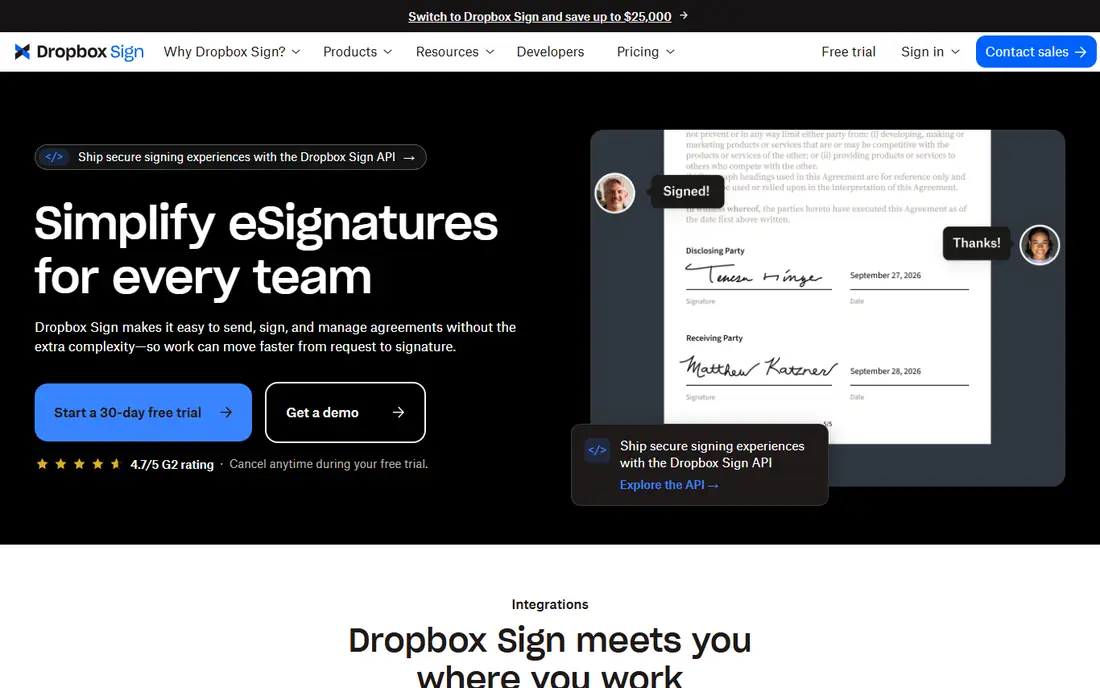
Dropbox Sign, formerly HelloSign, is built for simplicity. A sender uploads a document, adds signature fields, and sends a link. Signers do not need an account to sign, which reduces friction for clients who sign rarely. Templates and reminders cover the repeat documents most small firms send, such as engagement letters, retainers and non-disclosure agreements.
It is less suited to firms that need proposal generation, payment collection and contract lifecycle tools in one platform. PandaDoc covers that broader job better. Dropbox Sign is the right pick when the priority is a clean signing experience and a low learning curve for staff and clients alike. Test the signer view with a real client document before you switch.
- Very simple sender and signer experience
- Templates and reminders
- Google and Dropbox integrations
- Fewer advanced contract features than PandaDoc
- Higher tiers needed for larger teams
- Limited document generation tools
PandaDoc suits firms that draft and send, not just sign. You can build a proposal or agreement from a template, add pricing tables, collect approval and then collect a signature in the same document. That flow helps law firms that send engagement proposals, consultancies that send statements of work, and agencies that send service agreements. A content library keeps approved language consistent across the team.
If you only need to sign PDFs prepared elsewhere, PandaDoc adds features you will not use. The free tier covers a limited number of documents, and paid plans are priced per seat. Choose PandaDoc when document creation is part of the bottleneck, not when signing alone is the problem.
- Document creation, templates and signing in one tool
- Payment and approval options
- Content library for repeat clauses
- Signing alone is more than some firms need
- Price rises with seats
- Setup takes longer than a signing-only tool
SignNow is the value pick for firms that send many documents and want to keep costs down. Several plans allow unlimited sending, which removes the envelope counting that makes lower DocuSign plans awkward for active practices. Templates, signing orders, reminders and audit trails cover the core legal workflow without a premium price.
The interface is functional rather than polished, and the integration list is shorter than DocuSign or Adobe. For most small firms, that trade is acceptable. Check that SignNow connects to the storage or practice tool you use, and confirm the audit trail format meets your file retention policy. On price per signed document, SignNow is hard to beat.
- Low entry price for the features offered
- Unlimited sending on several plans
- Templates, reminders and audit trails
- Interface is plainer than DocuSign
- Fewer native integrations than larger rivals
- Support options vary by plan
Zoho Sign offers a free tier for a small monthly document volume, which suits a firm testing electronic signing or a solo practice with light use. Paid plans stay low compared with DocuSign and Adobe, and Zoho users get a natural fit with Zoho CRM, Docs and other Zoho apps. Signer verification, templates and audit trails cover the basics for contracts and client forms.
Recognition is the limit. Some clients may ask what Zoho Sign is, while they already trust DocuSign. That is rarely a blocker, but it can add one explanatory email. Zoho Sign is a strong choice when cost matters and your firm already uses Zoho, or when you want a free tier to prove the workflow before paying.
- Free tier for a small number of documents
- Low paid pricing
- Zoho and Google integrations
- Smaller recognition than DocuSign with some clients
- Advanced features sit on higher tiers
- Interface can feel dense
BoldSign is a newer low-cost option that covers the core signing job well. A free tier handles a limited volume, and paid plans stay low for small teams. Templates, bulk send on higher plans, reminders and audit trails are included in a clean interface. For a small firm that wants to move from printing and scanning to electronic signing without a large subscription, BoldSign is worth a trial.
The trade-off is maturity and recognition. BoldSign has fewer integrations than DocuSign and Adobe, and some counterparties may not know the brand. Test it with internal documents first, then with a friendly client, and confirm that the completed document and audit trail meet your retention needs. On a tight budget, it is a credible alternative.
- Free tier for limited use
- Low paid pricing
- Simple templates and audit trails
- Newer and less widely recognised than DocuSign
- Fewer integrations
- Enterprise features are limited
Signeasy suits lawyers and business owners who sign from a phone or tablet between meetings. The mobile experience is cleaner than many rivals, and several plans allow unlimited sends, which helps a solo practice that sends ten to forty documents a month. Templates, in-person signing and a full audit trail cover the day-to-day legal workflow.
Signeasy is not the cheapest option, nor the most enterprise-ready. Large firms with complex compliance, single sign-on and advanced admin needs will find DocuSign or Adobe a better fit. For a solo or small firm that values a good mobile experience and predictable sending, Signeasy sits in a useful middle ground.
- Clean mobile apps for signing on the move
- Unlimited sends on several plans
- Court-ready audit trail and templates
- Price sits between budget tools and DocuSign
- Fewer enterprise controls than larger platforms
- Some advanced routing is limited
Jotform Sign suits firms that collect information and a signature together. Intake forms, client questionnaires, consent forms and simple agreements can combine data collection and signing in one flow. The free tier covers light use, and the template library helps a firm that repeats the same agreement types. That form-first approach is different from a signing-only tool.
For complex contracts with negotiation, redlining and approval chains, PandaDoc or DocuSign will serve better. Jotform Sign is best when the document starts as a form, such as a client intake, a rental application or a service agreement with standard fields. Check the audit trail and storage options before using it for high-stakes matters.
- Strong form builder behind the signing flow
- Free tier for light use
- Templates for common agreements
- Less focused on pure contract lifecycle than PandaDoc
- Signing features are part of a wider form platform
- Higher tiers needed for volume
How we picked these
We compared official pricing pages, feature pages and help documentation for each tool, and we checked that each one is live and supports electronic signing for business documents in October 2026. We favoured tools with audit trails, templates, signer verification options and a completed-document record. We left out tools that only offer a signature image without an audit trail, tools that had shut down, and tools built only for a single niche such as real estate closings.
What to check before you use e-signatures for legal documents
This section is general information only, not legal advice. Enforceability and compliance vary by jurisdiction and document type, and some documents still need a wet signature, a witness or notarisation. In the United States, the federal ESIGN Act and state UETA laws support electronic signatures for many contracts, but exclusions and state differences exist. In the European Union, eIDAS rules distinguish simple, advanced and qualified signatures, and some transactions need a higher level. Check the rules for your jurisdiction and document type, and ask a lawyer for high-stakes matters.
Next, check identity and evidence. A simple email link may be enough for a low-risk agreement, but a higher-value contract may need access codes, SMS verification or identity checks. Keep the completed document, the audit trail and the certificate of completion together in your file system. If a signature is ever challenged, that record is your evidence.
Finally, test the signer experience with a real client document. Send a test envelope to a colleague, check the mobile view, and confirm that the signer can download the completed file. A signing tool that confuses clients will delay matters more than any feature advantage can offset. Choose the tool that clients complete without help.
Frequently asked questions
Which e-signature app is best for legal documents?
DocuSign is the best-known choice for legal documents, especially when clients expect it. Adobe Acrobat Sign suits PDF-heavy firms, while SignNow and Zoho Sign offer lower prices for small firms. The best tool depends on volume, client expectations and budget.
What is the best e-signature software for legal documents for a solo lawyer?
Signeasy and SignNow suit solo lawyers well, because they offer unlimited sends on several plans at a lower price than DocuSign. Dropbox Sign is also a good simple option. Compare yearly cost for your actual sending volume.
Are electronic signatures legally binding?
In many cases, yes, under laws such as the US ESIGN Act and UETA and the EU eIDAS regulation. Enforceability and compliance vary by jurisdiction and document type, and some documents need a wet signature, a witness or notarisation. This is general information only, not legal advice.
What is the best e-signature tool for legal documents with a free plan?
Zoho Sign, BoldSign, PandaDoc and Jotform Sign all offer a free tier for limited use. Free tiers suit light volume and testing, but active firms will usually need a paid plan for higher volume and advanced features. Check the current free limits on the vendor site.
Do clients need an account to sign?
No, on most tools here signers can sign through a secure link without creating an account. That keeps friction low for clients who sign rarely. Senders need an account to prepare and send documents.
What should a law firm keep after signing?
Keep the completed signed document, the audit trail and the certificate of completion together. Record the signer, the time, the document version and any identity checks used. Store them under your normal file retention policy.
Sources
See where you really rank - block by block
ProMapRanker scans Google Maps across a grid of your service area. Simple monthly plans from $19, white-label on every plan.
Start freeKeep reading
 zscaler alternatives
Best Zscaler Alternatives in 2026
Looking for zscaler alternatives? We compare 9 SASE and zero trust platforms on architecture, data protection, pricing, and fit for your network and team.
Read → zapier alternatives free
Best Zapier Alternatives Free in 2026
Nine automation tools for zapier alternatives free in 2026, all with genuinely free tiers, plus free plan limits, starting prices and upgrade paths explained.
Read → which platform is best for online reputation
Which Platform Is Best for Online Reputation in 2026
Wondering which platform is best for online reputation? We compare 8 review, listing, and response tools for small and multi-location businesses and agencies.
Read →